
Minecraft mods — page 59
9,024 itemsMods: list


Set Bonus
Inspired by Diablo 2 and Terraria, lets you define custom equipment sets that give attribute modifiers, potion effects, and / or temporary enchantmentsInstall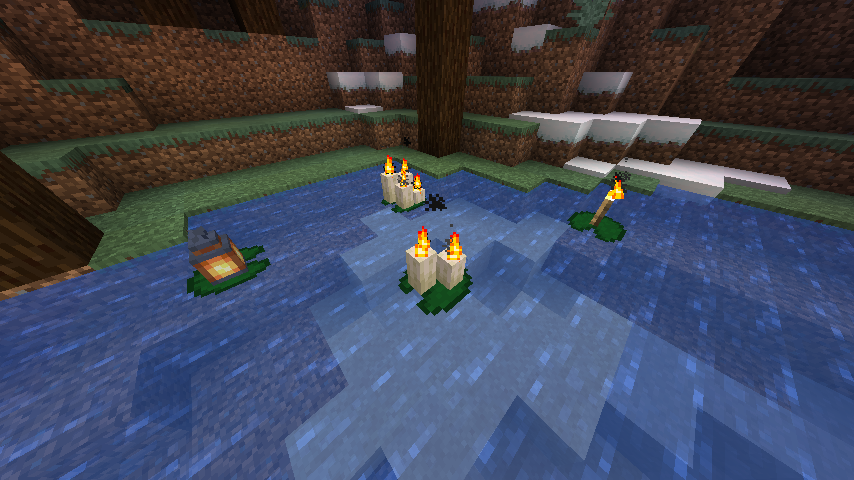
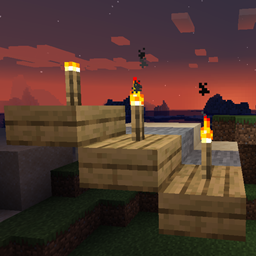
Torch Slabs Mod
Allows Torches & Lanterns to be placed on top and the side of half slab blocksInstall

Tinker I/O
Tinker I/O is a addon which use to extend the series of TConstruct Smeltery .Install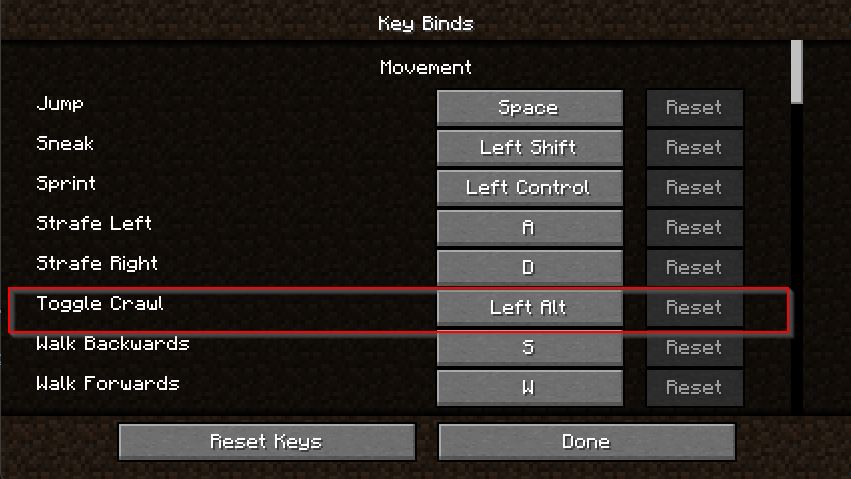

Crawl on Demand
A simple mod to allow the player to go prone by usng a hotkeyInstall

BetterNether
More Biomes, More Mobs, More Tools for the fiery DimensionInstallOn a server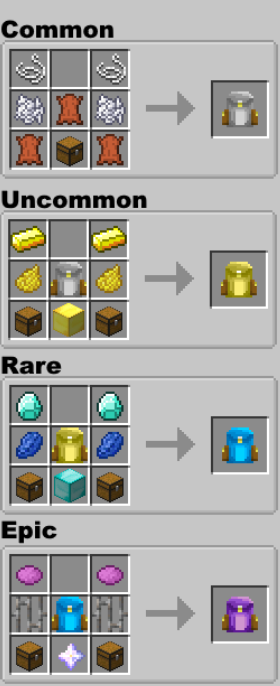

Simply Backpacks
Simple tiered backpacks to store your things.Install
Reach Fix
Fix for vanillas hit detection and the reach attribute not being used for entities.Install
[LEGACY] Drip Sounds (Forge)
Forge mod that adds sounds for drip particles landingInstall
FTB ProjectEX
ProjectE addon mod that adds Transmutation Table MK2 and other thingsInstall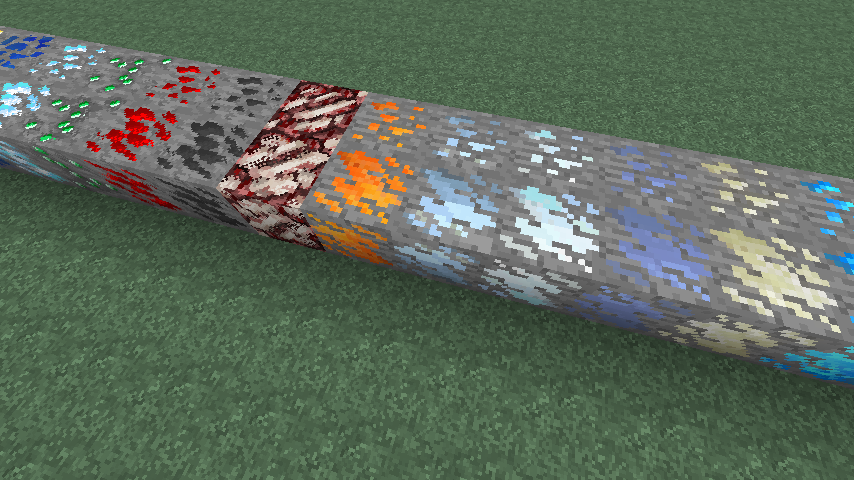
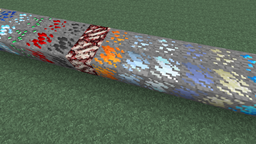
Dense Ores
Adds Dense variants of ores (includes support for numerous mods)Install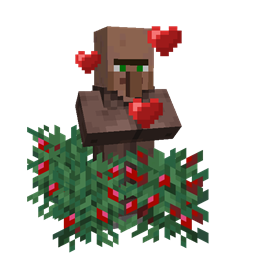
Hey Berry! SHUT UP
Villagers will no longer take damage from berry bushes and berry bush thorns are no longer armor piercingInstall
Extra Thicc Packets
Tired of packet size errors? This mod will fix them for you!Install

Sophisticated Core (Unofficial Fabric port)
This is the Unofficial Fabric version of Sophisticated CoreInstallOn a server
SebastrnLib
A common mod project for all Sebastrn's modsInstall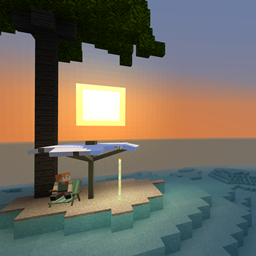
Tropicraft
This is Tropicraft, the utopian idyllic getaway that you have been waiting for!Install
The Midnight
A dark and dreary place of eternal night.Install
Little Contraptions
Little add on mod that lets you put a Create mod contraption on a Little Logistics Barge!Install

Create: Steam 'n' Rails
Adding depth to Create's rail network & steam systemInstallOn a server
Topography
User defined custome terrain generatorsInstall

'Dustrial Decor
This small mod adds some industrial-looking blocks you can use to decorate your builds.Install
BetterTabs
Addon mod to add inventory Tabs/Tooltips to BetterQuesting, LevelUpReloaded, LevelUpLegacy, and ClassyHatsInstall
MrCrayfish's Vehicle Mod
Adds in vehicles that you can drive!Install

FallingTree
Break down your trees by only cutting one piece of itInstallOn a serverFAQ
How is Forge different from Fabric?
They're two different mod loaders that aren't compatible with each other. Forge is the older one and better suited to big tech and magic modpacks; Fabric is lighter, updates to new game versions faster, and hosts most performance mods. NeoForge is a Forge fork for newer versions, and Quilt is a Fabric fork. A Forge mod won't run on Fabric, and vice versa. Millida Launcher installs the right loader for you.
How do I know which mod version I need?
The one that matches your game version and loader. The “Install” button picks the file for you: Millida Launcher grabs the version for your modpack. A mod for 1.20.1 usually won't work on 1.21.
How do I install a mod?
Click “Install” and Millida Launcher will download the mod, its dependencies and the right loader for you. To install a downloaded file manually, put it in the mods folder inside the game directory.
Do I need CurseForge to install mods?
No. The Install button on a mod page opens Millida Launcher: it downloads the mod, its dependencies and the right loader into the chosen instance by itself. No CurseForge and no manual file copying.
Which mods are there for 1.20.1?
1.20.1 is one of the most modded versions, especially on Forge: tech, magic, RPG, furniture, weapons. Pick 1.20.1 in the version filter to keep only mods with a file built exactly for it, then pick Forge or Fabric next to it.
Can I install mods on my phone?
On Android, yes: Millida Launcher runs the Java edition on a phone, and mods work there just like on a PC, though light ones run much better than heavy ones. Minecraft PE (Bedrock) cannot load PC mods — it has add-ons instead, in the Minecraft PE mods section.
Which mods are best to play with friends?
The usual picks are Simple Voice Chat for proximity voice chat, Waystones for fast travel, Xaero's Minimap and something big to work on together, such as Create. Mods that change the world must be installed by every player and on the server, while client-side ones like a minimap or performance mods are up to each player.
Minecraft mods
A mod is an add-on that changes the game itself: it adds blocks, mobs and mechanics, or speeds up world rendering. It isn't installed into the game directly but on top of a loader — Forge, Fabric, NeoForge or Quilt — and it's the loader that decides whether the file will run. That's why every card here lists both the game version and the loader: two mods with the same name for 1.12.2 Forge and 1.21 Fabric are two different files, and mixing them up means a crash on launch.
The most searched Minecraft mods are weapon, furniture, horror and performance mods: each theme has its own collection, and links to the themes and the most wanted versions are in the Popular block. Version 1.20.1 on Forge still holds the most big tech, magic and RPG mods, while the fresh 1.21.11 and 26.2 get Fabric and NeoForge mods fastest.
One mod in the catalog, one page. Every version the author has released is listed on its card: pick your game version and loader right there instead of jumping between ten similar pages. Each file shows its size, release date and checksum, and the mod itself shows the author, license and a link to the original source. Files whose license allows rehosting are stored with us and download directly — no link shorteners, timers or ad redirects. If the license forbids rehosting, the button honestly takes you to the author.