
Minecraft mods — page 55
9,028 itemsMods: list
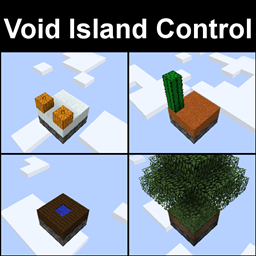
Void Island Control
Adds a world type for a customizable, multiplayer, "void" world.Install

Particular
Enhances Minecraft's ambience with hand-crafted visual effects like fireflies, falling leaves, and waterfall cascadesInstall
WrapUp
A simple library to wrap up initialization stages.Install
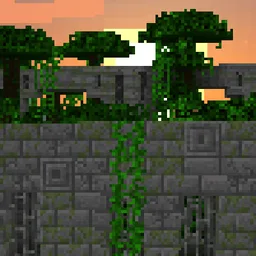
Repurposed Structures - Fabric
Adds more variations of vanilla structures and features such as a Jungle Fortress!InstallOn a server
End Remastered [Fabric]
Make your journey to the End more Challenging and Engaging with End Remastered!Install

Fastload
Modifies how worlds are loaded to speed up loading times.InstallOn a server
Axiom
The all-in-one tool for editing Minecraft Worlds.InstallOn a server
TexTrue's Rubidium Options
An unofficial fork of FlashyReese's "Reese's Sodium Options", made to work with FML.Install
Better Fps - Render Distance[Fabric]
Better fps for Fabric, 1.16 - 26.1Install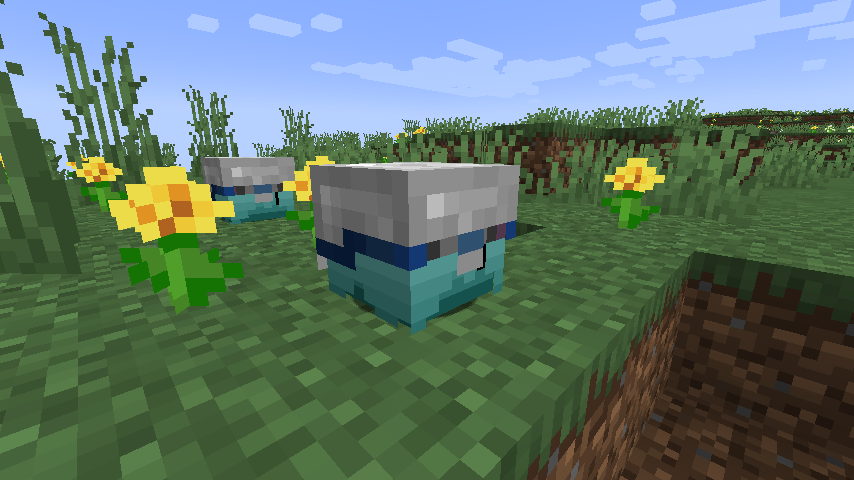
Bagus Lib
This mod is using baguchi's mod and you can use too!Install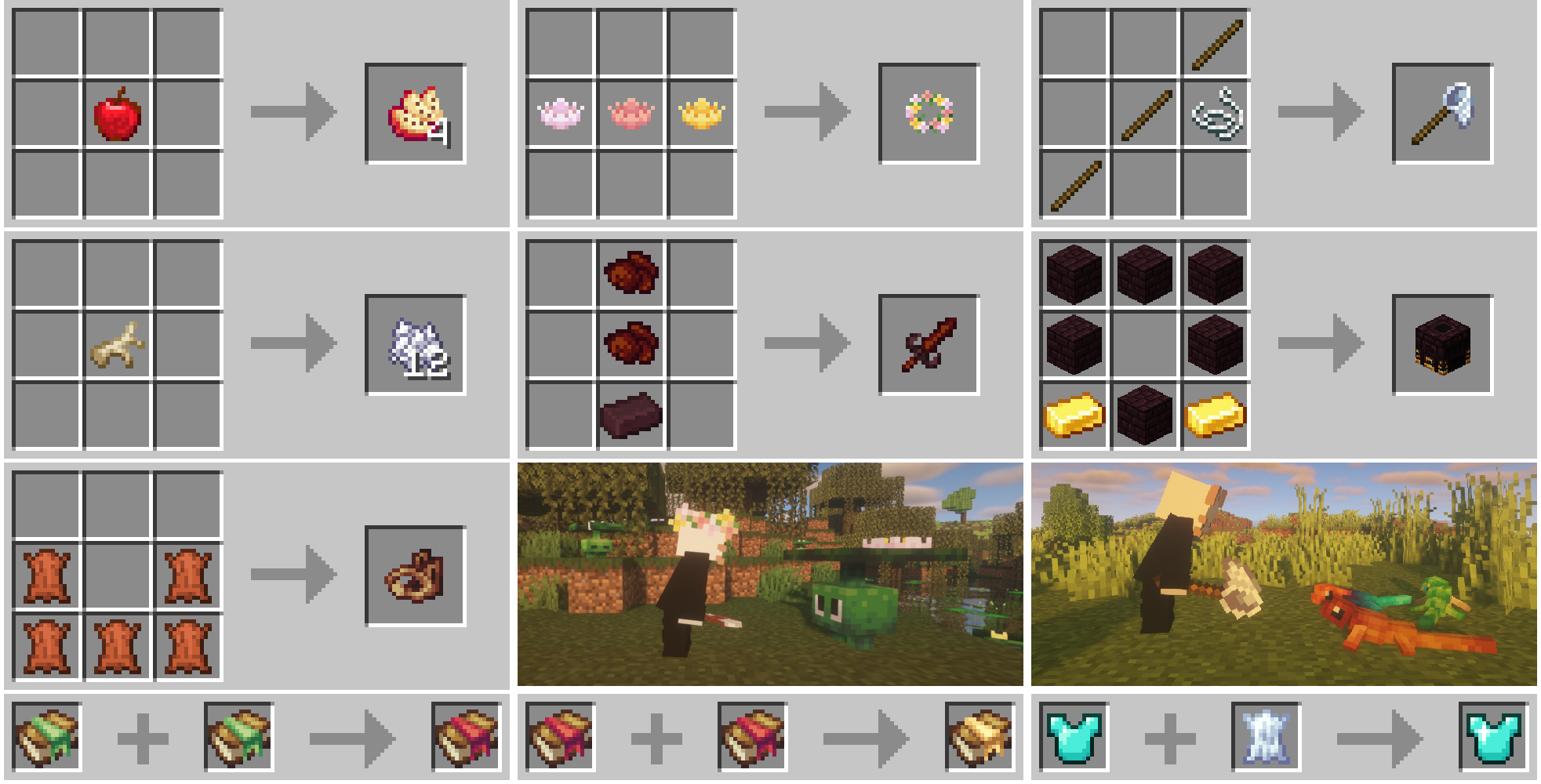

Creatures and Beasts
Adds a variety of friendly and hostile new creatures to your worlds!Install
CreeperHost Presents Steve's Carts
Steve's Carts allows for the player to customize and design minecarts that can be used for automation.Install
Clipboard
A simple clipboard for keeping track of your todo list.Install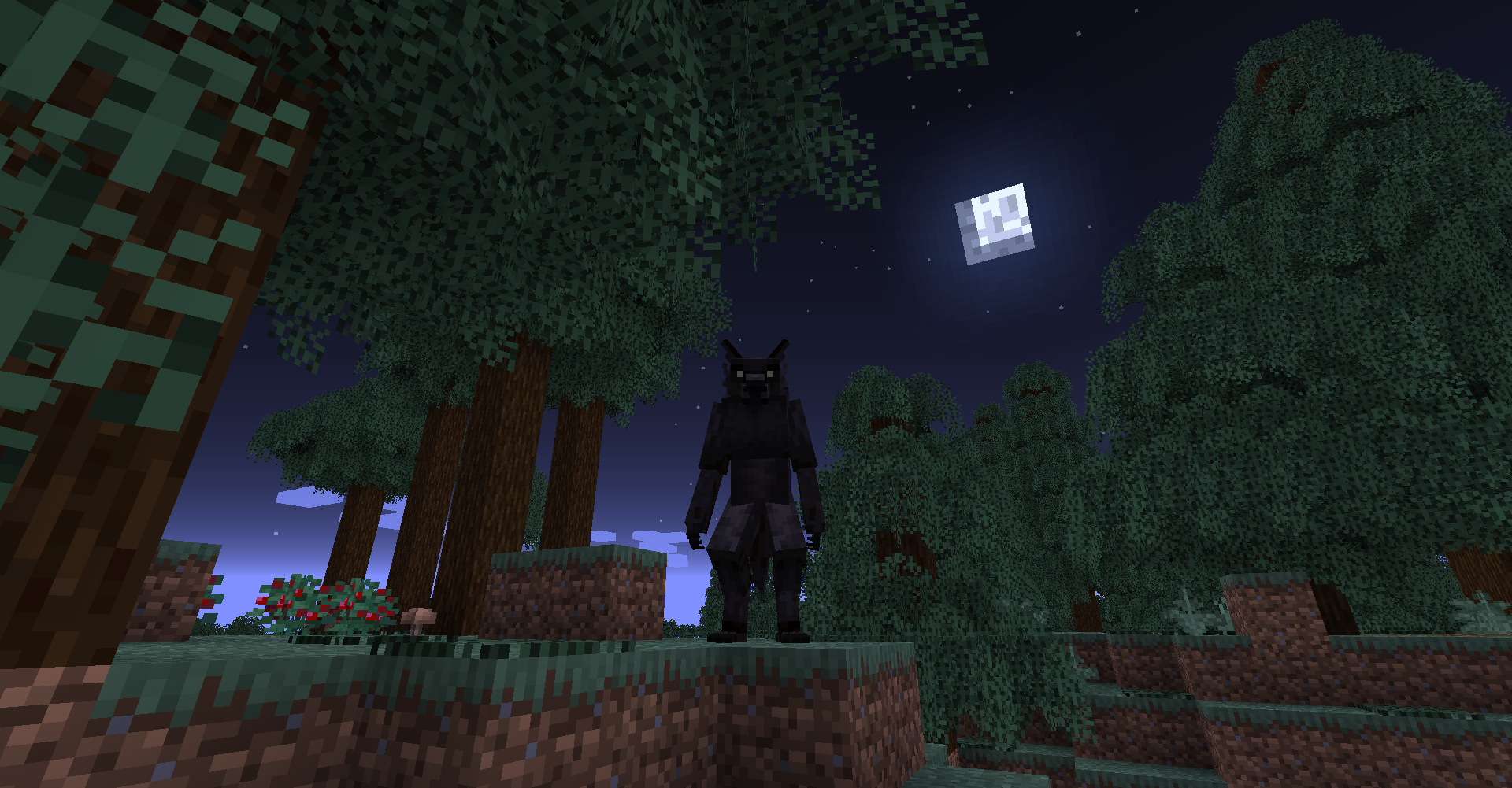

Bewitchment
A mod that aims to add witchcraft to MinecraftInstall
ArmoreableMobs
Allows you give armor and items to an entity when it spawns using Craftweaker with gamestages support!Install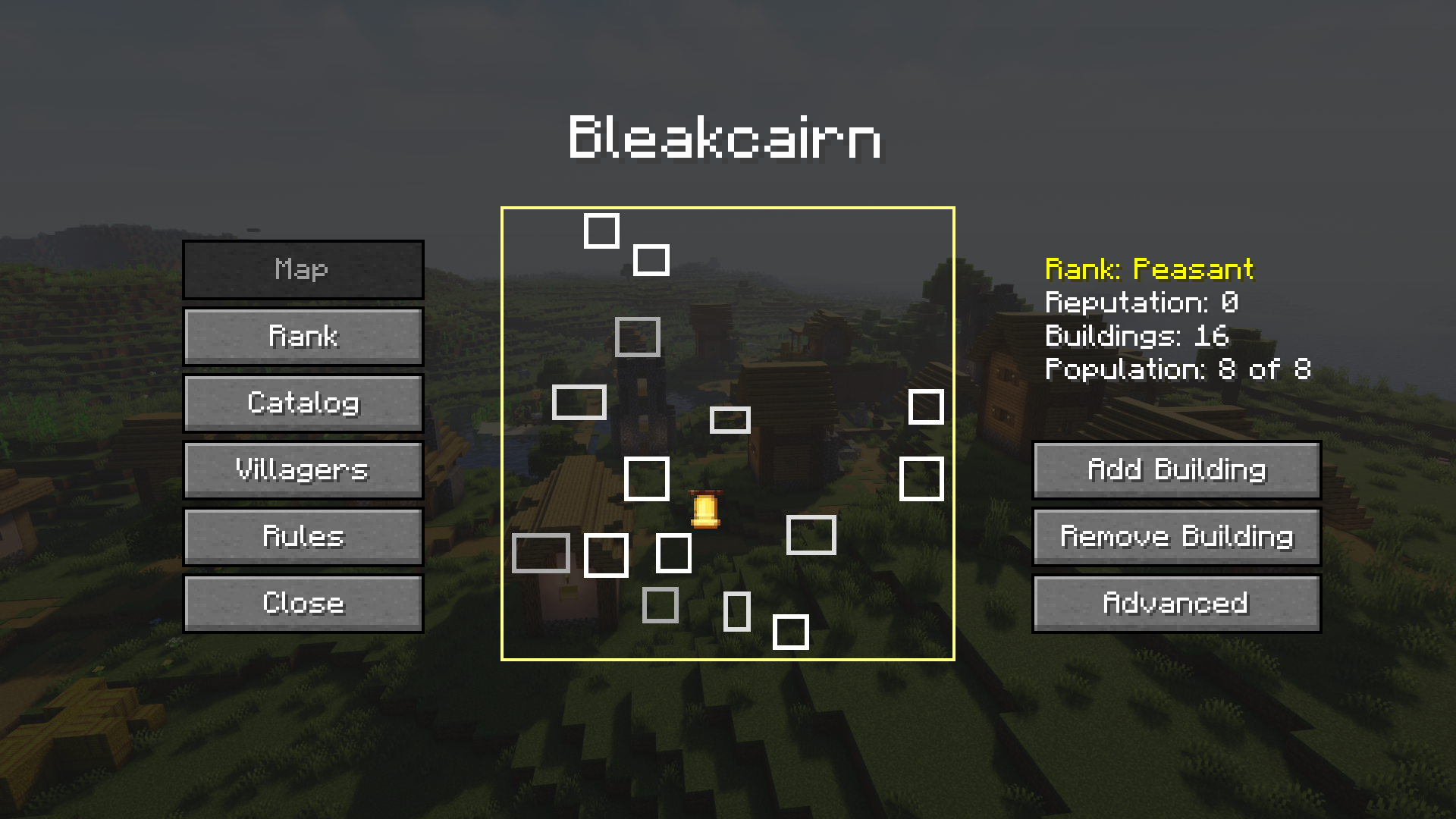
MCA Reborn [Fabric/Forge]
Continuation of WildBamaBoy's Minecraft Comes AliveInstall

Nuit
Allows resource packs to define custom skyboxes. Formerly FabricSkyboxesInstall

Ping Wheel
Allows players to temporarily mark locations and entitiesInstallOn a server
Sky Villages [Fabric]
Yes, that's right! Villages in the land of clouds! Explore massive and beautiful villages in the sky!Install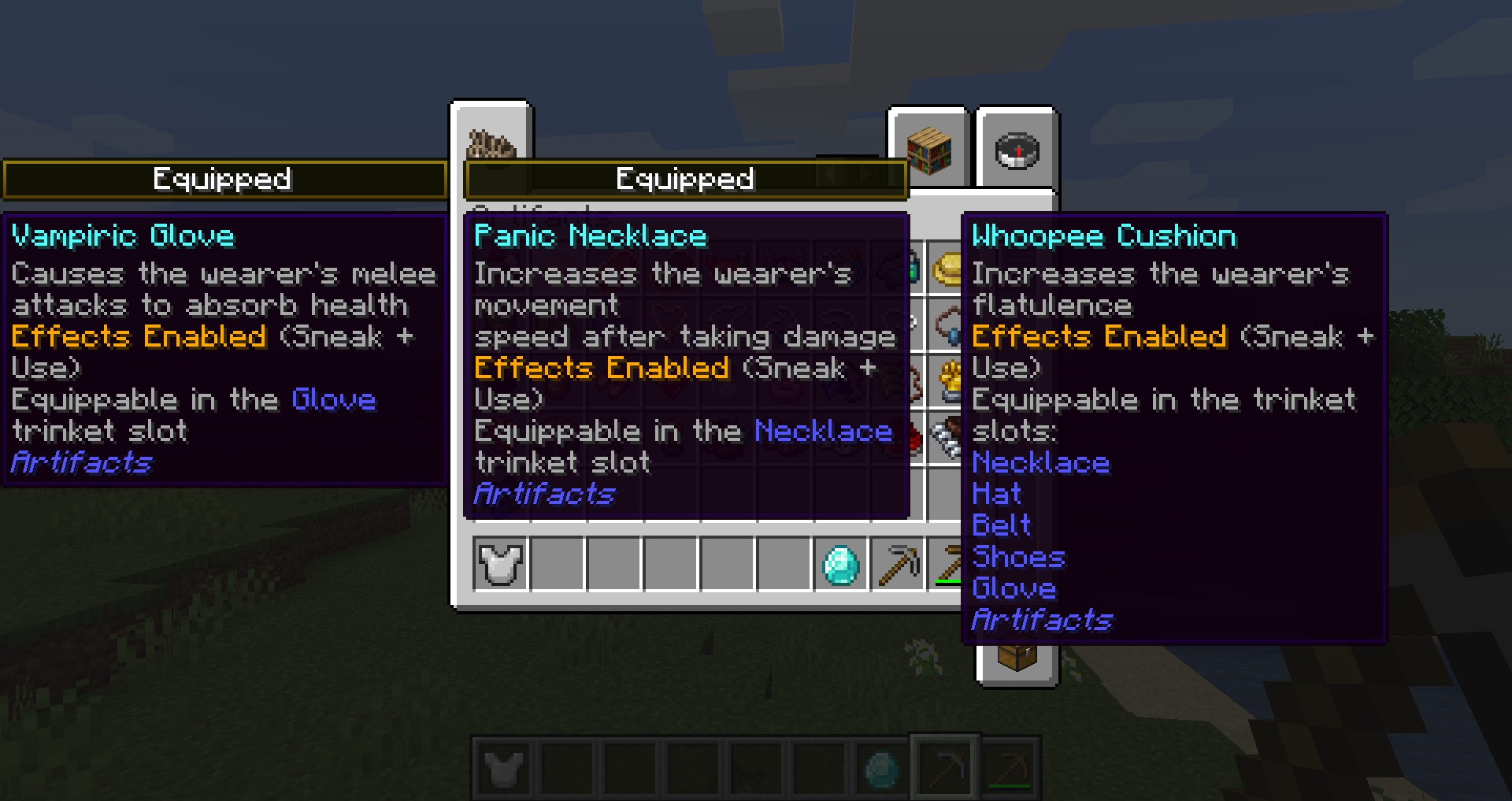
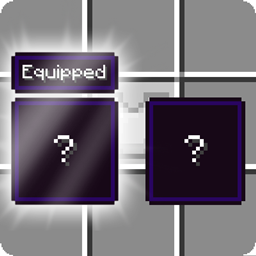
Equipment Compare [Fabric]
Makes it easier to compare equipment by showing a tooltip for what you're already wearing.Install
Bed Bugs
Adds some tools to kick the player when sleeping, fixing the vanilla bug of being stuck in a bed. Also adds chat persistence upon awakening.Install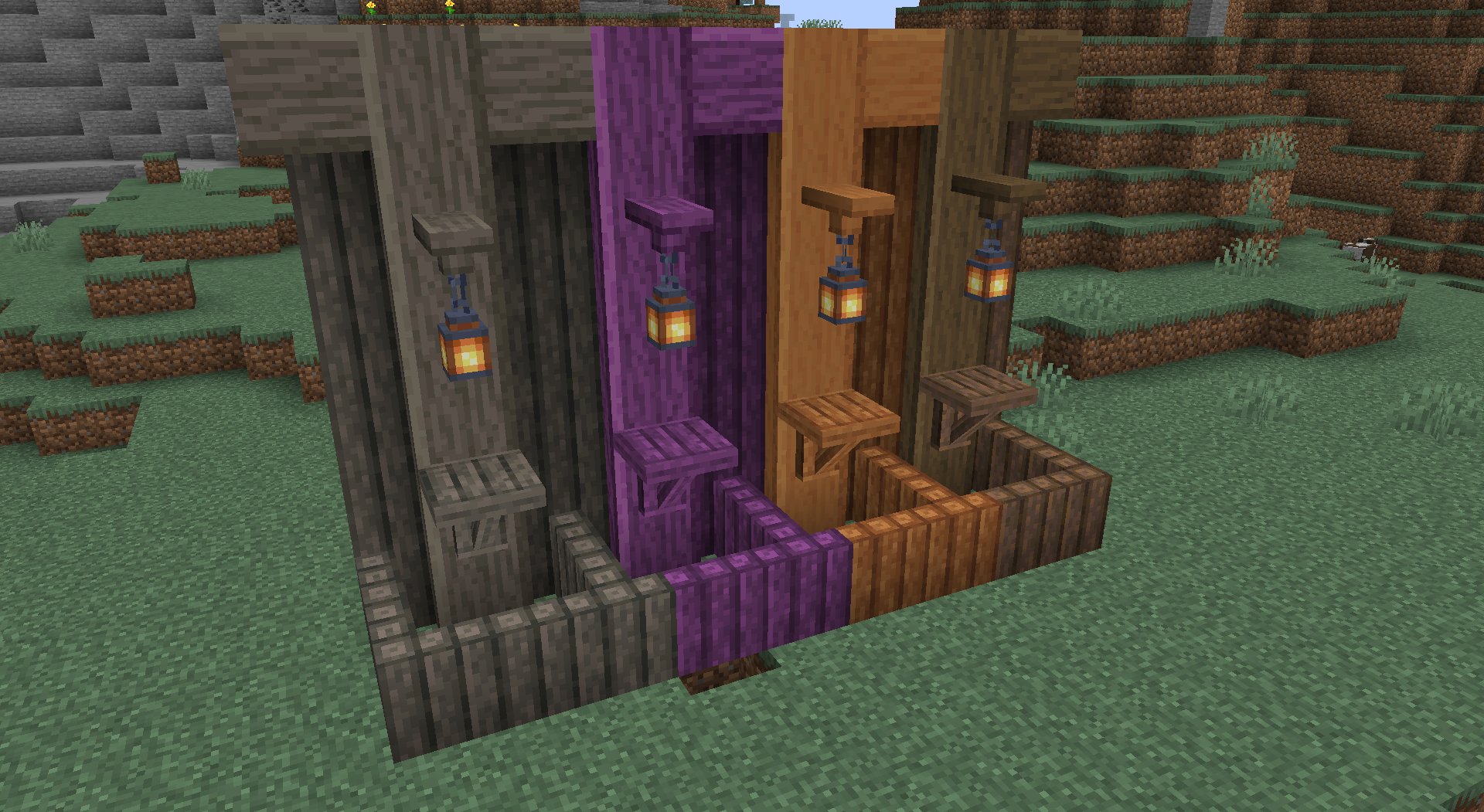
Decorative Blocks modded compat
it adds modded wood types for all the blocksInstall

Easy Magic
Enchanting tables as they always should have been! Items stay after closing, and easy re-rolls.InstallOn a serverFAQ
How is Forge different from Fabric?
They're two different mod loaders that aren't compatible with each other. Forge is the older one and better suited to big tech and magic modpacks; Fabric is lighter, updates to new game versions faster, and hosts most performance mods. NeoForge is a Forge fork for newer versions, and Quilt is a Fabric fork. A Forge mod won't run on Fabric, and vice versa. Millida Launcher installs the right loader for you.
How do I know which mod version I need?
The one that matches your game version and loader. The “Install” button picks the file for you: Millida Launcher grabs the version for your modpack. A mod for 1.20.1 usually won't work on 1.21.
How do I install a mod?
Click “Install” and Millida Launcher will download the mod, its dependencies and the right loader for you. To install a downloaded file manually, put it in the mods folder inside the game directory.
Do I need CurseForge to install mods?
No. The Install button on a mod page opens Millida Launcher: it downloads the mod, its dependencies and the right loader into the chosen instance by itself. No CurseForge and no manual file copying.
Which mods are there for 1.20.1?
1.20.1 is one of the most modded versions, especially on Forge: tech, magic, RPG, furniture, weapons. Pick 1.20.1 in the version filter to keep only mods with a file built exactly for it, then pick Forge or Fabric next to it.
Can I install mods on my phone?
On Android, yes: Millida Launcher runs the Java edition on a phone, and mods work there just like on a PC, though light ones run much better than heavy ones. Minecraft PE (Bedrock) cannot load PC mods — it has add-ons instead, in the Minecraft PE mods section.
Which mods are best to play with friends?
The usual picks are Simple Voice Chat for proximity voice chat, Waystones for fast travel, Xaero's Minimap and something big to work on together, such as Create. Mods that change the world must be installed by every player and on the server, while client-side ones like a minimap or performance mods are up to each player.
Minecraft mods
A mod is an add-on that changes the game itself: it adds blocks, mobs and mechanics, or speeds up world rendering. It isn't installed into the game directly but on top of a loader — Forge, Fabric, NeoForge or Quilt — and it's the loader that decides whether the file will run. That's why every card here lists both the game version and the loader: two mods with the same name for 1.12.2 Forge and 1.21 Fabric are two different files, and mixing them up means a crash on launch.
The most searched Minecraft mods are weapon, furniture, horror and performance mods: each theme has its own collection, and links to the themes and the most wanted versions are in the Popular block. Version 1.20.1 on Forge still holds the most big tech, magic and RPG mods, while the fresh 1.21.11 and 26.2 get Fabric and NeoForge mods fastest.
One mod in the catalog, one page. Every version the author has released is listed on its card: pick your game version and loader right there instead of jumping between ten similar pages. Each file shows its size, release date and checksum, and the mod itself shows the author, license and a link to the original source. Files whose license allows rehosting are stored with us and download directly — no link shorteners, timers or ad redirects. If the license forbids rehosting, the button honestly takes you to the author.