
Mods for Minecraft Java — page 374
9,012 itemsMods: list


Deactivate Riptide Flight
Disables flying using trident with riptide enchantment. Riptide enchantment is not removed but have no effect.Install
Recipes Fixer
A simple mod to fix various problems with recipes.Install
Noteable
Adds (sticky) notes to the game!Install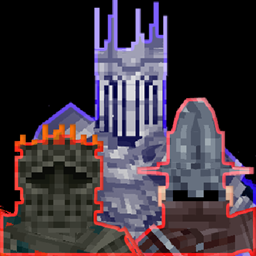
Souls like Bosses Lite
This version contains all bosses and weapon drops from Souls like Bosses without any boss arenas. It can be used to let bosses spawn in own custom made structures via markers.Install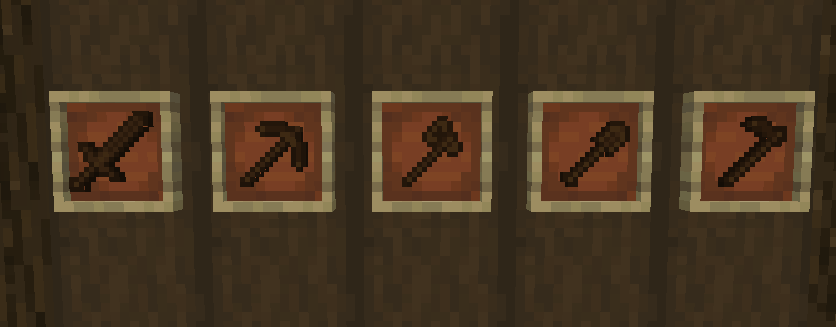
Wooden Tool Variants
"Wooden Tool Variants" is a Minecraft mod that introduces purely cosmetic wooden tool variants, perfect for players looking to add a visual touch to their crafting experience.Install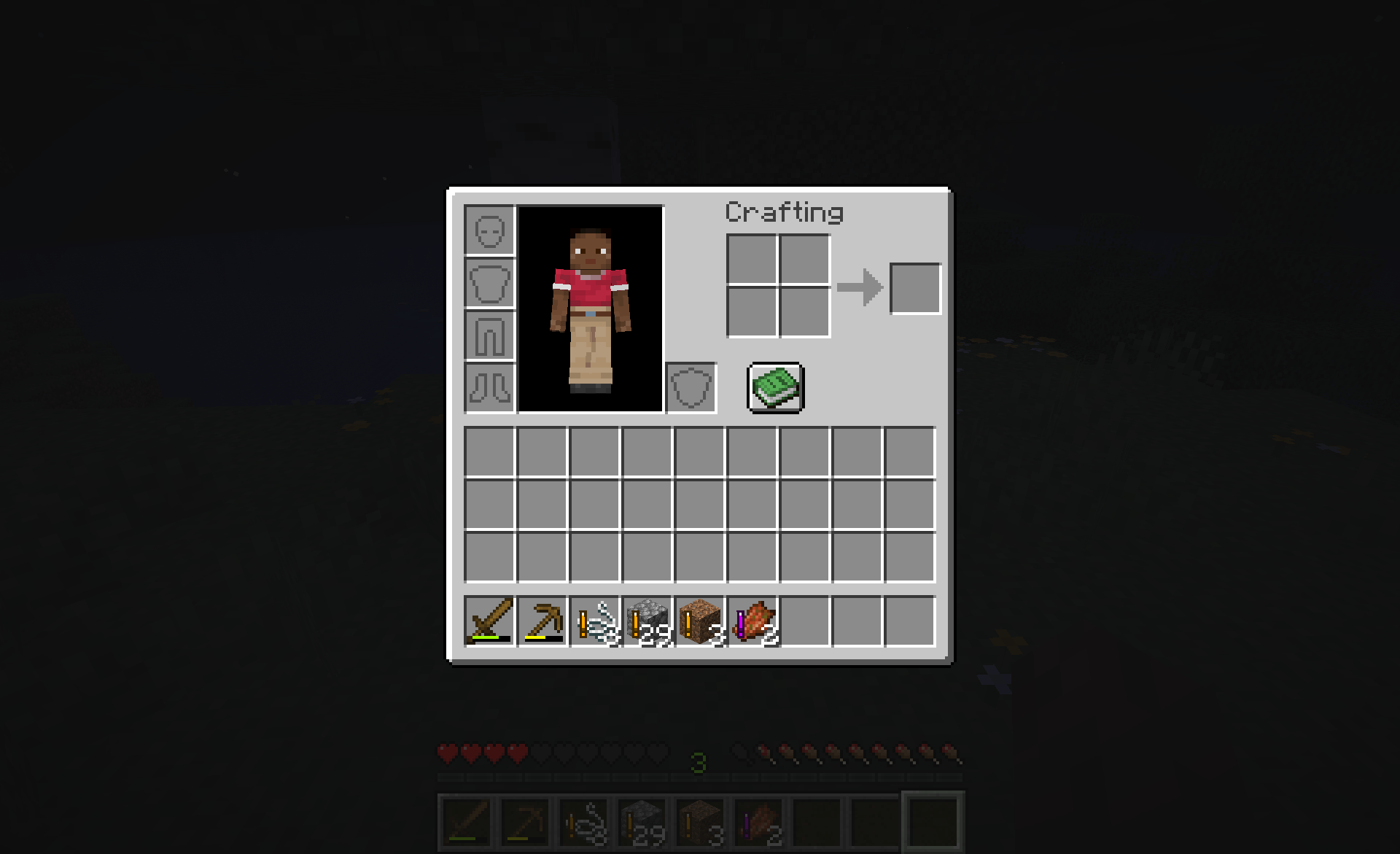

Fresh Loot Highlight
Utility mod that highlights newly acquired items when you open your inventoryInstall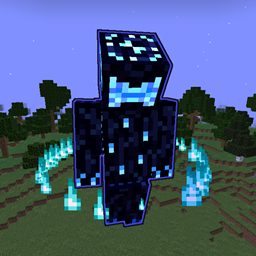
Moonstruck Phantasm
Adds the Moonstruck Apparition, a highly developed boss with fleshed-out attack patterns to your game.Install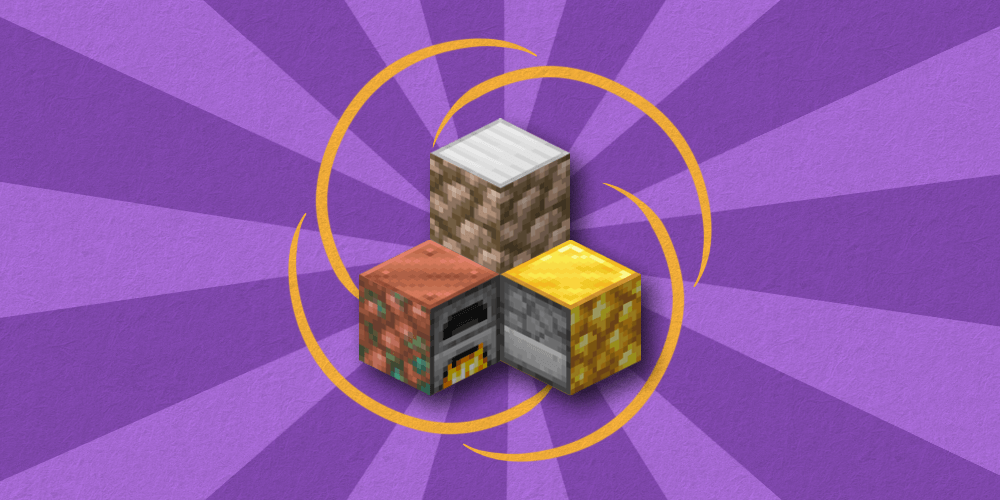
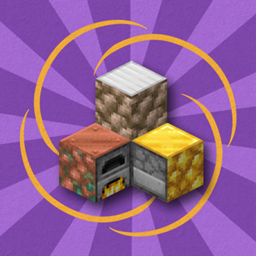
Efficient Raw Ore Blocks Smelting
This mod allows you to smelt raw ore blocks, saving you a bit of time and fuel. Formerly known as "Raw Ore to Blocks".Install
Illegal Stack Fixer
Resets stack count to maximum stack sizeInstall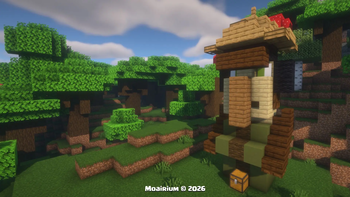
Moai Japanese Soldier Villager
Adds a new structure to the Overworld, The Moai Japanese Soldier Villager, can be found in Dark Forest Biomes with custom Loot Tables and Enemies.. compatibility for 1.20 to 26.2Install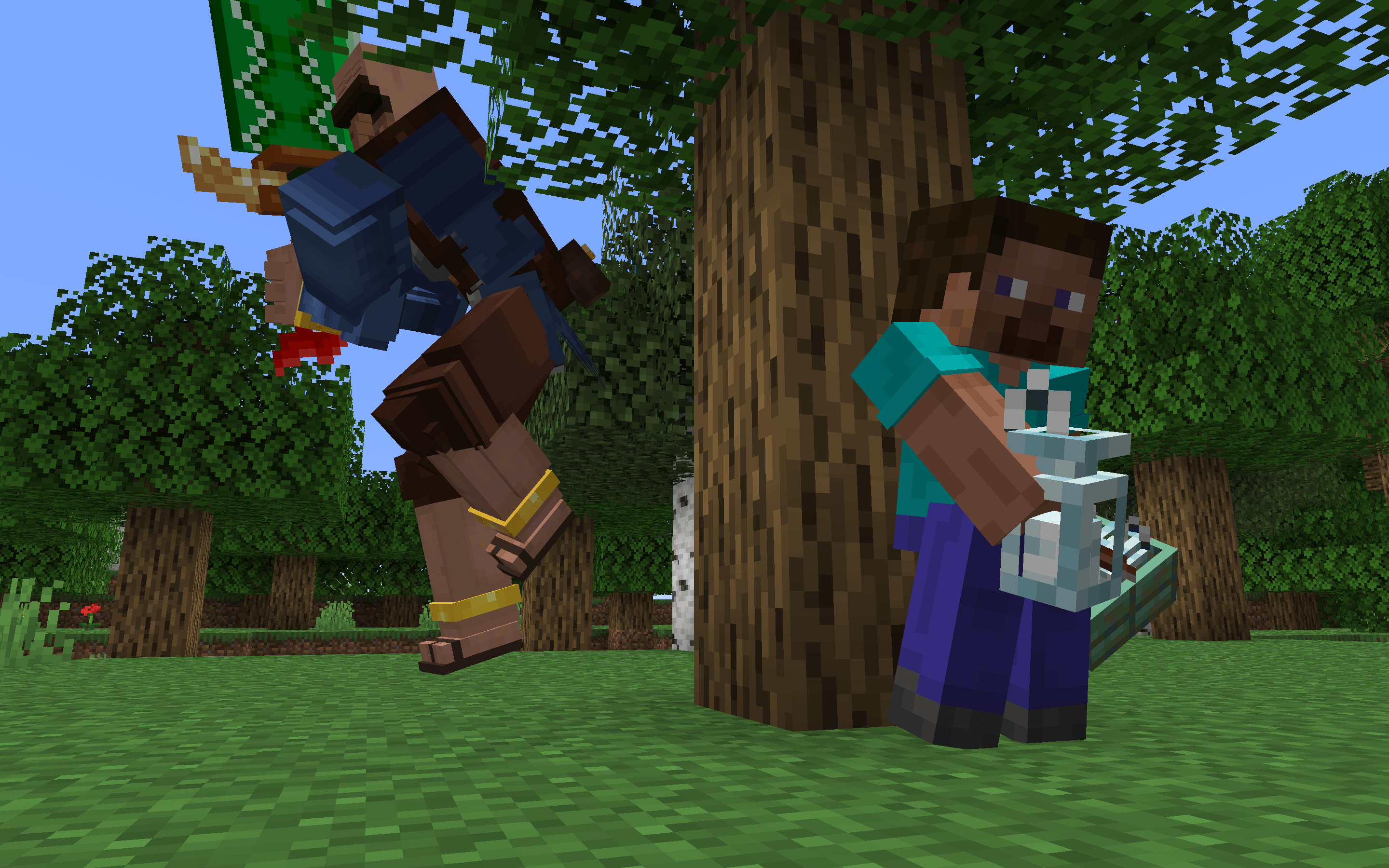

The Wandering Murderer
Adds a horrifying(ly buff) wandering trader to haunt your world!Install

Craft Stairs Back Into Blocks
Automatically generates recipes for crafting blocks from stairsInstall
Default Gamemode
This mod let you change the default world gamemode (survival, hardcore, creative, spectator)Install

Eternal Tools
Craft once, use forever. A mod that provides you eternal/infinite tools.Install
Mob Pacifier
Wanted to live amongst the monsters without worrying they might harm you if you keep to yourself?Install
Redstone-chan's Enchantment Expansion
Make enchanting more fun~ (>▽<)Install
Pepsi's EXP Vacuum
A chest that sucks up and stores EXP orbsInstall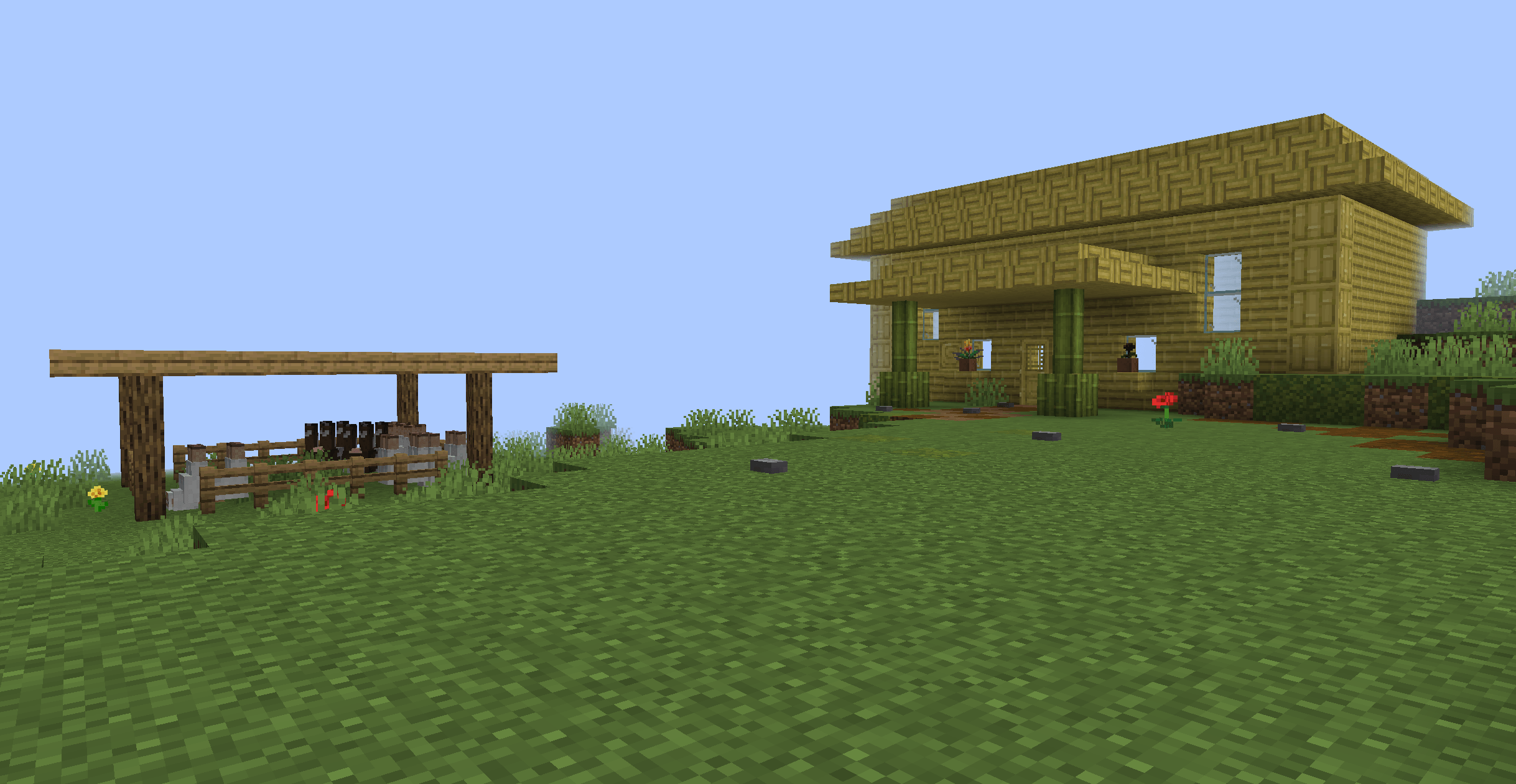
Carpentry & Chisels
Adds new wooden building blocks and a new tool called the Chisel which you can use to carve and chisel blocks!Install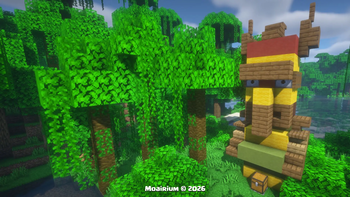
Jungle Moai Villager
Adds a new structure to the Overworld, The Jungle Moai Villager, can be found in Jungle and Sparse Jungle Biomes with custom Loot Tables and Enemies.. compatibility for 1.20 to 26.2Install
Network Blocker
Block unwanted network connectionInstall
Claim Points
Easily add GriefPrevention claim coordinates as Xaero's Minimap waypoints.Install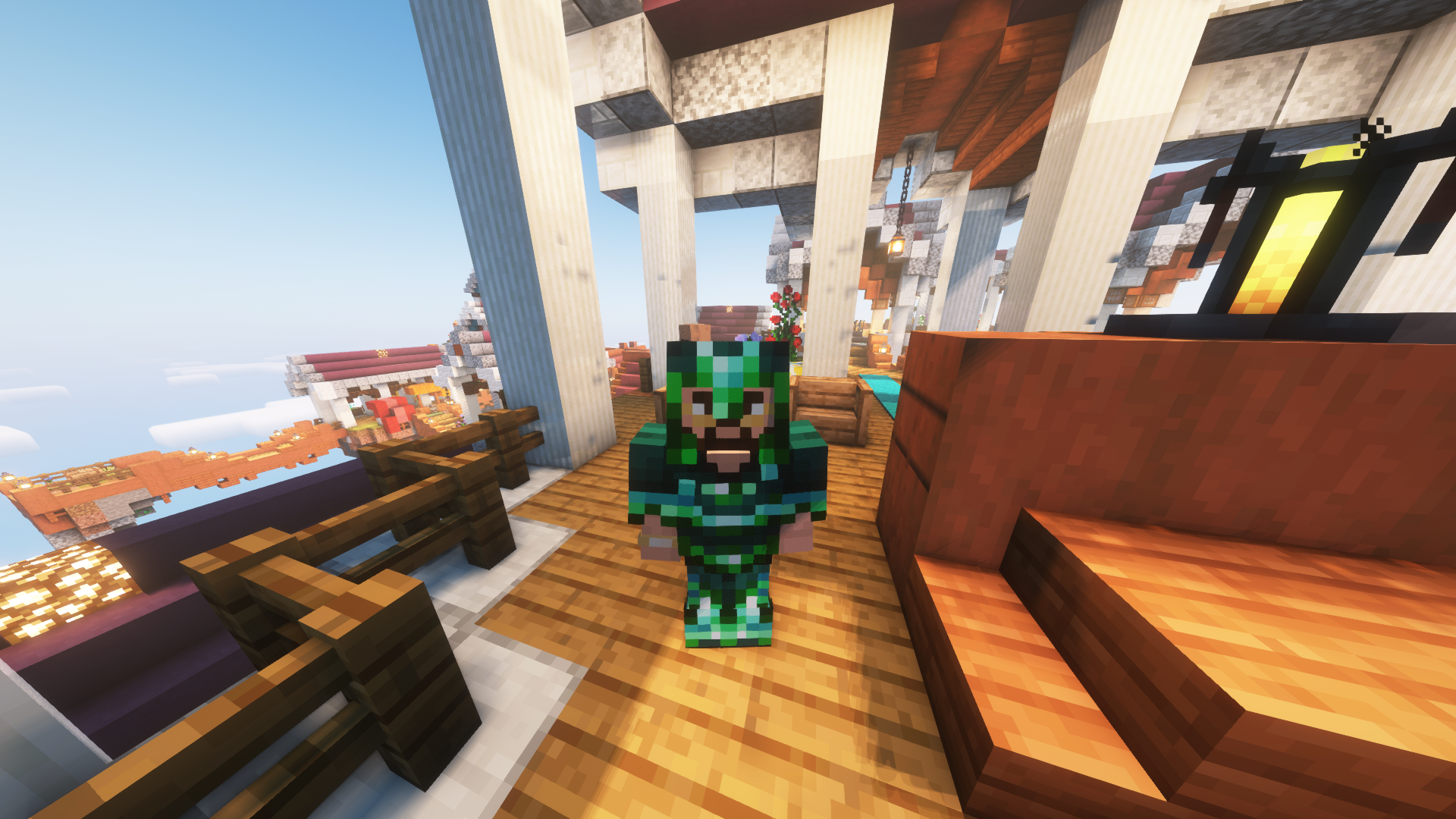

Advanced Enderite
An addon for the Enderite mod that extends the progression even furtherInstall
Advanced Tool Stats
Real-time, high-precision durability tracking directly in your action bar—no F3+H required.InstallFAQ
How is Forge different from Fabric?
They're two different mod loaders that aren't compatible with each other. Forge is the older one and better suited to big tech and magic modpacks; Fabric is lighter, updates to new game versions faster, and hosts most performance mods. NeoForge is a Forge fork for newer versions, and Quilt is a Fabric fork. A Forge mod won't run on Fabric, and vice versa. Millida Launcher installs the right loader for you.
How do I know which mod version I need?
The one that matches your game version and loader. The “Install” button picks the file for you: Millida Launcher grabs the version for your modpack. A mod for 1.20.1 usually won't work on 1.21.
How do I install a mod?
Click “Install” and Millida Launcher will download the mod, its dependencies and the right loader for you. To install a downloaded file manually, put it in the mods folder inside the game directory.
Do I need CurseForge to install mods?
No. The Install button on a mod page opens Millida Launcher: it downloads the mod, its dependencies and the right loader into the chosen instance by itself. No CurseForge and no manual file copying.
Which mods are there for 1.20.1?
1.20.1 is one of the most modded versions, especially on Forge: tech, magic, RPG, furniture, weapons. Pick 1.20.1 in the version filter to keep only mods with a file built exactly for it, then pick Forge or Fabric next to it.
Can I install mods on my phone?
On Android, yes: Millida Launcher runs the Java edition on a phone, and mods work there just like on a PC, though light ones run much better than heavy ones. Minecraft PE (Bedrock) cannot load PC mods — it has add-ons instead, in the Minecraft PE mods section.
Which mods are best to play with friends?
The usual picks are Simple Voice Chat for proximity voice chat, Waystones for fast travel, Xaero's Minimap and something big to work on together, such as Create. Mods that change the world must be installed by every player and on the server, while client-side ones like a minimap or performance mods are up to each player.
Mods for Minecraft Java
A mod is an add-on that changes the game itself: it adds blocks, mobs and mechanics, or speeds up world rendering. It isn't installed into the game directly but on top of a loader — Forge, Fabric, NeoForge or Quilt — and it's the loader that decides whether the file will run. That's why every card here lists both the game version and the loader: two mods with the same name for 1.12.2 Forge and 1.21 Fabric are two different files, and mixing them up means a crash on launch.
The most searched Minecraft mods are weapon, furniture, horror and performance mods: each theme has its own collection, and links to the themes and the most wanted versions are in the Popular block. Version 1.20.1 on Forge still holds the most big tech, magic and RPG mods, while the fresh 1.21.11 and 26.2 get Fabric and NeoForge mods fastest.
One mod in the catalog, one page. Every version the author has released is listed on its card: pick your game version and loader right there instead of jumping between ten similar pages. Each file shows its size, release date and checksum, and the mod itself shows the author, license and a link to the original source. Files whose license allows rehosting are stored with us and download directly — no link shorteners, timers or ad redirects. If the license forbids rehosting, the button honestly takes you to the author.