
Mods for Minecraft Java — page 364
9,029 itemsMods: list

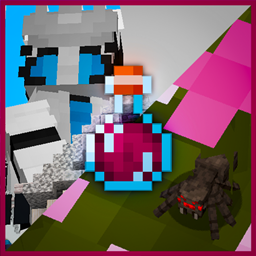
Dwarfs And Giants - Scale potions
Change the size of yourself and mobs using craftable potions. Large variety of sizes available!Install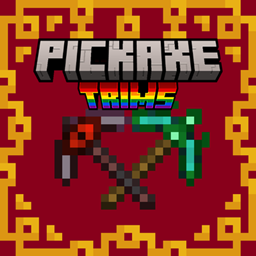
Pickaxe Armor Trims
Make all pickaxes trimmable with all template and materials, upgrade your pickaxe with more than 1300 different looks !Install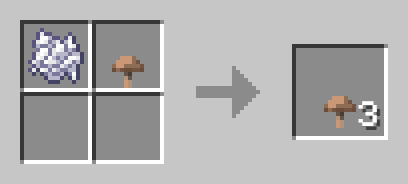
Mushroom Tweaks
Adds the ability to craft mushrooms using bone meal and existing mushroomsInstall
[Let's Do Addon] ThrowableCheese
THROW THE CHEEEESEInstall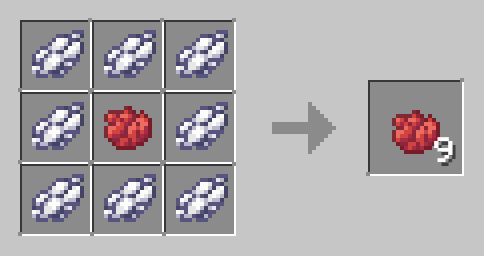
Dye Tweaks
Adds the ability to duplicate dyes efficientlyInstall
Carpet Shadow
carpet extension to fix various bugs related to shadow item stacksInstall

Legacy War Planes
Historically Accurate Planes with a Minecraft Twist, Adds 12+ planes and a fuel system that is compatible with all of my datapacksInstall
Item Rename
A mod that allows players to edit various properties of items in the game, such as their name, lore, and enchantment glow. With support for essentialX color formatting. Now also support for hex color code!Install
cartcore lite
A utility mod based around Cart PvP. Insta carting, crossbow carting, overloading and more! (also functions as its own anti-cheat)Install
Flower Map
Shows the flower gradient, minimap-styleInstall
Visor
Next-Gen VR core mod for Minecraft. Based on OpenXR. Built as a platform. Supports addons, customizing your VR experienceInstall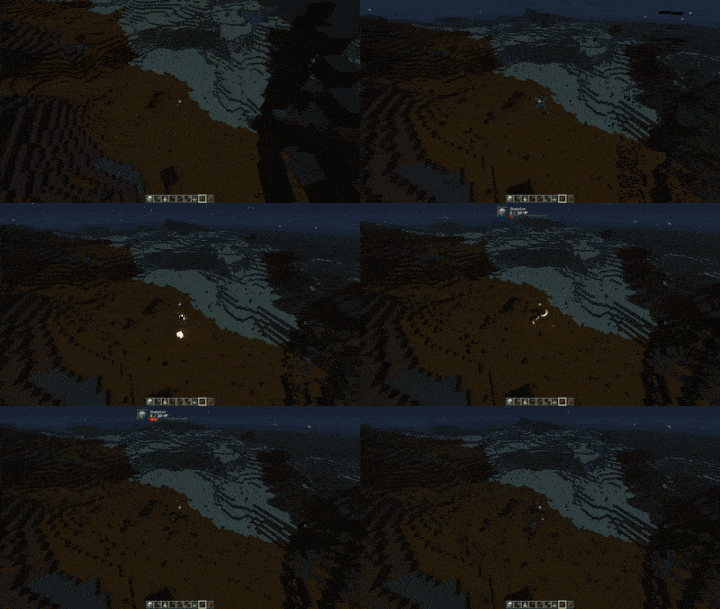
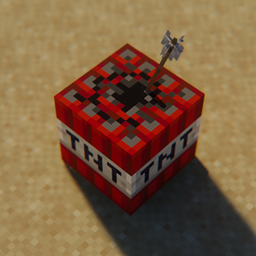
Explosive Arrow
Adds explosive TNT arrows that detonate on impact using a lightweight Minecraft datapack.Install

Created Spawn Eggs [Discontinued]
The main purpose of this mod is to make spawn eggs suitable for creationInstall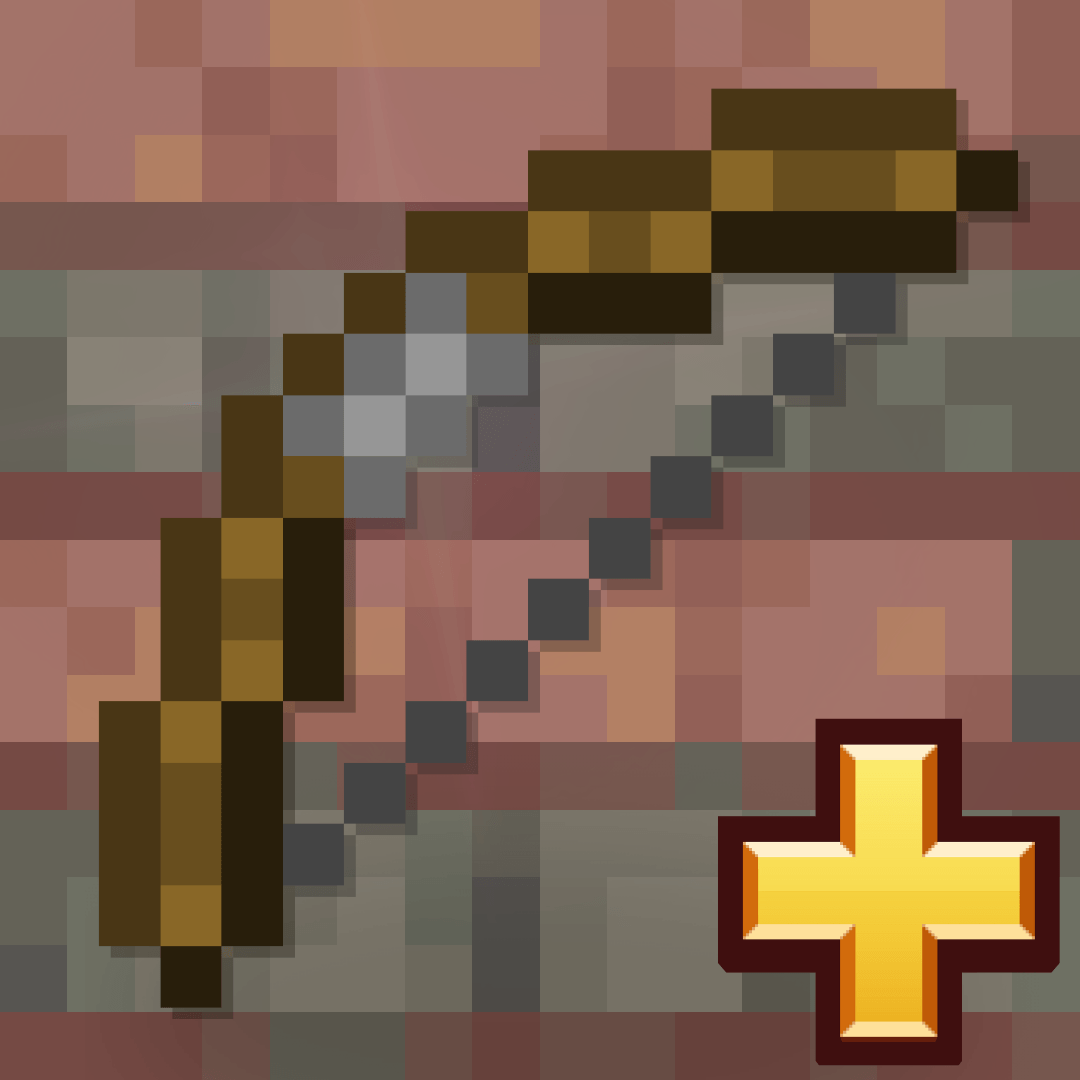
Expanded Bow Enchantings
This Datapack and Mod allow to use Looting on a Bow and allows Mending and Infinity to be on the same bow on the same Bow!Install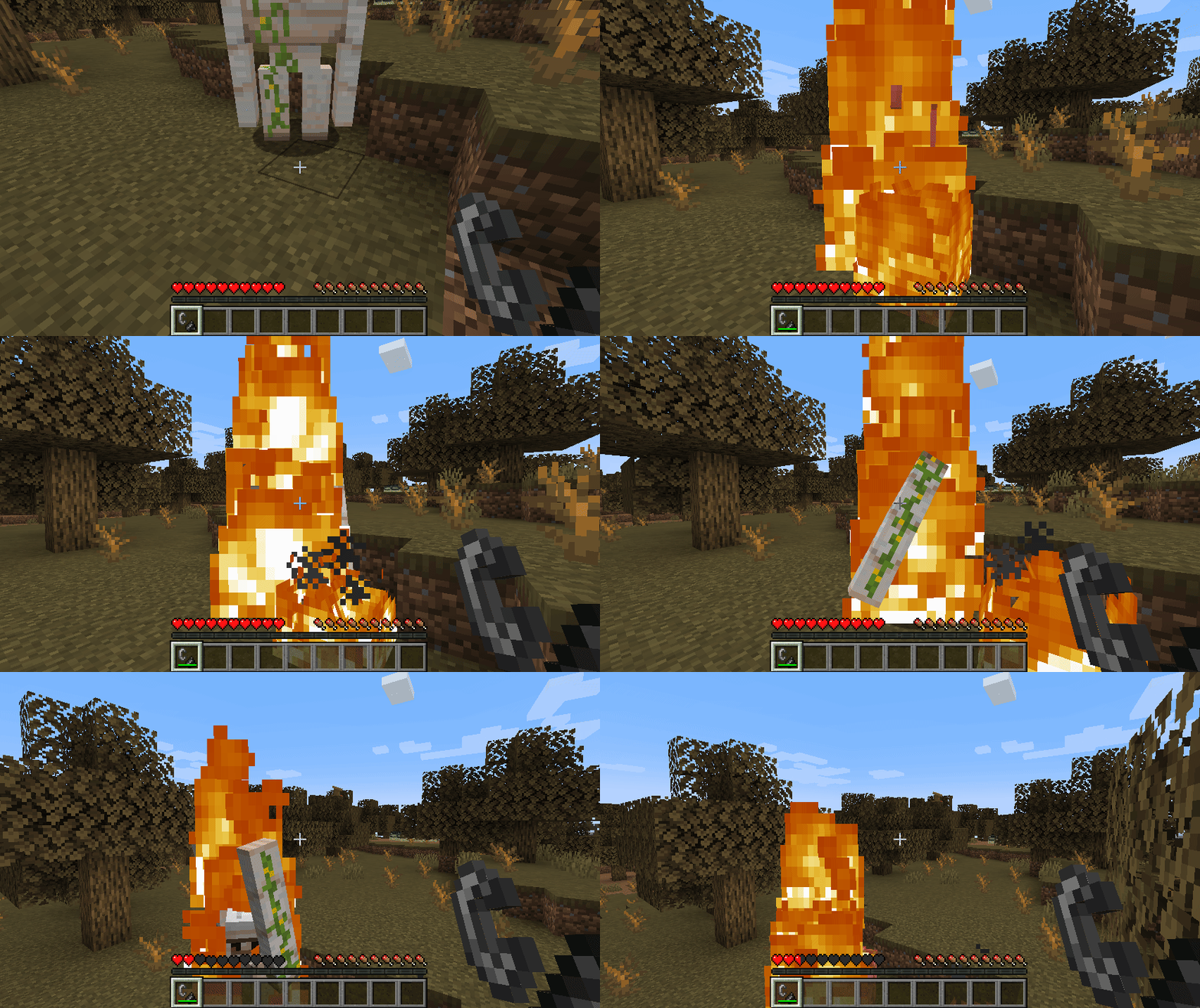
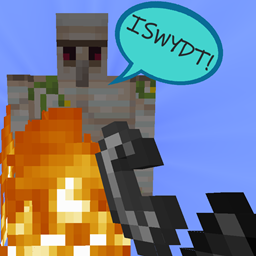
I See What You Did There!
Makes mobs react to indirect damage sources, like fire or lava.Install
Armadillo Brush Fix
Adds Armadillo Modded Brush Compatibility to Fabric & ForgeInstall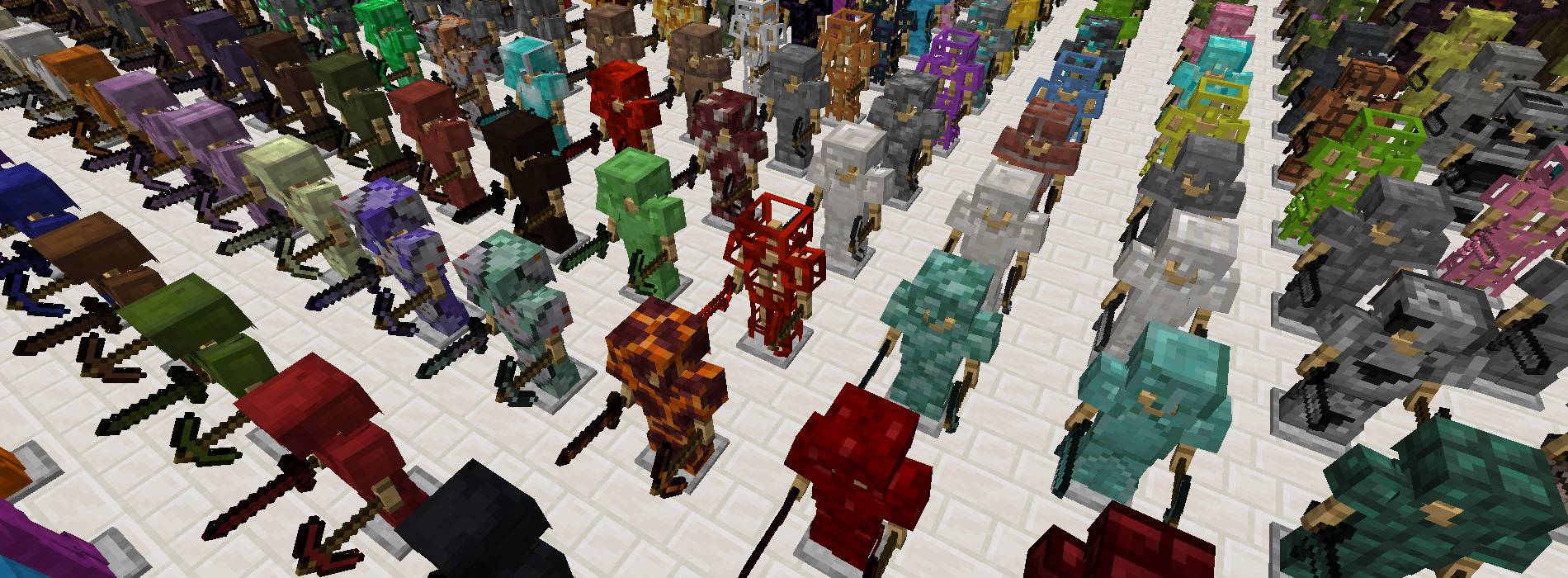
Anything
Create tools and armor out of any block! This mod adds 3800+ tools and armor pieces to the game, for each of the blocks in the game.Install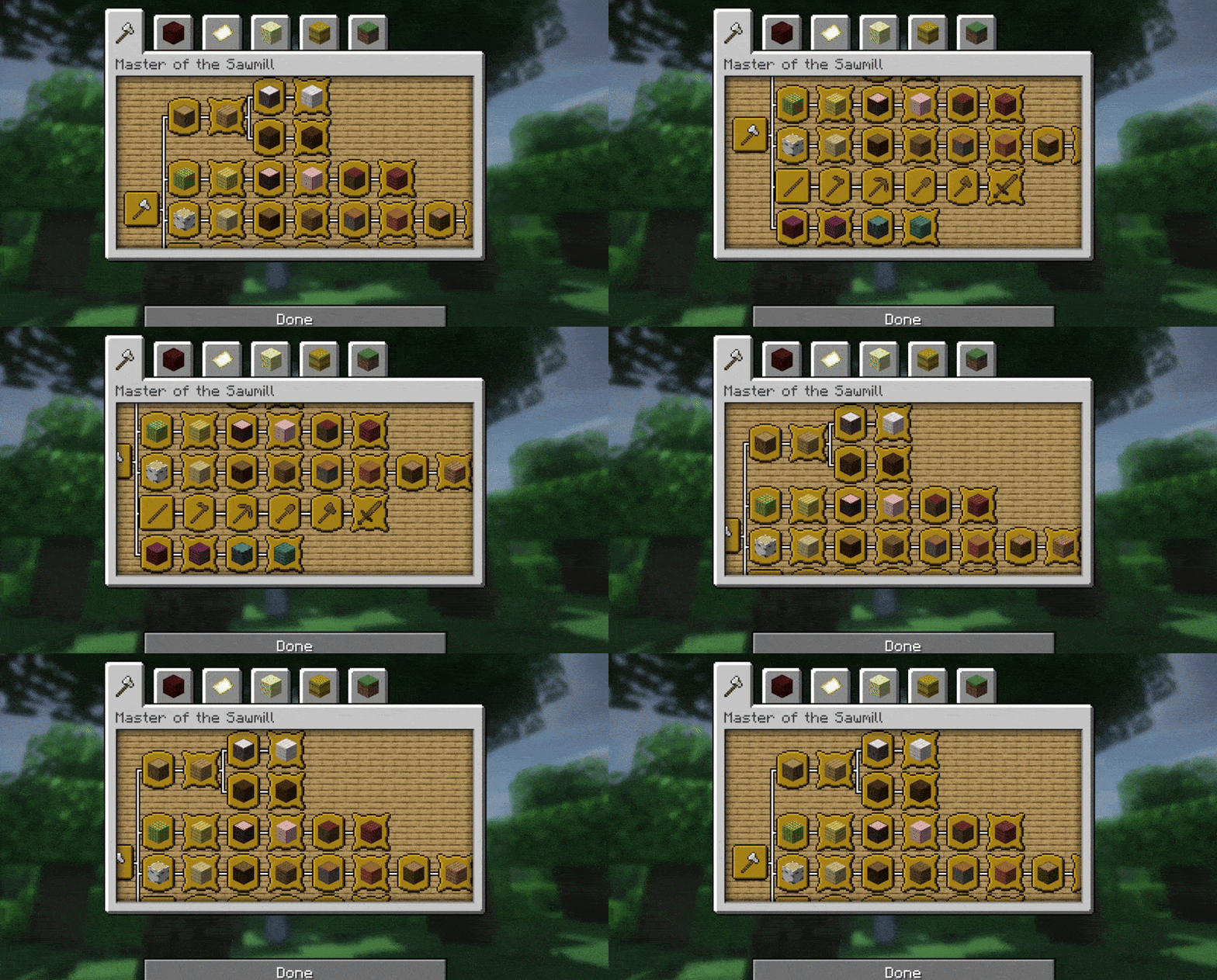
Wood Advancements
Adds +30 New Advancemets for getting each of the Wood Building Blocks, new structure and plus tools and secret rewards, compatible from 1.20 to 1.21.10!Install
Unoriginal
A simple mod that removes all base origins added by the Origins modInstall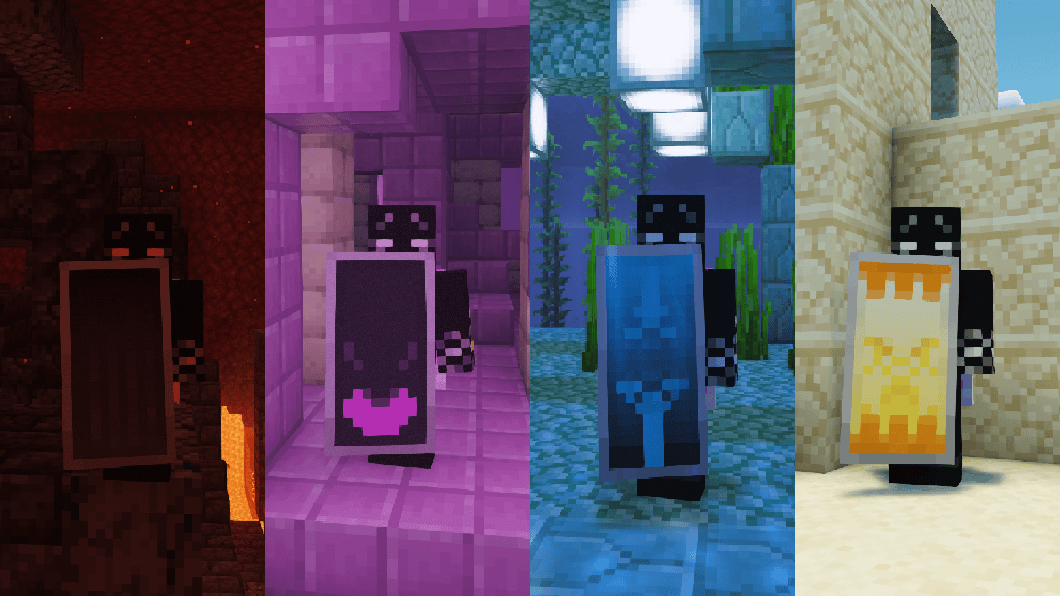
Shield Upgrades (Fabric/Forge/NeoForge/Quilt)
More special and powerful shields!Install
Better hidden chat
Hides the chat, whilst allowing to send messages and run commands.Install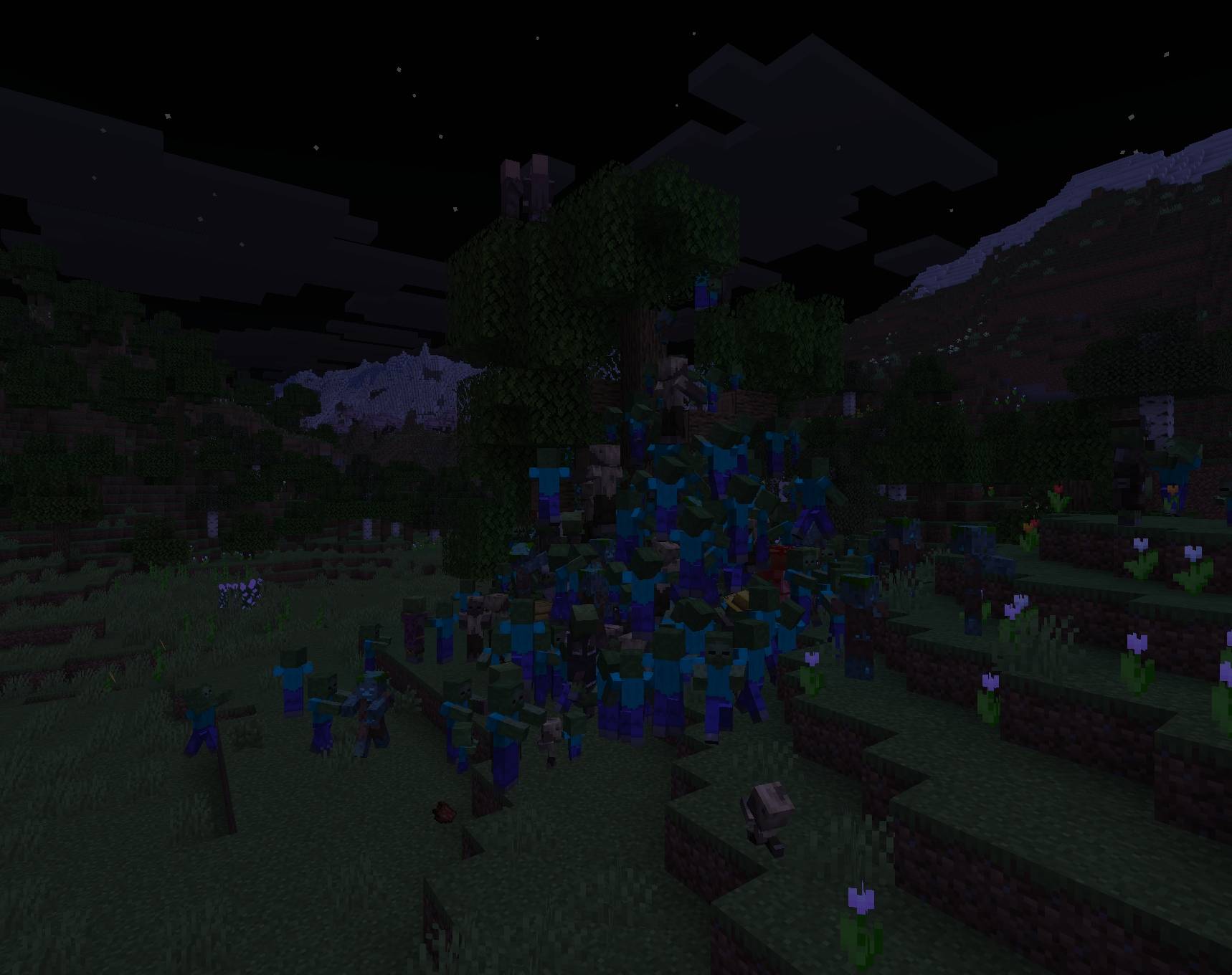
Zombie Hordes
These zombies WILL KILL YOUInstall
Luish's Guns Crafting Add-on
Add-on for Luish's Guns that adds crafting recipesInstallFAQ
How is Forge different from Fabric?
They're two different mod loaders that aren't compatible with each other. Forge is the older one and better suited to big tech and magic modpacks; Fabric is lighter, updates to new game versions faster, and hosts most performance mods. NeoForge is a Forge fork for newer versions, and Quilt is a Fabric fork. A Forge mod won't run on Fabric, and vice versa. Millida Launcher installs the right loader for you.
How do I know which mod version I need?
The one that matches your game version and loader. The “Install” button picks the file for you: Millida Launcher grabs the version for your modpack. A mod for 1.20.1 usually won't work on 1.21.
How do I install a mod?
Click “Install” and Millida Launcher will download the mod, its dependencies and the right loader for you. To install a downloaded file manually, put it in the mods folder inside the game directory.
Do I need CurseForge to install mods?
No. The Install button on a mod page opens Millida Launcher: it downloads the mod, its dependencies and the right loader into the chosen instance by itself. No CurseForge and no manual file copying.
Which mods are there for 1.20.1?
1.20.1 is one of the most modded versions, especially on Forge: tech, magic, RPG, furniture, weapons. Pick 1.20.1 in the version filter to keep only mods with a file built exactly for it, then pick Forge or Fabric next to it.
Can I install mods on my phone?
On Android, yes: Millida Launcher runs the Java edition on a phone, and mods work there just like on a PC, though light ones run much better than heavy ones. Minecraft PE (Bedrock) cannot load PC mods — it has add-ons instead, in the Minecraft PE mods section.
Which mods are best to play with friends?
The usual picks are Simple Voice Chat for proximity voice chat, Waystones for fast travel, Xaero's Minimap and something big to work on together, such as Create. Mods that change the world must be installed by every player and on the server, while client-side ones like a minimap or performance mods are up to each player.
Mods for Minecraft Java
A mod is an add-on that changes the game itself: it adds blocks, mobs and mechanics, or speeds up world rendering. It isn't installed into the game directly but on top of a loader — Forge, Fabric, NeoForge or Quilt — and it's the loader that decides whether the file will run. That's why every card here lists both the game version and the loader: two mods with the same name for 1.12.2 Forge and 1.21 Fabric are two different files, and mixing them up means a crash on launch.
The most searched Minecraft mods are weapon, furniture, horror and performance mods: each theme has its own collection, and links to the themes and the most wanted versions are in the Popular block. Version 1.20.1 on Forge still holds the most big tech, magic and RPG mods, while the fresh 1.21.11 and 26.2 get Fabric and NeoForge mods fastest.
One mod in the catalog, one page. Every version the author has released is listed on its card: pick your game version and loader right there instead of jumping between ten similar pages. Each file shows its size, release date and checksum, and the mod itself shows the author, license and a link to the original source. Files whose license allows rehosting are stored with us and download directly — no link shorteners, timers or ad redirects. If the license forbids rehosting, the button honestly takes you to the author.