
Mods for Minecraft Java — page 360
9,029 itemsMods: list


Pepsi's More Professions
Actually, more villager professions!Install
Accurate Hitboxes
Pixel-perfect, zero-lag hitboxes that instantly perfectly match the 3D visual models of every vanilla and modded entity in the game.Install
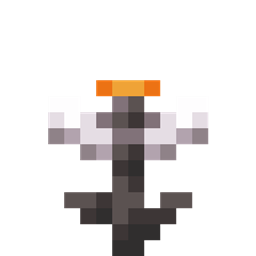
Glowing Eyeblossom
Minecraft mod that make Eyeblossom glowInstall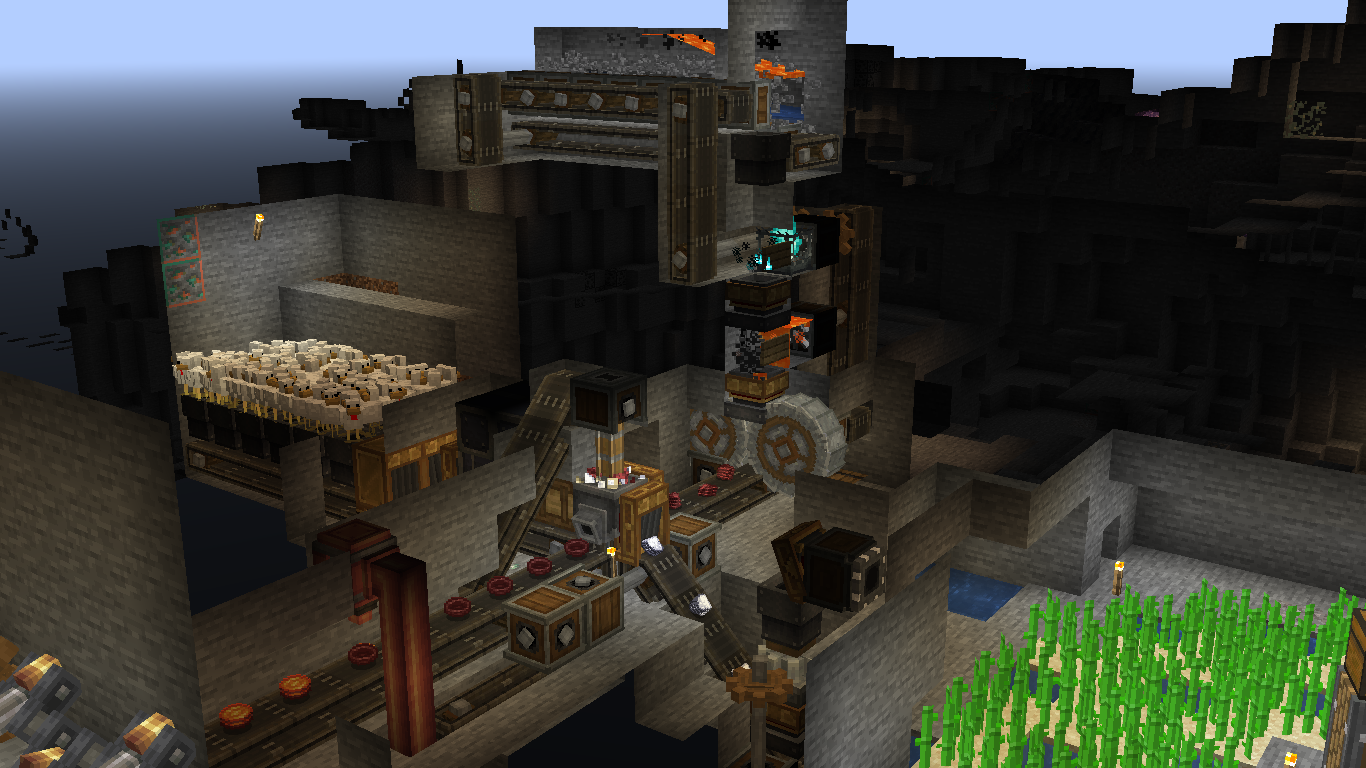
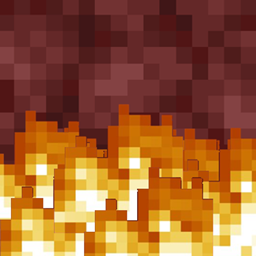
Netherracked
Adds Recipe for Netherrack in Minecraft (+ Create Mod)Install
New Visual Keybing
NewVisualKeybing is a visual key binding management mod for Minecraft. It presents keyboard and mouse layouts so players can inspect, filter, and adjust key usage across a modpackInstall
Debug Keybind
A basic mod that adds keybinds for the F3 menu.Install

[CLOSED] - Stonecutter Salvage
Salvage items in the StonecutterInstall
HaXr's Recall Potion [Fabric]
A simple and balanced method of home teleportationInstall
Quicksaving
💾 Adds quicksave and quickload capabilities via F6/F8. Works interdimensionally and optionally client-side only.Install

Fabric Anvils
This mod add many new types of anvils.Install
Elytra Bombing [Fabric]
Make player able to drop TNTs when fall-flyingInstall
EffectsLeft (Fabric/Quilt)
EffectsLeft moves the potion effects in the inventory screen to display on the left rather than then right, back to how it was before 1.18Install

Better Deep Dark
An expanded and improved Deep Dark, craft powerful tools and Echo armor.Install
Leather Crafting Recipe
A survival-friendly utility that allows players to refine rotten flesh into high-quality leather through a simple smelting or curing process.Install
Discontinuous Beacon Beams
Stops beacon beams from rendering though clear glass in their paths. Configurable.Install

Cookies, Candy and Cakes
Add cookies, candy and cakes for Halloween and other holidays. Fun seasonal treats with optional effects and mob drops. Fully configurable for servers and singleplayer.Install
White Rabbit
Food and drink that changes the size of the userInstall
Autoclicker RinF
Auto clicker for farmInstall
HexDebug
A Hex Casting addon for debugging and editing hexes.Install
Auto Replant Crops
Automatically replants fully grown crops after harvesting in Minecraft. A lightweight vanilla farming QoL mod for survival and SMP (1.16+).Install

Crimson Curse: Infection
A virus dormant in the Crimson Forests of the Nether escaped to the Overworld. Now with access to water, it began evolving into horrors one could only imagine....Install

Simple Structures: Desert
This modification adds 30 simple structures to the Desert biome.Install
ExtraDE Origins Addon
Adds the ExtraDE entity groups to Origins.InstallFAQ
How is Forge different from Fabric?
They're two different mod loaders that aren't compatible with each other. Forge is the older one and better suited to big tech and magic modpacks; Fabric is lighter, updates to new game versions faster, and hosts most performance mods. NeoForge is a Forge fork for newer versions, and Quilt is a Fabric fork. A Forge mod won't run on Fabric, and vice versa. Millida Launcher installs the right loader for you.
How do I know which mod version I need?
The one that matches your game version and loader. The “Install” button picks the file for you: Millida Launcher grabs the version for your modpack. A mod for 1.20.1 usually won't work on 1.21.
How do I install a mod?
Click “Install” and Millida Launcher will download the mod, its dependencies and the right loader for you. To install a downloaded file manually, put it in the mods folder inside the game directory.
Do I need CurseForge to install mods?
No. The Install button on a mod page opens Millida Launcher: it downloads the mod, its dependencies and the right loader into the chosen instance by itself. No CurseForge and no manual file copying.
Which mods are there for 1.20.1?
1.20.1 is one of the most modded versions, especially on Forge: tech, magic, RPG, furniture, weapons. Pick 1.20.1 in the version filter to keep only mods with a file built exactly for it, then pick Forge or Fabric next to it.
Can I install mods on my phone?
On Android, yes: Millida Launcher runs the Java edition on a phone, and mods work there just like on a PC, though light ones run much better than heavy ones. Minecraft PE (Bedrock) cannot load PC mods — it has add-ons instead, in the Minecraft PE mods section.
Which mods are best to play with friends?
The usual picks are Simple Voice Chat for proximity voice chat, Waystones for fast travel, Xaero's Minimap and something big to work on together, such as Create. Mods that change the world must be installed by every player and on the server, while client-side ones like a minimap or performance mods are up to each player.
Mods for Minecraft Java
A mod is an add-on that changes the game itself: it adds blocks, mobs and mechanics, or speeds up world rendering. It isn't installed into the game directly but on top of a loader — Forge, Fabric, NeoForge or Quilt — and it's the loader that decides whether the file will run. That's why every card here lists both the game version and the loader: two mods with the same name for 1.12.2 Forge and 1.21 Fabric are two different files, and mixing them up means a crash on launch.
The most searched Minecraft mods are weapon, furniture, horror and performance mods: each theme has its own collection, and links to the themes and the most wanted versions are in the Popular block. Version 1.20.1 on Forge still holds the most big tech, magic and RPG mods, while the fresh 1.21.11 and 26.2 get Fabric and NeoForge mods fastest.
One mod in the catalog, one page. Every version the author has released is listed on its card: pick your game version and loader right there instead of jumping between ten similar pages. Each file shows its size, release date and checksum, and the mod itself shows the author, license and a link to the original source. Files whose license allows rehosting are stored with us and download directly — no link shorteners, timers or ad redirects. If the license forbids rehosting, the button honestly takes you to the author.