
Minecraft mods — page 347
9,009 itemsMods: list
Back to Bed
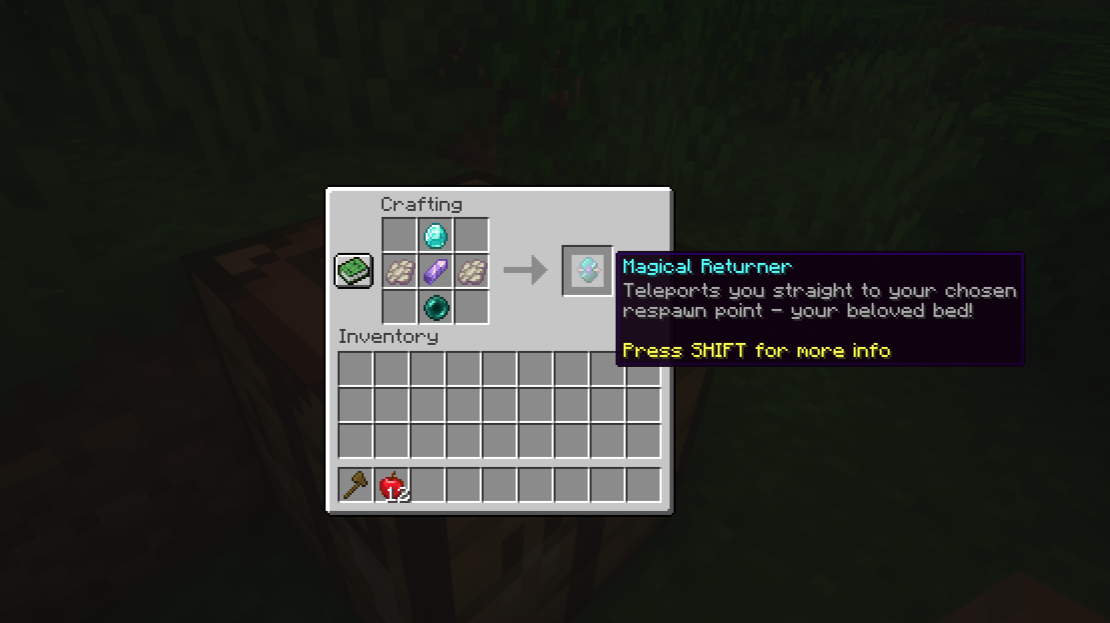
Makes your adventures more comfortable and secure by providing an easy way to return to your bed.Install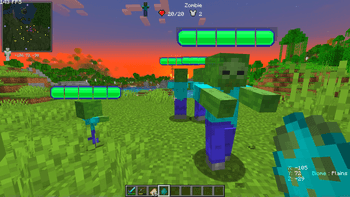

Health Bar Indicator
Adds Health Bar to all the mobs around you!Install
Fantastical Origins
A hackjob and fork of a fork of Medieval Origins balanced for heavily modded play and a specific modpack.Install
ForceGL2.0-Remapped
Forces Minecraft to use a specified OpenGL version. (mod default = 2.0)Install
Growmeal
Instant growth bonemeal.Install
I18nUpdateMod Non-LTS
This is a Fork of I18nUpdateMod 2.x, adding game versions/loaders that are not supported for I18nUpdateMod 2.x.Install
Customizable Player Models Plasmo Voice compat
Adds compatibility between Customizable Player Models and Plasmo VoiceInstall
Horror ambiance
This mod adds the feel of a horror mod without the annoying entitiesInstall
Eccentric Tome (Fabric)
The book to end all books (Fabric port)Install

StitchedSnow
Minecraft Fabric mod to have snow layers stackInstall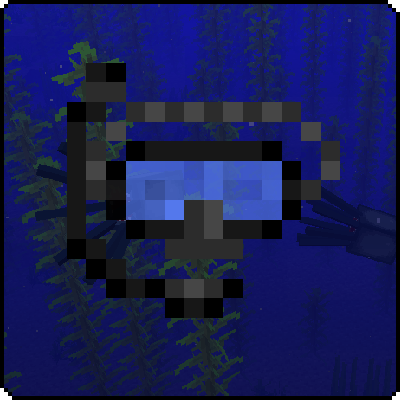
Exline's Snorkel Mod
Adds a snorkel that allows you to breath under first layer of water!Install
RME's Campfire Leather
A way of converting Rotten Flesh to Leather in a way that's balanced.Install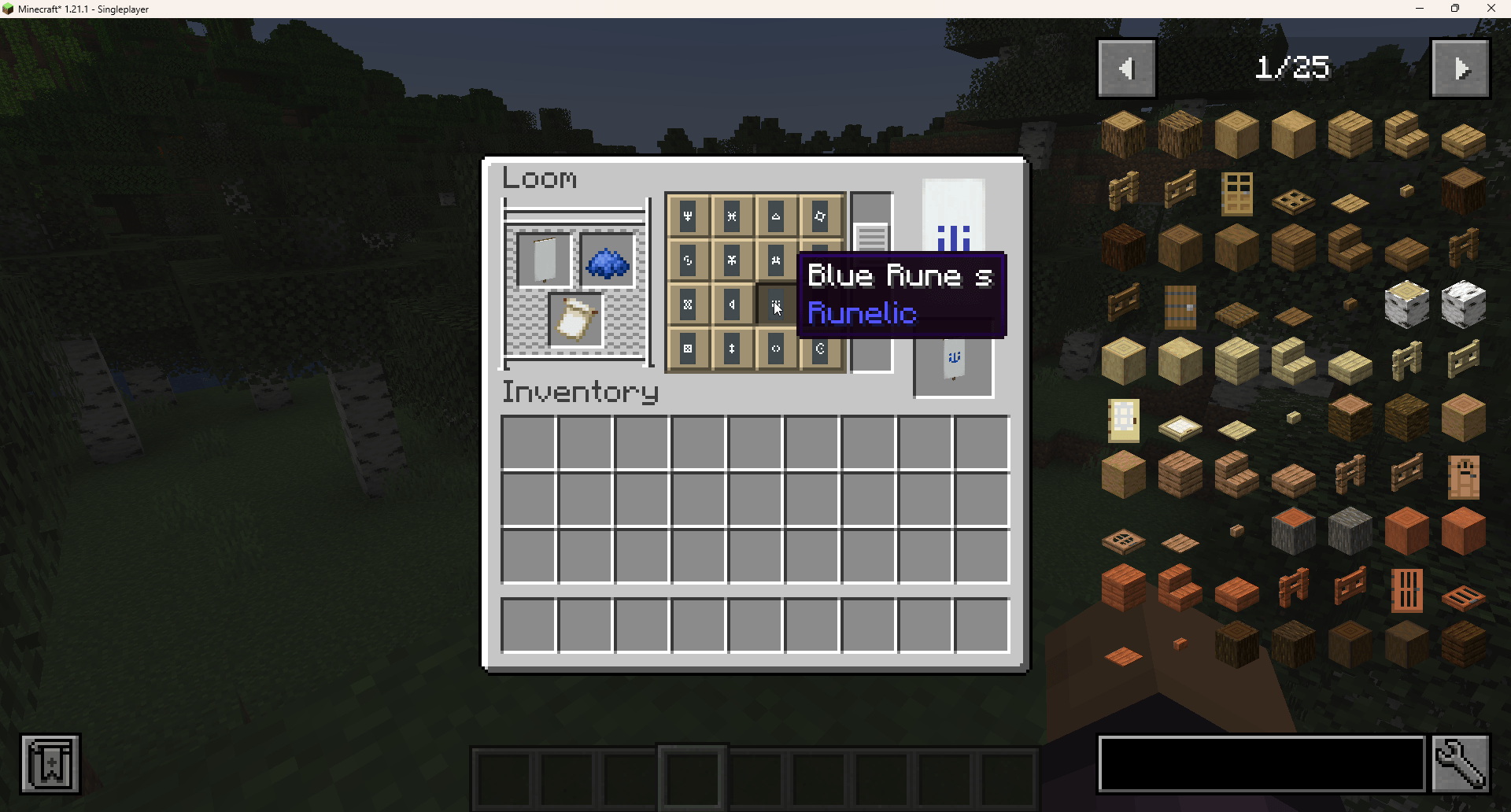
Tip of the Loom
Adds tooltips to banner pattern buttons in the loom.Install
Additional Armoury
Adds more weapons, magic, and armour to the game.Install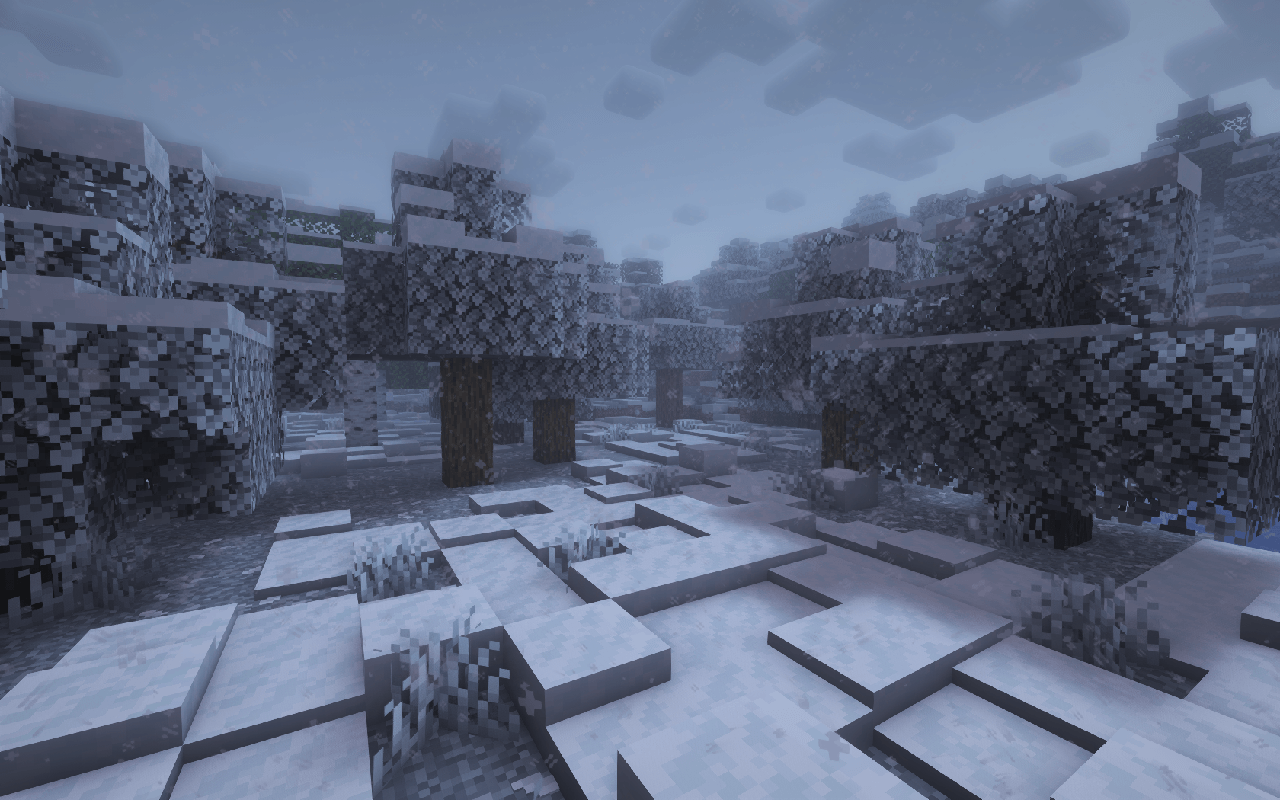

Snowy Weather
In all biomes of the world, the earth is covered with snow, and the water freezes!Install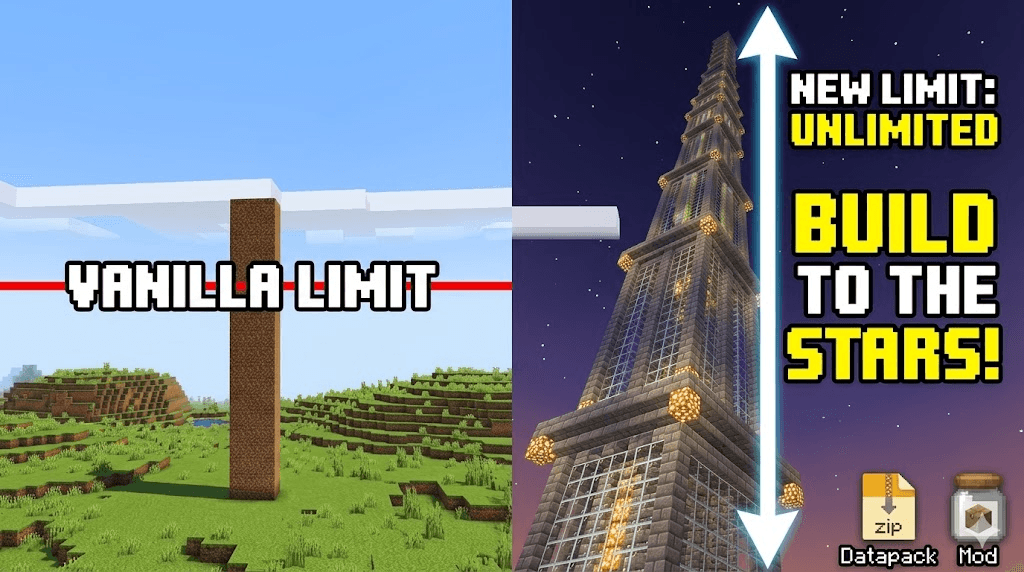
Extended Build Limit
Go beyond the vanilla boundaries. This lightweight utility is available as both a mod and a datapack that significantly increases Minecraft's vertical building range from the bedrock to the stars.Install
FREX (Fabric)
Rendering Extensions API and Library (Fabric)Install
Player Highlighter
Highlights players / living entitiesInstall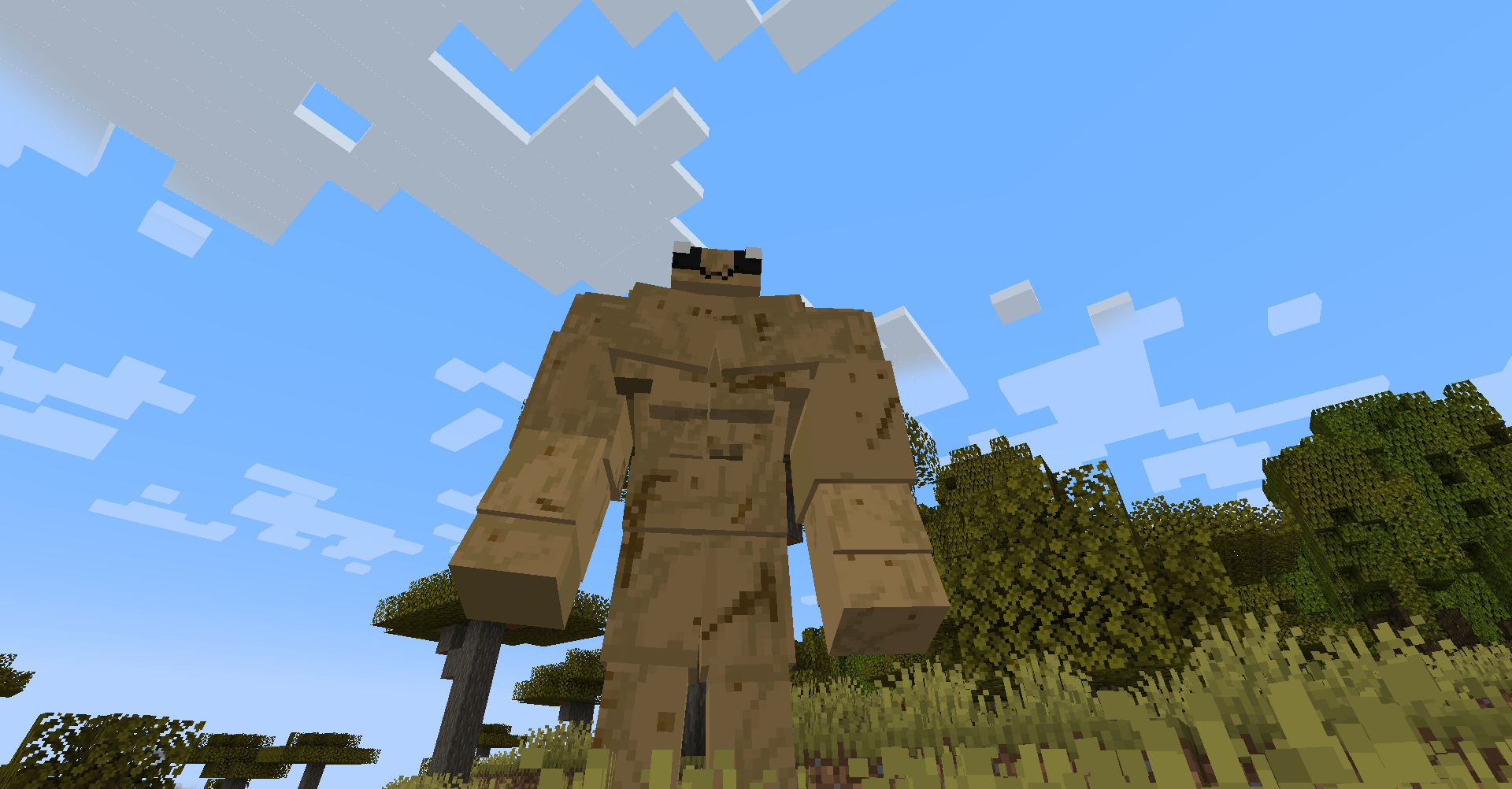
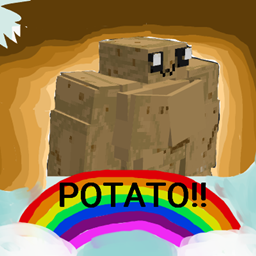
potato golem :3
just a potato golem :3Install
Extra Recipe
Added more recipes to the vanilla and other mods!Install
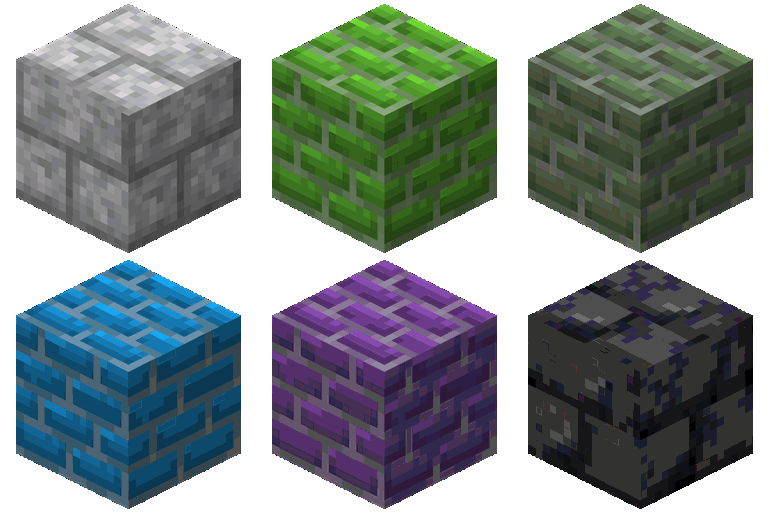
Brick Variety
Adds dozens of new bricks to the game, like sandstone, basalt, granite, diorite, andesite, terracotta, and concrete bricks, and their variants.Install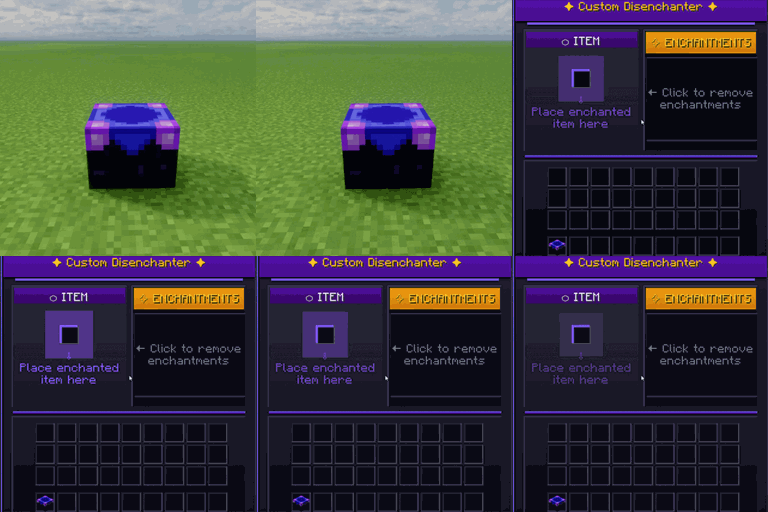
Custom Disenchanter
Precision enchantment removal - keep what you want, remove what you don't.Install
ItemClearLag [ICL]
ItemClearLag (ICL) is a Minecraft mod designed to improve server performance by periodically removing items from the ground.InstallFAQ
How is Forge different from Fabric?
They're two different mod loaders that aren't compatible with each other. Forge is the older one and better suited to big tech and magic modpacks; Fabric is lighter, updates to new game versions faster, and hosts most performance mods. NeoForge is a Forge fork for newer versions, and Quilt is a Fabric fork. A Forge mod won't run on Fabric, and vice versa. Millida Launcher installs the right loader for you.
How do I know which mod version I need?
The one that matches your game version and loader. The “Install” button picks the file for you: Millida Launcher grabs the version for your modpack. A mod for 1.20.1 usually won't work on 1.21.
How do I install a mod?
Click “Install” and Millida Launcher will download the mod, its dependencies and the right loader for you. To install a downloaded file manually, put it in the mods folder inside the game directory.
Do I need CurseForge to install mods?
No. The Install button on a mod page opens Millida Launcher: it downloads the mod, its dependencies and the right loader into the chosen instance by itself. No CurseForge and no manual file copying.
Which mods are there for 1.20.1?
1.20.1 is one of the most modded versions, especially on Forge: tech, magic, RPG, furniture, weapons. Pick 1.20.1 in the version filter to keep only mods with a file built exactly for it, then pick Forge or Fabric next to it.
Can I install mods on my phone?
On Android, yes: Millida Launcher runs the Java edition on a phone, and mods work there just like on a PC, though light ones run much better than heavy ones. Minecraft PE (Bedrock) cannot load PC mods — it has add-ons instead, in the Minecraft PE mods section.
Which mods are best to play with friends?
The usual picks are Simple Voice Chat for proximity voice chat, Waystones for fast travel, Xaero's Minimap and something big to work on together, such as Create. Mods that change the world must be installed by every player and on the server, while client-side ones like a minimap or performance mods are up to each player.
Minecraft mods
A mod is an add-on that changes the game itself: it adds blocks, mobs and mechanics, or speeds up world rendering. It isn't installed into the game directly but on top of a loader — Forge, Fabric, NeoForge or Quilt — and it's the loader that decides whether the file will run. That's why every card here lists both the game version and the loader: two mods with the same name for 1.12.2 Forge and 1.21 Fabric are two different files, and mixing them up means a crash on launch.
The most searched Minecraft mods are weapon, furniture, horror and performance mods: each theme has its own collection, and links to the themes and the most wanted versions are in the Popular block. Version 1.20.1 on Forge still holds the most big tech, magic and RPG mods, while the fresh 1.21.11 and 26.2 get Fabric and NeoForge mods fastest.
One mod in the catalog, one page. Every version the author has released is listed on its card: pick your game version and loader right there instead of jumping between ten similar pages. Each file shows its size, release date and checksum, and the mod itself shows the author, license and a link to the original source. Files whose license allows rehosting are stored with us and download directly — no link shorteners, timers or ad redirects. If the license forbids rehosting, the button honestly takes you to the author.