
Minecraft mods — page 33
9,009 itemsMods: list


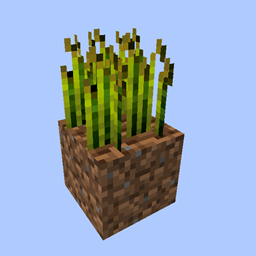
Reap Mod
Harvest crops with right clickingInstall
Mobtimizations - Entity Performance Fixes
Optimizes a lot of tasks that Entity AI wastefully performs, minimal effect on gameplay.Install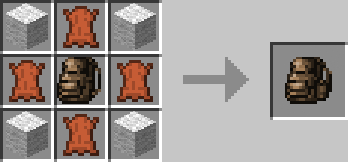
Useful Backpacks
Need more slots? Try these backpacksInstall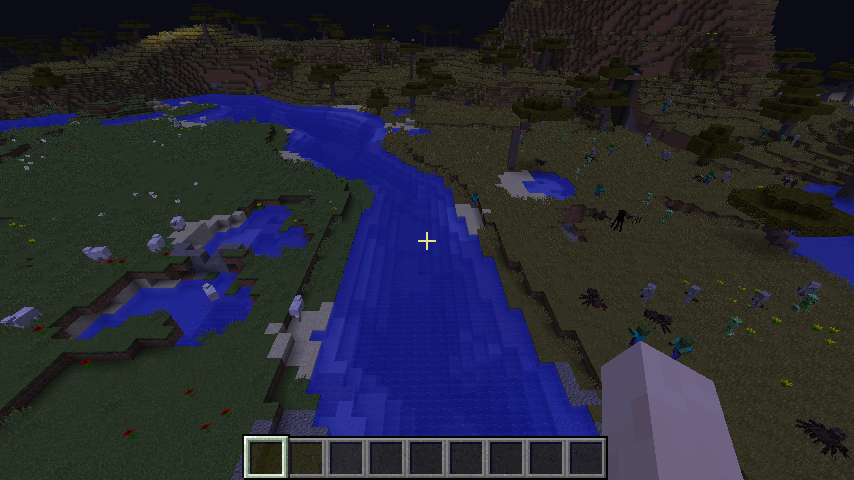
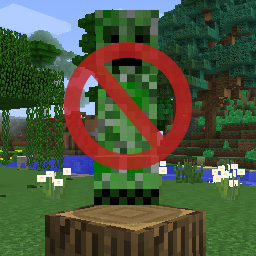
No Mob Spawning on Trees
A mod prevents mob spawning on wood logs.Install

FastQuit
Lets you return to the Title Screen early while your world is still saving in the background!Install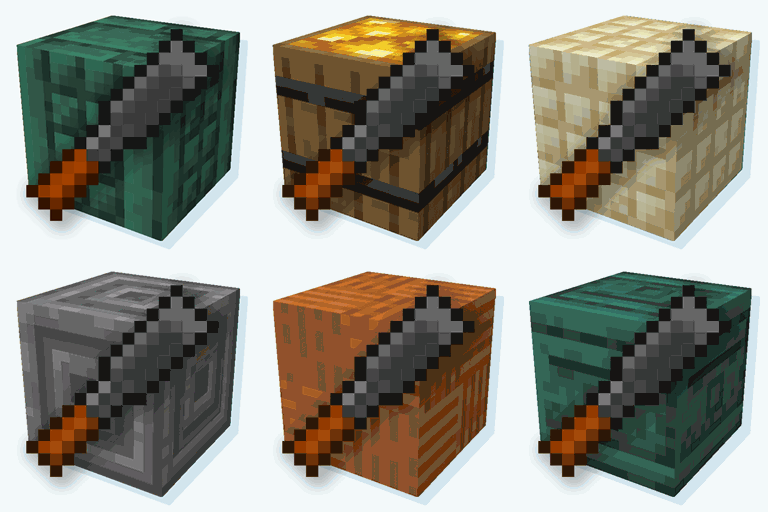
Rechiseled: Chipped
Let's you quickly craft Chipped block variants using the Rechiseled chisel. Also adds a few QoL features to Rechiseled.Install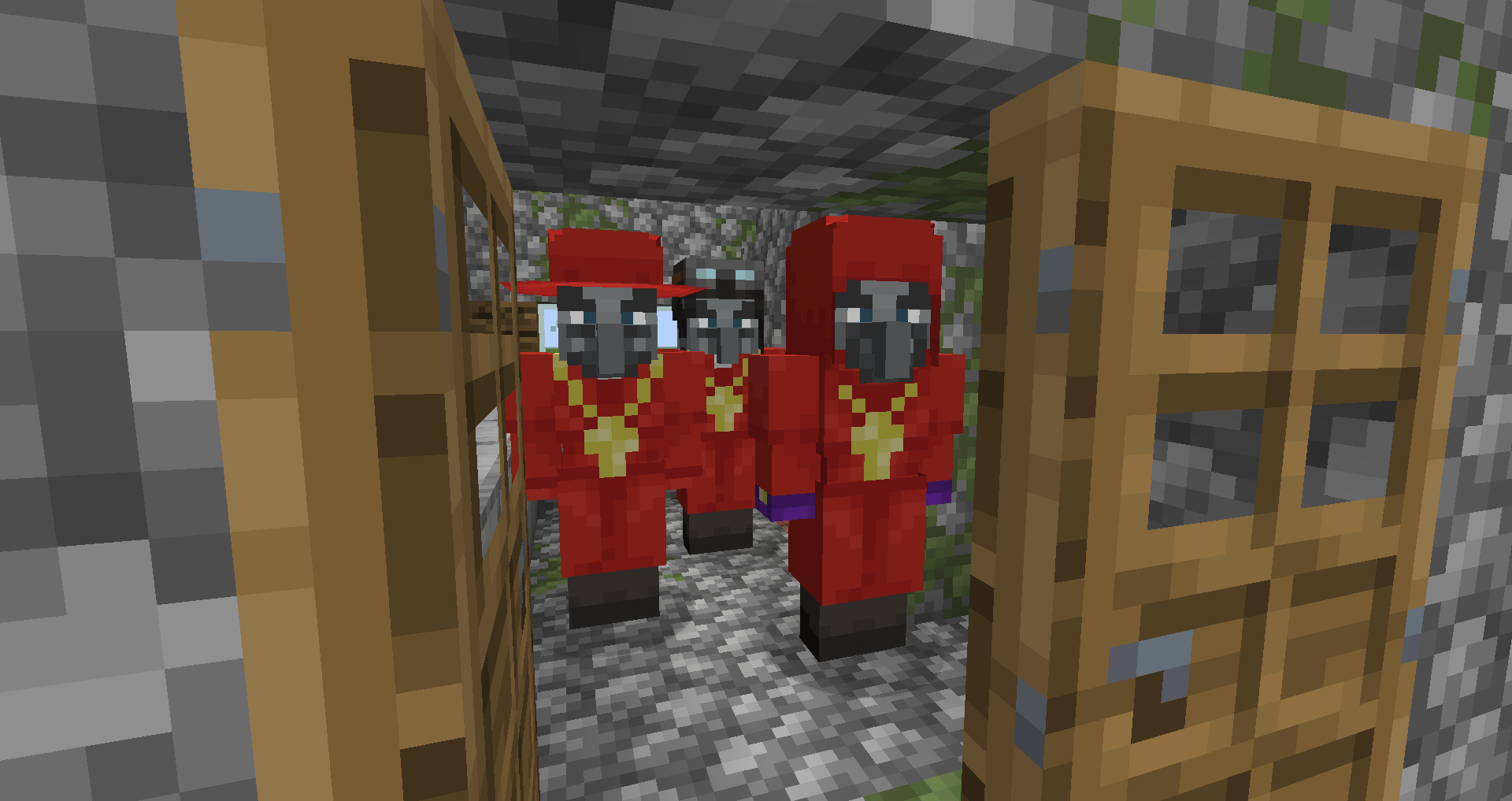
Raided
Expands upon the vanilla raid system to allow for more advanced raid mechanicsInstall
Apothic Enchanting
A total overhaul to Minecraft's enchanting systemInstall
Industrial Foregoing Souls
Use Warden's souls to accelerate your machinesInstall

Athena
A crossplatform (Forge/Fabric) solution to connected block textures for 1.19.4+Install

Your Options Shall Be Respected (YOSBR)
Your options shall be respected.Install
Open Parties and Claims
Adds the ability to claim chunks and make player parties, integrates with Xaero's Minimap and World MapInstallOn a server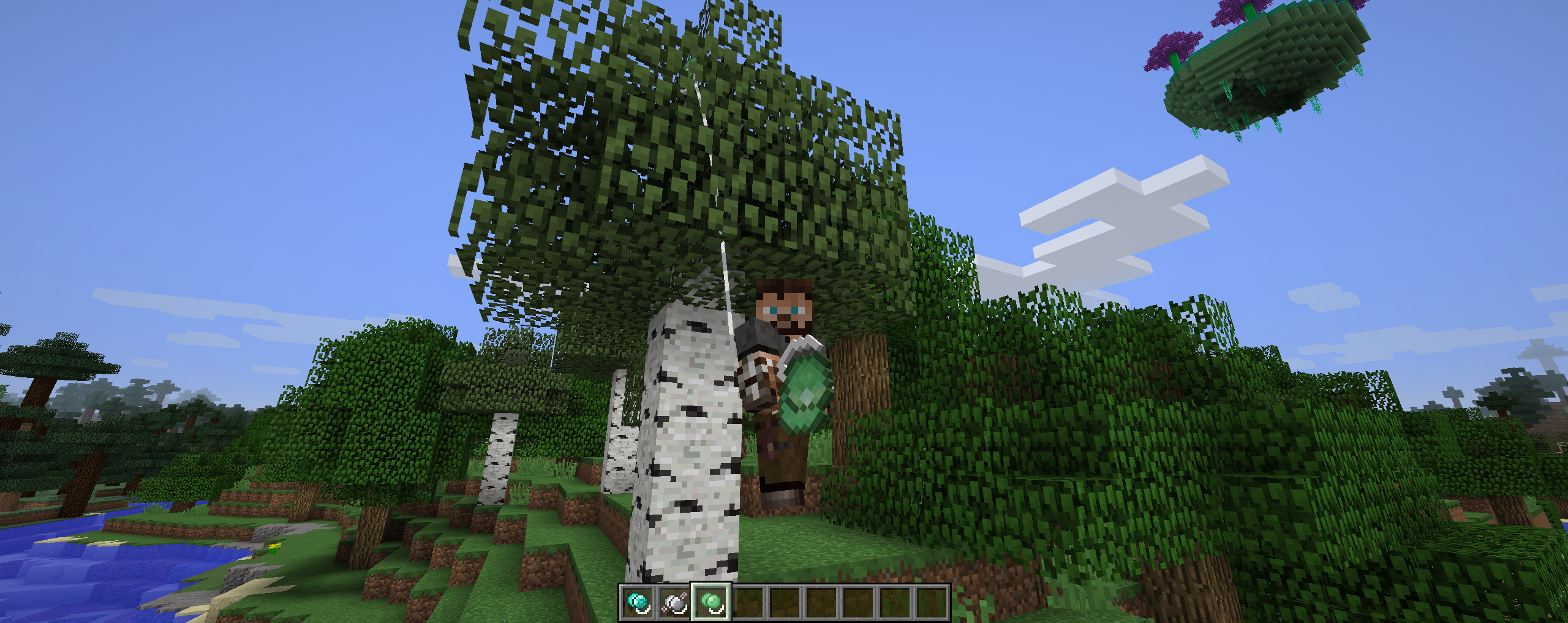

Yoyos
Children's toy based weaponryInstall
XyCraft
Sci-fi Aesthetics and TechnologyInstall
Just Enough Energistics (JEE)
Adds proper JEI integration for the AE2 Pattern TerminalInstall
XyCraft: World
World Generation for XyCraftInstall

Chat Animation [Smooth Chat]
Makes chat messages appear with a smooth animation.Install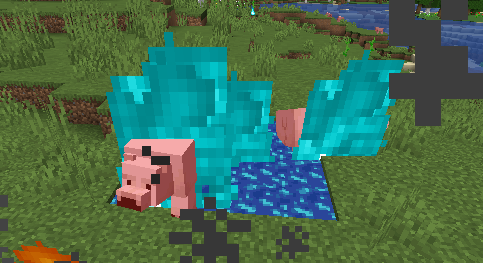
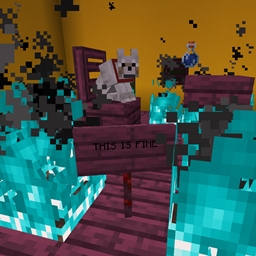
Blue Flame Burning
Makes soul fire burn entities with a blue flame instead of regular flamesInstall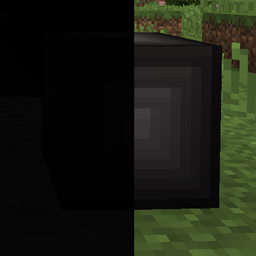
The Beneath
A Deep Dark alternative, highly configurable and evil.Install
Comforts
Adds sleeping bags and hammocks for, respectively, portability and turning day to night, without setting new spawns. Comes in 16 different colors!InstallOn a server

spark
spark is a performance profiler for Minecraft clients, servers and proxies.InstallOn a server
Apothic Spawners
Allows moving and modifying Mob SpawnersInstall
Carrots Library [FORGE]
Base library used by The_Wabbit's modsInstallFAQ
How is Forge different from Fabric?
They're two different mod loaders that aren't compatible with each other. Forge is the older one and better suited to big tech and magic modpacks; Fabric is lighter, updates to new game versions faster, and hosts most performance mods. NeoForge is a Forge fork for newer versions, and Quilt is a Fabric fork. A Forge mod won't run on Fabric, and vice versa. Millida Launcher installs the right loader for you.
How do I know which mod version I need?
The one that matches your game version and loader. The “Install” button picks the file for you: Millida Launcher grabs the version for your modpack. A mod for 1.20.1 usually won't work on 1.21.
How do I install a mod?
Click “Install” and Millida Launcher will download the mod, its dependencies and the right loader for you. To install a downloaded file manually, put it in the mods folder inside the game directory.
Do I need CurseForge to install mods?
No. The Install button on a mod page opens Millida Launcher: it downloads the mod, its dependencies and the right loader into the chosen instance by itself. No CurseForge and no manual file copying.
Which mods are there for 1.20.1?
1.20.1 is one of the most modded versions, especially on Forge: tech, magic, RPG, furniture, weapons. Pick 1.20.1 in the version filter to keep only mods with a file built exactly for it, then pick Forge or Fabric next to it.
Can I install mods on my phone?
On Android, yes: Millida Launcher runs the Java edition on a phone, and mods work there just like on a PC, though light ones run much better than heavy ones. Minecraft PE (Bedrock) cannot load PC mods — it has add-ons instead, in the Minecraft PE mods section.
Which mods are best to play with friends?
The usual picks are Simple Voice Chat for proximity voice chat, Waystones for fast travel, Xaero's Minimap and something big to work on together, such as Create. Mods that change the world must be installed by every player and on the server, while client-side ones like a minimap or performance mods are up to each player.
Minecraft mods
A mod is an add-on that changes the game itself: it adds blocks, mobs and mechanics, or speeds up world rendering. It isn't installed into the game directly but on top of a loader — Forge, Fabric, NeoForge or Quilt — and it's the loader that decides whether the file will run. That's why every card here lists both the game version and the loader: two mods with the same name for 1.12.2 Forge and 1.21 Fabric are two different files, and mixing them up means a crash on launch.
The most searched Minecraft mods are weapon, furniture, horror and performance mods: each theme has its own collection, and links to the themes and the most wanted versions are in the Popular block. Version 1.20.1 on Forge still holds the most big tech, magic and RPG mods, while the fresh 1.21.11 and 26.2 get Fabric and NeoForge mods fastest.
One mod in the catalog, one page. Every version the author has released is listed on its card: pick your game version and loader right there instead of jumping between ten similar pages. Each file shows its size, release date and checksum, and the mod itself shows the author, license and a link to the original source. Files whose license allows rehosting are stored with us and download directly — no link shorteners, timers or ad redirects. If the license forbids rehosting, the button honestly takes you to the author.