Random Enchant Fix
by Txni · ModrinthFixes issues with enchant functions in loot tables applying unwanted enchantments.
Updated October 5
Fixes issues with enchant functions in loot tables applying unwanted enchantments.
Adds a better variant of Netherite, with new Tools and Armor, which have special effects, that you can configure.
A fabric-carpet extension mod. It offers some interesting and useful features.
Copy, insert and erase text from signs in-game using a simple GUI.
This little mod rewrites one function of the advancements logic to make advancements checking faster, and use less recursion. It should prevent StackOverflowErrors with advancements.
Prints information about your modpack into the logs & crash logs!
A world generation mod that improves the terrain by adding slabs
MiniHUD unofficial forge port. A tiny client-side mod for Minecraft. that adds the coordinates, looking angle and current speed to the screen.
Allows slight customization of the night vision effect, such as disabling it entirely and changing the warning flashing to be a smooth fade out.
Spice up the game with new player death messages.
Library mod for blockstate property manipulation
Configurable astronomy mod that adds real life stars and planets to the night sky, with changes to the sun / moon, eclipses and shooting stars
A mod that reworks mob AIs. Including some bosses.
Adds 200+ various tweaks, items, commands, food, armor, blocks, equipment, automation, and more!
A whole new range of banner patterns, to enhance your world!
Simple, customisable punishment utility mod for Fabric
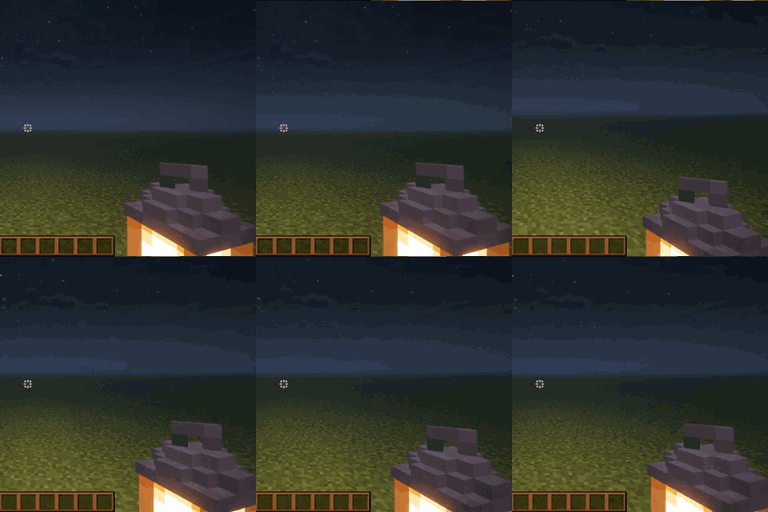
A dynamic light for all light-emitting items and glowing entities
Adds Farmer's Delight cutting recipes for Oh The Biomes We've Gone
Library for rendering live info-overlays
An unofficially maintained continuation of BetterNether for Fabric and NeoForge, bringing the latest BetterNether content to every supported Minecraft version alongside bug fixes, compatibility improvements, and expanded Nether world generation
A convenient utility curio that lets you instantly store items from any chest into your Refined Storage network with a single click.
An Powerfull Xray Mod That Allows You To See Ores And More By Pressing X! [Requires Serverside!]
A mod that makes the player holding any light source, such as a torch , glowstone, etc, automatically illuminate the surrounding area.
Create a portal to anywhere from anywhere
They're two different mod loaders that aren't compatible with each other. Forge is the older one and better suited to big tech and magic modpacks; Fabric is lighter, updates to new game versions faster, and hosts most performance mods. NeoForge is a Forge fork for newer versions, and Quilt is a Fabric fork. A Forge mod won't run on Fabric, and vice versa. Millida Launcher installs the right loader for you.
The one that matches your game version and loader. The “Install” button picks the file for you: Millida Launcher grabs the version for your modpack. A mod for 1.20.1 usually won't work on 1.21.
Click “Install” and Millida Launcher will download the mod, its dependencies and the right loader for you. To install a downloaded file manually, put it in the mods folder inside the game directory.
No. The Install button on a mod page opens Millida Launcher: it downloads the mod, its dependencies and the right loader into the chosen instance by itself. No CurseForge and no manual file copying.
1.20.1 is one of the most modded versions, especially on Forge: tech, magic, RPG, furniture, weapons. Pick 1.20.1 in the version filter to keep only mods with a file built exactly for it, then pick Forge or Fabric next to it.
On Android, yes: Millida Launcher runs the Java edition on a phone, and mods work there just like on a PC, though light ones run much better than heavy ones. Minecraft PE (Bedrock) cannot load PC mods — it has add-ons instead, in the Minecraft PE mods section.
The usual picks are Simple Voice Chat for proximity voice chat, Waystones for fast travel, Xaero's Minimap and something big to work on together, such as Create. Mods that change the world must be installed by every player and on the server, while client-side ones like a minimap or performance mods are up to each player.
A mod is an add-on that changes the game itself: it adds blocks, mobs and mechanics, or speeds up world rendering. It isn't installed into the game directly but on top of a loader — Forge, Fabric, NeoForge or Quilt — and it's the loader that decides whether the file will run. That's why every card here lists both the game version and the loader: two mods with the same name for 1.12.2 Forge and 1.21 Fabric are two different files, and mixing them up means a crash on launch.
The most searched Minecraft mods are weapon, furniture, horror and performance mods: each theme has its own collection, and links to the themes and the most wanted versions are in the Popular block. Version 1.20.1 on Forge still holds the most big tech, magic and RPG mods, while the fresh 1.21.11 and 26.2 get Fabric and NeoForge mods fastest.
One mod in the catalog, one page. Every version the author has released is listed on its card: pick your game version and loader right there instead of jumping between ten similar pages. Each file shows its size, release date and checksum, and the mod itself shows the author, license and a link to the original source. Files whose license allows rehosting are stored with us and download directly — no link shorteners, timers or ad redirects. If the license forbids rehosting, the button honestly takes you to the author.