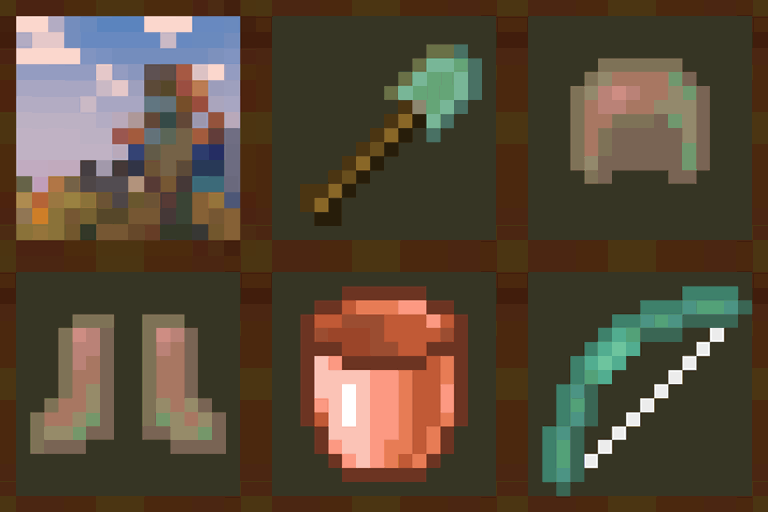
Armor Chroma for Fabric
by A5b84 · ModrinthFabric fork of Armor Chroma, adds different icons in the armor bar depending on the material and can display glint for enchanted items.
Fabric fork of Armor Chroma, adds different icons in the armor bar depending on the material and can display glint for enchanted items.
Addon for Journey Map that allows you to divide the map into regions and assign them names and colors.
Adds custom markers above villagers based on their professions!
RuOK Mod is a Minecraft optimization mod focused on providing simple and practical performance improvements. It also automatically adjusts graphics settings based on performance scores (when enabled in settings).
A mod to prevent combat loggers
A library for observing state changes.
Enchantment info in tooltips!
Rivers, but underground! Wild, isn't it?
🚏 Allows players to dismount/remove/exit entities/mobs from mounted entities without breaking them.
Display hearts in different colors
Add Farmer's Delight to Repurposed Structures Villages
Library Mod
Automatically adjust the random tick speed, entity cramming, raids, patrol, trader and insomnia based on the current server load.
Animals will follow you even after switching the item in your hand, for a configurable amount of time (in case you need to fight off an enemy or use a certain item to open a door, etc.)
Now you can drink water to recover half a thigh of food and half a heart!
A renewable source of create's orestones
Customize Biome Size settings per dimension
Developer tools for easier creation of Spartan Weaponry addons.
This mod redesigns the look of potions, giving both vanilla and modded ones unique, colorful bottle designs that make them easier to recognize.
Additional peripherals for ComputerCraft, allowing interactions with many modded blocks
Biome chests now spawn all over the world and in caves filled with loot, but watch out, some chests are actually mimics.
Copper Tools, Sword, Armor, and Horse Armor!
Sort and transfer items with the click of a button.
Adds extra keybinds to the origins mod!
They're two different mod loaders that aren't compatible with each other. Forge is the older one and better suited to big tech and magic modpacks; Fabric is lighter, updates to new game versions faster, and hosts most performance mods. NeoForge is a Forge fork for newer versions, and Quilt is a Fabric fork. A Forge mod won't run on Fabric, and vice versa. Millida Launcher installs the right loader for you.
The one that matches your game version and loader. The “Install” button picks the file for you: Millida Launcher grabs the version for your modpack. A mod for 1.20.1 usually won't work on 1.21.
Click “Install” and Millida Launcher will download the mod, its dependencies and the right loader for you. To install a downloaded file manually, put it in the mods folder inside the game directory.
No. The Install button on a mod page opens Millida Launcher: it downloads the mod, its dependencies and the right loader into the chosen instance by itself. No CurseForge and no manual file copying.
1.20.1 is one of the most modded versions, especially on Forge: tech, magic, RPG, furniture, weapons. Pick 1.20.1 in the version filter to keep only mods with a file built exactly for it, then pick Forge or Fabric next to it.
On Android, yes: Millida Launcher runs the Java edition on a phone, and mods work there just like on a PC, though light ones run much better than heavy ones. Minecraft PE (Bedrock) cannot load PC mods — it has add-ons instead, in the Minecraft PE mods section.
The usual picks are Simple Voice Chat for proximity voice chat, Waystones for fast travel, Xaero's Minimap and something big to work on together, such as Create. Mods that change the world must be installed by every player and on the server, while client-side ones like a minimap or performance mods are up to each player.
A mod is an add-on that changes the game itself: it adds blocks, mobs and mechanics, or speeds up world rendering. It isn't installed into the game directly but on top of a loader — Forge, Fabric, NeoForge or Quilt — and it's the loader that decides whether the file will run. That's why every card here lists both the game version and the loader: two mods with the same name for 1.12.2 Forge and 1.21 Fabric are two different files, and mixing them up means a crash on launch.
The most searched Minecraft mods are weapon, furniture, horror and performance mods: each theme has its own collection, and links to the themes and the most wanted versions are in the Popular block. Version 1.20.1 on Forge still holds the most big tech, magic and RPG mods, while the fresh 1.21.11 and 26.2 get Fabric and NeoForge mods fastest.
One mod in the catalog, one page. Every version the author has released is listed on its card: pick your game version and loader right there instead of jumping between ten similar pages. Each file shows its size, release date and checksum, and the mod itself shows the author, license and a link to the original source. Files whose license allows rehosting are stored with us and download directly — no link shorteners, timers or ad redirects. If the license forbids rehosting, the button honestly takes you to the author.