
Minecraft mods — page 137
9,030 itemsMods: list


Checklist
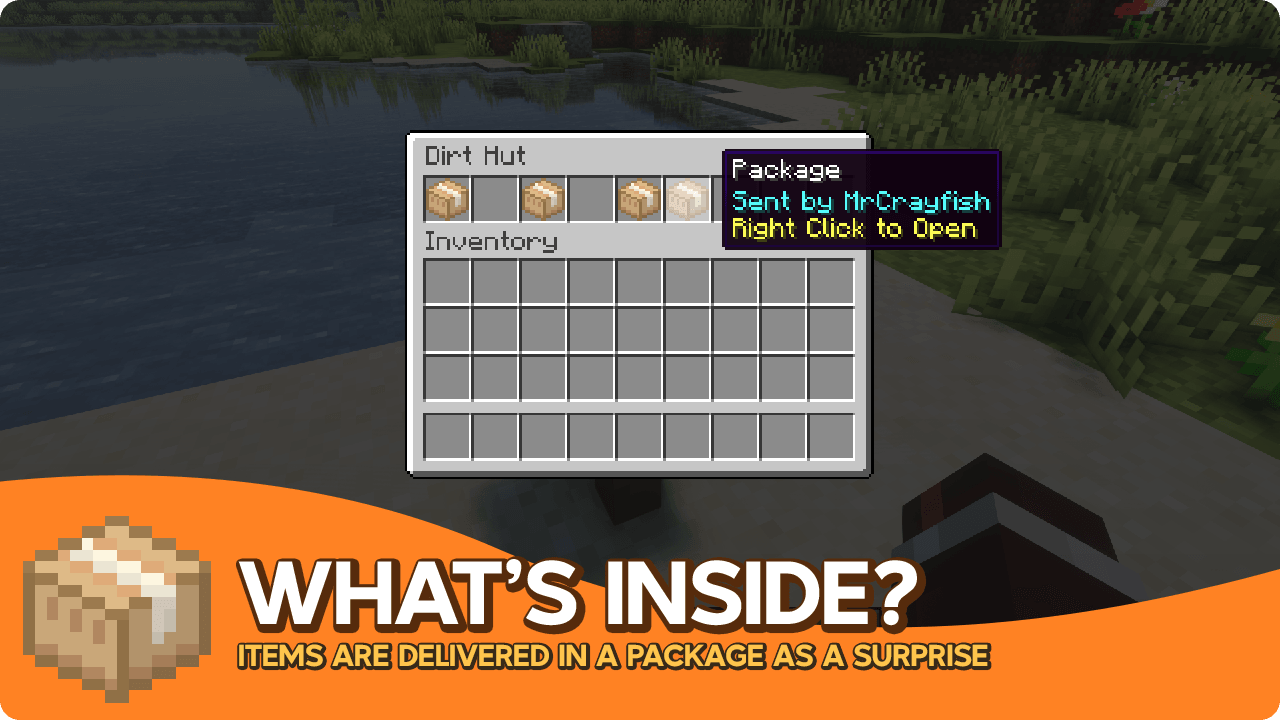
Create a checklist for players to followInstall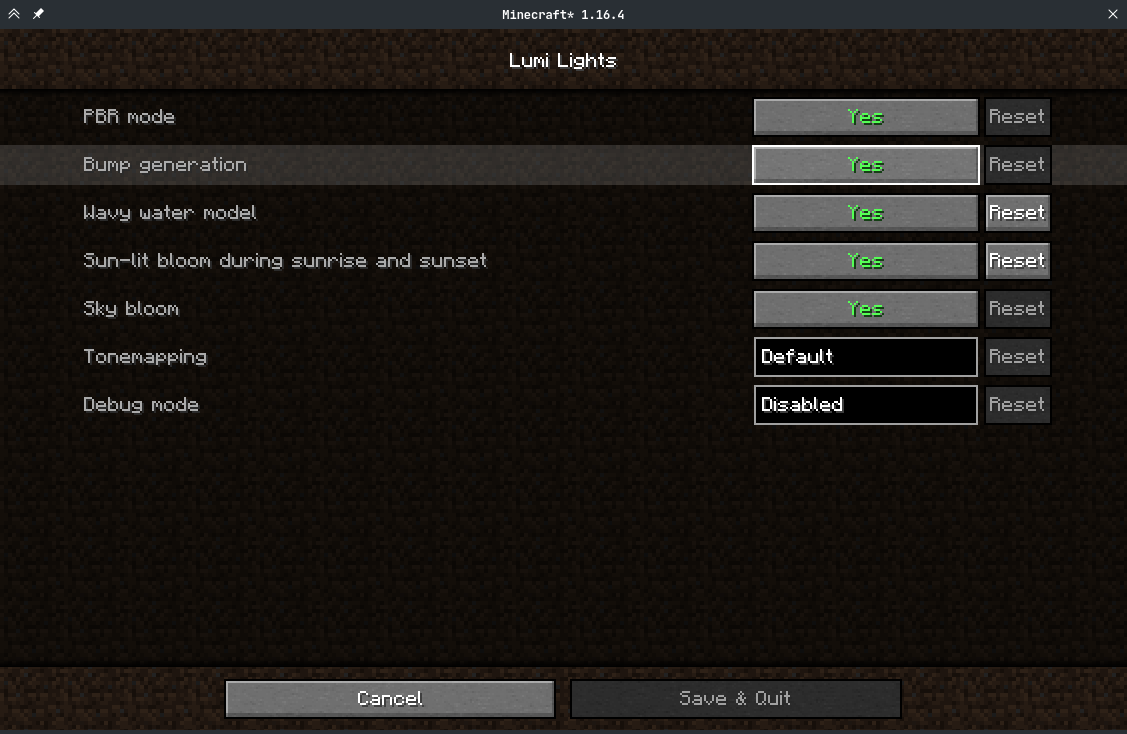

Respackopts
Config menus for resource packsInstall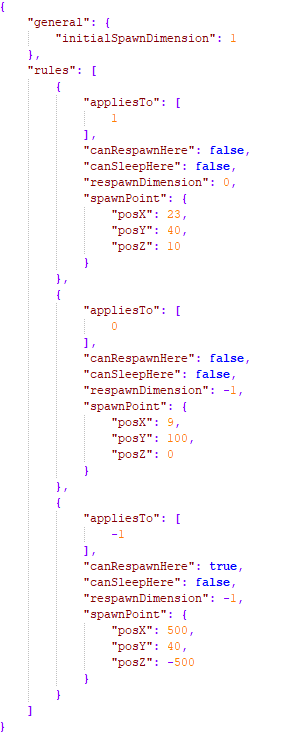

Perfect Spawn
A mod that allows you to control the spawn point & dimension of each dimension.Install

Modular Forcefield System
Adds powerful Forcefields to Minecraft!Install
Shield Statuses
Shows shield states, represented by color. This mod was ported forward and improved on by Walksy.Install

Better Than Mending
A small quality of life tweak to the Mending enchantmentInstallOn a server
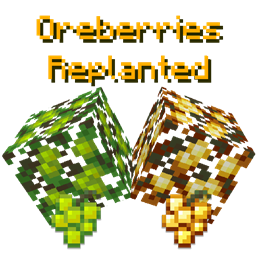
Oreberries Replanted
Ores that grow on Berry BushesInstall
Immersive Portals (for Forge)
See through portal and teleport seamlesslyInstall
Modular Diversity
An addon to Modular Machinery, adding some xmod compatibility. Quotas not included.Install
ArmorStatusHUD
Shows your currently equipped armor and held items on your HUD!Install
Advancement Disable
A simple mod which can remove all advancements in a namespace.InstallOn a server

The Box of Horrors [Forge]
a survival based mod that adds horror icons into minecraftInstall

Werewolves - Become a Beast!
Werewolf addon for Vampirism - Become a vampire!Install
Dolphin Fix
Server side mod that prevents dolphins from drowning when outside simulation distanceInstall

Detail Armor Bar Reconstructed
More details about armor in the armor bar!Install
Void Cup
When you accidentally chroma key out a bucket, you create a portal to the void.Install
Deep Dark: Regrowth
A big horror expansion for the Deep Dark with new biomes and mobs.Install
Ancient Reforging
Gives you the abiltiy to forge ancient affixed gear with Apotheosis!Install
Caliper
A collection of tools for testing and developing mods and modpacks.Install

Common Network
Forge and Fabric Unified Networking SolutionInstallOn a server
More Libs
Library mod for PanSzelescik's modsInstall

Ember's Underground Rooms | Ancient Dungeons
New underground dungeons with varied rooms, treasure and enemies!Install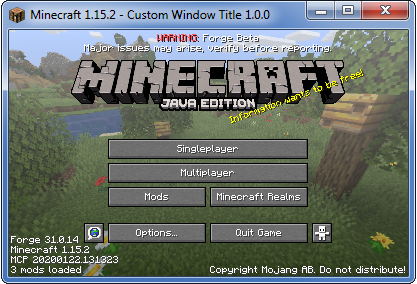
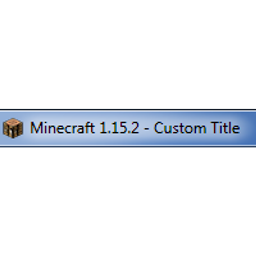
Custom Window Title
Client-side mod to change window title (including special tokens) and window icon. Supports Forge & Fabric.InstallFAQ
How is Forge different from Fabric?
They're two different mod loaders that aren't compatible with each other. Forge is the older one and better suited to big tech and magic modpacks; Fabric is lighter, updates to new game versions faster, and hosts most performance mods. NeoForge is a Forge fork for newer versions, and Quilt is a Fabric fork. A Forge mod won't run on Fabric, and vice versa. Millida Launcher installs the right loader for you.
How do I know which mod version I need?
The one that matches your game version and loader. The “Install” button picks the file for you: Millida Launcher grabs the version for your modpack. A mod for 1.20.1 usually won't work on 1.21.
How do I install a mod?
Click “Install” and Millida Launcher will download the mod, its dependencies and the right loader for you. To install a downloaded file manually, put it in the mods folder inside the game directory.
Do I need CurseForge to install mods?
No. The Install button on a mod page opens Millida Launcher: it downloads the mod, its dependencies and the right loader into the chosen instance by itself. No CurseForge and no manual file copying.
Which mods are there for 1.20.1?
1.20.1 is one of the most modded versions, especially on Forge: tech, magic, RPG, furniture, weapons. Pick 1.20.1 in the version filter to keep only mods with a file built exactly for it, then pick Forge or Fabric next to it.
Can I install mods on my phone?
On Android, yes: Millida Launcher runs the Java edition on a phone, and mods work there just like on a PC, though light ones run much better than heavy ones. Minecraft PE (Bedrock) cannot load PC mods — it has add-ons instead, in the Minecraft PE mods section.
Which mods are best to play with friends?
The usual picks are Simple Voice Chat for proximity voice chat, Waystones for fast travel, Xaero's Minimap and something big to work on together, such as Create. Mods that change the world must be installed by every player and on the server, while client-side ones like a minimap or performance mods are up to each player.
Minecraft mods
A mod is an add-on that changes the game itself: it adds blocks, mobs and mechanics, or speeds up world rendering. It isn't installed into the game directly but on top of a loader — Forge, Fabric, NeoForge or Quilt — and it's the loader that decides whether the file will run. That's why every card here lists both the game version and the loader: two mods with the same name for 1.12.2 Forge and 1.21 Fabric are two different files, and mixing them up means a crash on launch.
The most searched Minecraft mods are weapon, furniture, horror and performance mods: each theme has its own collection, and links to the themes and the most wanted versions are in the Popular block. Version 1.20.1 on Forge still holds the most big tech, magic and RPG mods, while the fresh 1.21.11 and 26.2 get Fabric and NeoForge mods fastest.
One mod in the catalog, one page. Every version the author has released is listed on its card: pick your game version and loader right there instead of jumping between ten similar pages. Each file shows its size, release date and checksum, and the mod itself shows the author, license and a link to the original source. Files whose license allows rehosting are stored with us and download directly — no link shorteners, timers or ad redirects. If the license forbids rehosting, the button honestly takes you to the author.