
Minecraft mods — page 124
9,029 itemsMods: list



Structure Gel API
An API for simplifying the developer end of creating generated structures.InstallOn a server

Born In Configuration
An Unofficial Configuration for Born In ChaosInstall

Search on MCMOD
Search for items under the cursor on mcmod.cnInstall

MaFgLib
MaLiLib unofficial forge port. Library mod for the (Neo)Forge port of masa's mods.Install

Marlow's Crystal Optimizer
Optimization that fixes waiting on the server after crystal break before end crystal entities are cleaned.Install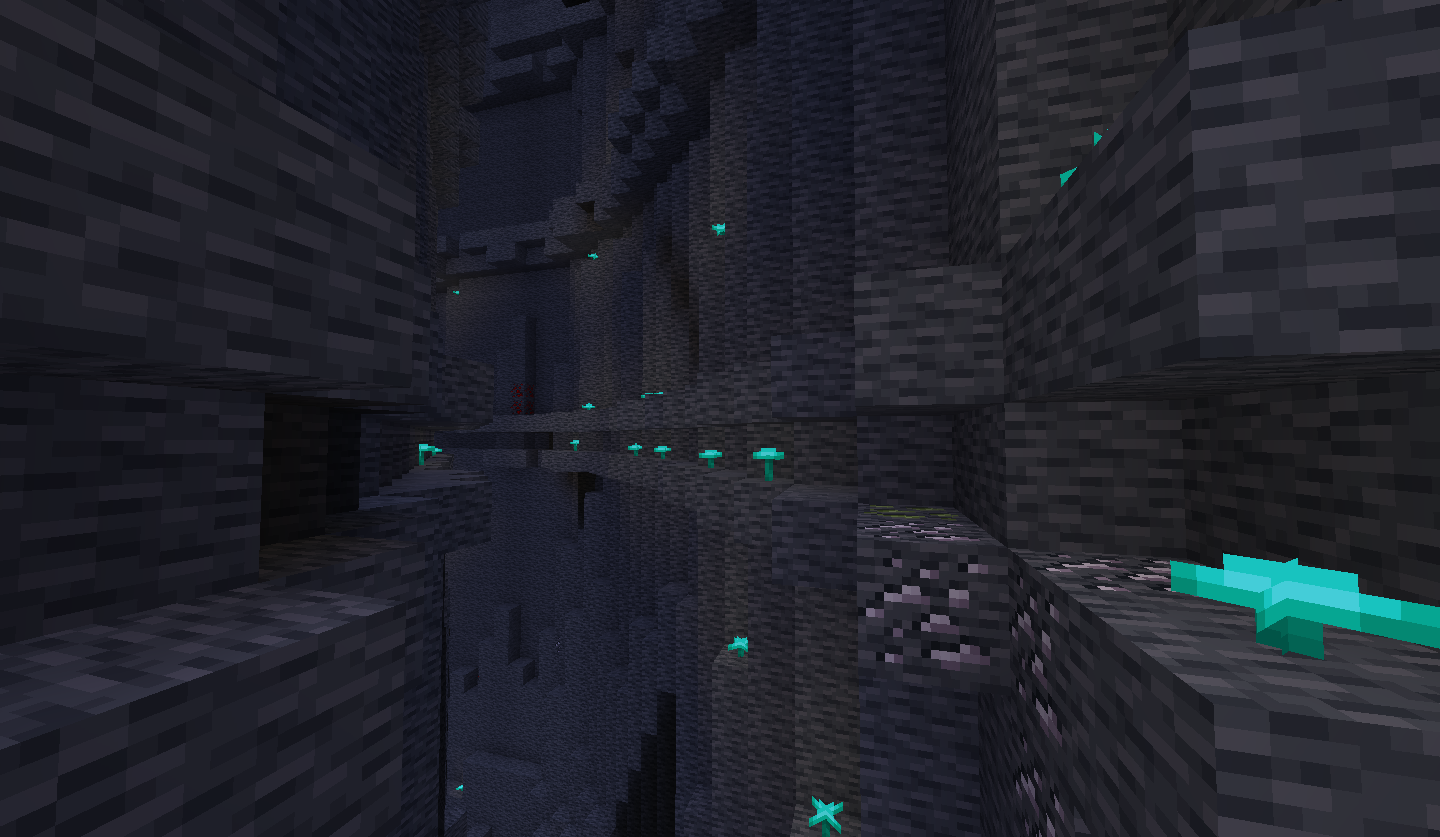

Fisk's Superheroes
Choose between 60+ suits and become a real Superhero in Minecraft!Install
ImmediatelyFast Reforged (Unofficial) - DISCONTINUED
Speed up immediate mode rendering in MinecraftInstall
Curios Quark Oddities Backpack
Add Curios support for Quark Oddities BackpackInstall
Bedrock B Gone
Makes the bedrock layer flat and prettier!Install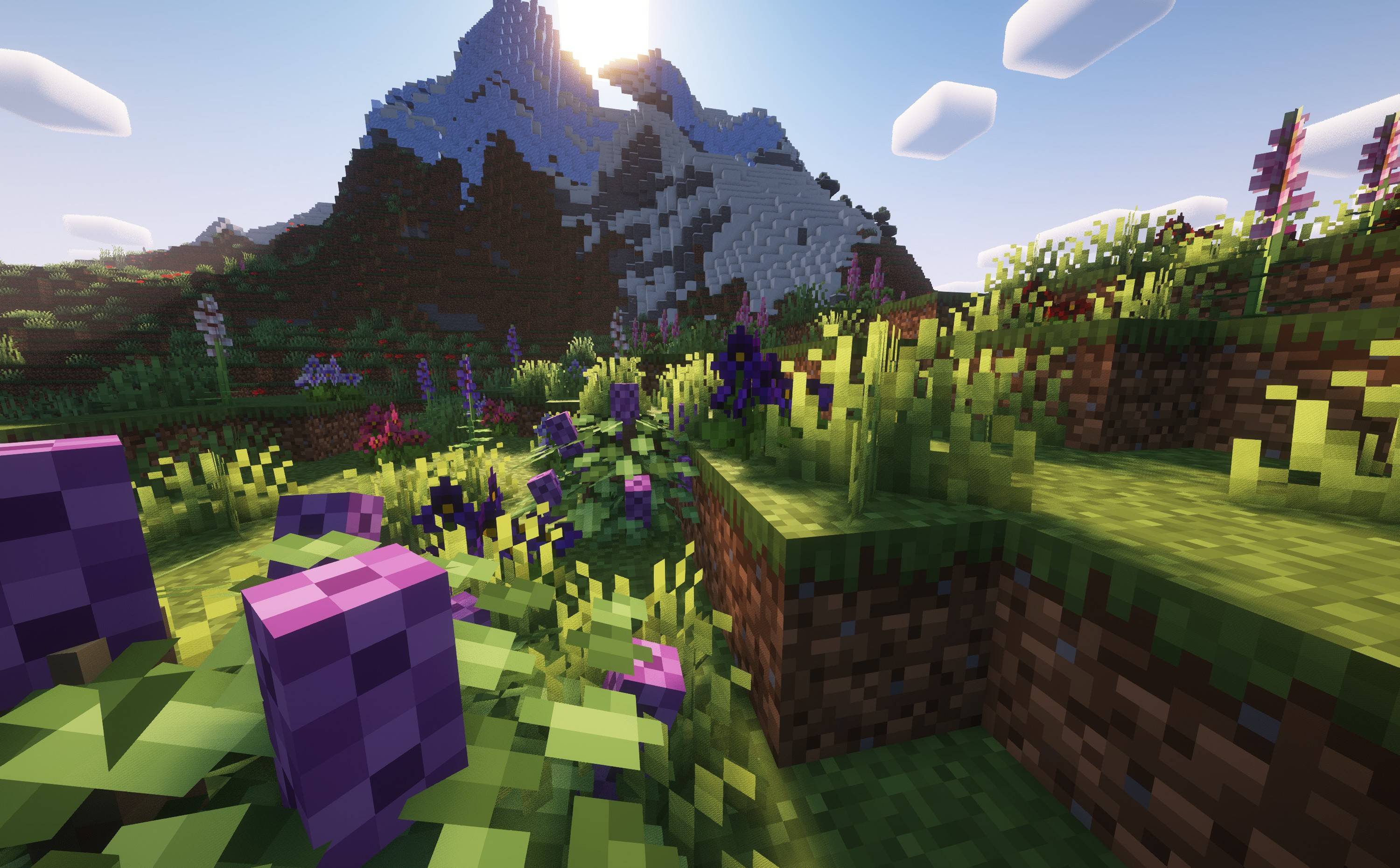

Serene Shrubbery
Create lush gardens with new flowers and plants!Install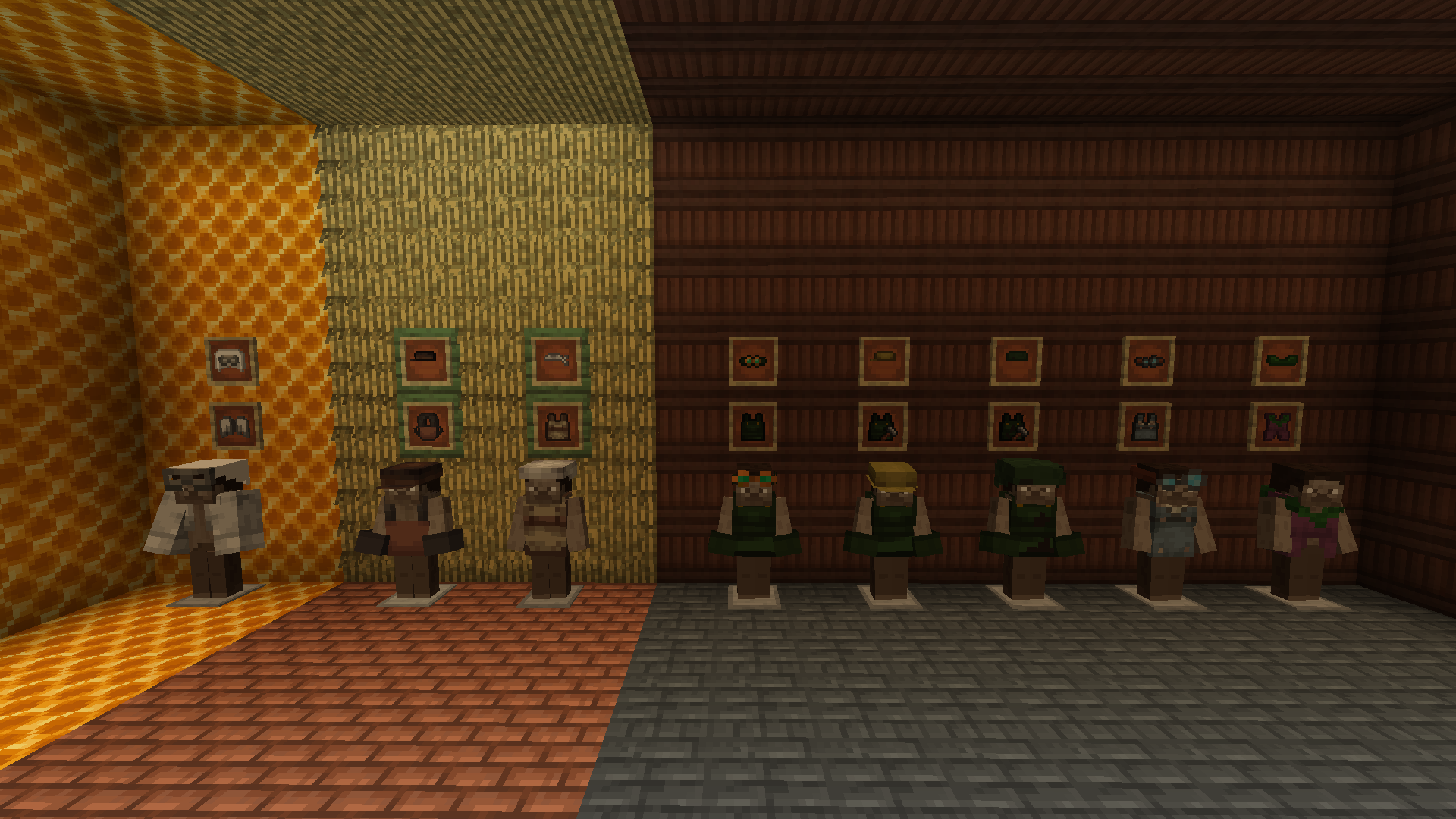
Village Employment
Ever wanted to work in a village? Well, now you can!Install
FTB Promoter
In-game server provider promoterInstall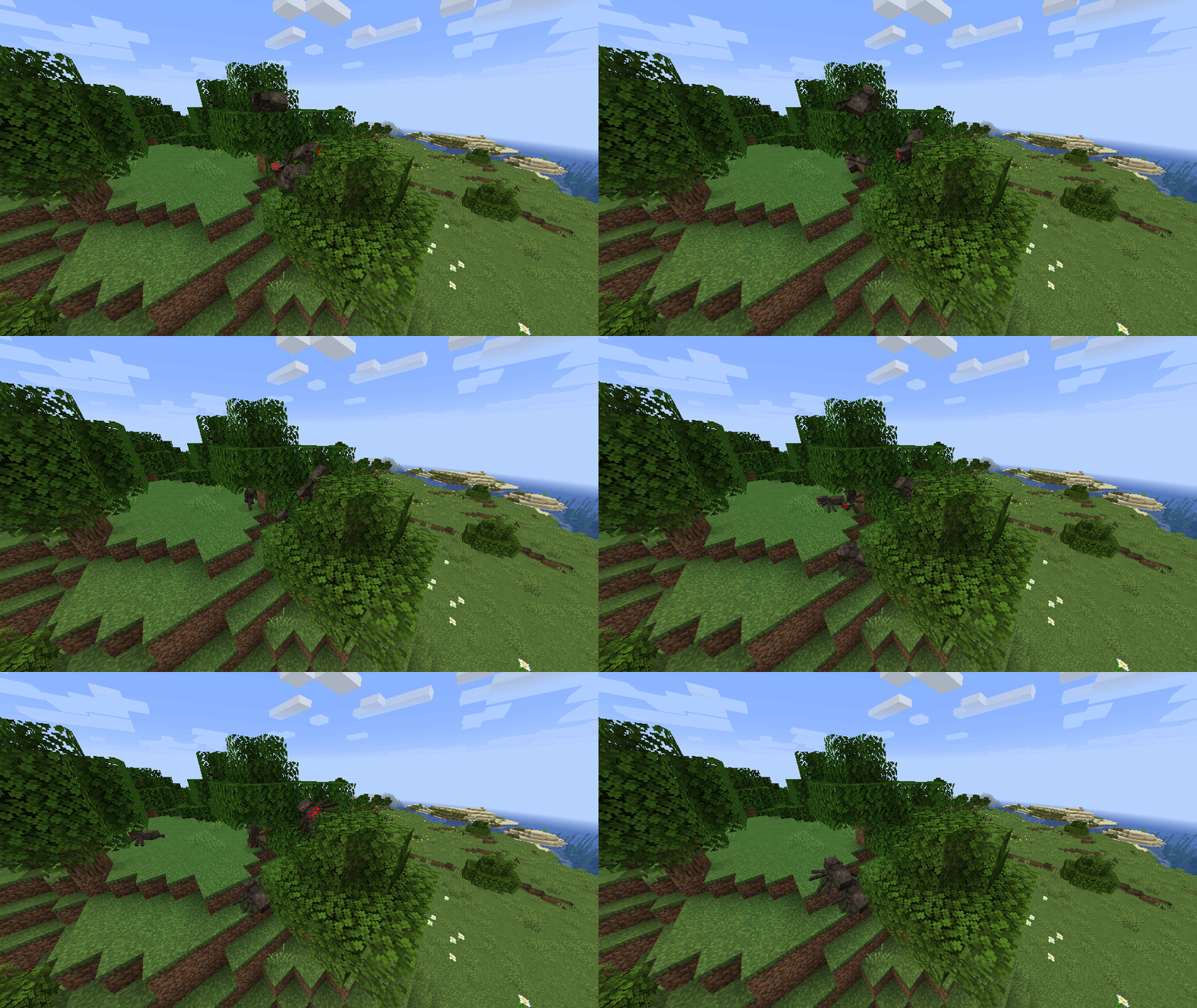
Spiders 2.0
A mod that enhances the AI of spiders and their ability to climb.Install
Charset Lib
Library mod for Charset modules.Install
It Shall Not Tick (ISNT)
A performance mod focused on reducing the performance impact of ticking entitiesInstall
CC: Tweaked
ComputerCraft fork adding programmable computers, turtles and more to Minecraft.InstallOn a server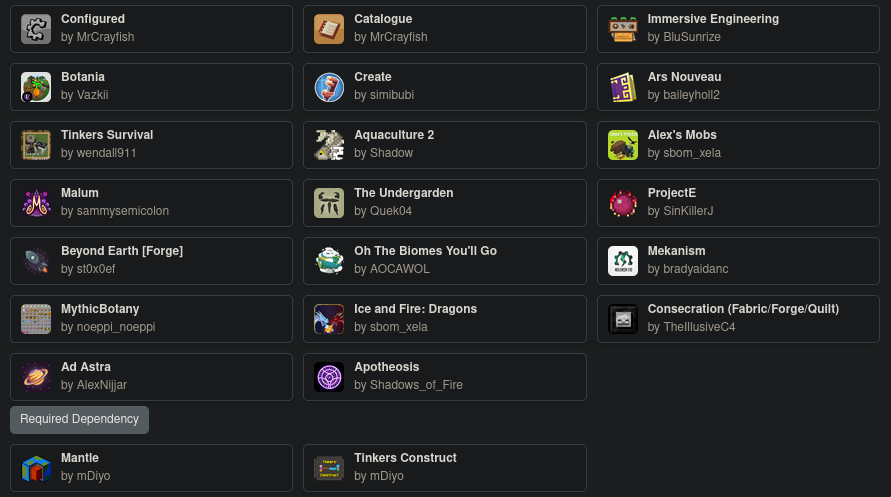
Tinkers Integrations and Tweaks
Balanced Mod integrations and Tweaks for Tinkers' Construct for ModpacksInstall

Revelationary
Data Driven Block and Item Revelation system. Discover as you go!Install
More Shears
Adds More ShearsInstall
Backpacks!
Backpacks by Brad16840Install
Pretty Pipes: Fluids
Pretty Pipes Addon which adds fluid pipes to transfer your fluids!Install

Custom Splash Screen
Change minecraft's loading screen to your liking! Completely configurable!Install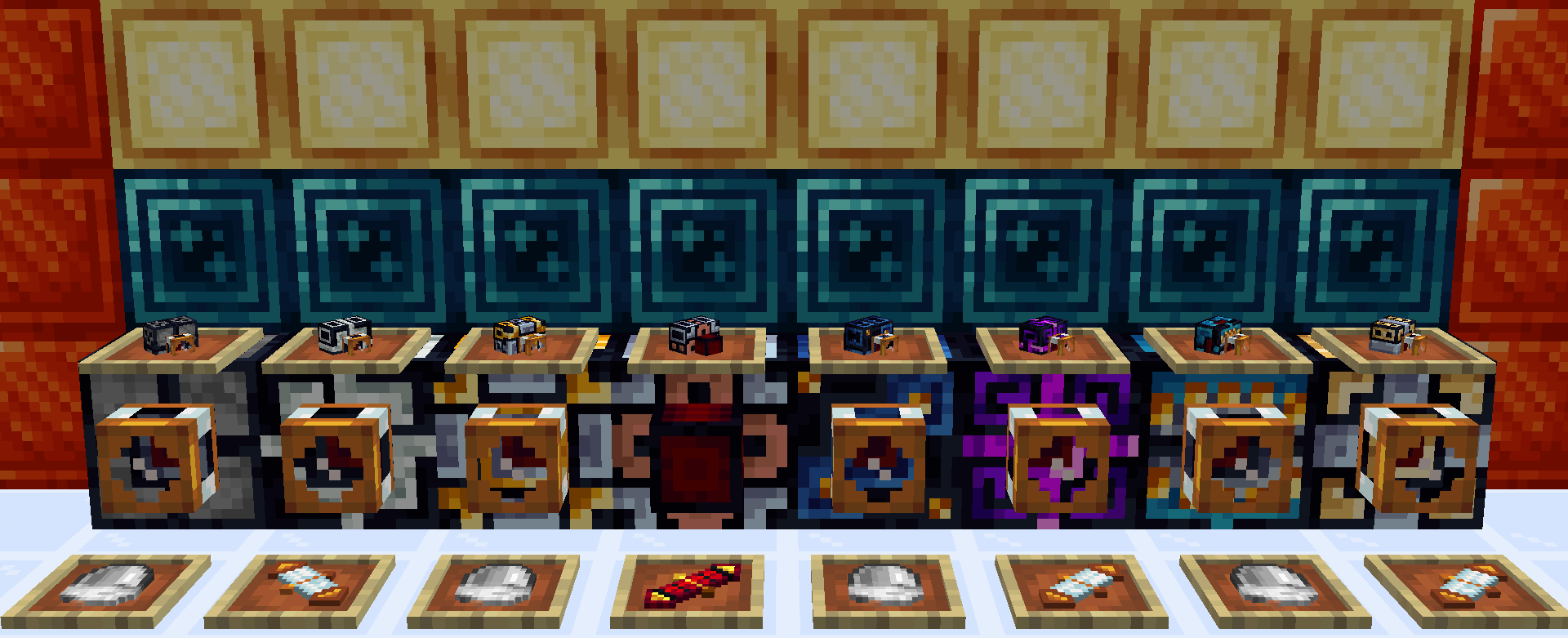

Thermal Systeams
Addon for the Thermal Series that adds Steam! Boilers, Dynamo and more!InstallFAQ
How is Forge different from Fabric?
They're two different mod loaders that aren't compatible with each other. Forge is the older one and better suited to big tech and magic modpacks; Fabric is lighter, updates to new game versions faster, and hosts most performance mods. NeoForge is a Forge fork for newer versions, and Quilt is a Fabric fork. A Forge mod won't run on Fabric, and vice versa. Millida Launcher installs the right loader for you.
How do I know which mod version I need?
The one that matches your game version and loader. The “Install” button picks the file for you: Millida Launcher grabs the version for your modpack. A mod for 1.20.1 usually won't work on 1.21.
How do I install a mod?
Click “Install” and Millida Launcher will download the mod, its dependencies and the right loader for you. To install a downloaded file manually, put it in the mods folder inside the game directory.
Do I need CurseForge to install mods?
No. The Install button on a mod page opens Millida Launcher: it downloads the mod, its dependencies and the right loader into the chosen instance by itself. No CurseForge and no manual file copying.
Which mods are there for 1.20.1?
1.20.1 is one of the most modded versions, especially on Forge: tech, magic, RPG, furniture, weapons. Pick 1.20.1 in the version filter to keep only mods with a file built exactly for it, then pick Forge or Fabric next to it.
Can I install mods on my phone?
On Android, yes: Millida Launcher runs the Java edition on a phone, and mods work there just like on a PC, though light ones run much better than heavy ones. Minecraft PE (Bedrock) cannot load PC mods — it has add-ons instead, in the Minecraft PE mods section.
Which mods are best to play with friends?
The usual picks are Simple Voice Chat for proximity voice chat, Waystones for fast travel, Xaero's Minimap and something big to work on together, such as Create. Mods that change the world must be installed by every player and on the server, while client-side ones like a minimap or performance mods are up to each player.
Minecraft mods
A mod is an add-on that changes the game itself: it adds blocks, mobs and mechanics, or speeds up world rendering. It isn't installed into the game directly but on top of a loader — Forge, Fabric, NeoForge or Quilt — and it's the loader that decides whether the file will run. That's why every card here lists both the game version and the loader: two mods with the same name for 1.12.2 Forge and 1.21 Fabric are two different files, and mixing them up means a crash on launch.
The most searched Minecraft mods are weapon, furniture, horror and performance mods: each theme has its own collection, and links to the themes and the most wanted versions are in the Popular block. Version 1.20.1 on Forge still holds the most big tech, magic and RPG mods, while the fresh 1.21.11 and 26.2 get Fabric and NeoForge mods fastest.
One mod in the catalog, one page. Every version the author has released is listed on its card: pick your game version and loader right there instead of jumping between ten similar pages. Each file shows its size, release date and checksum, and the mod itself shows the author, license and a link to the original source. Files whose license allows rehosting are stored with us and download directly — no link shorteners, timers or ad redirects. If the license forbids rehosting, the button honestly takes you to the author.