
Minecraft mods — page 12
9,012 itemsMods: list
ContentTweaker
Allows you to add Items and BlocksInstall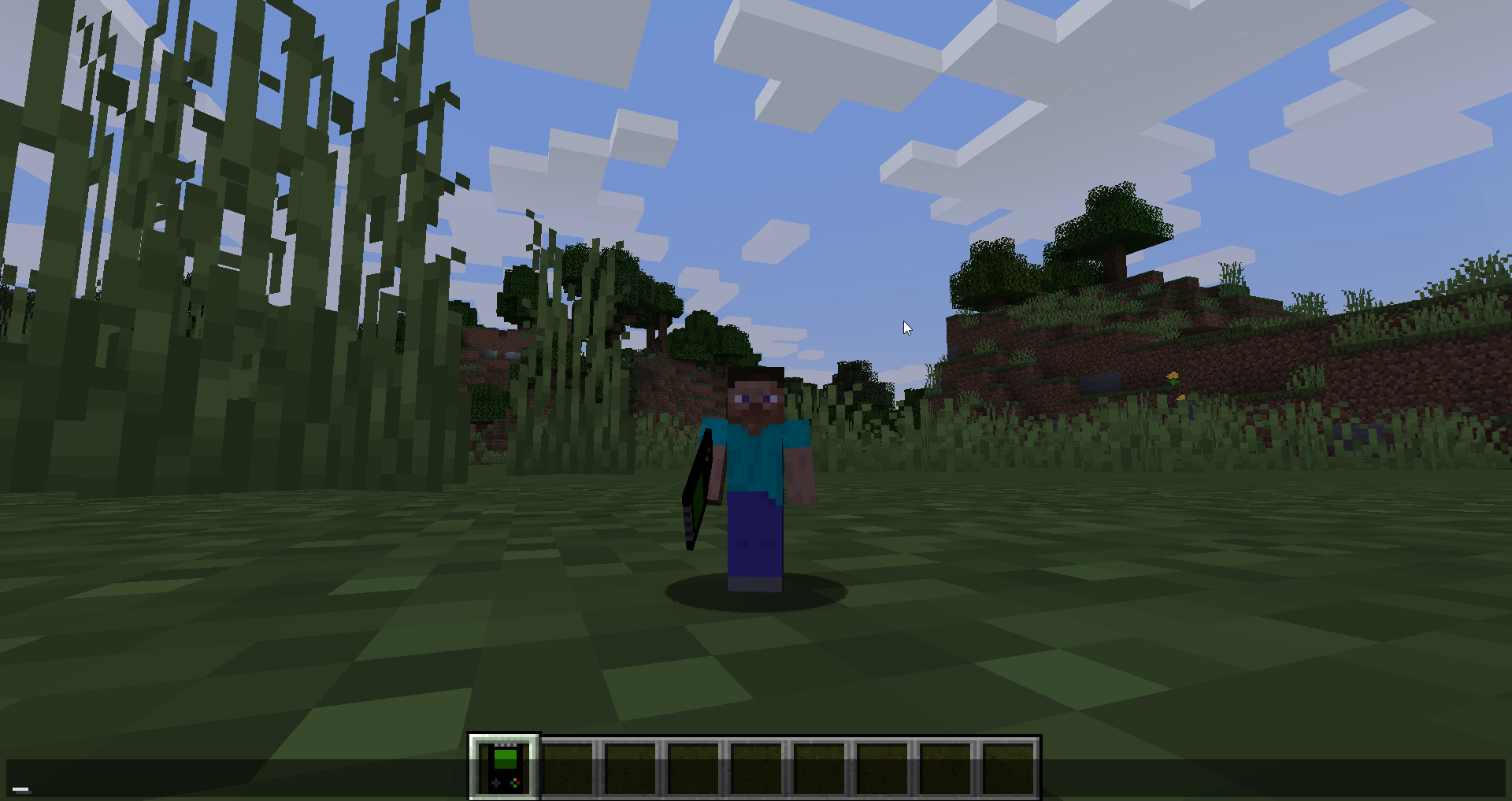
Shrink.
Shrink is a small mod for Minecraft that allows players to change their player's size.Install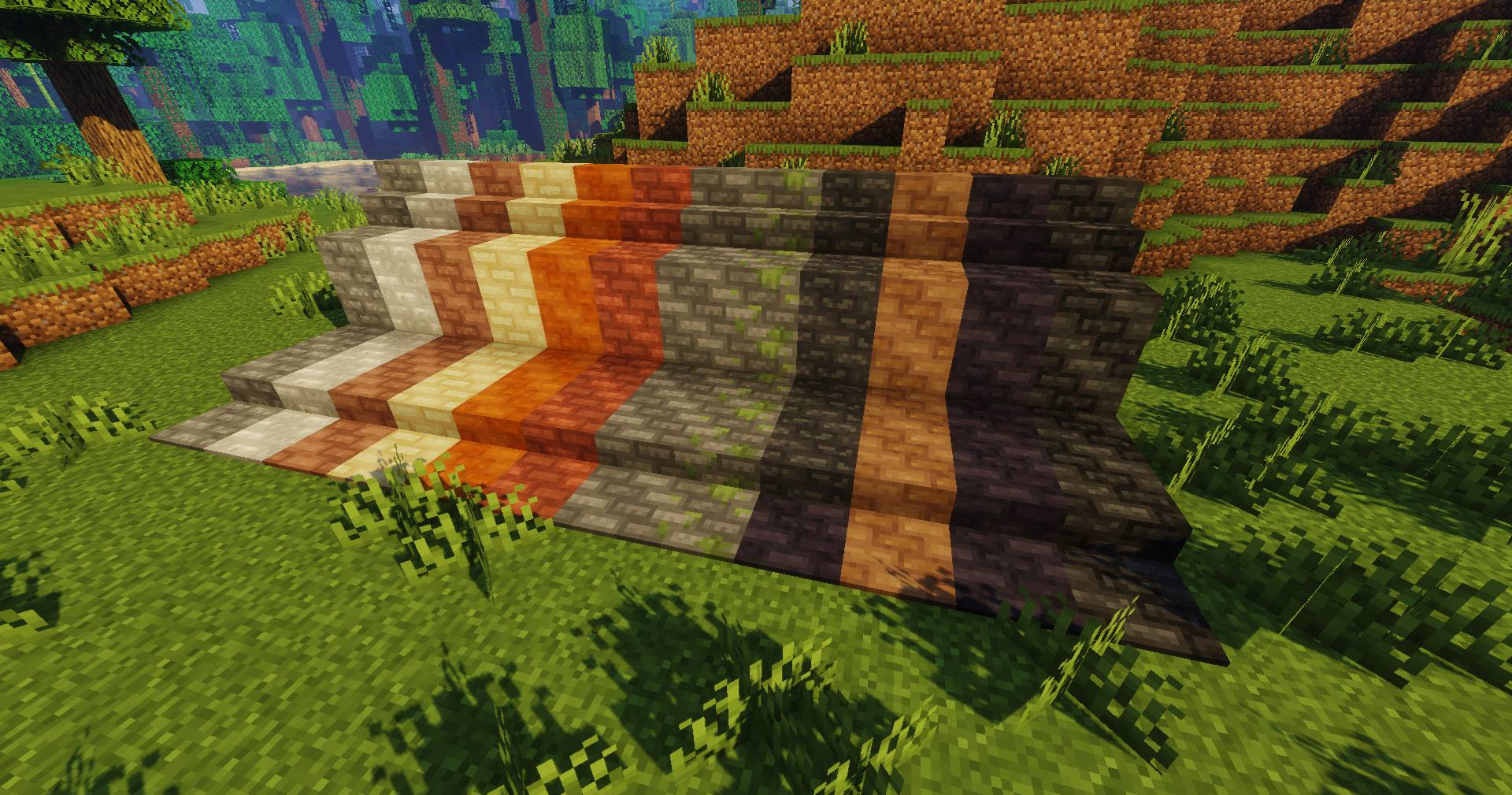
Macaw's Paths and Pavings
Adds new vanila styled paths and pavings!Install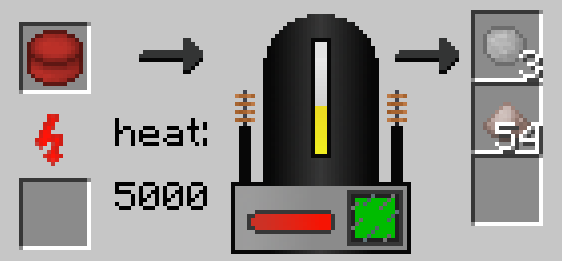
UniDict
a mod to unify all ingots/ores/etc; with: AE2, Immersive Engineering, Mekanism, IC2, Thermal Expansion, and a lot more Integrations.Install
Sound Physics Remastered
A Minecraft mod that provides realistic sound attenuation, reverberation, and absorption through blocks.InstallOn a server
Clean Swing Through Grass
Hit your Enemies even in GrassInstall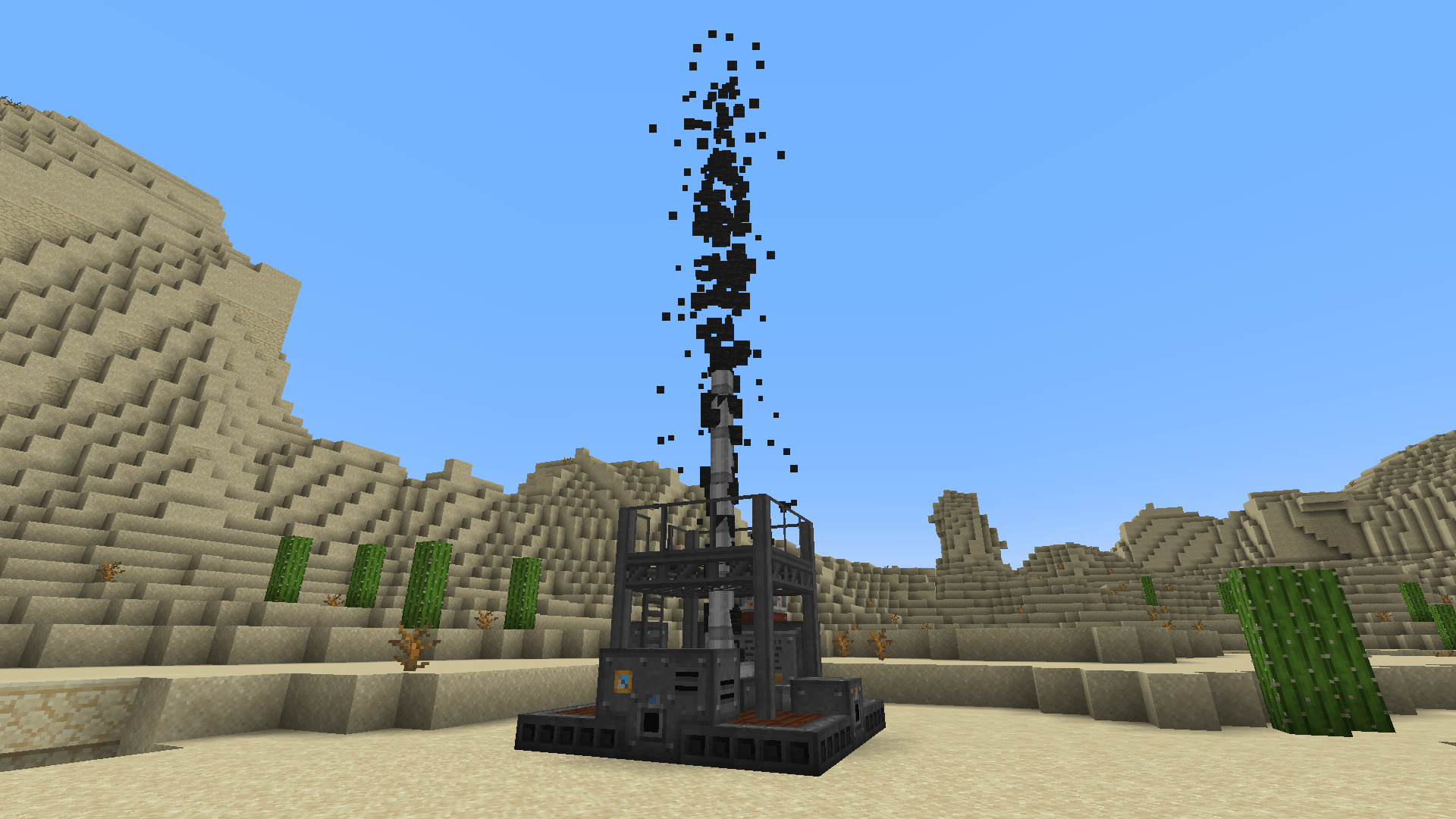
Immersive Petroleum
Adds oil and oil processing to Immersive EngineeringInstall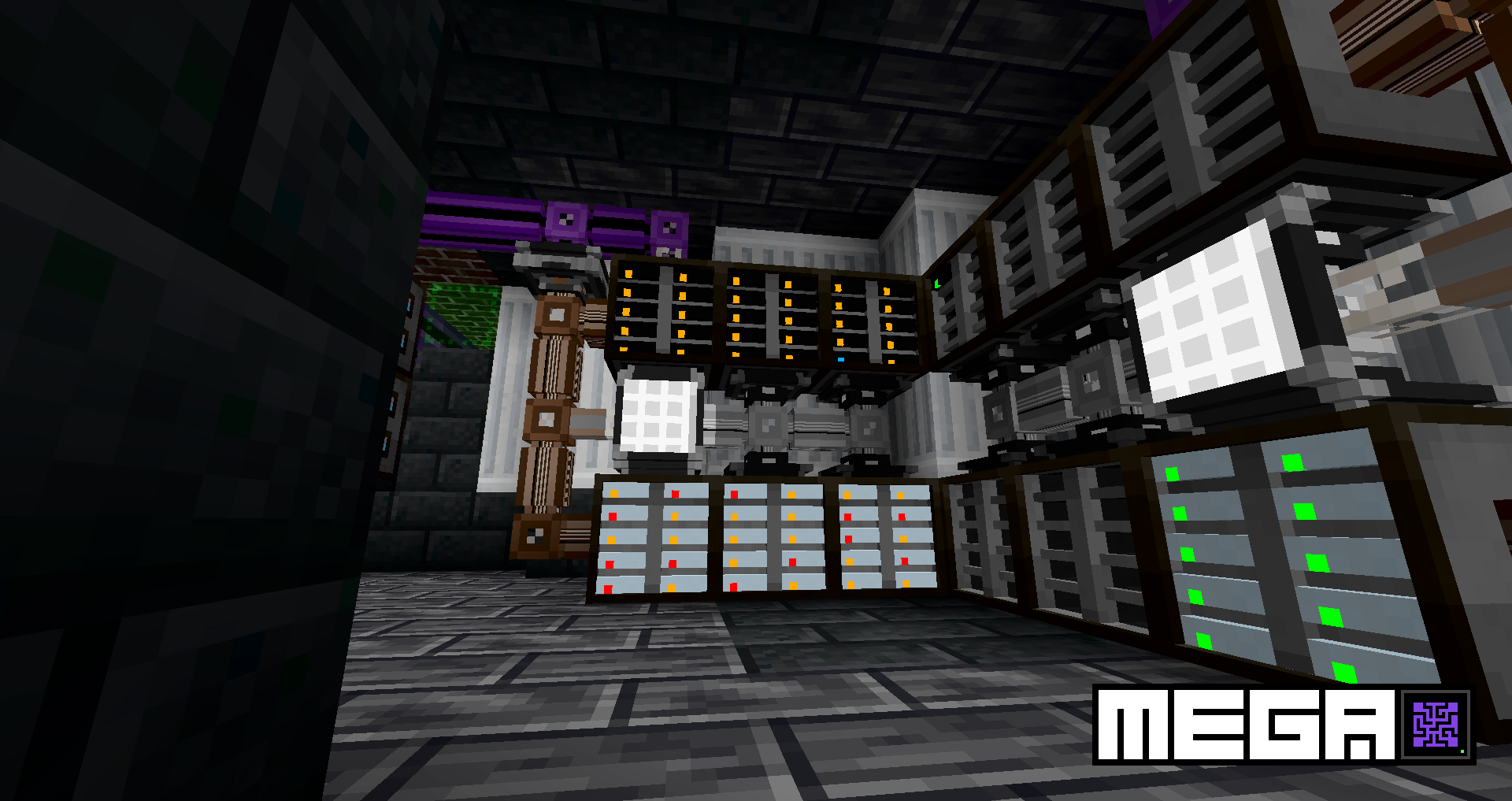

MEGA Cells
ME Greater Accumulation: For when kilobytes just won't do.Install
Chance Cubes
A Game of Chance and SkillInstall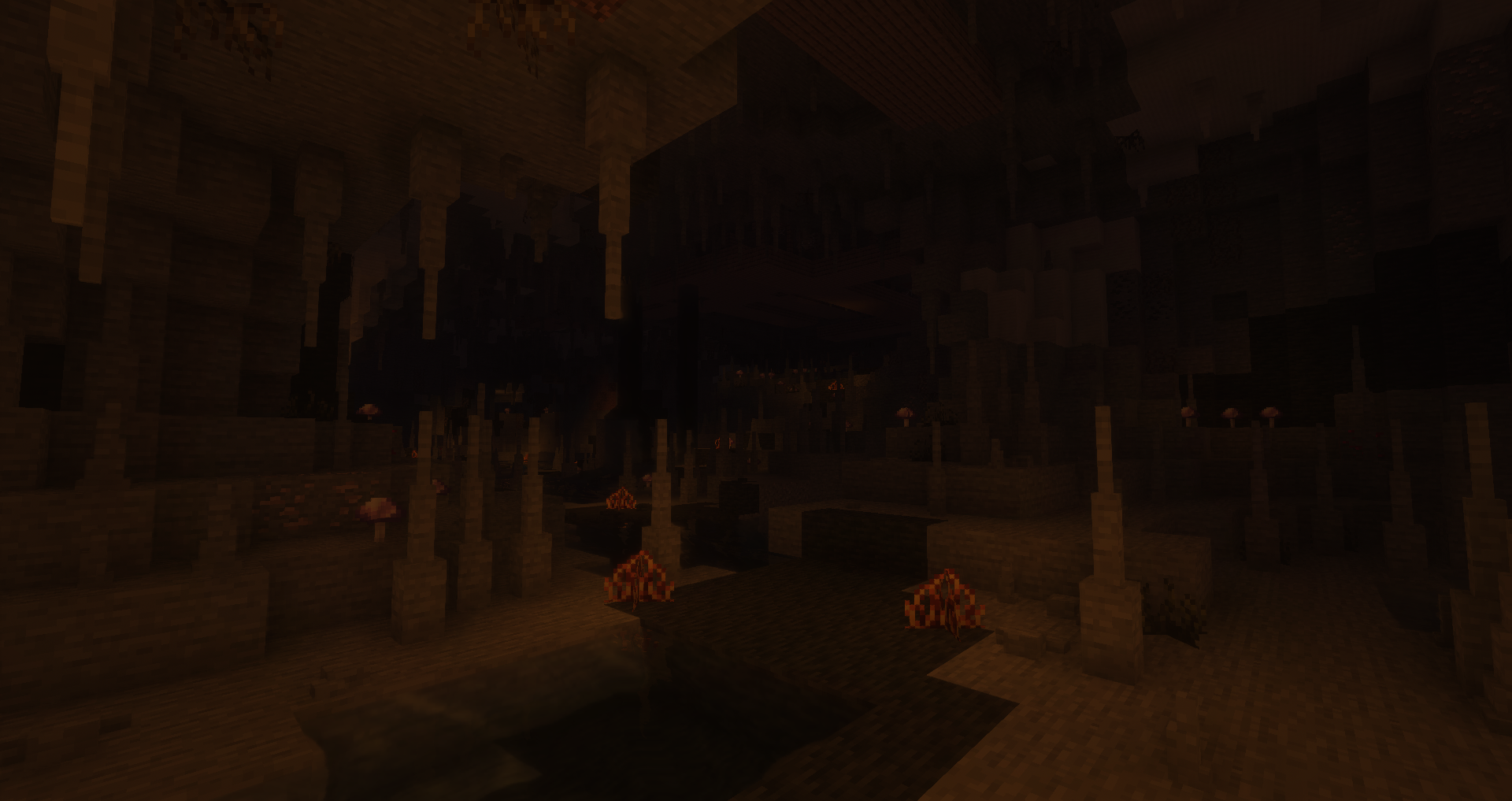

YUNG's Better Caves (Forge/NeoForge)
Overhauled cave generation, underground lakes and rivers, lava oceans, and more!Install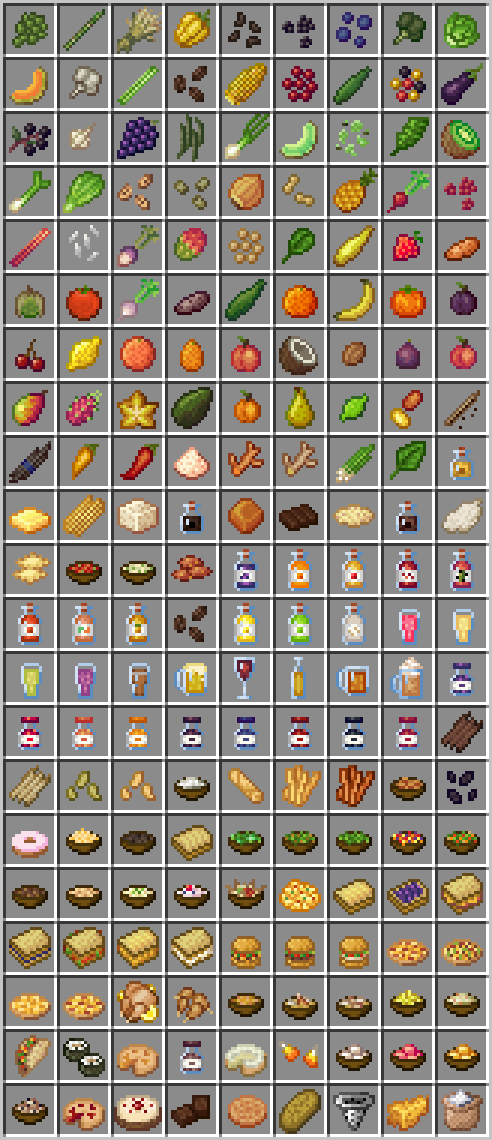

Croptopia
Croptopia - A farming mod that adds over 250 new foods, 58 new crops, and 26 new fruit trees! [Fabric/NeoForge/Forge]Install
Applied Mekanistics
The official Mekanism support addon for AE2Install
ME Requester
Keep items and fluids in your Applied Energistics 2 ME-System in stock.Install
Domum Ornamentum
Millions of unique block variants and all stairs/slabs/walls/fence and more vanilla Minecraft forgotInstall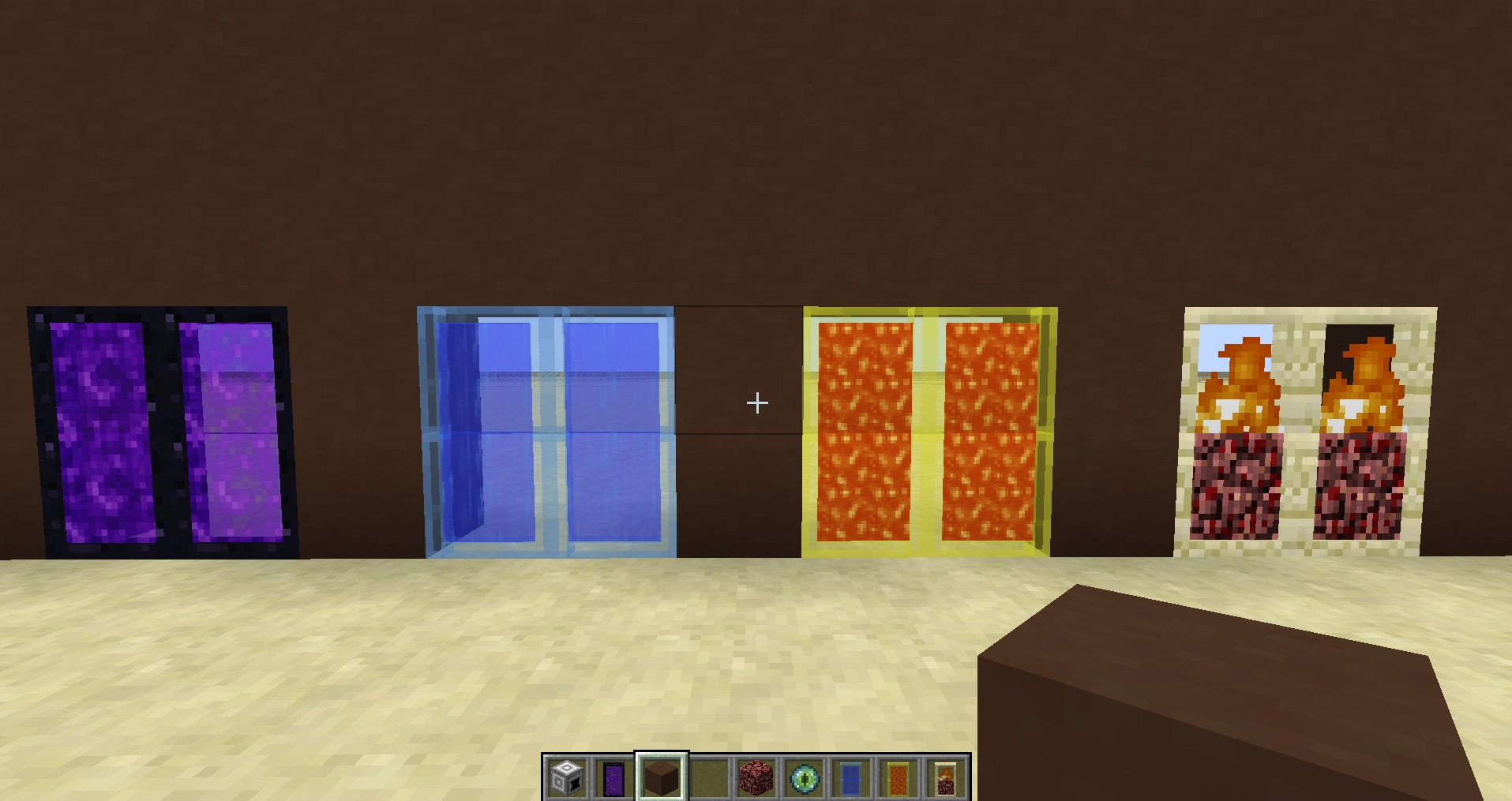

MalisisDoors
New animations for doors. You can build you own doors with millions of possibilities!Install

CreativeCore
A core modInstallOn a server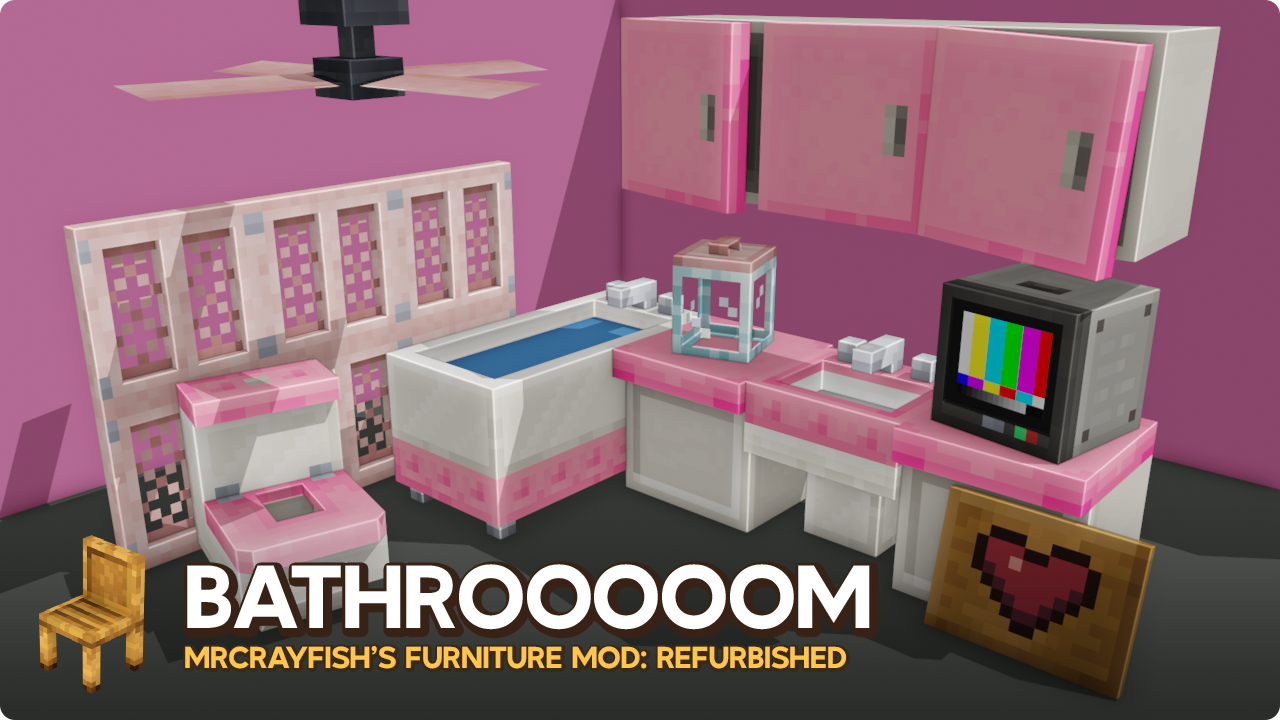
MrCrayfish's Furniture Mod: Refurbished
The next generation of MrCrayfish's Furniture Mod, redesigned from the ground up with new models, sounds, and more!Install
Saturn
A performance mod designed to optimize Minecraft's memory usage.Install
TipTheScales
Allows for more options when adjusting the GUIScale option as well as making it a slider.InstallMalisisCore
Framework over Forge.Install
Rubidium
Unofficial Fork of CaffeineMC's "Sodium", made to work with FMLInstall
Konkrete [Fabric] [MOVED TO NEW PAGE]
Just another boring library mod.Install

Kotlin for Forge
Adds a Kotlin language loader and provides some optional utilities.InstallOn a serverFAQ
How is Forge different from Fabric?
They're two different mod loaders that aren't compatible with each other. Forge is the older one and better suited to big tech and magic modpacks; Fabric is lighter, updates to new game versions faster, and hosts most performance mods. NeoForge is a Forge fork for newer versions, and Quilt is a Fabric fork. A Forge mod won't run on Fabric, and vice versa. Millida Launcher installs the right loader for you.
How do I know which mod version I need?
The one that matches your game version and loader. The “Install” button picks the file for you: Millida Launcher grabs the version for your modpack. A mod for 1.20.1 usually won't work on 1.21.
How do I install a mod?
Click “Install” and Millida Launcher will download the mod, its dependencies and the right loader for you. To install a downloaded file manually, put it in the mods folder inside the game directory.
Do I need CurseForge to install mods?
No. The Install button on a mod page opens Millida Launcher: it downloads the mod, its dependencies and the right loader into the chosen instance by itself. No CurseForge and no manual file copying.
Which mods are there for 1.20.1?
1.20.1 is one of the most modded versions, especially on Forge: tech, magic, RPG, furniture, weapons. Pick 1.20.1 in the version filter to keep only mods with a file built exactly for it, then pick Forge or Fabric next to it.
Can I install mods on my phone?
On Android, yes: Millida Launcher runs the Java edition on a phone, and mods work there just like on a PC, though light ones run much better than heavy ones. Minecraft PE (Bedrock) cannot load PC mods — it has add-ons instead, in the Minecraft PE mods section.
Which mods are best to play with friends?
The usual picks are Simple Voice Chat for proximity voice chat, Waystones for fast travel, Xaero's Minimap and something big to work on together, such as Create. Mods that change the world must be installed by every player and on the server, while client-side ones like a minimap or performance mods are up to each player.
Minecraft mods
A mod is an add-on that changes the game itself: it adds blocks, mobs and mechanics, or speeds up world rendering. It isn't installed into the game directly but on top of a loader — Forge, Fabric, NeoForge or Quilt — and it's the loader that decides whether the file will run. That's why every card here lists both the game version and the loader: two mods with the same name for 1.12.2 Forge and 1.21 Fabric are two different files, and mixing them up means a crash on launch.
The most searched Minecraft mods are weapon, furniture, horror and performance mods: each theme has its own collection, and links to the themes and the most wanted versions are in the Popular block. Version 1.20.1 on Forge still holds the most big tech, magic and RPG mods, while the fresh 1.21.11 and 26.2 get Fabric and NeoForge mods fastest.
One mod in the catalog, one page. Every version the author has released is listed on its card: pick your game version and loader right there instead of jumping between ten similar pages. Each file shows its size, release date and checksum, and the mod itself shows the author, license and a link to the original source. Files whose license allows rehosting are stored with us and download directly — no link shorteners, timers or ad redirects. If the license forbids rehosting, the button honestly takes you to the author.