
Minecraft mods — page 110
9,028 itemsMods: list
Name Pain
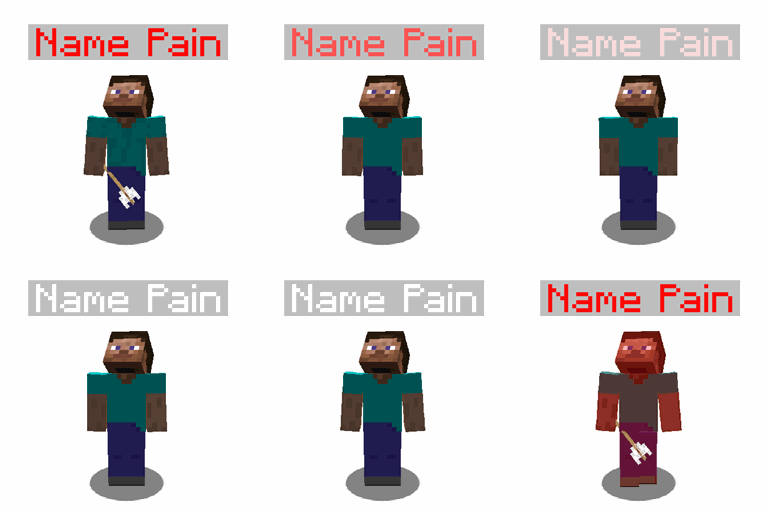
Vanilla-friendly health-based nameplate coloring, better villager & pet name visibility, many configs.Install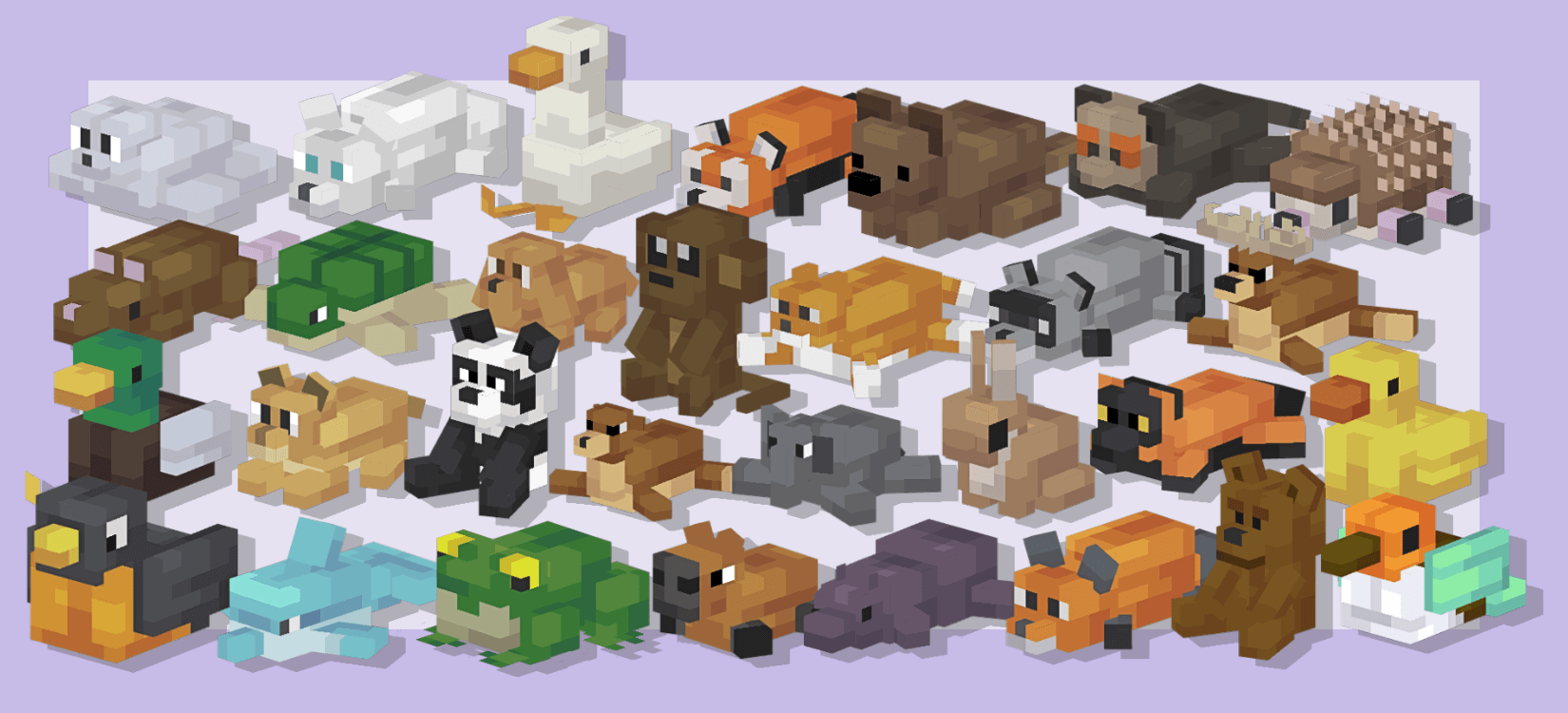
Perfect Plushies
Adds various decorative plushies to Minecraft, along with some Easter Eggs!Install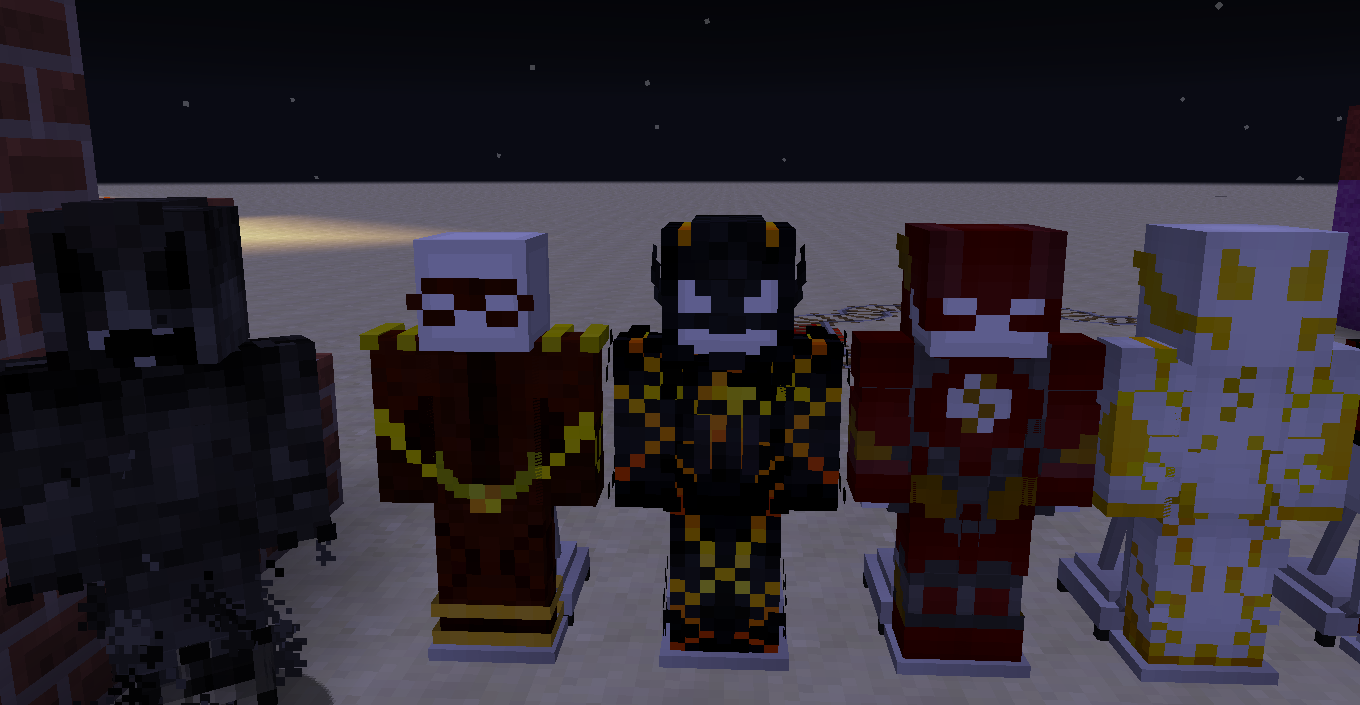
Speedster Heroes
Be the fastest man alive!Install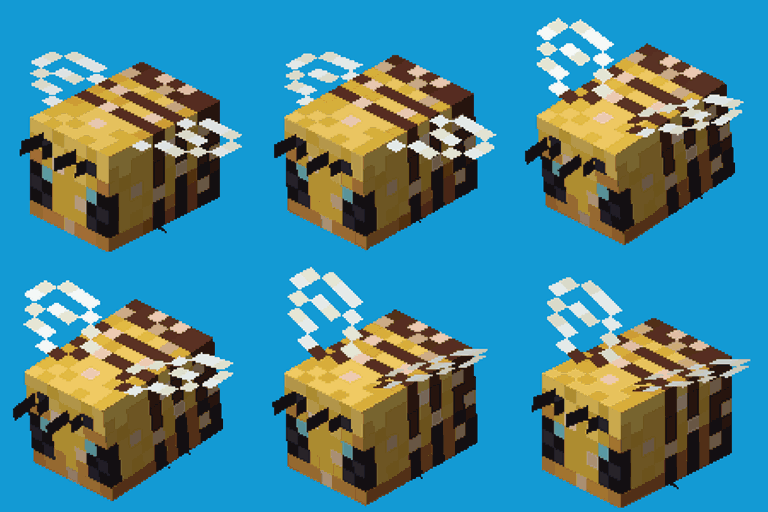
Realistic Bees
🐝 Tiny bees, or big! Bigger group spawns and increased hive space.Install
Auto Ore Dictionary Converter
Automatically converts items to their configured ore dictionary counterpartsInstall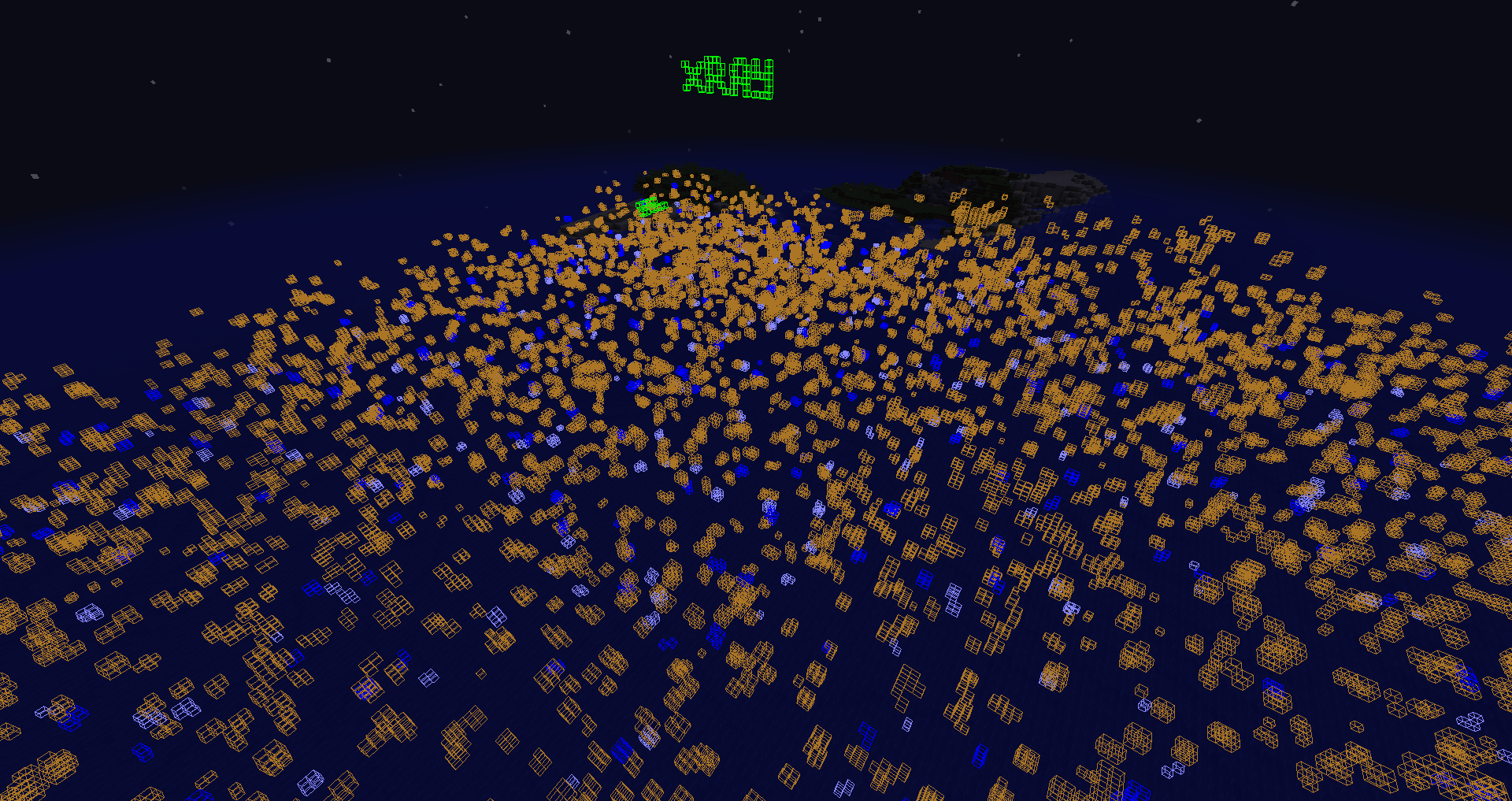
Advanced XRay (Neoforge Edition)
A simple but advanced xray mod that allows you to find all of your most loved blocks.Install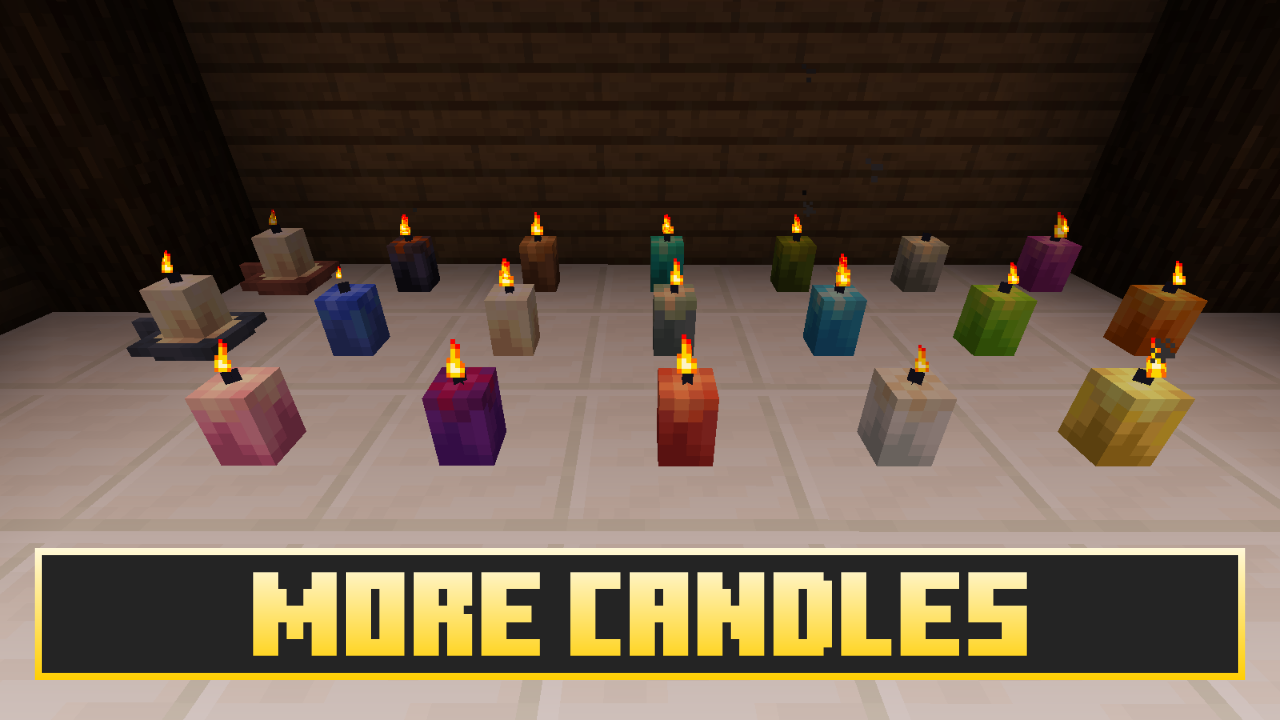

Extended Lights
Candles, lamps, lanterns, moderns lights and even more !Install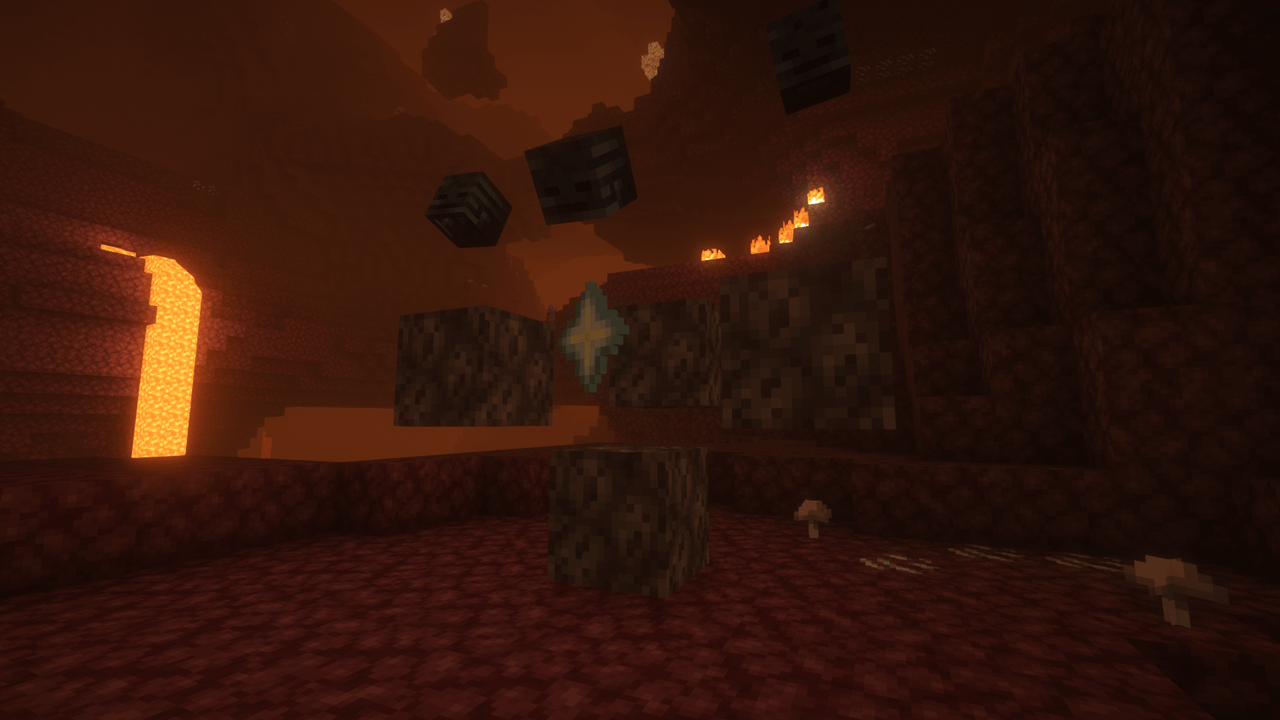
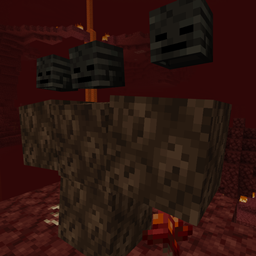
Wither Spawn Animation
An animation that plays when a Wither is spawningInstall
Technicalities: Lib (TKLib)
Library mod and shared API for all Technicalities modsInstall
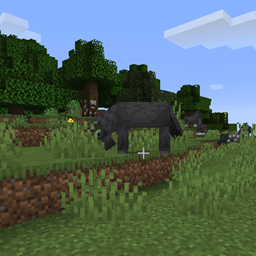
Regrowth
Creatures eat and regrow plants. Villagers improve their villages.Install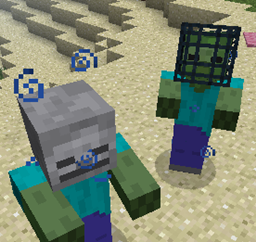
Mob Properties
Allows you deep customization for your mobs, including drops, attributes, NBT, and more!Install

Exordium
Render the GUI and screens at a lower framerate to speed up what's really important: the worldrendering.Install

End Remastered
Make your journey to the End more Challenging and Engaging with End Remastered!InstallOn a server
Sky's Overworld Netherite
Are you tired of mining in nether? If so, this mod is for you! 🪨Install
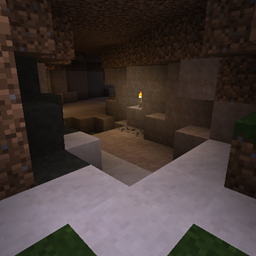
Underground Biomes
Adds 24 different types of stoneInstall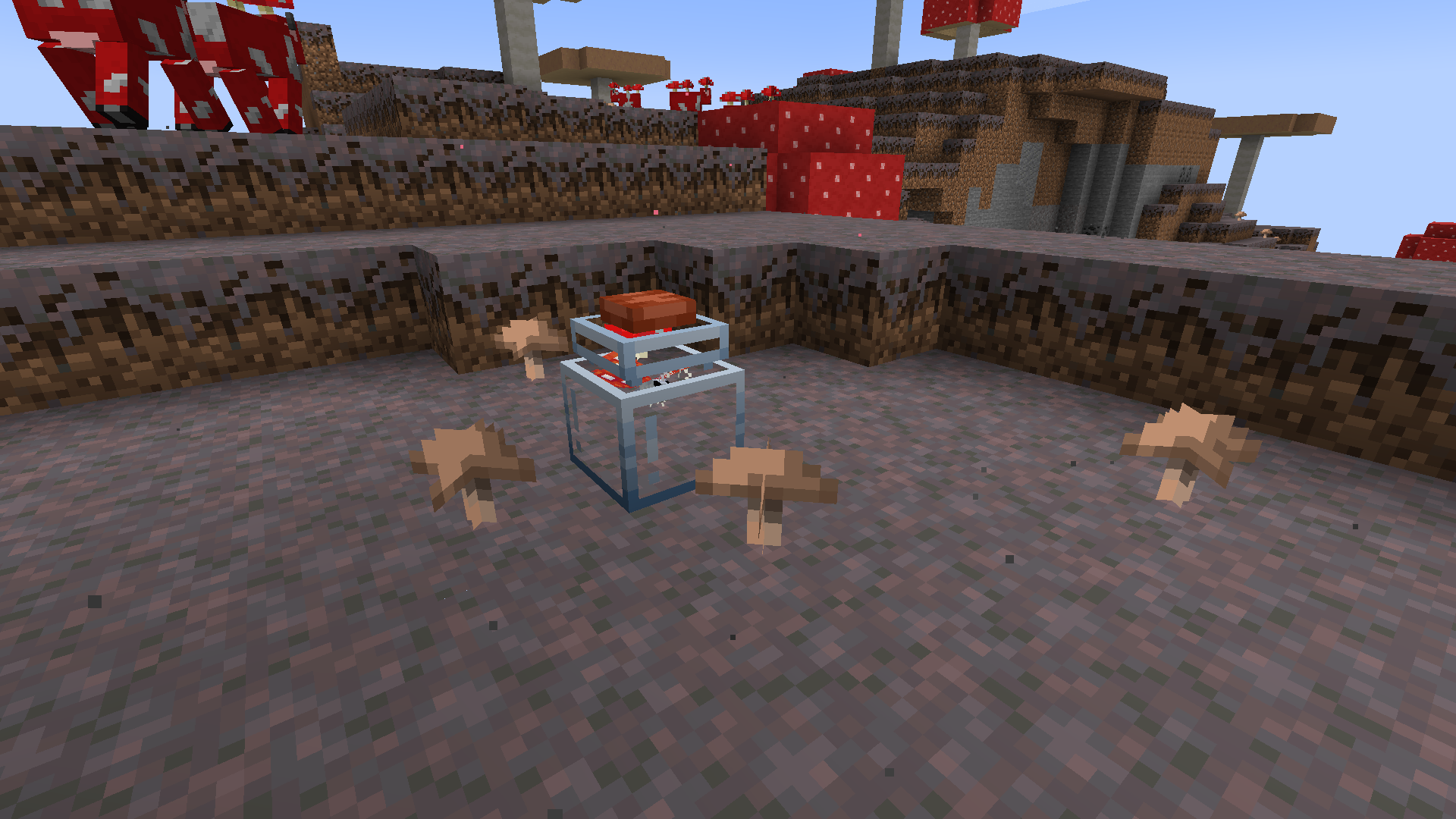

Lil' Wings
A butterfly mod to satisfy your buttery needs!Install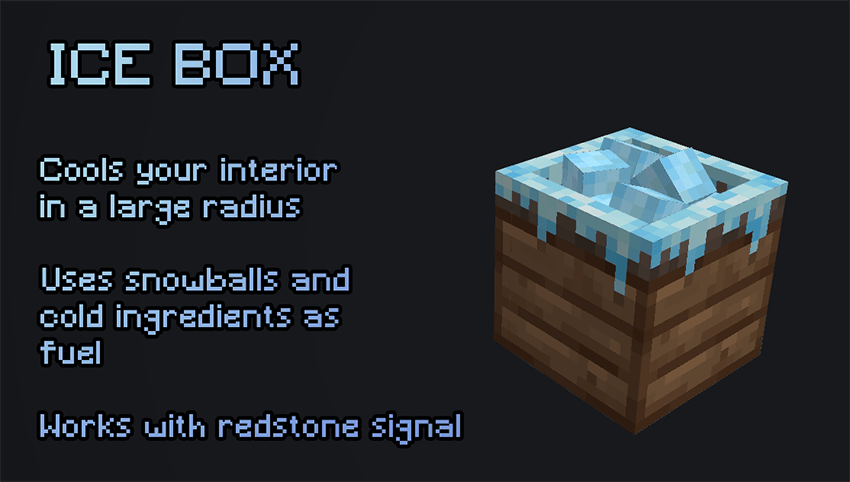

Legendary Survival Overhaul
Temperature, thirst, limbs management, health overhaul for Survival game !Install

AutoMessage
Now you can send automatic messages at any time during the game!Install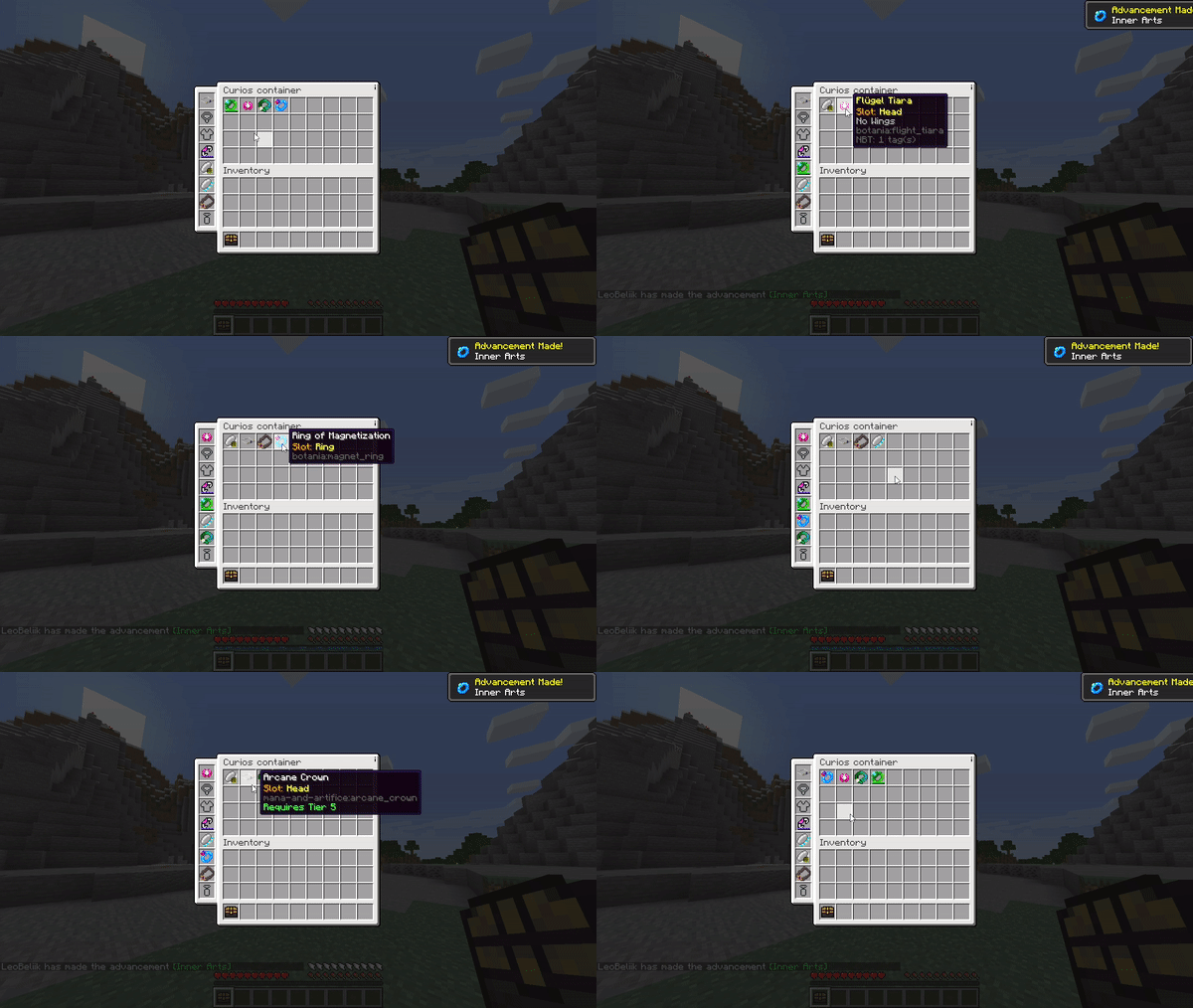

Convenient Curios Container
A convenient way to store your trinkets!Install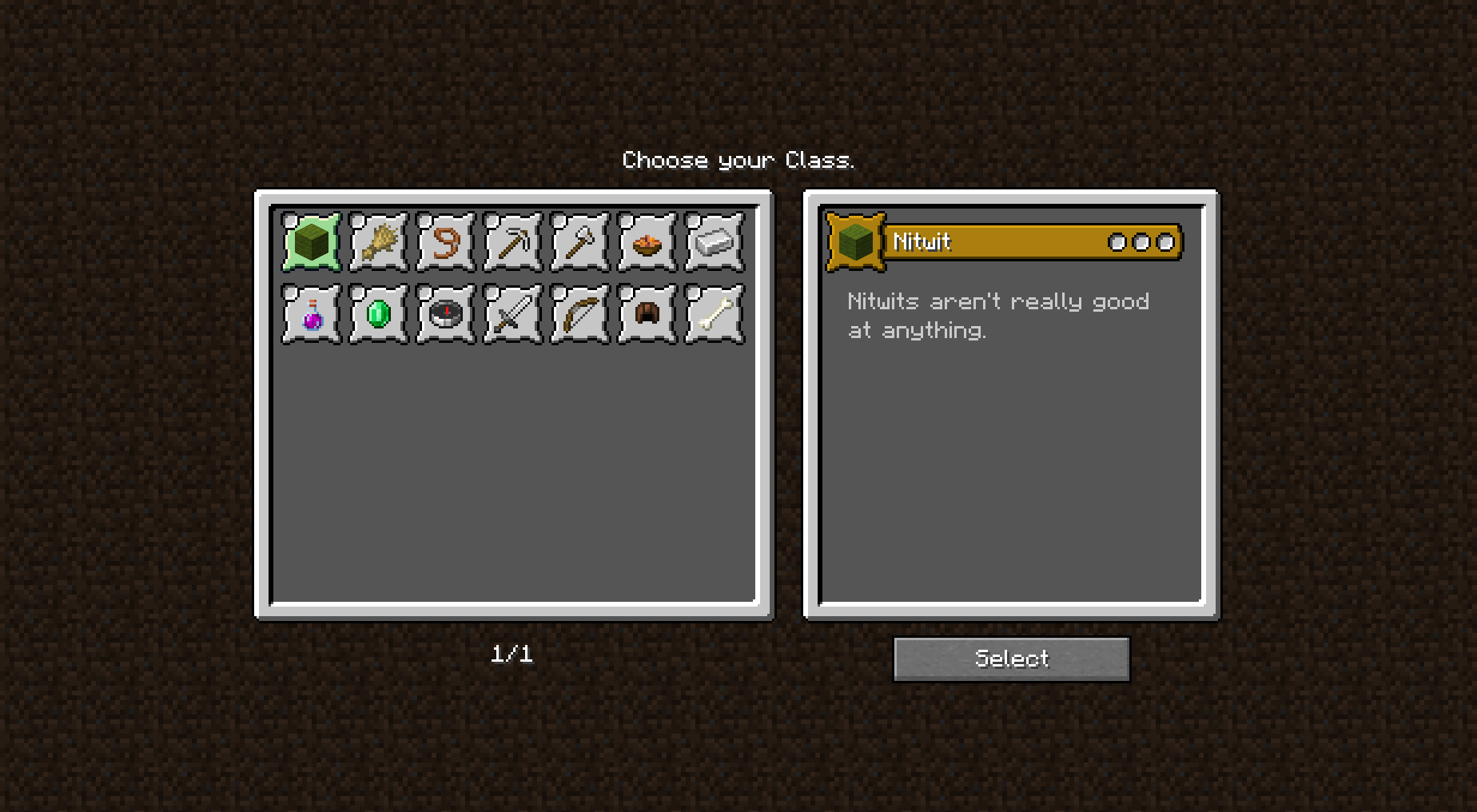
Alternate Origin GUI
Overhauls the origin selection screen to show multiple in a grid for selection.Install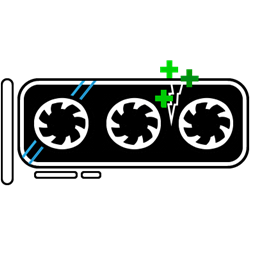
GPUTape
Fix VRAM leaks. Based on VideoTape.Install
SwingThrough
Allows targeting (and interacting with and attacking) living entities through transparent blocks like grass, crops, and flowers.Install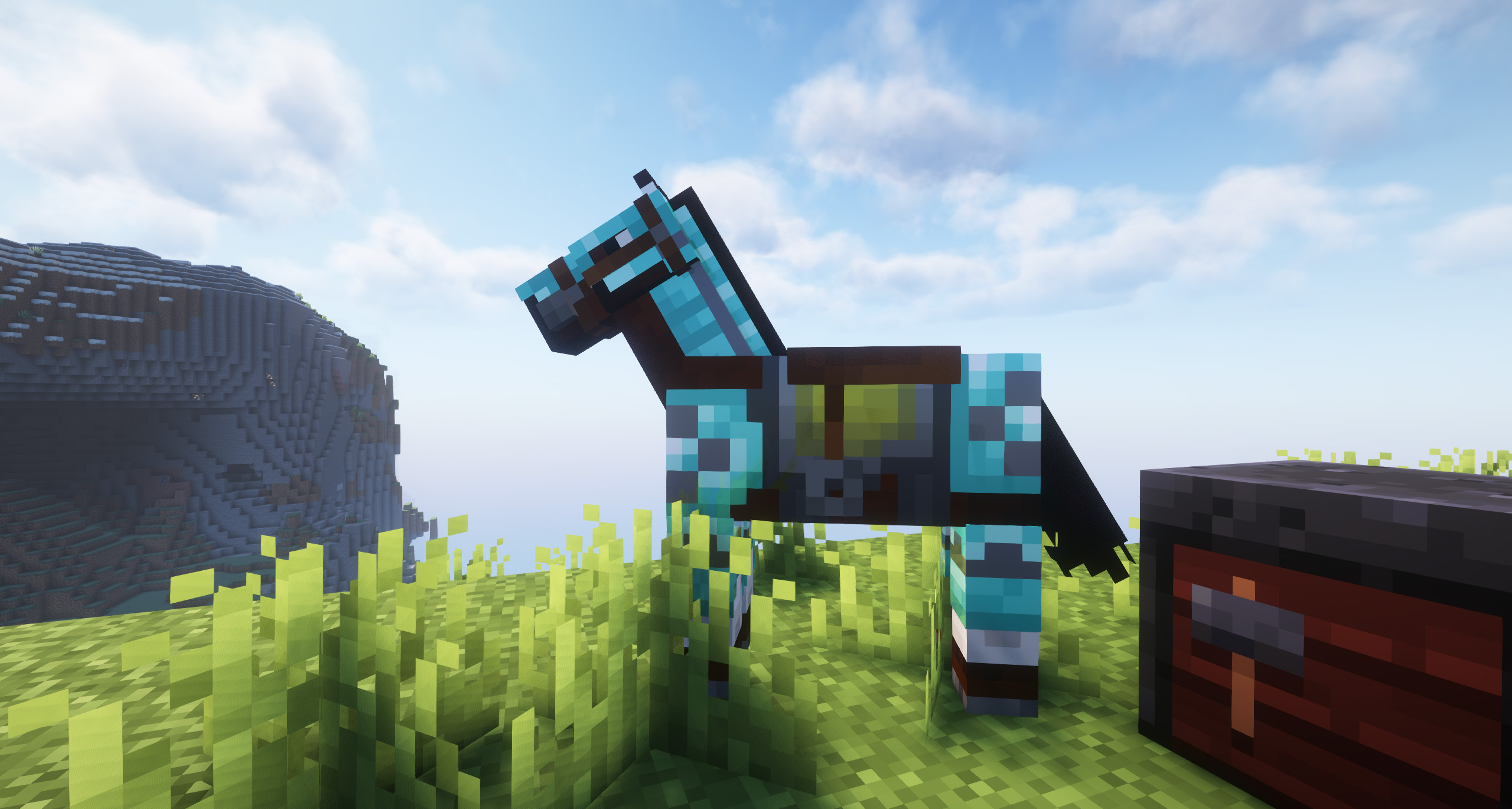
Animal Armor Trims - Horse & Wolf
Now you can add trims to horse and wolf armor!InstallFAQ
How is Forge different from Fabric?
They're two different mod loaders that aren't compatible with each other. Forge is the older one and better suited to big tech and magic modpacks; Fabric is lighter, updates to new game versions faster, and hosts most performance mods. NeoForge is a Forge fork for newer versions, and Quilt is a Fabric fork. A Forge mod won't run on Fabric, and vice versa. Millida Launcher installs the right loader for you.
How do I know which mod version I need?
The one that matches your game version and loader. The “Install” button picks the file for you: Millida Launcher grabs the version for your modpack. A mod for 1.20.1 usually won't work on 1.21.
How do I install a mod?
Click “Install” and Millida Launcher will download the mod, its dependencies and the right loader for you. To install a downloaded file manually, put it in the mods folder inside the game directory.
Do I need CurseForge to install mods?
No. The Install button on a mod page opens Millida Launcher: it downloads the mod, its dependencies and the right loader into the chosen instance by itself. No CurseForge and no manual file copying.
Which mods are there for 1.20.1?
1.20.1 is one of the most modded versions, especially on Forge: tech, magic, RPG, furniture, weapons. Pick 1.20.1 in the version filter to keep only mods with a file built exactly for it, then pick Forge or Fabric next to it.
Can I install mods on my phone?
On Android, yes: Millida Launcher runs the Java edition on a phone, and mods work there just like on a PC, though light ones run much better than heavy ones. Minecraft PE (Bedrock) cannot load PC mods — it has add-ons instead, in the Minecraft PE mods section.
Which mods are best to play with friends?
The usual picks are Simple Voice Chat for proximity voice chat, Waystones for fast travel, Xaero's Minimap and something big to work on together, such as Create. Mods that change the world must be installed by every player and on the server, while client-side ones like a minimap or performance mods are up to each player.
Minecraft mods
A mod is an add-on that changes the game itself: it adds blocks, mobs and mechanics, or speeds up world rendering. It isn't installed into the game directly but on top of a loader — Forge, Fabric, NeoForge or Quilt — and it's the loader that decides whether the file will run. That's why every card here lists both the game version and the loader: two mods with the same name for 1.12.2 Forge and 1.21 Fabric are two different files, and mixing them up means a crash on launch.
The most searched Minecraft mods are weapon, furniture, horror and performance mods: each theme has its own collection, and links to the themes and the most wanted versions are in the Popular block. Version 1.20.1 on Forge still holds the most big tech, magic and RPG mods, while the fresh 1.21.11 and 26.2 get Fabric and NeoForge mods fastest.
One mod in the catalog, one page. Every version the author has released is listed on its card: pick your game version and loader right there instead of jumping between ten similar pages. Each file shows its size, release date and checksum, and the mod itself shows the author, license and a link to the original source. Files whose license allows rehosting are stored with us and download directly — no link shorteners, timers or ad redirects. If the license forbids rehosting, the button honestly takes you to the author.