
Minecraft mods — page 106
9,027 itemsMods: list

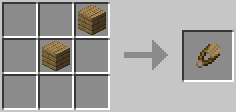

Wooden Shears
Adds Wooden Shears (Forge, NeoForge, Fabric, Quilt)Install

Cobblemon Tim Core
What if my Cobblemon mods worked without a bunch of copy/pasting?InstallOn a server
Thaumic Terminal
Compatibility AE & ThaumcraftInstall

The Aether II
The Iconic Dimension Mod Returns! Step into a renewed and expanded Aether Dimension with The Aether II!Install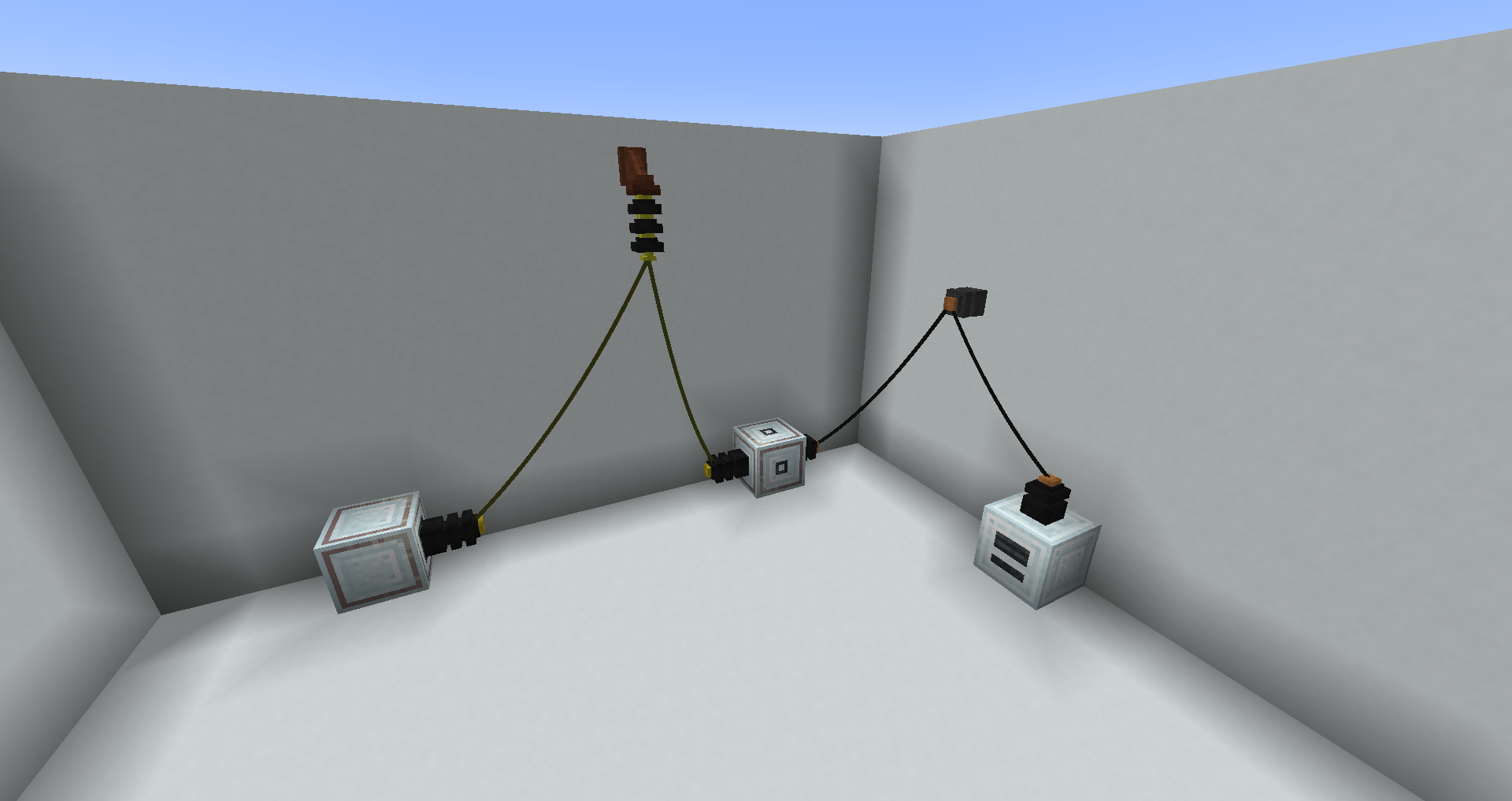
More Immersive Wires
Adds Immersive Engineering wire types for various other mods' cables.Install

Cobblemon Trainer Battle
Cobblemon side mod that offers trainer battle systemInstallOn a server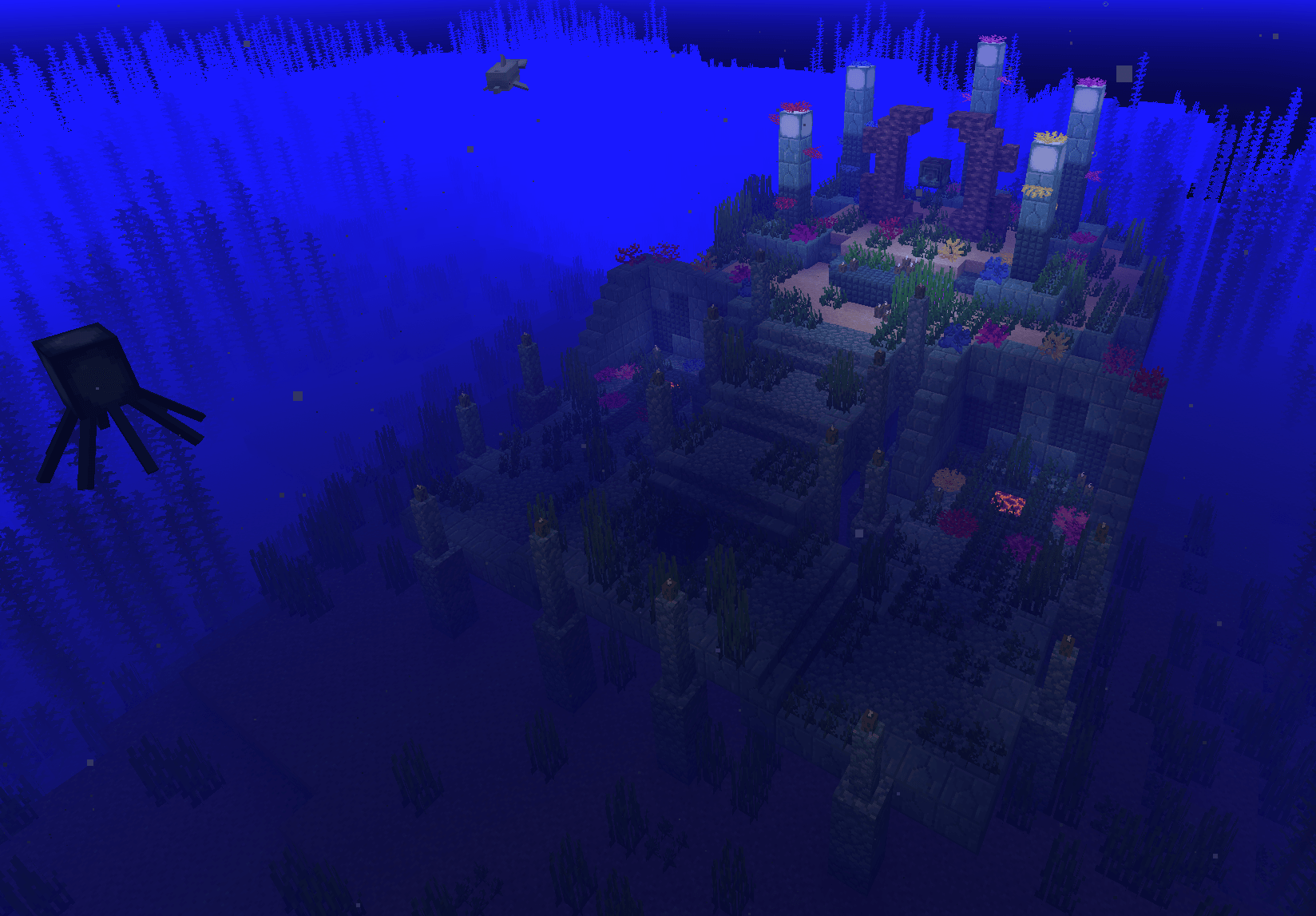
Iter RPG
Goofy ahh rpg modInstall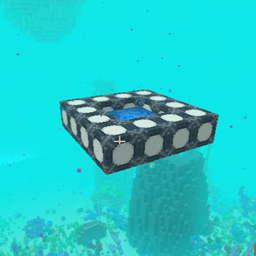
Custom Portal API [Forge]
Make Custom Portals via APIInstall
Featured Servers
Want to provide a servers.dat file with featured servers? Why overwrite each update when you can just add them without having to remove other peoples servers!Install
ForgeZoom
Very basic dynamic zoom mod for ForgeInstall

True Ending - Ender Dragon Overhaul
An Ender Dragon overhaul with progressing difficulty, new attacks, and elegant particle animation.InstallOn a server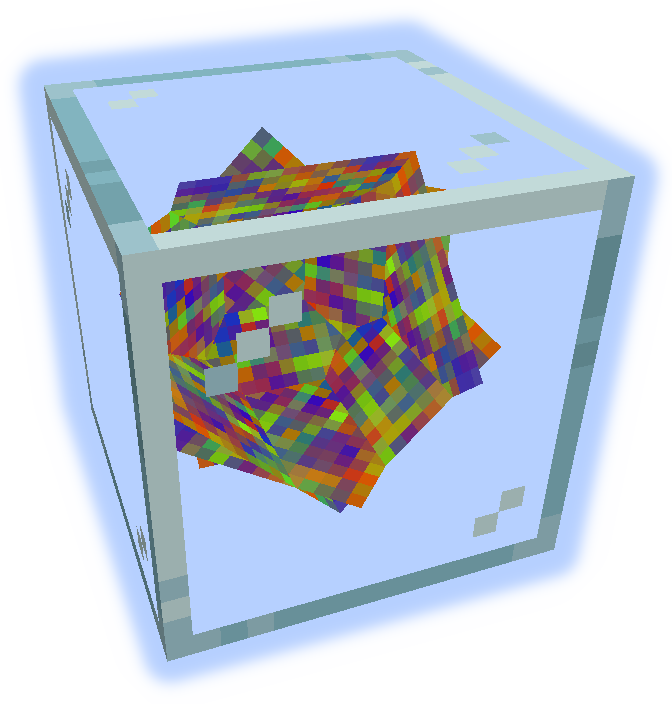
MultiStorage
Vaults, Stacking Chests, Hidden Chests, Ender Chests, and Ender BagsInstall
Foolproof
Utility for modpack devs that fixes commonly reported areas of user confusionInstall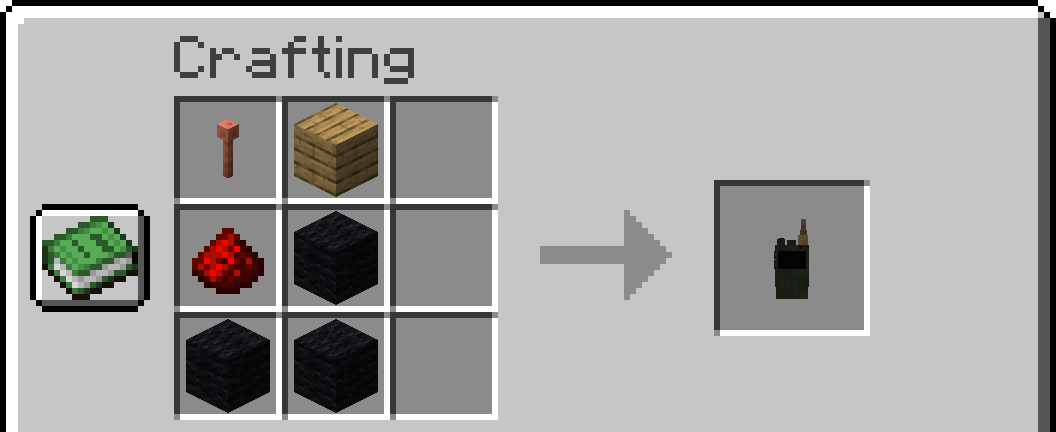
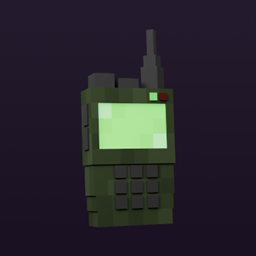
Walkie-Talkie
Adds two-way radios with different upgrades.Install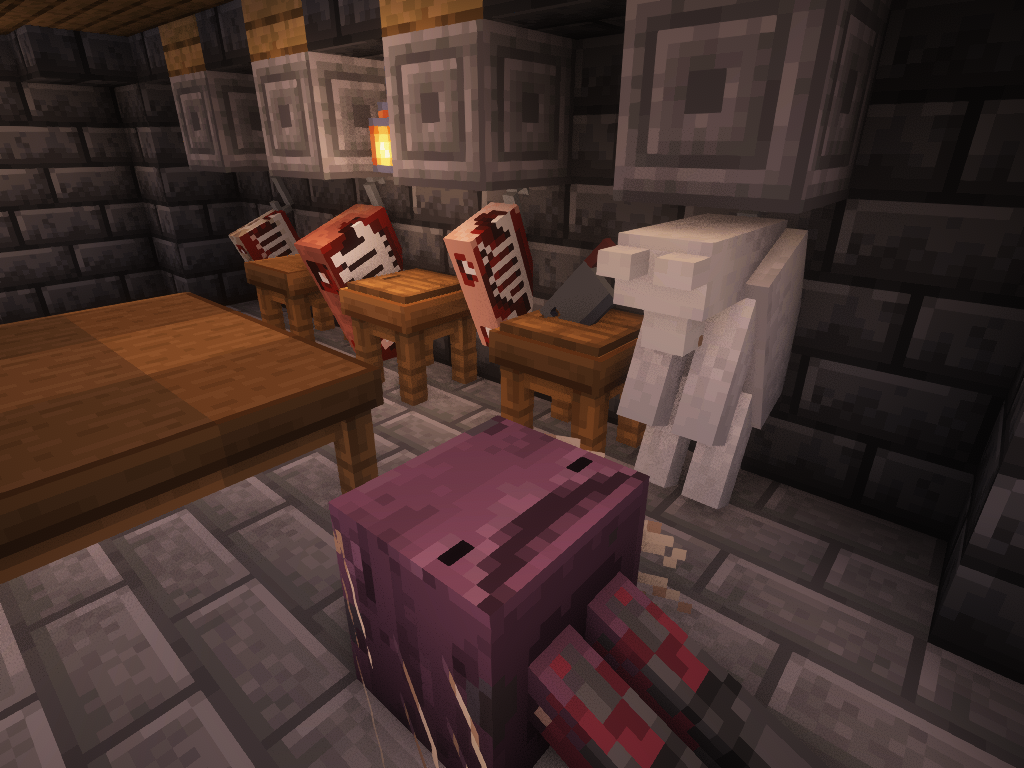
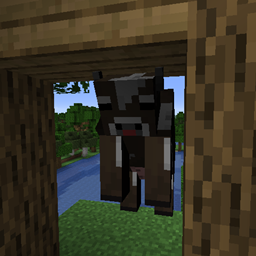
Butcher's Delight
This is a mod that complements animal processingInstall
Shulker Box Slot (Fabric/Forge/Quilt)
Adds curios and trinkets support for Shulker Boxes for easier access and management. Formerly named Curious Shulker Boxes and Trinket Shulker Boxes.Install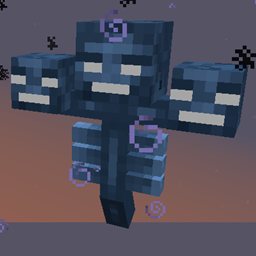
Hardcore Wither
The Wither's difficulty adapts to the playersInstall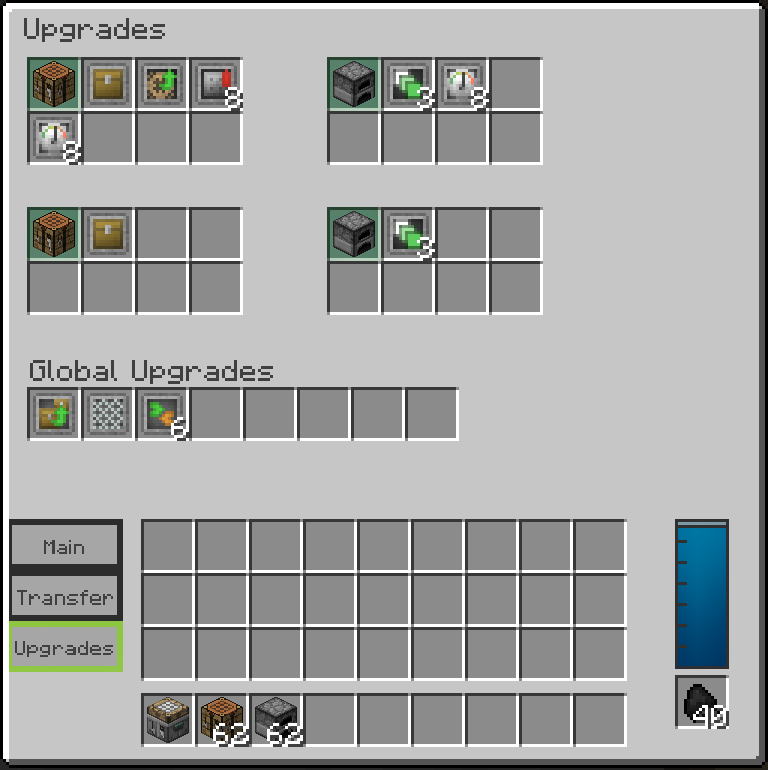
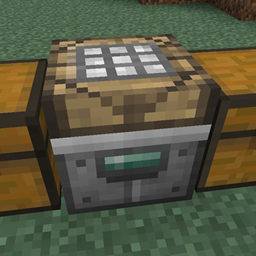
Steve's Workshop
Adds a production table that contains multiple modular crafting tables and/or furnaces.Install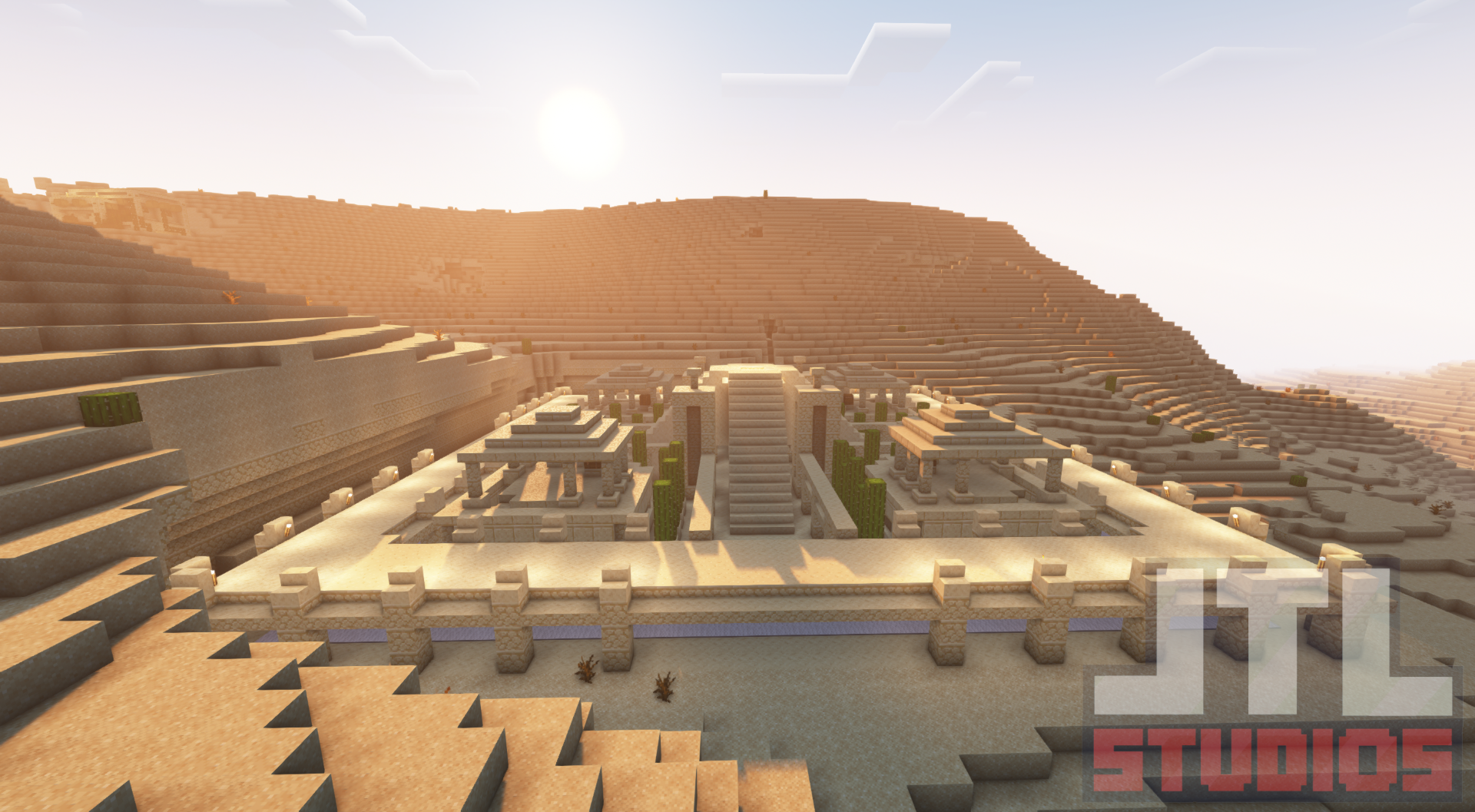
Awesome Dungeon - Forge
This mod adds structures/dungeons to your world.Install
MultiBlock Stages
Adding MultiBlock Support to GameStagesInstall
Screenshot Viewer
View your screenshots in game!Install

Formations Nether
Formations Nether adds plenty of new structures to the nether!InstallOn a server
Enhanced Mob Spawners
Adds more functionality to mob spawner block. Change range from 16 to 128 blocks and more!InstallFAQ
How is Forge different from Fabric?
They're two different mod loaders that aren't compatible with each other. Forge is the older one and better suited to big tech and magic modpacks; Fabric is lighter, updates to new game versions faster, and hosts most performance mods. NeoForge is a Forge fork for newer versions, and Quilt is a Fabric fork. A Forge mod won't run on Fabric, and vice versa. Millida Launcher installs the right loader for you.
How do I know which mod version I need?
The one that matches your game version and loader. The “Install” button picks the file for you: Millida Launcher grabs the version for your modpack. A mod for 1.20.1 usually won't work on 1.21.
How do I install a mod?
Click “Install” and Millida Launcher will download the mod, its dependencies and the right loader for you. To install a downloaded file manually, put it in the mods folder inside the game directory.
Do I need CurseForge to install mods?
No. The Install button on a mod page opens Millida Launcher: it downloads the mod, its dependencies and the right loader into the chosen instance by itself. No CurseForge and no manual file copying.
Which mods are there for 1.20.1?
1.20.1 is one of the most modded versions, especially on Forge: tech, magic, RPG, furniture, weapons. Pick 1.20.1 in the version filter to keep only mods with a file built exactly for it, then pick Forge or Fabric next to it.
Can I install mods on my phone?
On Android, yes: Millida Launcher runs the Java edition on a phone, and mods work there just like on a PC, though light ones run much better than heavy ones. Minecraft PE (Bedrock) cannot load PC mods — it has add-ons instead, in the Minecraft PE mods section.
Which mods are best to play with friends?
The usual picks are Simple Voice Chat for proximity voice chat, Waystones for fast travel, Xaero's Minimap and something big to work on together, such as Create. Mods that change the world must be installed by every player and on the server, while client-side ones like a minimap or performance mods are up to each player.
Minecraft mods
A mod is an add-on that changes the game itself: it adds blocks, mobs and mechanics, or speeds up world rendering. It isn't installed into the game directly but on top of a loader — Forge, Fabric, NeoForge or Quilt — and it's the loader that decides whether the file will run. That's why every card here lists both the game version and the loader: two mods with the same name for 1.12.2 Forge and 1.21 Fabric are two different files, and mixing them up means a crash on launch.
The most searched Minecraft mods are weapon, furniture, horror and performance mods: each theme has its own collection, and links to the themes and the most wanted versions are in the Popular block. Version 1.20.1 on Forge still holds the most big tech, magic and RPG mods, while the fresh 1.21.11 and 26.2 get Fabric and NeoForge mods fastest.
One mod in the catalog, one page. Every version the author has released is listed on its card: pick your game version and loader right there instead of jumping between ten similar pages. Each file shows its size, release date and checksum, and the mod itself shows the author, license and a link to the original source. Files whose license allows rehosting are stored with us and download directly — no link shorteners, timers or ad redirects. If the license forbids rehosting, the button honestly takes you to the author.