
Minecraft mods — page 104
9,027 itemsMods: list


Library Ferret
Shared code for the mod of jtorleon studiosInstallOn a server
Geolosys
TerraFirmaCraft styled ore generation with modpacks in mind.Install
[FORGE/FABRIC] Armor Curve
Adjust the armor scaling and degradation formulae for mobs and players.Install
DiscordCraft
Discord Rich Presence for MinecraftInstall

Ice and Fire
Dragons and Mythical creatures in minecraft.InstallOn a server
[DEPRECATED] Additional Bars [NeoForge]
Adds additional bars to the game that go along with Iron Bars!Install
Satisfying Buttons
Adds button sounds and enhanced hover effects.Install
Unique Crops
Unique crops, unique growth, unique dropsInstall

Combat Roll
🧶 Adds combat roll ability, with related attributes and enchantments.InstallOn a server
Exposure Catalog
Creative-mode tool to view and manage exposuresInstall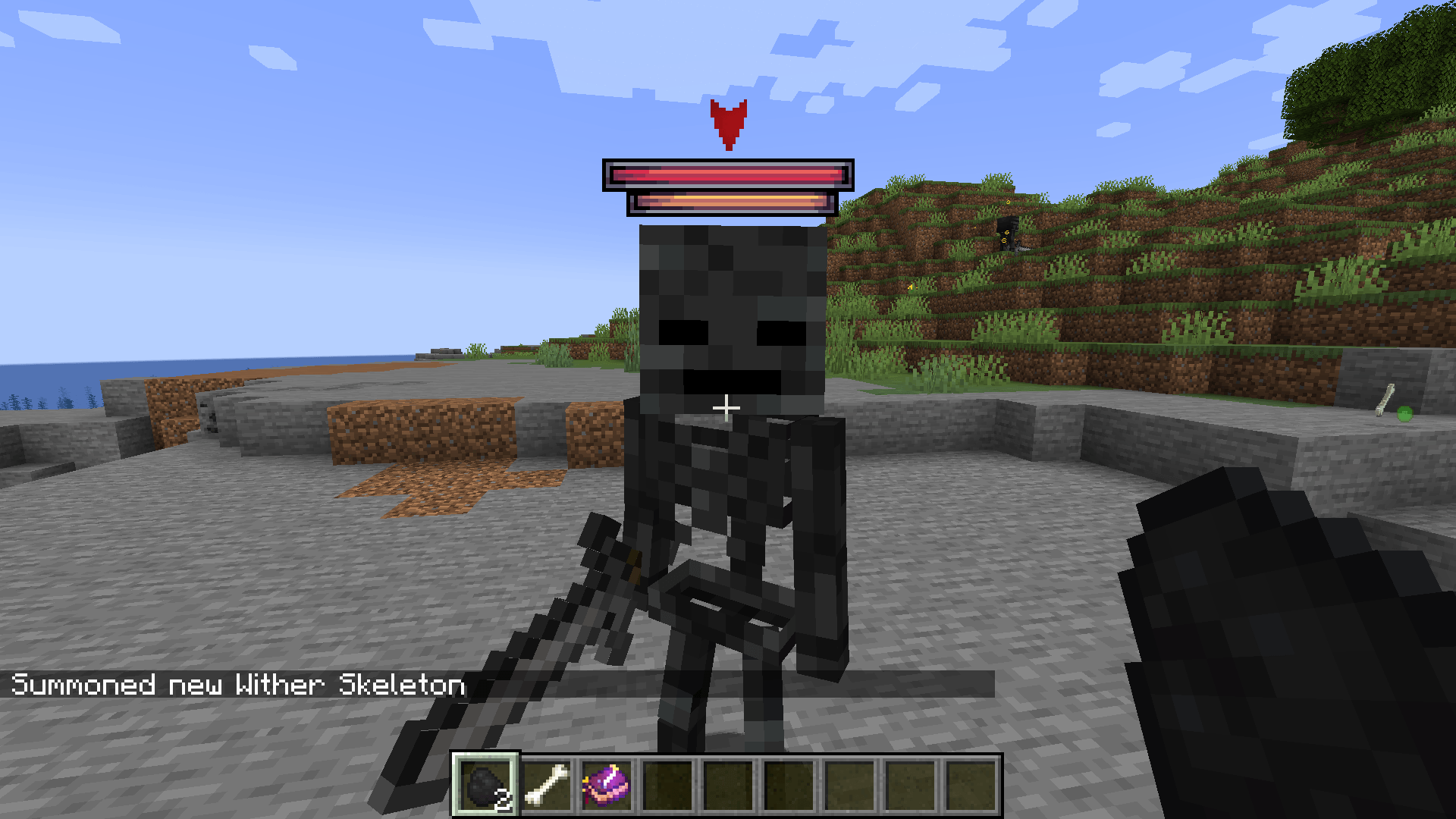

Epic Fight - Indestructible
An Epic Fight addon provide new behavioral options through data pack to enhance monster AI.Install

Expanded Delight
An addon mod for Farmer's Delight that adds many more crops and functionality to the base modInstallOn a server
Dyson Cube Project
Build a Dyson Sphere around the sun and harvest its powerInstall
Player Skin Mob
An Alternative to HeadCrumbs & TwitchCrumbs (Mob Only)Install
BuildCraft|Silicon
BuildCraft Silicon ModuleInstall

Configured Defaults
Allows for providing defaults for files absent in .minecraft like configs. A quintessential modpack utility.InstallOn a server
DarknessLib
Library mod for handling light calculations and similar thingsInstall

You Shall Not Spawn!
A modpack utility mod that allows to disable spawning of any entity.InstallOn a server

Immersive UI
Enhance your gameplay experience with animated UI componentsInstall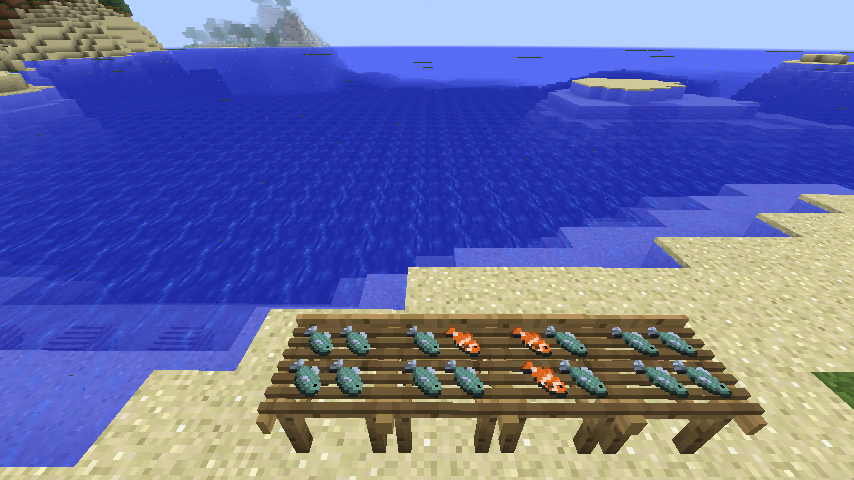
PrimalCore
Early Game Survival, Expanded Nether, Monsters and MysteryInstall
Fabric Seasons: Croptopia Compat
Croptopia compatibility for Fabric SeasonsInstall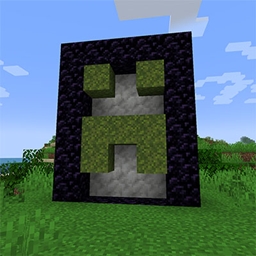
No Nether Portal
Mod just disables the Nether Portal creation. For modpack authors.Install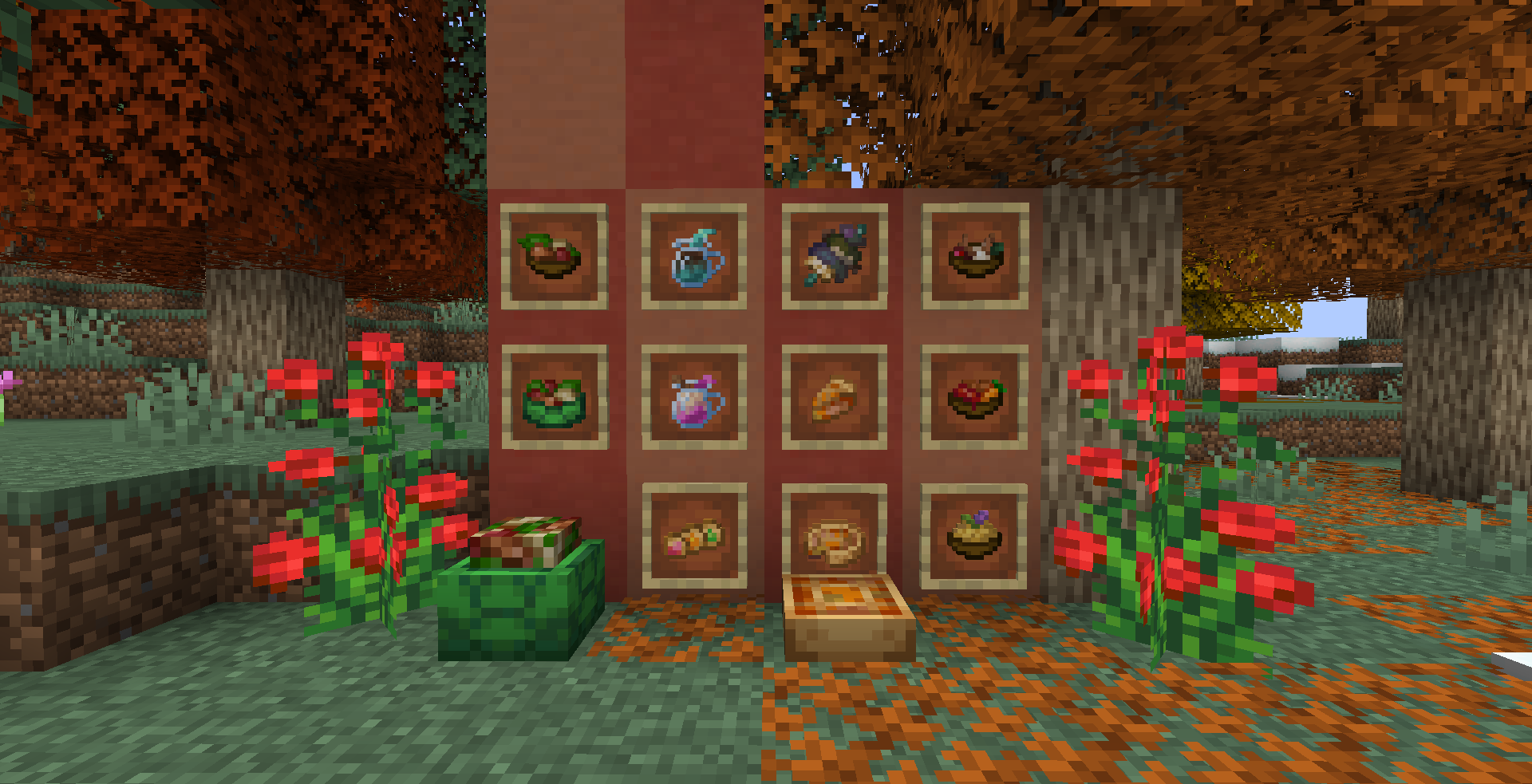

The Irregular Chef! (A Farmer's Delight Add-on)
A compat mod that adds new recipes to Farmer's Delight.InstallFAQ
How is Forge different from Fabric?
They're two different mod loaders that aren't compatible with each other. Forge is the older one and better suited to big tech and magic modpacks; Fabric is lighter, updates to new game versions faster, and hosts most performance mods. NeoForge is a Forge fork for newer versions, and Quilt is a Fabric fork. A Forge mod won't run on Fabric, and vice versa. Millida Launcher installs the right loader for you.
How do I know which mod version I need?
The one that matches your game version and loader. The “Install” button picks the file for you: Millida Launcher grabs the version for your modpack. A mod for 1.20.1 usually won't work on 1.21.
How do I install a mod?
Click “Install” and Millida Launcher will download the mod, its dependencies and the right loader for you. To install a downloaded file manually, put it in the mods folder inside the game directory.
Do I need CurseForge to install mods?
No. The Install button on a mod page opens Millida Launcher: it downloads the mod, its dependencies and the right loader into the chosen instance by itself. No CurseForge and no manual file copying.
Which mods are there for 1.20.1?
1.20.1 is one of the most modded versions, especially on Forge: tech, magic, RPG, furniture, weapons. Pick 1.20.1 in the version filter to keep only mods with a file built exactly for it, then pick Forge or Fabric next to it.
Can I install mods on my phone?
On Android, yes: Millida Launcher runs the Java edition on a phone, and mods work there just like on a PC, though light ones run much better than heavy ones. Minecraft PE (Bedrock) cannot load PC mods — it has add-ons instead, in the Minecraft PE mods section.
Which mods are best to play with friends?
The usual picks are Simple Voice Chat for proximity voice chat, Waystones for fast travel, Xaero's Minimap and something big to work on together, such as Create. Mods that change the world must be installed by every player and on the server, while client-side ones like a minimap or performance mods are up to each player.
Minecraft mods
A mod is an add-on that changes the game itself: it adds blocks, mobs and mechanics, or speeds up world rendering. It isn't installed into the game directly but on top of a loader — Forge, Fabric, NeoForge or Quilt — and it's the loader that decides whether the file will run. That's why every card here lists both the game version and the loader: two mods with the same name for 1.12.2 Forge and 1.21 Fabric are two different files, and mixing them up means a crash on launch.
The most searched Minecraft mods are weapon, furniture, horror and performance mods: each theme has its own collection, and links to the themes and the most wanted versions are in the Popular block. Version 1.20.1 on Forge still holds the most big tech, magic and RPG mods, while the fresh 1.21.11 and 26.2 get Fabric and NeoForge mods fastest.
One mod in the catalog, one page. Every version the author has released is listed on its card: pick your game version and loader right there instead of jumping between ten similar pages. Each file shows its size, release date and checksum, and the mod itself shows the author, license and a link to the original source. Files whose license allows rehosting are stored with us and download directly — no link shorteners, timers or ad redirects. If the license forbids rehosting, the button honestly takes you to the author.