
Mods for Minecraft Forge — page 199
6,187 itemsMods: list


AdvancedAE
An AE2 addon that adds a lot of utilities and quality of life.InstallOn a server

Thermal Innovation
Thermal Technology marches on. Adds Thermal-style tools and equipment!InstallOn a server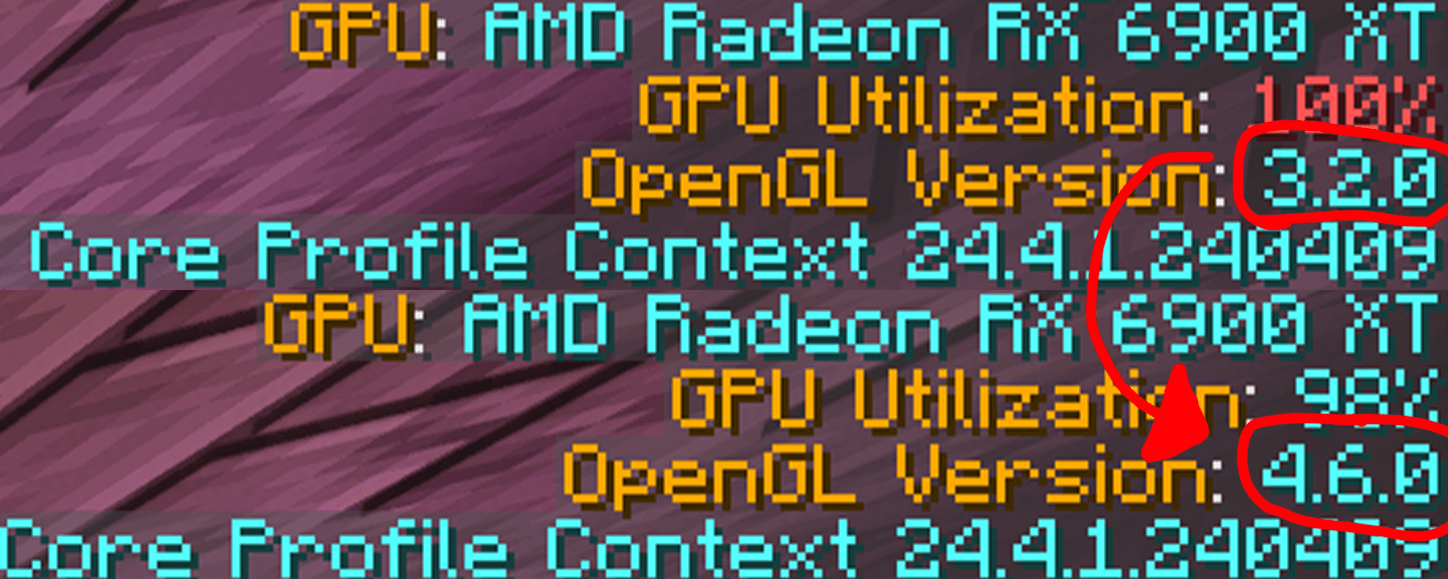
ThreatenGL
Threatens Minecraft to use modern versions of OpenGLInstall

Create: Molten Metals
Melt down metals, cast ingots and engage in metallurgy with Create: Molten MetalsInstallOn a server
Automatic Doors
🚪 Automatically opens doors around the player and closes them with a configurable delay.Install

Embers Text API
Use fancy text effects anywhere, including custom fonts!Install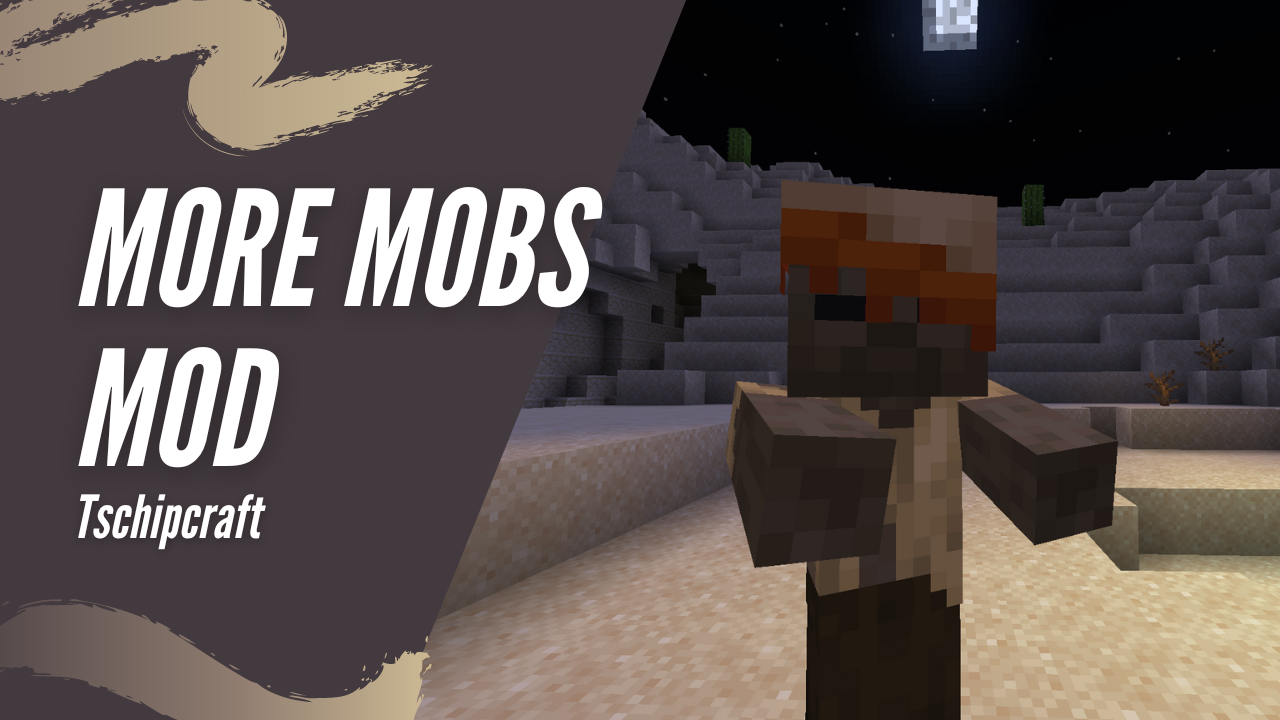
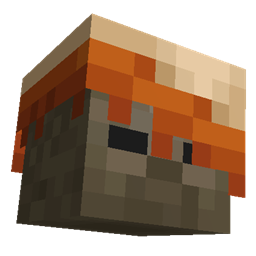
More Mobs [Server] [Fabric/NeoForge]
Humanoid mobs get new variants through over 85 custom player heads or unused vanilla mobs! No Resource Pack needed!Install

Wan's Ancient Beasts
Are you ready to meet all the beasts of Minecraft's ancient past? Like the Sniffer, they are all creatures from prehistory and each one brings with it amazing new features!InstallOn a server
Anvil Restoration
🔨 Repair placed anvils with iron ingots and damage them with obsidian.InstallOn a server
Qliphoth Awakening
Adds various bosses with unique attacks and mechanics.InstallOn a server
Zombie Villagers From Spawner
🧟♂ Returns the ability for zombie spawners to spawn the villager variant, removed in 1.11.Install

War Hammers
adds a new tool/weapon, the war-hammer!Install

Bedrockoid
Bedrock Edition's exclusive features for Java Edition!InstallOn a server

Hex Casting
Powerful programmable stack-based spellcastingInstallOn a server
Sticky Enchanting Lapis
📖🔷 Allows lapis lazuli to remain in the enchanting table and be shared among players.Install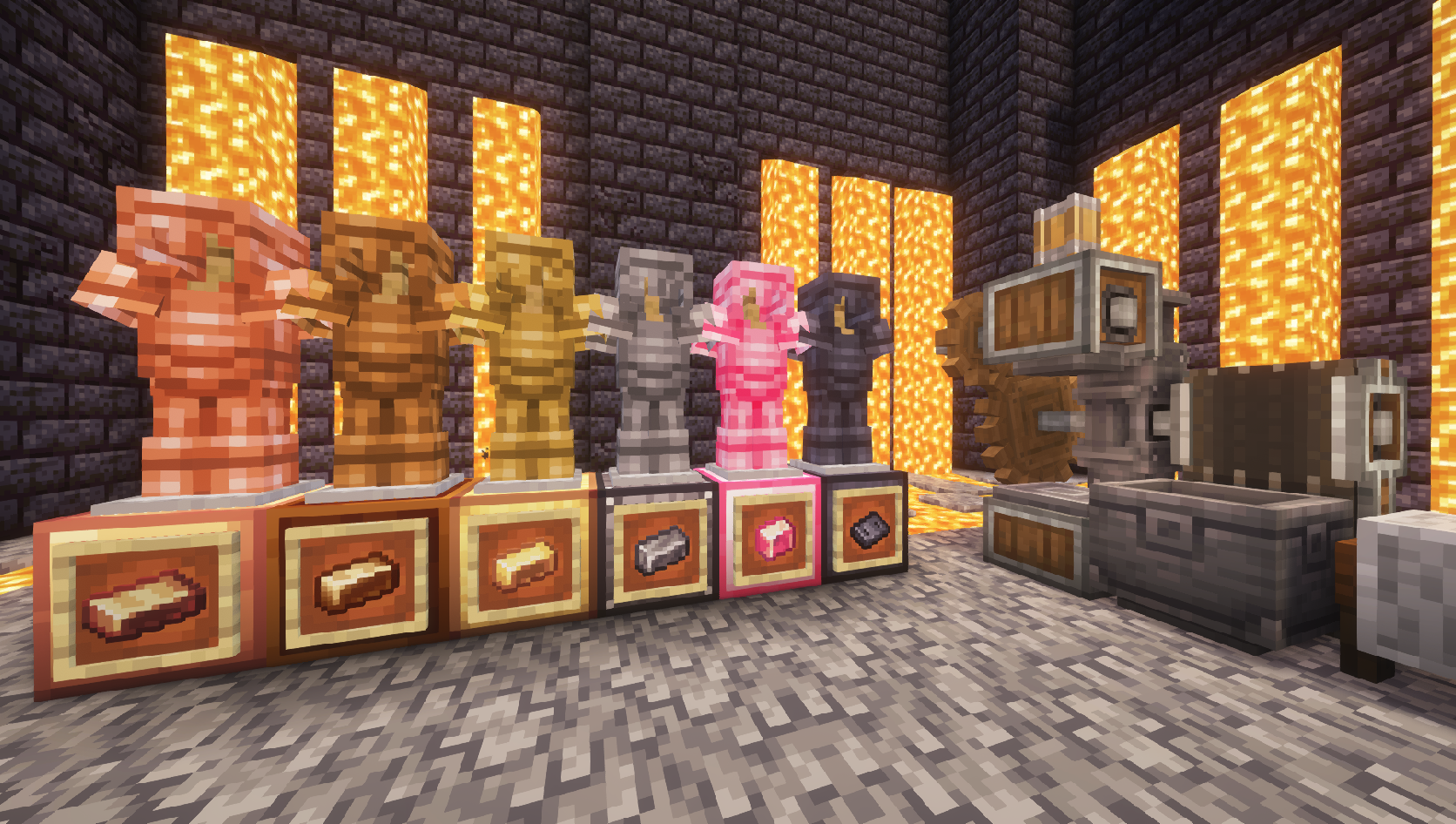
Create: Ironworks
An addon for the Create mod bringing new materials (Tin, Bronze, Steel) and related items.Install

Saro´s Money
Adds physical coins (1€–2€), banknotes (5€–500€), ATMs, and bank accounts for a complete multiplayer economy — with /pay, /eco commands, sign shops, and a leaderboard.Install

Fossils and Archeology: Revival
The mod offers a variety of dinosaurs that are brought back to life through discovering bones, extracting DNA, creating Embryos, and making eggs. Along with dinosaurs there are other prehistoric creatures such as mammoths, smilodons, and DODOS!!InstallOn a server
Horse Stonks
Prevents horses from getting worse stats than their parentsInstallOn a server

Coordinates Display
A basic mod that displays your Coordinates on the In-game HUD.Install

Alshanex's Familiars
An Iron's Spells & Spellbooks addon for 1.20.1 and 1.21.1 that introduces new creatures around the world called Familiars.InstallOn a server

Health Indicator
Displays players' health below their names.InstallOn a server
Veggies Delight (A Farmer's Delight Add-on)
An addon mod for Farmer's Delight that expand it with a variety of new vegetables, food and structures.InstallOn a serverFAQ
How is Forge different from Fabric?
They're two different mod loaders that aren't compatible with each other. Forge is the older one and better suited to big tech and magic modpacks; Fabric is lighter, updates to new game versions faster, and hosts most performance mods. NeoForge is a Forge fork for newer versions, and Quilt is a Fabric fork. A Forge mod won't run on Fabric, and vice versa. Millida Launcher installs the right loader for you.
How do I know which mod version I need?
The one that matches your game version and loader. The “Install” button picks the file for you: Millida Launcher grabs the version for your modpack. A mod for 1.20.1 usually won't work on 1.21.
How do I install a mod?
Click “Install” and Millida Launcher will download the mod, its dependencies and the right loader for you. To install a downloaded file manually, put it in the mods folder inside the game directory.
Do I need CurseForge to install mods?
No. The Install button on a mod page opens Millida Launcher: it downloads the mod, its dependencies and the right loader into the chosen instance by itself. No CurseForge and no manual file copying.
Which mods are there for 1.20.1?
1.20.1 is one of the most modded versions, especially on Forge: tech, magic, RPG, furniture, weapons. Pick 1.20.1 in the version filter to keep only mods with a file built exactly for it, then pick Forge or Fabric next to it.
Can I install mods on my phone?
On Android, yes: Millida Launcher runs the Java edition on a phone, and mods work there just like on a PC, though light ones run much better than heavy ones. Minecraft PE (Bedrock) cannot load PC mods — it has add-ons instead, in the Minecraft PE mods section.
Which mods are best to play with friends?
The usual picks are Simple Voice Chat for proximity voice chat, Waystones for fast travel, Xaero's Minimap and something big to work on together, such as Create. Mods that change the world must be installed by every player and on the server, while client-side ones like a minimap or performance mods are up to each player.
Mods for Minecraft Forge
Mods for Minecraft Forge: 6,187 items in the Mods section. Compatibility is checked against the files, not the description: only items with a build for exactly these conditions stay in the list.
One mod in the catalog, one page. Every version the author has released is listed on its card: pick your game version and loader right there instead of jumping between ten similar pages. Each file shows its size, release date and checksum, and the mod itself shows the author, license and a link to the original source. Files whose license allows rehosting are stored with us and download directly — no link shorteners, timers or ad redirects. If the license forbids rehosting, the button honestly takes you to the author.