

Bedrockoid Mod for Minecraft 1.20.1, 1.21.1
Bedrock Edition's exclusive features for Java Edition!
 Fabric
 NeoForge
 Forge
ForgeBedrockoid
Bedrockoid - a Minecraft Mod that implements Minecraft Bedrock Edition exclusive gameplay features into Minecraft Java Edition, rather than make Java Edition look like Bedrock Edition

Features list:
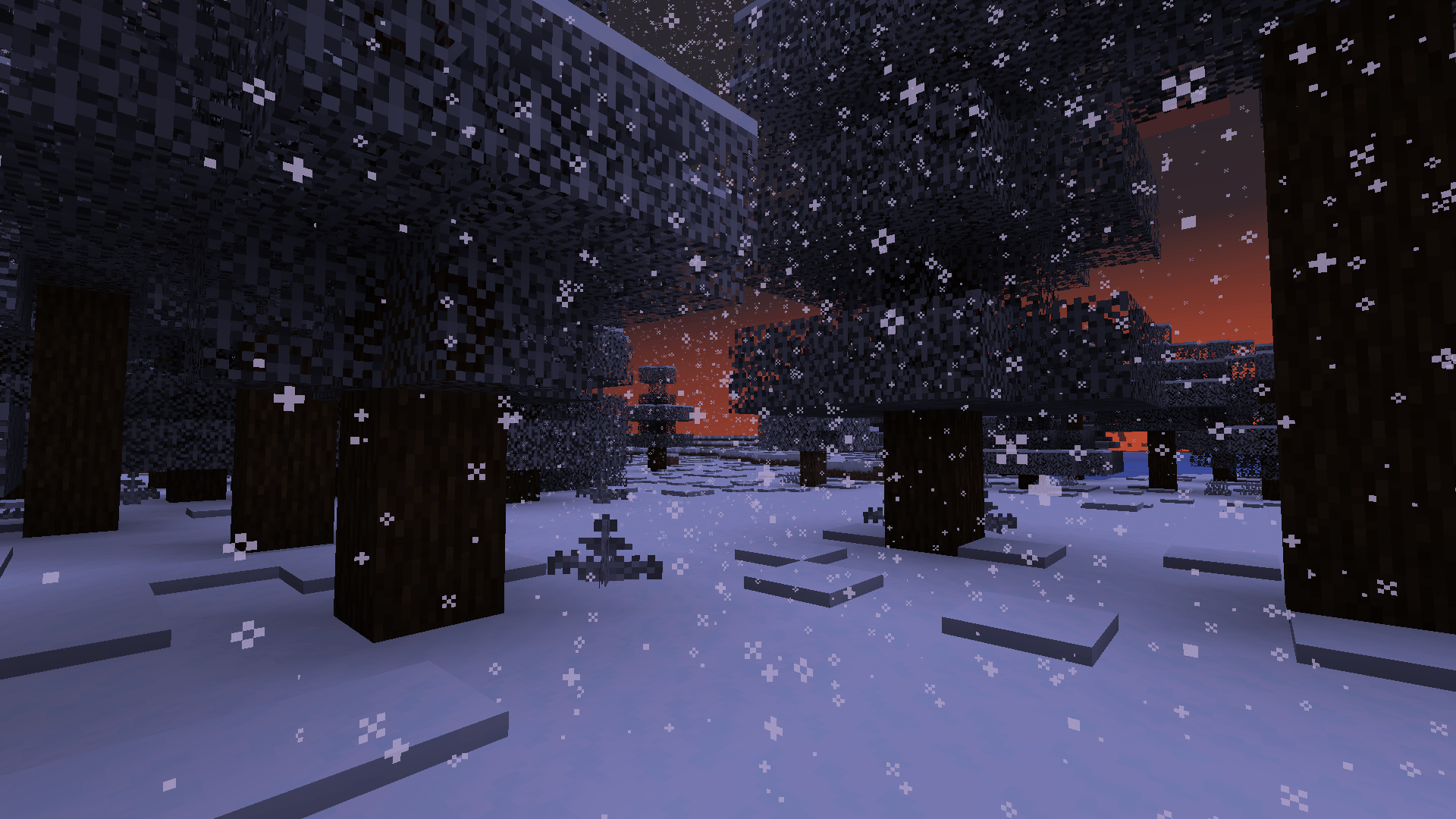
- Leaves change their color if snow is on them or leaves placed in snowy biomes
- Snow spawns under trees in snowy biomes
- Composter collision changes due to items composted in
- Fire aspect can light tnt and lit candles
- Fire aspect can fire campfires
- Entity uses shield if is sneaking
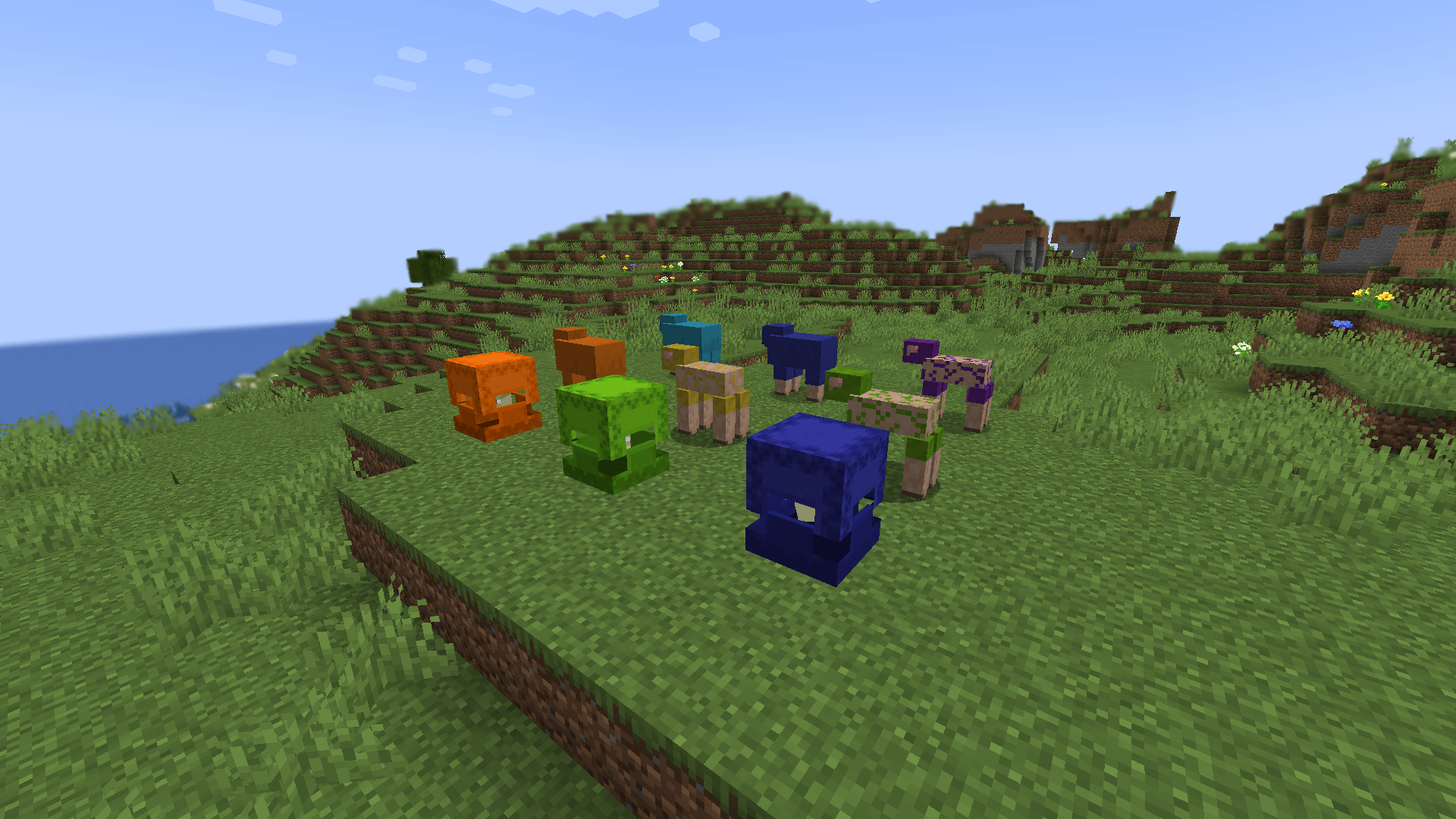
- Living shulkers can be dyed
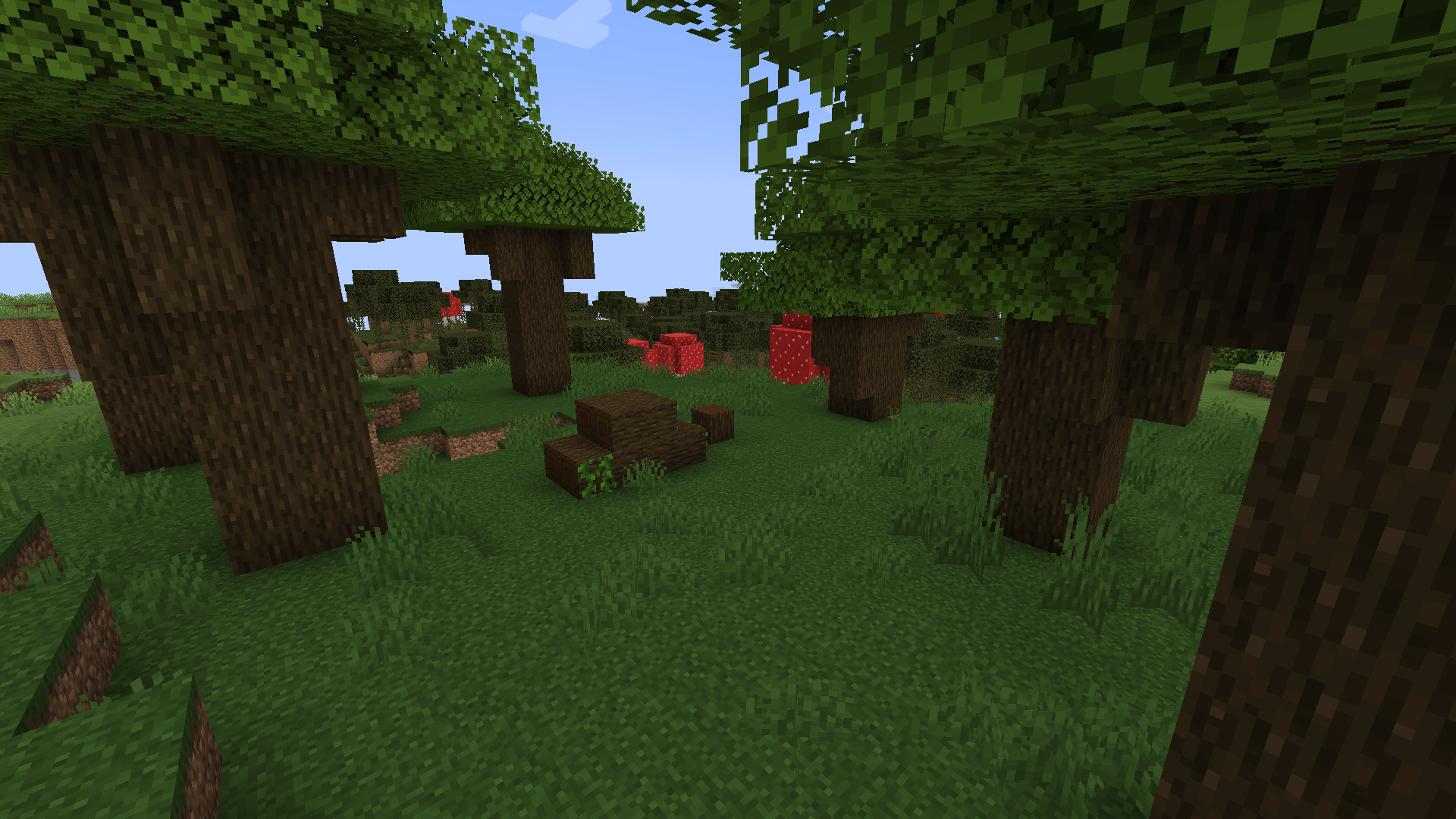
- Mushroom trees spawn in swamp
- Frostwalker radius is increased to be matched with what is in Bedrock Edition
- Color of sheep's fur applies to all fur spots
- Reach around placement for blocks
- Fallen trees from snapshot 25W09A are backported + trees with 2x2 trunk
- Any entities in fire can light candles and campfires
- Wet sponge dries out when in dry biome
- Elytra flying can be stopped by pressing space in air
- Cauldron fills naturally if fluid is above it
- Waterloggablity fixed for cauldron, stonecutter, bed, anvil, grindstone, hopper, lectern, fence gate and pressure plate
- Plants can be covered in snow
- Plants can be multiplied by bonemealing
- Redstone can be connected to pistons
- Armor stand has arms by default
Source code of project can be found here

To develop this mod, code from certain projects was used:
- Bedrockify - mod that makes Java Edition looks completely like Bedrock Edition
- SnowUnderTrees - mod that places snow under trees
- SnowRealMagic - mod that brings amazing interaction with snow (project's code was used for early build of mod)
- WilderWild - mod, which name describe it the best way, making Minecraft world way more unique and interesting
How to install Bedrockoid
With Millida Launcher
Install Millida Launcher
The launcher is free: download it at millida.net/launcher and sign in with any nickname.
Click “Install” on this page
The launcher opens and installs the mod for Minecraft 1.20.1–1.21.11 on Fabric, Forge or NeoForge automatically.
Launch the game
A profile with it appears in the launcher: click “Play”.
Manually
Install Fabric, Forge or NeoForge
The loader must match the game version of the mod file, for example Minecraft 1.21.11. After installing it, a separate profile appears in your launcher.
Download the file for your version
In the version list above, pick the file bedrockoid-0.1.1.jar (390 KB) for your game version and loader.
Put it in the mods folder
The folder is inside .minecraft (Windows: %appdata%\.minecraft\mods). If it does not exist, create it.
Launch the loader profile
Open “Mods” in the main menu: Bedrockoid should be in the list.
On a server
A server on Fabric, Forge or NeoForge
The mod only works on a server with the same loader and game version, for example 1.21.11.
File goes into the server’s mods folder
Stop the server, put the mod file into the mods folder and start the server again.
Use the “To server” button
On Millida Hosting, the button at the top of the page uploads the file to your server and restarts it for you.
Minecraft 1.21.11 runs on Java 21: with a different Java version the game may close right after launch.
Versions
With dependencies
| Minecraft | Loader | File | Date | Actions |
|---|---|---|---|---|
| 1.20.1 | Forge | 1.20.1534 KB | ||
| 1.21.1 | NeoForge | 1.21.1350 KB | ||
| 1.21.1 | Fabric | 1.21.1398 KB | ||
| 1.21.11 | Fabric | 1.21.11390 KB | ||
| 1.21.11 | NeoForge | 1.21.11342 KB | ||
| 1.21.10 | Fabric | 1.21.10389 KB | ||
| 1.21.10 | NeoForge | 1.21.10342 KB | ||
| 1.21.1 | Fabric | 1.21.1399 KB |
Reviews
Be the first to rate Bedrockoid


