
Mods for Minecraft Java 26.2 — page 8
1,778 itemsMods: list


Sounds
It's what it says on the tin. A complete upgrade to Minecraft's SFX with over 170 new sound effects for UIs, items, blocks and more.Install
Sophisticated Core
Library mod for Sophisticated modsInstallOn a server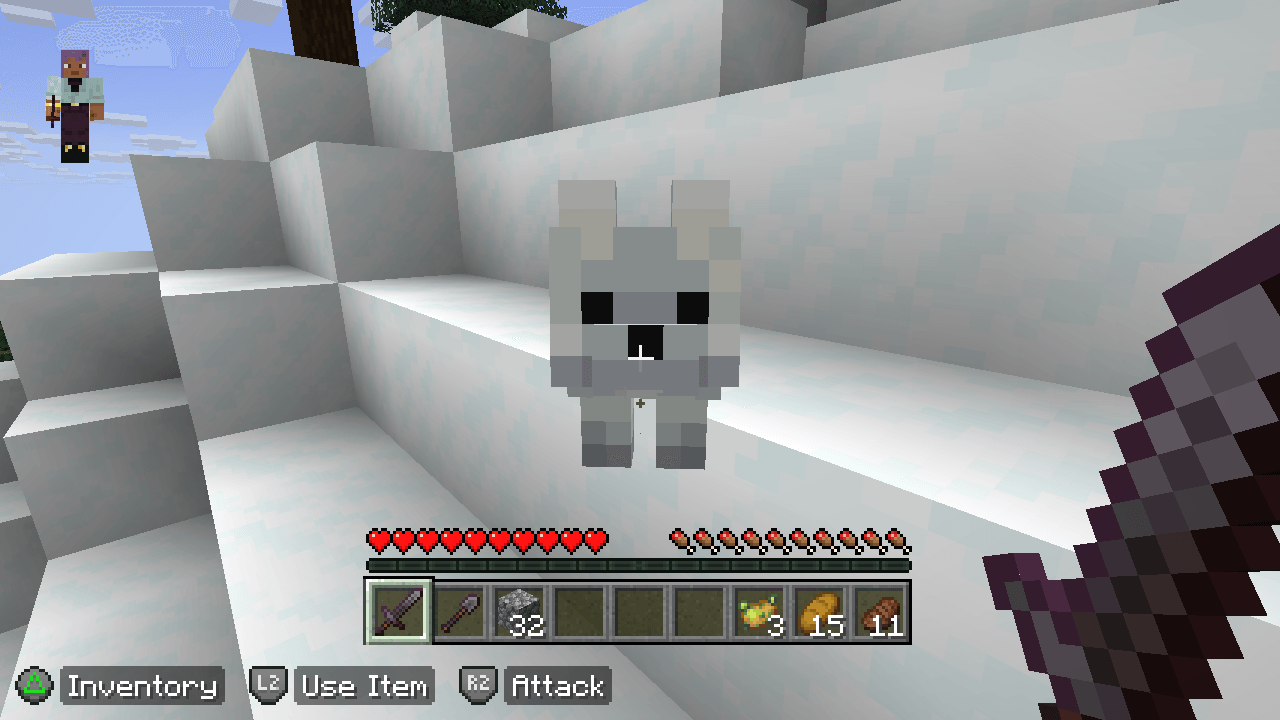
Controllable
Play Minecraft Java Edition with a Controller / GamepadInstall

EnhancedVisuals
Feel the pain!InstallOn a server

Polytone
Customize Map Color, Block Colors, Colormaps and Block Sounds, Biome Colors, dynamic colored lights, Dye Colors. Supports Optifine format. For Resource PacksInstall

Yeetus Experimentus
Disable's the Experimental Settings popup, which appears when you create or load world.Install

Fabrishot
Take insanely large screenshots because why notInstall

ReplayMod
A Minecraft Mod to record, relive and share your experience.Install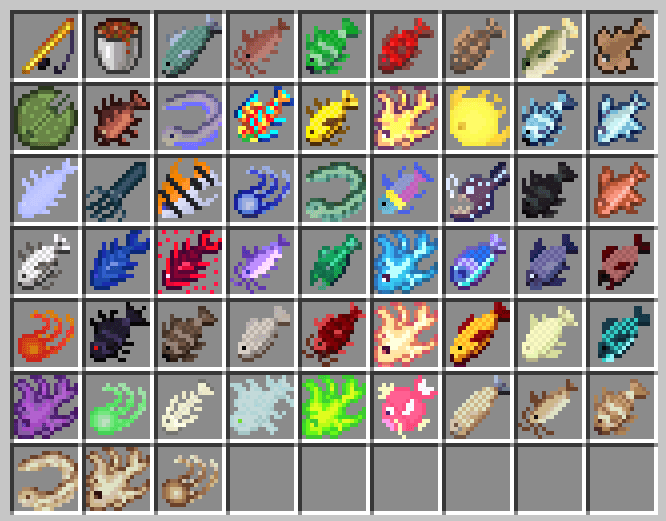
Advanced Fishing
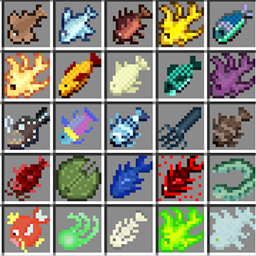
This mod overhauls fishing with 49 new fish, biome-based catches, lava fishing, new enchantments and curses, custom potions, early-game tools like the Chum Bucket, and fully reworked fishing mechanics.Install

DefaultSettings
Keep your game's local settings in case of an update to your modpackInstall

(Sodium) Chloride
Gives Sodium additional Performance and Quality features for a tasteful experienceInstall

Cristel Lib
A Library mod for easy structure config and runtime datapacks.InstallOn a server

Wavey Capes
The cape shouldn't be a static slabInstall

SuperMartijn642's Core Lib
SuperMartijn642's Core Lib adds lots of basic implementations that allow for similar code between different Minecraft versions!InstallOn a server

Towns and Towers
Spice up your world with new villages, pillager outposts, and even new ships!InstallOn a server

Default Options
Ship default options or keybinds without having to overwrite an existing options.txt.Install

ServerCore
A mod that aims to optimize the minecraft server.InstallOn a server

Cut Through
Cleanly swing through transparent blocks like tall grass to hit mobs without breaking said block.Install

Particle Core
Particle optimizations: Culling, rendering optimizations, configurable particle-type-specific spawn reduction, and potion particle disabling. Compatible with Sodium, improves performance over Sodium alone.Install

Prism
A library all about color! Provides lots of color-related functionality for dependent mods.Install

BetterGrassify
Gamers can finally touch grass!? OptiFine's Fancy and Fast better grass implemented on Fabric and NeoForge!Install
Paginated Advancements & Custom Frames
Better advancements screenInstall

Advancement Plaques
Replace those boring advancement popups with something flashier.InstallFAQ
How is Forge different from Fabric?
They're two different mod loaders that aren't compatible with each other. Forge is the older one and better suited to big tech and magic modpacks; Fabric is lighter, updates to new game versions faster, and hosts most performance mods. NeoForge is a Forge fork for newer versions, and Quilt is a Fabric fork. A Forge mod won't run on Fabric, and vice versa. Millida Launcher installs the right loader for you.
How do I know which mod version I need?
The one that matches your game version and loader. The “Install” button picks the file for you: Millida Launcher grabs the version for your modpack. A mod for 1.20.1 usually won't work on 1.21.
How do I install a mod?
Click “Install” and Millida Launcher will download the mod, its dependencies and the right loader for you. To install a downloaded file manually, put it in the mods folder inside the game directory.
Do I need CurseForge to install mods?
No. The Install button on a mod page opens Millida Launcher: it downloads the mod, its dependencies and the right loader into the chosen instance by itself. No CurseForge and no manual file copying.
Which mods are there for 1.20.1?
1.20.1 is one of the most modded versions, especially on Forge: tech, magic, RPG, furniture, weapons. Pick 1.20.1 in the version filter to keep only mods with a file built exactly for it, then pick Forge or Fabric next to it.
Can I install mods on my phone?
On Android, yes: Millida Launcher runs the Java edition on a phone, and mods work there just like on a PC, though light ones run much better than heavy ones. Minecraft PE (Bedrock) cannot load PC mods — it has add-ons instead, in the Minecraft PE mods section.
Which mods are best to play with friends?
The usual picks are Simple Voice Chat for proximity voice chat, Waystones for fast travel, Xaero's Minimap and something big to work on together, such as Create. Mods that change the world must be installed by every player and on the server, while client-side ones like a minimap or performance mods are up to each player.
Mods for Minecraft Java 26.2
Mods for Minecraft 26.2: 1,778 items in the Mods section. Compatibility is checked against the files, not the description: only items with a build for exactly these conditions stay in the list.
One mod in the catalog, one page. Every version the author has released is listed on its card: pick your game version and loader right there instead of jumping between ten similar pages. Each file shows its size, release date and checksum, and the mod itself shows the author, license and a link to the original source. Files whose license allows rehosting are stored with us and download directly — no link shorteners, timers or ad redirects. If the license forbids rehosting, the button honestly takes you to the author.