
Mods for Minecraft Java 26.2 — page 73
1,780 itemsMods: list

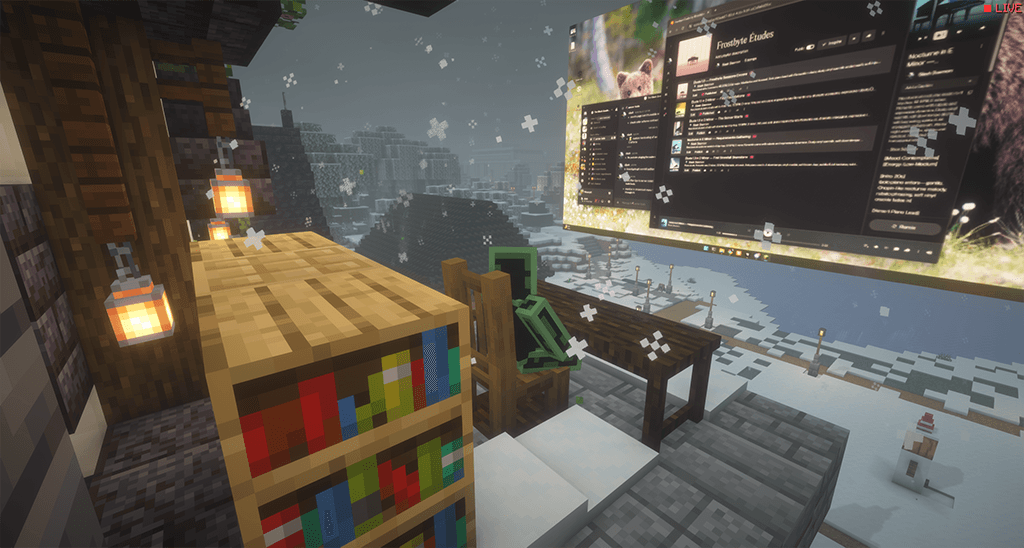

StreamCraft Live
StreamCraft Live brings real-time video streaming into Minecraft. Screen share & see each other face-to-face using WebRTC via LiveKit. NOTICE! Make sure you download your OS-specific version. Now available for Windows, Mac (arm64/intel), Linux and AndroidInstall
Crosshair Tweaks
A small QOL mod that lets you alter the vanilla crosshair in small ways.Install

Totally Lit
Brings realistic/hardcore mechanics to torches, candles, lanterns, campfires, and jack o' lanterns in a configurable way.Install

Expanded Crossbow Enchantings
This Datapack and Mod allow to use Looting on a Crossbow and allows Piercing and Multishot to be on the same bow on the same Crossbow!Install

Defensive Measures
Allows you to craft defensive turrets that will shoot any hostile mobs it detects, and defend villages that are within proximity.Install
IPN Rejects
Features that have been removed from Inventory Profiles NextInstall
Snowball and Egg Knockback (Fabric)
Adds snowball and egg knockback for playersInstall
FixMCStats
Mod that aims to fix multiple issues with the Minecraft statistics.🤓Install
Cinch's Missing Blocks
Cinch's Missing Blocks aims to add all the block variants that Mojang skipped. From random wall and stair variants that are missing to entire new brick sets.Install

Mobs Equipment (Fabric/Forge/NeoForge/Quilt)
Mobs naturally scale their equipment with the player’s progression!Install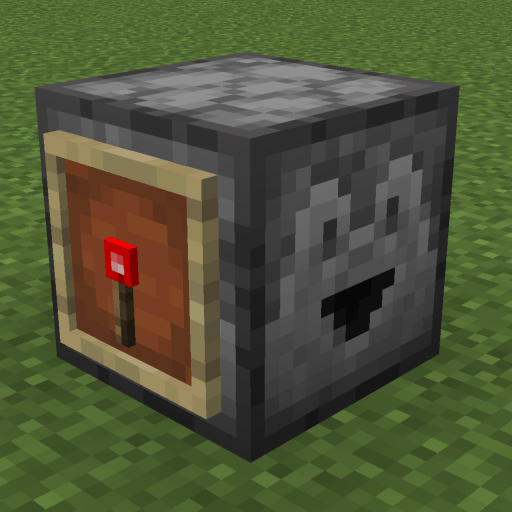
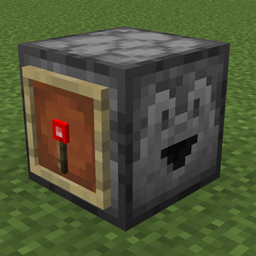
Pepsi's Auto Droppers
Specify which droppers/dispensers/crafters will automatically drop/dispense/craft items.Install
Ender Compass (Fabric/Forge/NeoForge/Quilt)
Lodestone teleports!Install

End Moai Villager
Adds a new structure to the End, The End Moai Villager, can be found in End Highlands Biomes with custom Loot Tables and Enemies.. compatibility for 1.20 to 26.2Install
Plague's Chat Timestamps
A Minecraft mod that adds customizable timestamps to chat!Install

Moai Villager Statue
Adds a new structure to the Overworld, The Moai Villager Statue, can be found in Forest and Plains Biomes with custom Loot Tables and Enemies.. compatibility for 1.20 to 26.2Install
Hide HUD in Third-Person View
Hides the player's HUD when viewed in third person.Install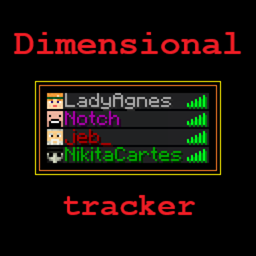
Dimensional Tracker
Color names depending on the player's dimensionInstall
Experience Book (Fabric/Forge/NeoForge/Quilt)
Save your experience points in a book!Install

Villager Shop (Fabric/Forge/NeoForge/Quilt)
A fully customizable villager shop for players!Install
Recall Potion (From Terraria) (Fabric/Forge/NeoForge/Quilt)
Teleport to your respawn point!Install

Portals (Fabric/Forge/NeoForge/Quilt)
Custom portals for traveling around the world and dimensions!Install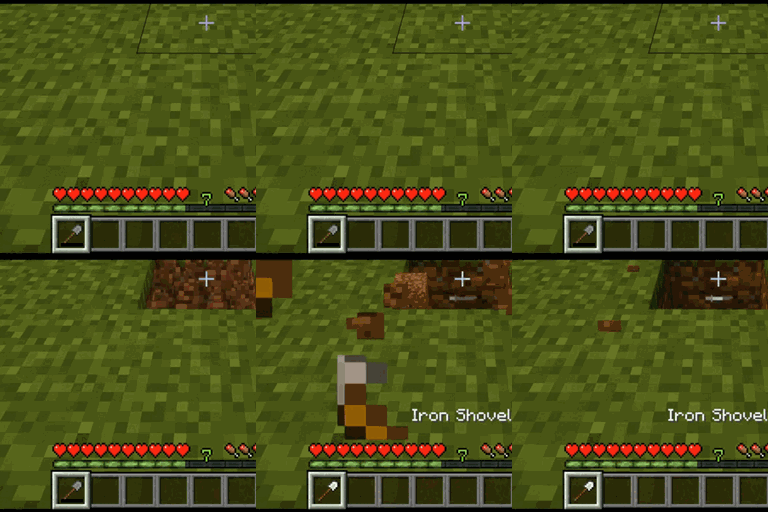
Tool Replacement
A mod that automatically replaces broken tools with a new one from the inventory.Install
Serilum's Client Bundle
📦 A mod bundle of all client mods Serilum has released, create your own experience!InstallFAQ
How is Forge different from Fabric?
They're two different mod loaders that aren't compatible with each other. Forge is the older one and better suited to big tech and magic modpacks; Fabric is lighter, updates to new game versions faster, and hosts most performance mods. NeoForge is a Forge fork for newer versions, and Quilt is a Fabric fork. A Forge mod won't run on Fabric, and vice versa. Millida Launcher installs the right loader for you.
How do I know which mod version I need?
The one that matches your game version and loader. The “Install” button picks the file for you: Millida Launcher grabs the version for your modpack. A mod for 1.20.1 usually won't work on 1.21.
How do I install a mod?
Click “Install” and Millida Launcher will download the mod, its dependencies and the right loader for you. To install a downloaded file manually, put it in the mods folder inside the game directory.
Do I need CurseForge to install mods?
No. The Install button on a mod page opens Millida Launcher: it downloads the mod, its dependencies and the right loader into the chosen instance by itself. No CurseForge and no manual file copying.
Which mods are there for 1.20.1?
1.20.1 is one of the most modded versions, especially on Forge: tech, magic, RPG, furniture, weapons. Pick 1.20.1 in the version filter to keep only mods with a file built exactly for it, then pick Forge or Fabric next to it.
Can I install mods on my phone?
On Android, yes: Millida Launcher runs the Java edition on a phone, and mods work there just like on a PC, though light ones run much better than heavy ones. Minecraft PE (Bedrock) cannot load PC mods — it has add-ons instead, in the Minecraft PE mods section.
Which mods are best to play with friends?
The usual picks are Simple Voice Chat for proximity voice chat, Waystones for fast travel, Xaero's Minimap and something big to work on together, such as Create. Mods that change the world must be installed by every player and on the server, while client-side ones like a minimap or performance mods are up to each player.
Mods for Minecraft Java 26.2
Mods for Minecraft 26.2: 1,780 items in the Mods section. Compatibility is checked against the files, not the description: only items with a build for exactly these conditions stay in the list.
One mod in the catalog, one page. Every version the author has released is listed on its card: pick your game version and loader right there instead of jumping between ten similar pages. Each file shows its size, release date and checksum, and the mod itself shows the author, license and a link to the original source. Files whose license allows rehosting are stored with us and download directly — no link shorteners, timers or ad redirects. If the license forbids rehosting, the button honestly takes you to the author.