
Mods for Minecraft 26.2 — page 43
1,784 itemsMods: list



Hypixel Mod API
Mod API for interfacing with the Hypixel Server.Install

Friends&Foes - Beekeeper Hut (Forge/NeoForge)
An addon for the Friends&Foes mod, adding a beekeeper hut structure.InstallOn a server
Gabou's Libs
Usefull libraries for my modsInstall

Friends&Foes - Flowery Mooblooms (Forge/NeoForge)
An addon for the Friends&Foes mod, adding one moobloom variant for each flower.InstallOn a server
Zombie Improvements
Improves zombie leader and reinforcement mechanics and fixes a few bugsInstall

Better Crafting Recipes
Adds balanced crafting recipes for vanilla items that are normally uncraftable or limited.InstallOn a server
More Mobs
Humanoid mobs get new variants through over 85 custom player heads or unused vanilla mobs! No Resource Pack needed!InstallOn a server
Variable Spawner Hardness
Make Minecraft spawners harder to break depending on your difficulty.Install

Distinct Potions
Trouble telling your potions apart? Time to give you a helping hand with that.Install

Silicon
Includes my update gui for auto updates and manual updates with a notification system when a new update is out open to use for any mod as well as a mod hubInstall
Giacomo's better dye
Color blocks, horses, or llamas using a dye with a simple click.Install
Seasonal Integration
Adding compatibility between Serene Seasons and other mods for a smoother experience.Install
Cosy Critters & Creepy Crawlies
Adds adorable atmospheric animals: birds, bugs, and bothersome creatures.Install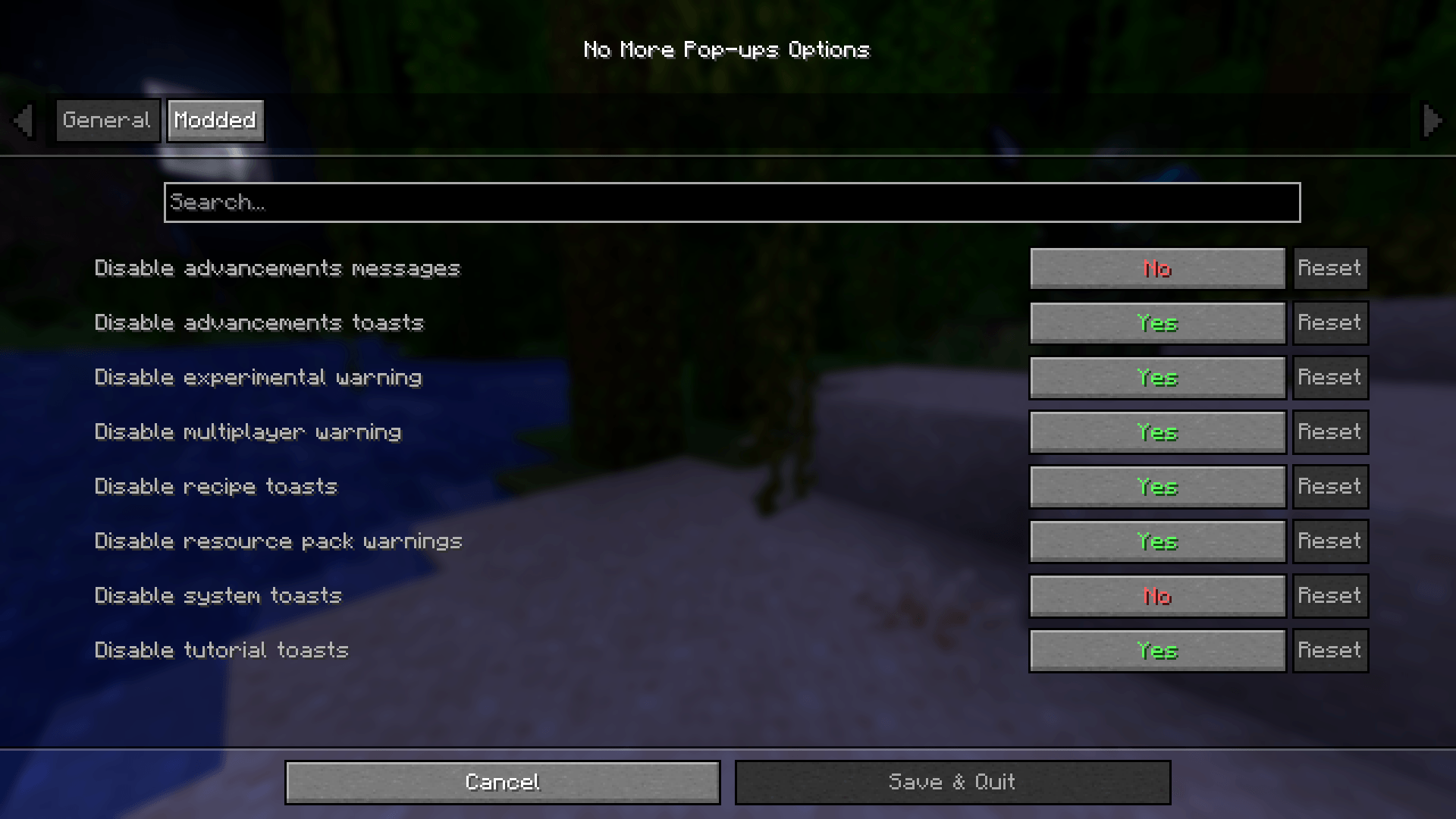
No More Pop-ups
A Minecraft mod to remove in-game pop-upsInstall
Anvian's Lib
A small utility library for Anvian's mods.InstallOn a server

SkyBlock Enhancements
Small, easy to run mod designed to improve your Hypixel SkyBlock experience with quality-of-life features and utilities.Install
Advancements Search
A client-side mod that adds a search feature to the advancements window.Install

TrimsEffects
The objective of this mod is none other than to expand the world of trims added by Mojang in the latest versions, since now, each of them will be able to grant an effect.InstallOn a server

My Totem Doll
Replaces vanilla totems with autogenerated 2D or 3D totems for EVERY player in Minecraft! Rename your totem to player's nickname to use it's skin.Install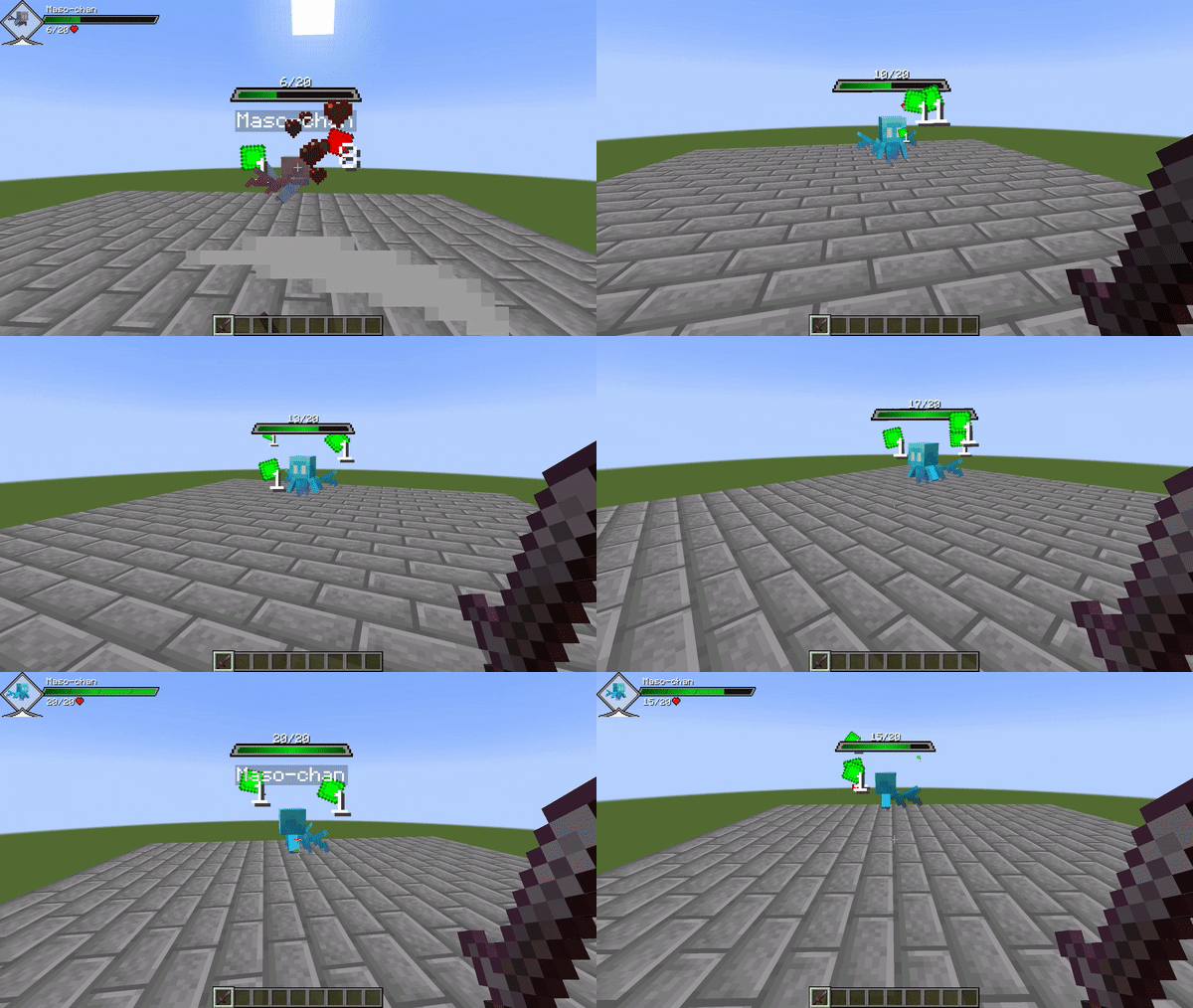

Provi's Health Bars
Adds sleek and expansive health bars / damage indicators.Install
Ledger Databases
Adds support for additional database types to LedgerInstall

Feather remake
Feather Remake Client is made to mimic the functionality of popular client with great UI experience for Linux devices which runs minecraft eg. Feather clientInstall
Polaroid Camera
A mod that adds a camera that allows players to take pictures and put them on maps.InstallFAQ
How is Forge different from Fabric?
They're two different mod loaders that aren't compatible with each other. Forge is the older one and better suited to big tech and magic modpacks; Fabric is lighter, updates to new game versions faster, and hosts most performance mods. NeoForge is a Forge fork for newer versions, and Quilt is a Fabric fork. A Forge mod won't run on Fabric, and vice versa. Millida Launcher installs the right loader for you.
How do I know which mod version I need?
The one that matches your game version and loader. The “Install” button picks the file for you: Millida Launcher grabs the version for your modpack. A mod for 1.20.1 usually won't work on 1.21.
How do I install a mod?
Click “Install” and Millida Launcher will download the mod, its dependencies and the right loader for you. To install a downloaded file manually, put it in the mods folder inside the game directory.
Do I need CurseForge to install mods?
No. The Install button on a mod page opens Millida Launcher: it downloads the mod, its dependencies and the right loader into the chosen instance by itself. No CurseForge and no manual file copying.
Which mods are there for 1.20.1?
1.20.1 is one of the most modded versions, especially on Forge: tech, magic, RPG, furniture, weapons. Pick 1.20.1 in the version filter to keep only mods with a file built exactly for it, then pick Forge or Fabric next to it.
Can I install mods on my phone?
On Android, yes: Millida Launcher runs the Java edition on a phone, and mods work there just like on a PC, though light ones run much better than heavy ones. Minecraft PE (Bedrock) cannot load PC mods — it has add-ons instead, in the Minecraft PE mods section.
Which mods are best to play with friends?
The usual picks are Simple Voice Chat for proximity voice chat, Waystones for fast travel, Xaero's Minimap and something big to work on together, such as Create. Mods that change the world must be installed by every player and on the server, while client-side ones like a minimap or performance mods are up to each player.
Mods for Minecraft 26.2
Mods for Minecraft 26.2: 1,784 items in the Mods section. Compatibility is checked against the files, not the description: only items with a build for exactly these conditions stay in the list.
One mod in the catalog, one page. Every version the author has released is listed on its card: pick your game version and loader right there instead of jumping between ten similar pages. Each file shows its size, release date and checksum, and the mod itself shows the author, license and a link to the original source. Files whose license allows rehosting are stored with us and download directly — no link shorteners, timers or ad redirects. If the license forbids rehosting, the button honestly takes you to the author.