
Mods for Minecraft 26.2 — page 33
1,779 itemsMods: list

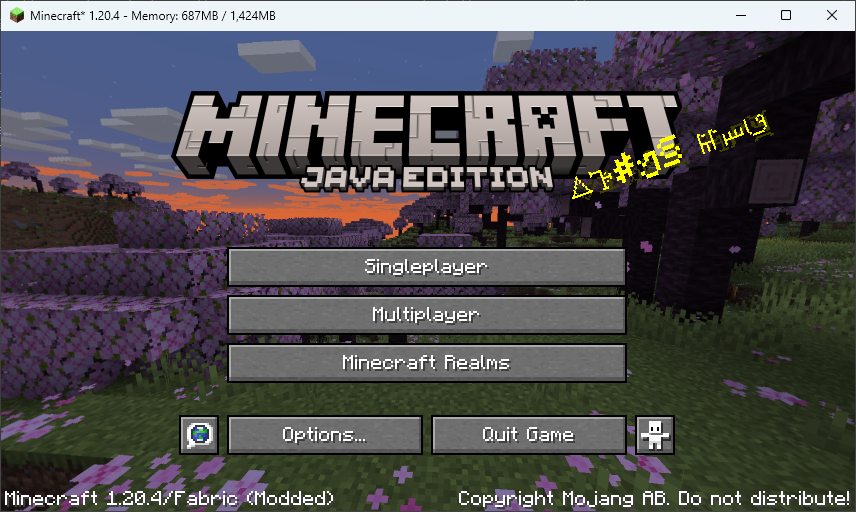
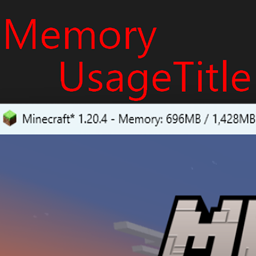
Memory Usage Title
Show memory usage in title barInstall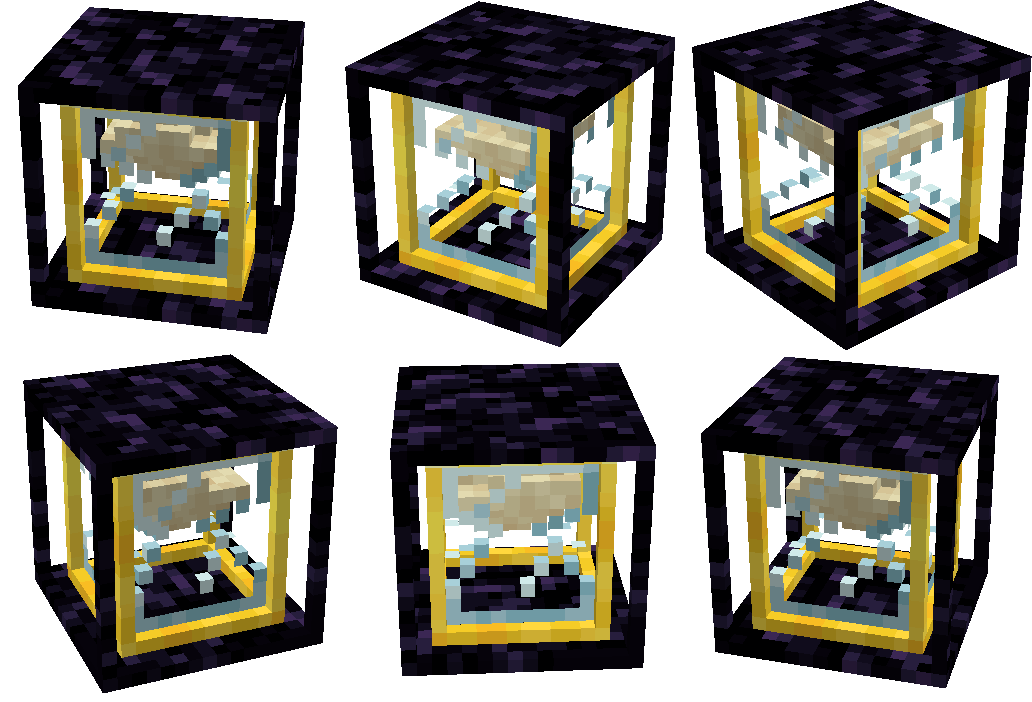

Chunky McChunkFace
A mod that adds a chunk loader which can be upgraded like a beaconInstall

Inventory Spam
A small client-only mod that shows items added and removed from the inventory.Install

Energized Power
A technology NeoForge/Fabric mod with many machines.Install

World Weaver
A Fabric utility mod that aims to streamline common modding tasks, particularly those related to world creation. As a successor to BCLib, WoVer is intended to eventually take its place.InstallOn a server

Skin Restorer
A server-side mod for managing and restoring player skins.InstallOn a server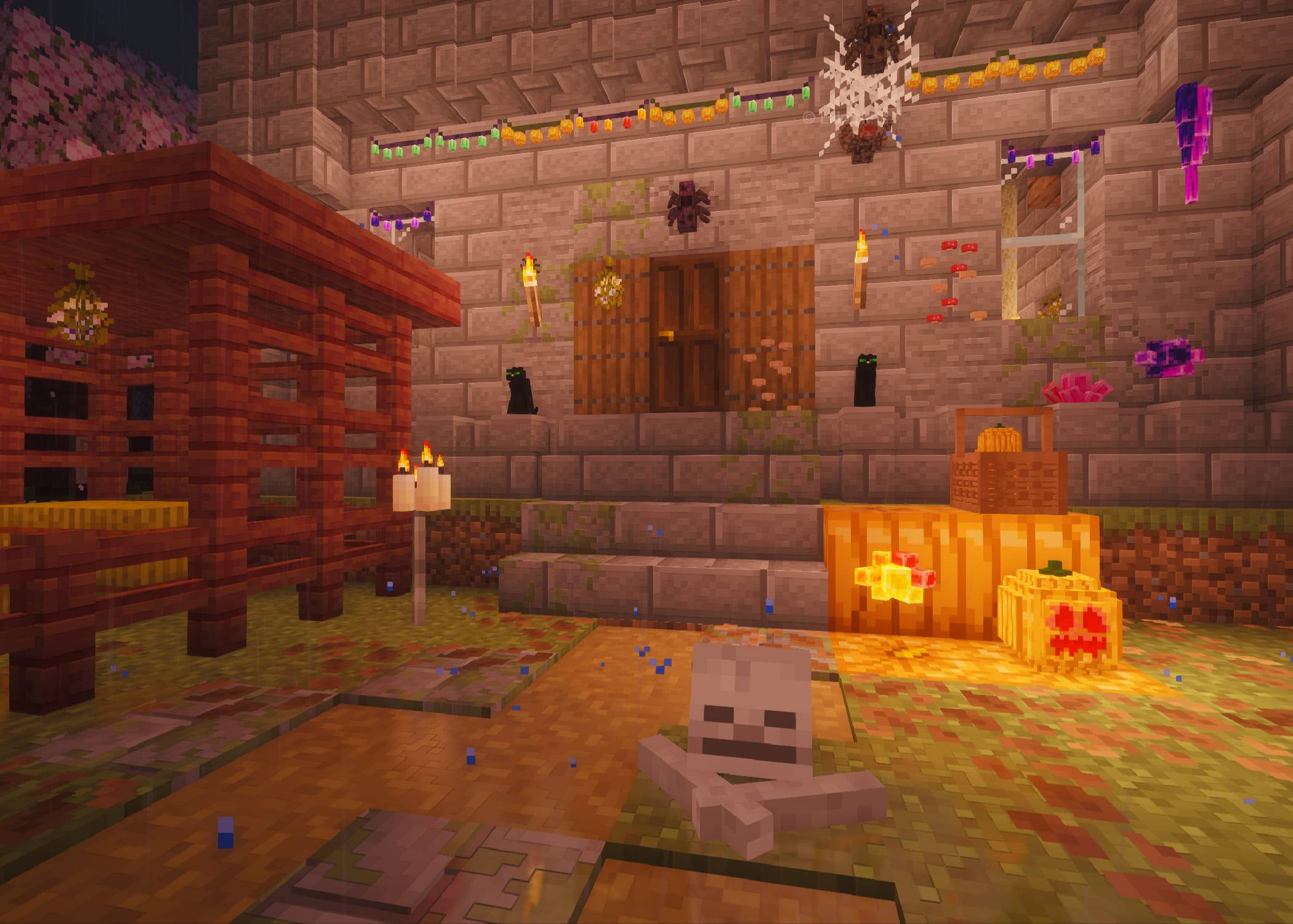
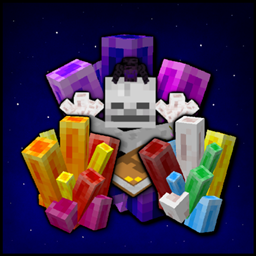
Magic Vibe Decorations
A collection of witchy decorations and crystals. Some crystals provide protective effects.Install

Fancy World Animations [FWA]
This mod adds animations to a bunch of interactable blocks like doors, trapdoors, levers, buttons, jukeboxes but also swinging lanterns and much more! It makes everything smoothInstall

TweakerMore
A collection of client-side tweak kits to enhance your Minecraft game experience. Tweak Minecraft and beyond!Install

This Rocks!
Adds little rocks, sticks, pinecones, seashells and starfish to your world to make it feel more natural.InstallOn a server

Fancy Toasts | Better Advancements
Overhauls the old advancement toast system, focusing on the presentation of advancementsInstall

Pickup Notifications
Show popup notifications when you pick up items.InstallOn a server
Improved Pillager Outpost
The "Improved Pillager Outpost" Datapack revamps the standard Minecraft Pillager Outpost into a challenging, multi-level tower. This overhaul adds detailed architecture, tougher enemies, and exclusive loot, creating a more immersive and rewarding experieInstallOn a server

Fog
Enhances fog rendering with dynamic, customizable effects - improving atmosphere and depth while preserving the vanilla experience and maintaining compatibility with other mods.InstallOn a server

Enchantment Lore
Open enchanted books like written books to read their description and lore.Install
Transmog
Change the appearance of your items without modifying their behavior/stats!InstallOn a server

Chatting
Chatting is a chat mod adding utilities such as extremely customizable chat tabs, chat shortcuts, chat screenshots, and message copying. By Polyfrost, best with OneClient.Install

Universal Enchants
Better enchantments! Use them on all tools and weapons. Infinity crossbow, or looting trident anyone?InstallOn a server

Deimos
Configuration and data generation libraryInstallOn a server

Macaw's Biomes O' Plenty
A compatibility between Macaw's Mods and the different woods of Biomes O' PlentyInstallOn a server

Only Excavators
A simple mod that adds various type of excavators, that mine 3x1 areaInstall
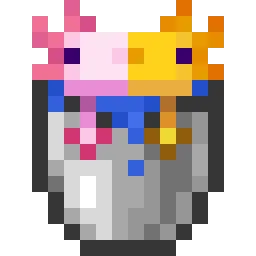
Axolotl Buckets
Show the color and age of axolotls when in buckets.Install
BoxLib
A client-side library mod with tons of features to do all the heavy lifting for all client-side mod developers.InstallFAQ
How is Forge different from Fabric?
They're two different mod loaders that aren't compatible with each other. Forge is the older one and better suited to big tech and magic modpacks; Fabric is lighter, updates to new game versions faster, and hosts most performance mods. NeoForge is a Forge fork for newer versions, and Quilt is a Fabric fork. A Forge mod won't run on Fabric, and vice versa. Millida Launcher installs the right loader for you.
How do I know which mod version I need?
The one that matches your game version and loader. The “Install” button picks the file for you: Millida Launcher grabs the version for your modpack. A mod for 1.20.1 usually won't work on 1.21.
How do I install a mod?
Click “Install” and Millida Launcher will download the mod, its dependencies and the right loader for you. To install a downloaded file manually, put it in the mods folder inside the game directory.
Do I need CurseForge to install mods?
No. The Install button on a mod page opens Millida Launcher: it downloads the mod, its dependencies and the right loader into the chosen instance by itself. No CurseForge and no manual file copying.
Which mods are there for 1.20.1?
1.20.1 is one of the most modded versions, especially on Forge: tech, magic, RPG, furniture, weapons. Pick 1.20.1 in the version filter to keep only mods with a file built exactly for it, then pick Forge or Fabric next to it.
Can I install mods on my phone?
On Android, yes: Millida Launcher runs the Java edition on a phone, and mods work there just like on a PC, though light ones run much better than heavy ones. Minecraft PE (Bedrock) cannot load PC mods — it has add-ons instead, in the Minecraft PE mods section.
Which mods are best to play with friends?
The usual picks are Simple Voice Chat for proximity voice chat, Waystones for fast travel, Xaero's Minimap and something big to work on together, such as Create. Mods that change the world must be installed by every player and on the server, while client-side ones like a minimap or performance mods are up to each player.
Mods for Minecraft 26.2
Mods for Minecraft 26.2: 1,779 items in the Mods section. Compatibility is checked against the files, not the description: only items with a build for exactly these conditions stay in the list.
One mod in the catalog, one page. Every version the author has released is listed on its card: pick your game version and loader right there instead of jumping between ten similar pages. Each file shows its size, release date and checksum, and the mod itself shows the author, license and a link to the original source. Files whose license allows rehosting are stored with us and download directly — no link shorteners, timers or ad redirects. If the license forbids rehosting, the button honestly takes you to the author.