
Mods for Minecraft 26.2 — page 29
1,784 itemsMods: list


Stfu
A mod that fixes some annoyances and speeds up your game!Install

Iron Chests
Iron Chests mod has chests for the various metals in vanilla minecraft with varying sizes!InstallOn a server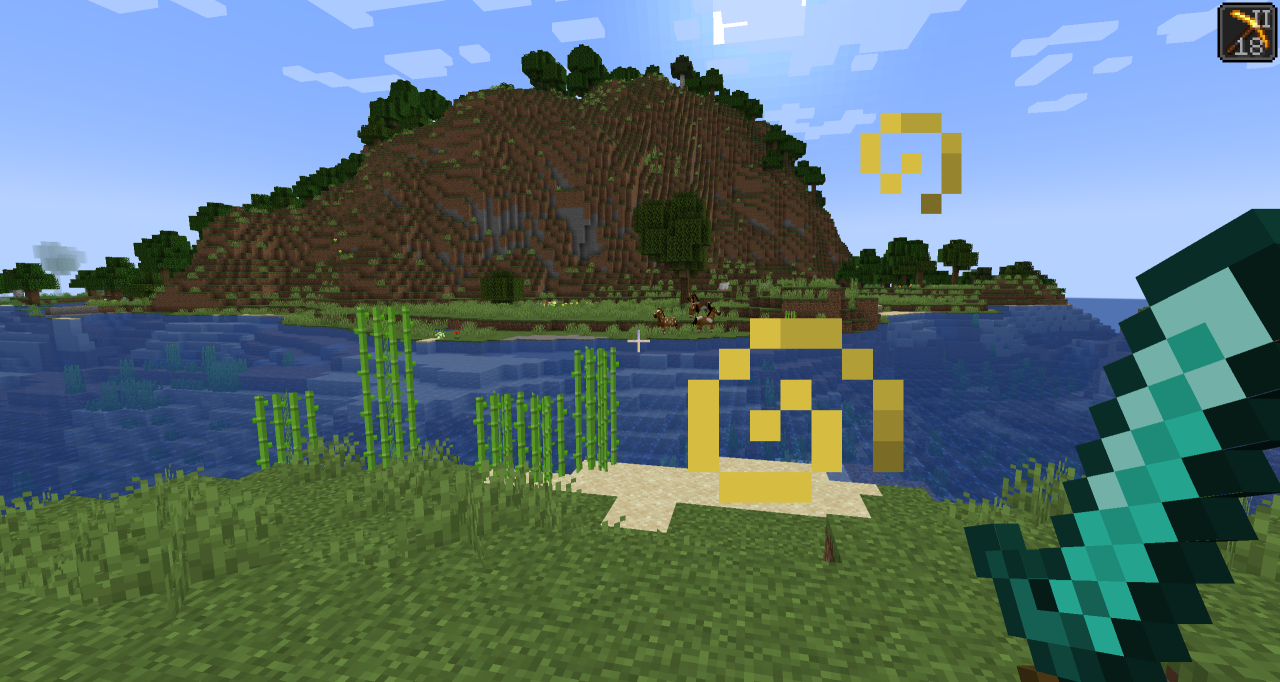
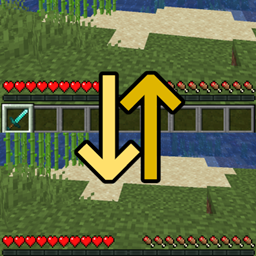
Auto HUD
A mod which dynamically hides parts of the user interfaceInstall

Armor Trim Item Fix
Adds more trimmed item texturesInstall
All Arrows Infinity Fix
Forces Infinity enchantment to work with all arrows in 1.12, 1.16 - 26. (Neo)Forge, and FabricInstall
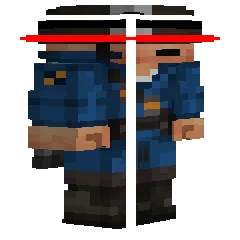
Combat Hitboxes
A mod that changes hitbox color when the entity is targeted and allows configuration of line widths as well as the color of different hitbox componentsInstall

Cosmetica
Free custom capes and cosmetics for MinecraftInstall

DarkBlades - RPG End-Game Weapons, Armor, Tools
RPG Theme, Craft end game weapons using a progression system to make even stronger weaponsInstall
Spyglass Astronomy
Draw your own constellations on an interactive and improved night sky. An immersive overhaul of the space skybox, including planets and better stars.Install

Items Displayed [Fabric]
A mod for builders and adventurers who would like to have their items placed in the world, not lying around in chests!InstallOn a server

Tom's Trading Network
A simple mod to make trading with players easierInstallOn a server
ChatPlus
Movable chat, chat tabs, copy/translate/select/bookmark/screenshot messages, player heads, speech to text, filter messages, scrollbar, etc.Install

Awesome Dungeon The End edition - Fabric
Add a structure in your dimension the END !!!Install

Enchanted Vertical Slabs
Vertical slabs is a simple, vanilla-like mod that adds vertical slabs to Minecraft.InstallOn a server

Traverse
A biome expansion mod that embraces the simplistic nature of Minecraft biomesInstall

Immersive Optimization
A lightweight entity-tick-scheduler for doubling your TPS.InstallOn a server
Tax Free Levels
Flattens the ever-increasing anvil and enchantment costs and makes renaming items always cost 1 levelInstallOn a server

Max Health Fix
Fixes a bug with max health in Minecraft.InstallOn a server
Music Maker
Music Maker adds music sheets, instruments and other devices to the game for creating and playing music.InstallOn a server

Immersive Hotbar
Adds animations to the hotbar to make it more immersiveInstall

Async Logger
Asynchronous logging and efficient filtering - performance improvements and utility for keeping your logs cleanInstall

Day Counter (Original)
For Minecraft 1.16 - Latest! This datapack/mod add text on top of your hotbar that will count the day realtime.InstallOn a server
Bow Infinity Fix
Removes need to have an arrow in your inventory to use the Infinity enchant on your bow or crossbowInstallOn a serverFAQ
How is Forge different from Fabric?
They're two different mod loaders that aren't compatible with each other. Forge is the older one and better suited to big tech and magic modpacks; Fabric is lighter, updates to new game versions faster, and hosts most performance mods. NeoForge is a Forge fork for newer versions, and Quilt is a Fabric fork. A Forge mod won't run on Fabric, and vice versa. Millida Launcher installs the right loader for you.
How do I know which mod version I need?
The one that matches your game version and loader. The “Install” button picks the file for you: Millida Launcher grabs the version for your modpack. A mod for 1.20.1 usually won't work on 1.21.
How do I install a mod?
Click “Install” and Millida Launcher will download the mod, its dependencies and the right loader for you. To install a downloaded file manually, put it in the mods folder inside the game directory.
Do I need CurseForge to install mods?
No. The Install button on a mod page opens Millida Launcher: it downloads the mod, its dependencies and the right loader into the chosen instance by itself. No CurseForge and no manual file copying.
Which mods are there for 1.20.1?
1.20.1 is one of the most modded versions, especially on Forge: tech, magic, RPG, furniture, weapons. Pick 1.20.1 in the version filter to keep only mods with a file built exactly for it, then pick Forge or Fabric next to it.
Can I install mods on my phone?
On Android, yes: Millida Launcher runs the Java edition on a phone, and mods work there just like on a PC, though light ones run much better than heavy ones. Minecraft PE (Bedrock) cannot load PC mods — it has add-ons instead, in the Minecraft PE mods section.
Which mods are best to play with friends?
The usual picks are Simple Voice Chat for proximity voice chat, Waystones for fast travel, Xaero's Minimap and something big to work on together, such as Create. Mods that change the world must be installed by every player and on the server, while client-side ones like a minimap or performance mods are up to each player.
Mods for Minecraft 26.2
Mods for Minecraft 26.2: 1,784 items in the Mods section. Compatibility is checked against the files, not the description: only items with a build for exactly these conditions stay in the list.
One mod in the catalog, one page. Every version the author has released is listed on its card: pick your game version and loader right there instead of jumping between ten similar pages. Each file shows its size, release date and checksum, and the mod itself shows the author, license and a link to the original source. Files whose license allows rehosting are stored with us and download directly — no link shorteners, timers or ad redirects. If the license forbids rehosting, the button honestly takes you to the author.