
Mods for Minecraft Java 1.21 — page 56
1,691 itemsMods: list
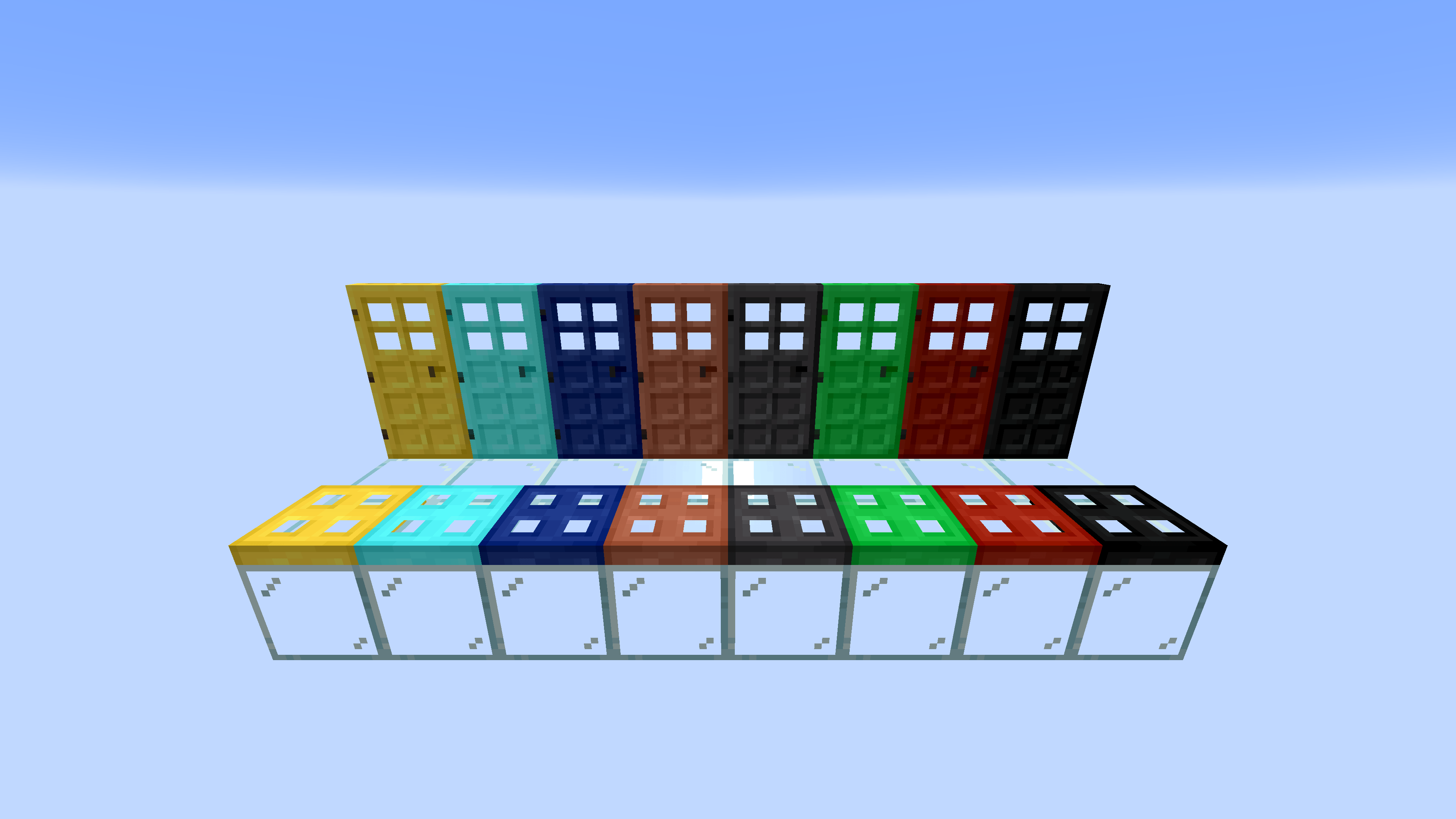


Elytra Trims Extensions
Elytra Trims additions for other packs out thereInstall

Underwater Swim Fix (MC-220390)
Fixes the bug where if you hit an entity while swimming and holding the sprint hotkey, the server will think that you are not swimming anymore, while the client does. resulting in weird behavior.InstallOn a server
Reliable Advancements
In-game advancement editing and improvements to the advancement screen!InstallOn a server
VanillaIcecreamFix
An updated version of Runemoro's VanillaFix and also ported to the latest version. Includes bug fixes Mojang has not fixed/won't fix and some QOL features(this includes a crash UI for Minecraft).Install

More Useful Copper
New uses for copper, such as statues, aquatic redstone, and many other tools!InstallOn a server

Iris & Oculus Search
A mod that adds a search bar to Iris and Oculus to quickly find and filter shader settings and shaderpacks.Install

Danger Close
Torches, campfires, and stonecutters will now deal damage to players, animals, or enemies that run over or brush against them. Basically, now the games will be more realistic, since just like in real life, these items will do a little damage.InstallOn a server

Followers Teleport Too
🐺 While teleporting via commands, portals or Waystones, pets and mounts will be teleported too!InstallOn a server

EMI: Create Schematics
Add schematic items to EMI Favourites listInstall

WorldEdit CUI (Unofficial Forge Port)
A graphical user interface for WorldEdit, designed to assist in using WorldEdit, as well as preventing accidental errors.Install
Glass Breaker
Break all glass (and glass-adjacent) faster with a pickaxeInstallOn a server

Tokimi's Toolshed
Tokimi's Toolshed adds a variety of new multi-block tools to enhance your mining and gathering experience!InstallOn a server

Simple Uncrafting Table
Add an Uncrafting Table for Fabric/Forge. (分解台を追加します。)InstallOn a server

Connected Doors
Allows double doors to open and close together.InstallOn a server

Born In Configuration
An Unofficial Configuration for Born In ChaosInstallOn a server

D-Hand Mod
This mod adds a convenient mechanic: when you open your inventory (by default the E key), it automatically switches the active slot in the hotbar to the one containing a Totem of Undying. This lets you use the totem and open your inventory with a single button, without requiring two actions. RInstall

Better Render Distance
Improves render distance by making it perfectly spherical, culling diagonal chunk sections and entities for better performance.Install

Better Tab
Better Tab improves the player list, making it scrollable and adding numerical ping.Install

Optimized Block Entities
A client-side optimization mod to make block entities render fasterInstall

Random Shulker Colours
🎲 Gives new shulker spawns a random shell color based on a configurable list.InstallOn a server

[TACZ] Create: Precise Manufacturing
A Create Mod Addon that aims to incorporate automatable recipes using TaC Zero's mod items.InstallOn a server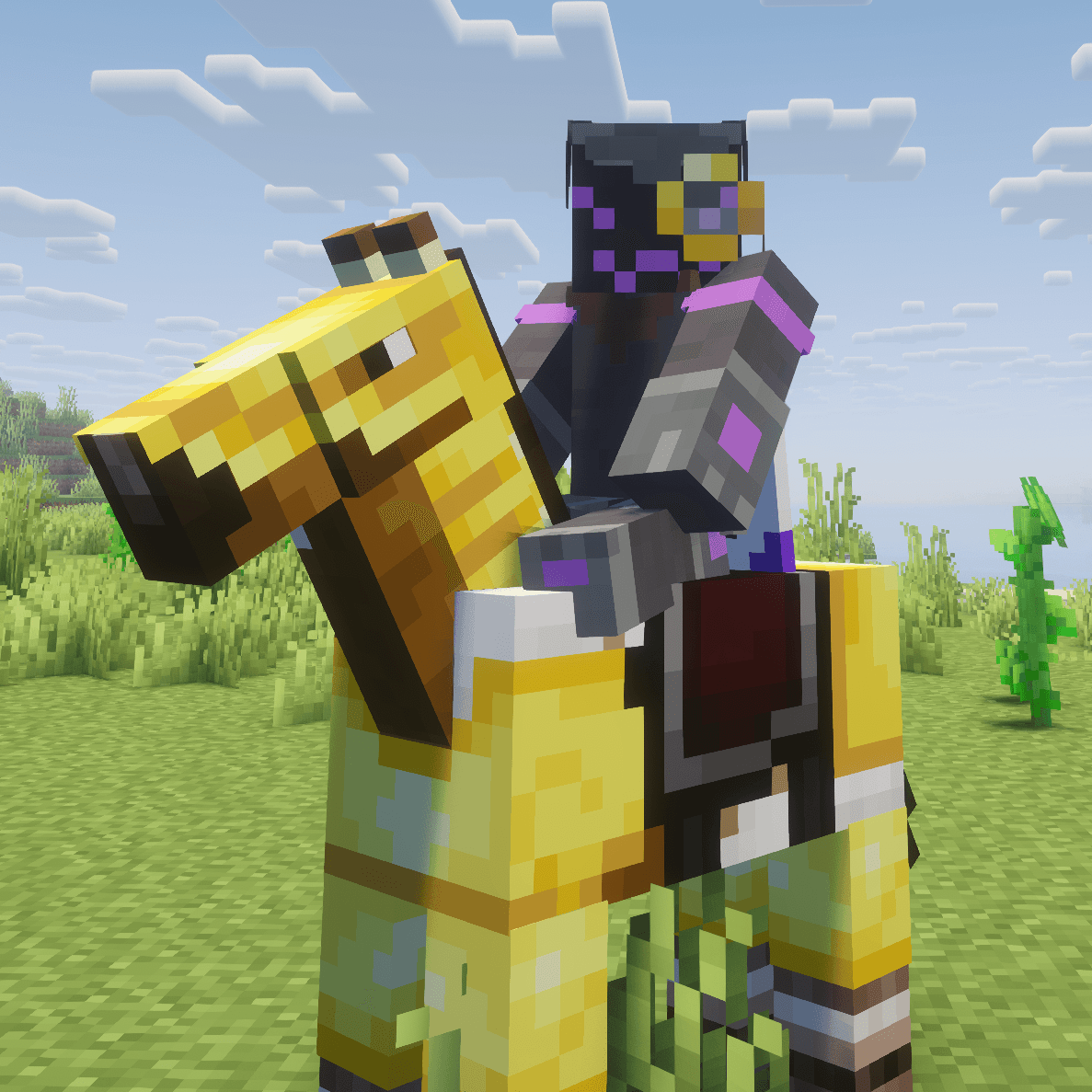
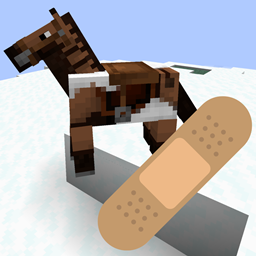
Bad Horse Fix
Fixes horse markings appearing above horse armor when using Iris or Oculus.Install

Wynncraft Spell Caster
A simple spell casting mod for Wynncraft with configurable click intervals.InstallFAQ
How is Forge different from Fabric?
They're two different mod loaders that aren't compatible with each other. Forge is the older one and better suited to big tech and magic modpacks; Fabric is lighter, updates to new game versions faster, and hosts most performance mods. NeoForge is a Forge fork for newer versions, and Quilt is a Fabric fork. A Forge mod won't run on Fabric, and vice versa. Millida Launcher installs the right loader for you.
How do I know which mod version I need?
The one that matches your game version and loader. The “Install” button picks the file for you: Millida Launcher grabs the version for your modpack. A mod for 1.20.1 usually won't work on 1.21.
How do I install a mod?
Click “Install” and Millida Launcher will download the mod, its dependencies and the right loader for you. To install a downloaded file manually, put it in the mods folder inside the game directory.
Do I need CurseForge to install mods?
No. The Install button on a mod page opens Millida Launcher: it downloads the mod, its dependencies and the right loader into the chosen instance by itself. No CurseForge and no manual file copying.
Which mods are there for 1.20.1?
1.20.1 is one of the most modded versions, especially on Forge: tech, magic, RPG, furniture, weapons. Pick 1.20.1 in the version filter to keep only mods with a file built exactly for it, then pick Forge or Fabric next to it.
Can I install mods on my phone?
On Android, yes: Millida Launcher runs the Java edition on a phone, and mods work there just like on a PC, though light ones run much better than heavy ones. Minecraft PE (Bedrock) cannot load PC mods — it has add-ons instead, in the Minecraft PE mods section.
Which mods are best to play with friends?
The usual picks are Simple Voice Chat for proximity voice chat, Waystones for fast travel, Xaero's Minimap and something big to work on together, such as Create. Mods that change the world must be installed by every player and on the server, while client-side ones like a minimap or performance mods are up to each player.
Mods for Minecraft Java 1.21
Mods for Minecraft 1.21: 1,691 items in the Mods section. Compatibility is checked against the files, not the description: only items with a build for exactly these conditions stay in the list.
One mod in the catalog, one page. Every version the author has released is listed on its card: pick your game version and loader right there instead of jumping between ten similar pages. Each file shows its size, release date and checksum, and the mod itself shows the author, license and a link to the original source. Files whose license allows rehosting are stored with us and download directly — no link shorteners, timers or ad redirects. If the license forbids rehosting, the button honestly takes you to the author.