
Mods for Minecraft 1.21 — page 53
1,690 itemsMods: list


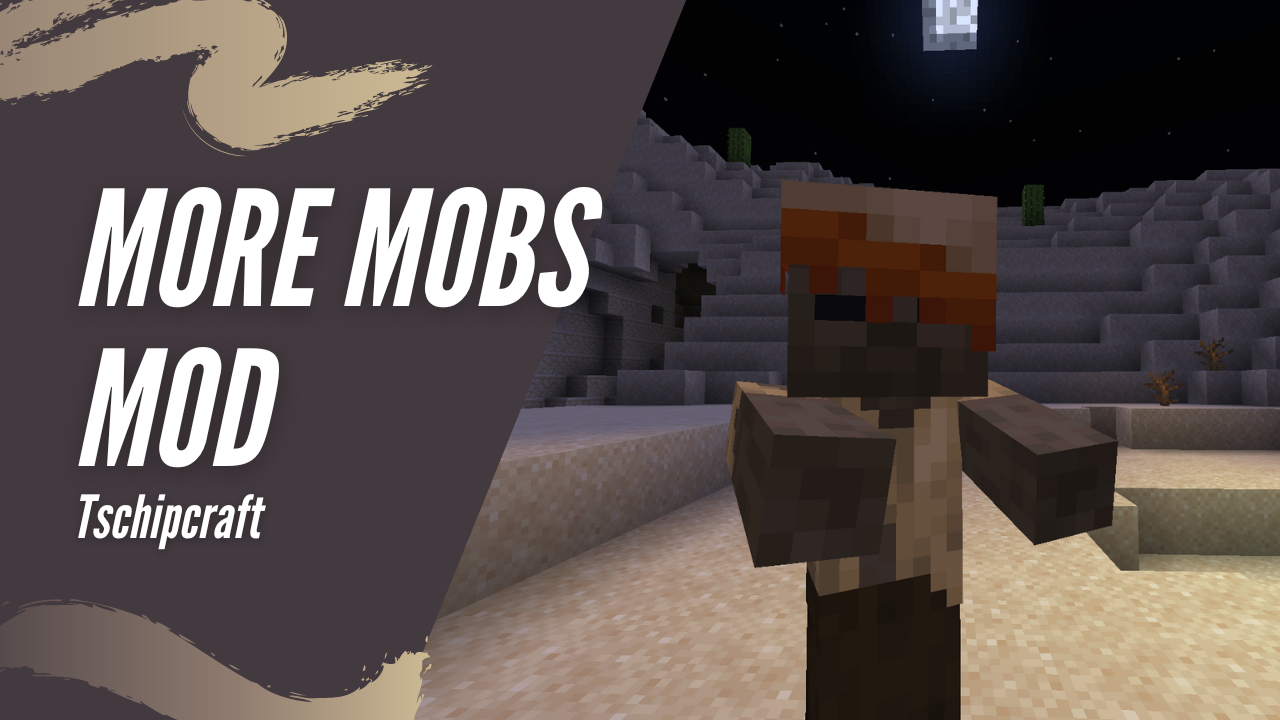
More Mobs [Server] [Fabric/NeoForge]
Humanoid mobs get new variants through over 85 custom player heads or unused vanilla mobs! No Resource Pack needed!Install

War Hammers
adds a new tool/weapon, the war-hammer!Install

Anvil Restoration
🔨 Repair placed anvils with iron ingots and damage them with obsidian.InstallOn a server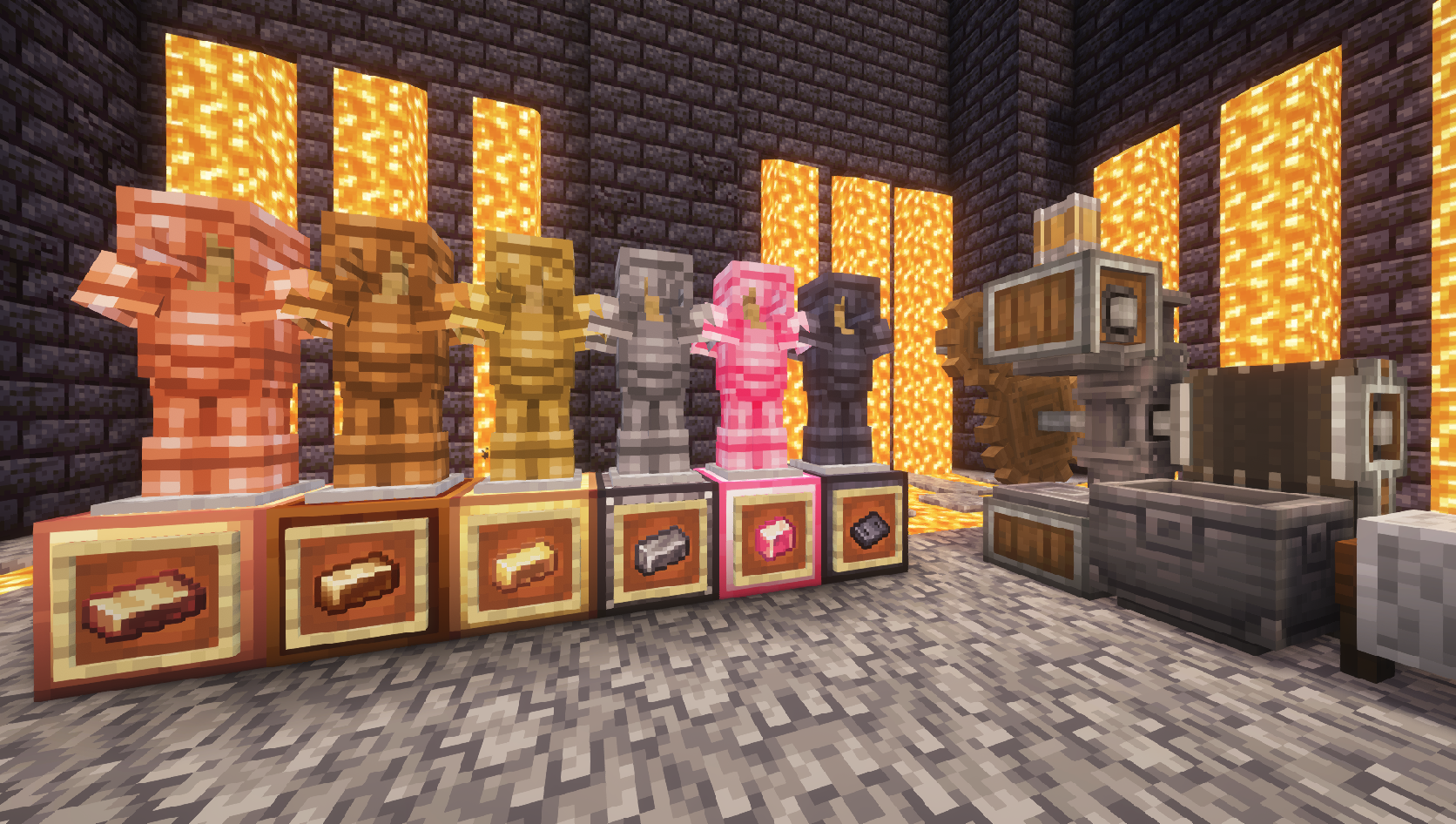
Create: Ironworks
An addon for the Create mod bringing new materials (Tin, Bronze, Steel) and related items.Install
Horse Stonks
Prevents horses from getting worse stats than their parentsInstallOn a server
Trims Expanded
Trims Expanded aims to expand the available materials used while making armour trims to allow you to go beyond what the vanilla game can offer in your armour sets!InstallOn a server

Lucky Blocks
The modern style Lucky Blocks for FabricInstallOn a server

Mod Loading Screen
An advanced loading screen with the loading progress of modsInstallOn a server

Celestial
A Minecraft mod for Fabric and Forge that allows you to customize the sky.Install
Suggestion Tweaker
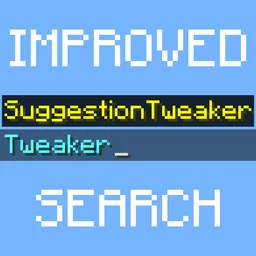
Improves the way suggestions are filtered and sorted when writing a commandInstallOn a server
Data Loader Updated
Adds global data packs that are enabled by default to all worlds.Install
Knowlogy Book
An expandable wiki-like book with documentation about the game, inspired by the knowledge book, powered by lavender.InstallOn a server

Health Indicator
Displays players' health below their names.InstallOn a server

Dynmap
A Google Maps-like map for your Minecraft server that can be viewed in a browser. Easy to set up when making use of Dynmap's integrated webserver, while also supporting advanced deployment with Apache and other web servers.Install

Knight Quest
Introducing an epic armor quest mod! Adds +30 armor sets, new mobs, and much more!InstallOn a server

Keybind Fix Updated
Allows multiple functions to be mapped to the same keybind without (as much) conflictInstall

New Slab Variants
Shouldn't every block have a slab? From now on, players will have more than 200 new slabs, with textures similar to the game's vanilla blocks!InstallOn a server

Simple Modpack Update Checker
A simple mod for modpacks that automatically checks if the modpack is up-to-date and displays a toast if it is not. Use modrinth id for reference.Install

AutoMessage
Basically, AutoMessage is responsible for adding an option to create and send messages automatically in a fast and effective way.InstallOn a server

NoPackCompatCheck
Disables the “incompatible” warning when loading resource packs with different compact versions.Install

Wider Ender Chests
Craft new ender chests and unlock additional inventory slots!InstallOn a server

CursorCentered Fix
A Minecraft mod that fixes the cursor centering issue that occasionally happens when opening a GUI.Install

AutomaticMemories
A simple mod that periodically takes screenshots, capturing memories of your Minecraft experience.InstallFAQ
How is Forge different from Fabric?
They're two different mod loaders that aren't compatible with each other. Forge is the older one and better suited to big tech and magic modpacks; Fabric is lighter, updates to new game versions faster, and hosts most performance mods. NeoForge is a Forge fork for newer versions, and Quilt is a Fabric fork. A Forge mod won't run on Fabric, and vice versa. Millida Launcher installs the right loader for you.
How do I know which mod version I need?
The one that matches your game version and loader. The “Install” button picks the file for you: Millida Launcher grabs the version for your modpack. A mod for 1.20.1 usually won't work on 1.21.
How do I install a mod?
Click “Install” and Millida Launcher will download the mod, its dependencies and the right loader for you. To install a downloaded file manually, put it in the mods folder inside the game directory.
Do I need CurseForge to install mods?
No. The Install button on a mod page opens Millida Launcher: it downloads the mod, its dependencies and the right loader into the chosen instance by itself. No CurseForge and no manual file copying.
Which mods are there for 1.20.1?
1.20.1 is one of the most modded versions, especially on Forge: tech, magic, RPG, furniture, weapons. Pick 1.20.1 in the version filter to keep only mods with a file built exactly for it, then pick Forge or Fabric next to it.
Can I install mods on my phone?
On Android, yes: Millida Launcher runs the Java edition on a phone, and mods work there just like on a PC, though light ones run much better than heavy ones. Minecraft PE (Bedrock) cannot load PC mods — it has add-ons instead, in the Minecraft PE mods section.
Which mods are best to play with friends?
The usual picks are Simple Voice Chat for proximity voice chat, Waystones for fast travel, Xaero's Minimap and something big to work on together, such as Create. Mods that change the world must be installed by every player and on the server, while client-side ones like a minimap or performance mods are up to each player.
Mods for Minecraft 1.21
Mods for Minecraft 1.21: 1,690 items in the Mods section. Compatibility is checked against the files, not the description: only items with a build for exactly these conditions stay in the list.
One mod in the catalog, one page. Every version the author has released is listed on its card: pick your game version and loader right there instead of jumping between ten similar pages. Each file shows its size, release date and checksum, and the mod itself shows the author, license and a link to the original source. Files whose license allows rehosting are stored with us and download directly — no link shorteners, timers or ad redirects. If the license forbids rehosting, the button honestly takes you to the author.