
Mods for Minecraft 1.21 Forge — page 9
515 itemsMods: list


AutoModpack
Enjoy a seamless modpack installation process and effortless updates with a user-friendly solution that simplifies management, making your gaming experience a breeze.InstallOn a server

Village Spawn Point
🏙 Sets the spawn point in a new world to the center of a village.InstallOn a server
Unnamed Desert
Additional structures for the desert and badlands biomes, focusing on an immersive expansion for the vanilla game while simultaneously providing new content to explore.Install

GravelMiner
Automatically breaks falling gravel blocks that get in your way while mining.InstallOn a server

Unsafe World Random Access Detector
This is a mod that detects unsafe off-thread world random access, helping to find causes of "Accessing LegacyRandomSource from multiple threads" crash.InstallOn a server

Realistic Bees
🐝 Tiny bees, or big! Bigger group spawns, increased hive space, stinger functionality and more.InstallOn a server

Reintegrated: Chipped
Integrating Chipped into vanilla biomes and structures.InstallOn a server
DnT Nether Fortress Overhaul
This Mod Overhauls the Nether Fortress with 1 guaranteed spawner, the fortress inside hallways having decoration and blaze spawners found in and outside the fortressthe main DnT pack.Install
Explosive Enhancement: Reforged
Makes the explosion animation look cooler. Now for forge.Install

Ships
Adds a new ship dungeon and lets illagers use boats.InstallOn a server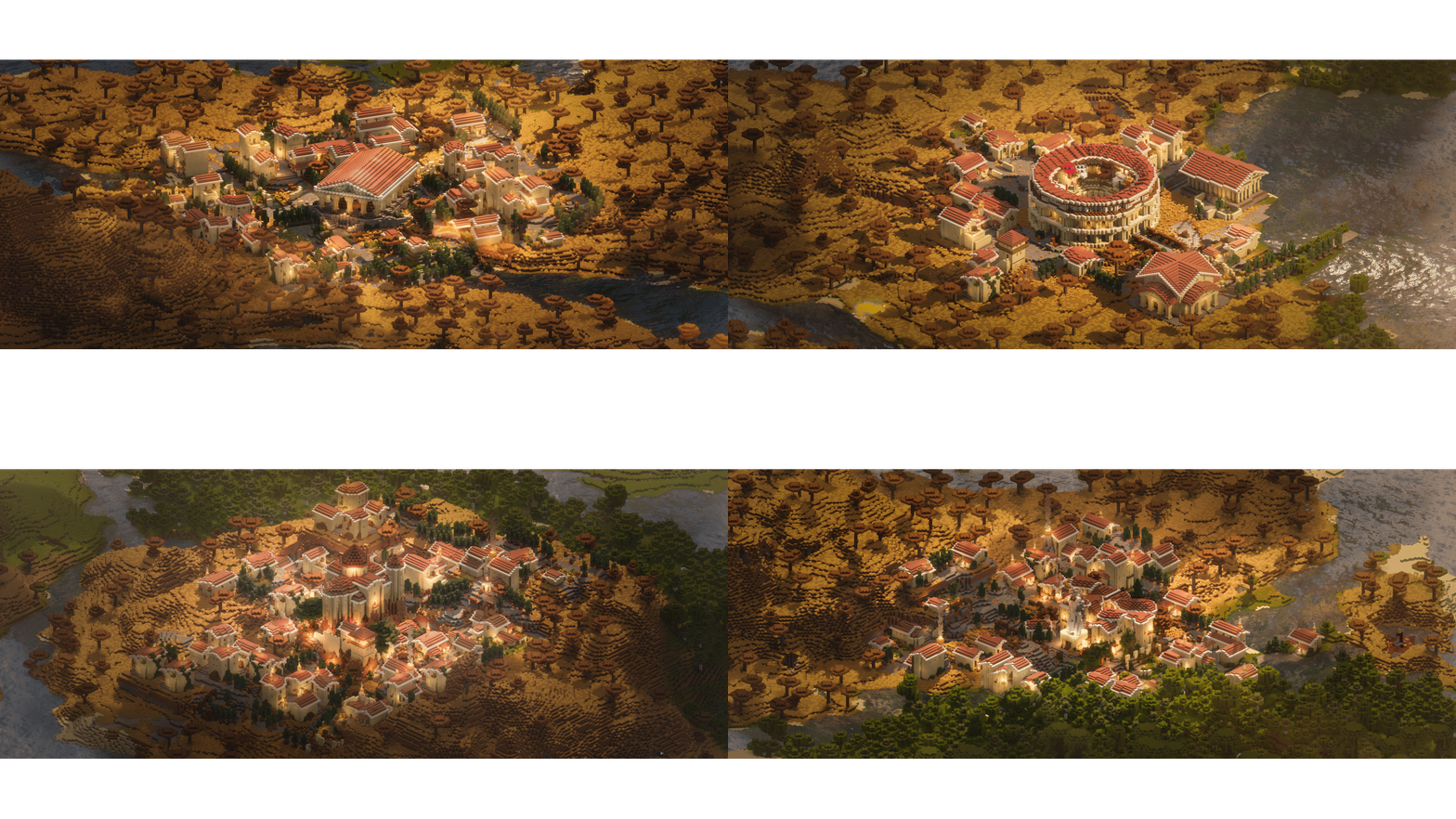
Epic Structures: Villages
A Mod which replaces vanilla villages with epic sprawling towns :)Install
[Retired] DnT End Castle Standalone
Retired, we decided to retire this project since keeping it up becomes too much of a technical challange for something that is already within main DNT. There be dragonsInstall

Unnamed Sea
Additional structures for the sea and beach biomes, focusing on an immersive expansion for the vanilla game.Install

Ore Harvester
⛏️ Harvest entire ore veins instantly and drop ore items at the initial block position. An updated alternative to the vein miner / veinminer mods.InstallOn a server

Villager Transportation
Easier Villager transportation by using Camels and Llamas!InstallOn a server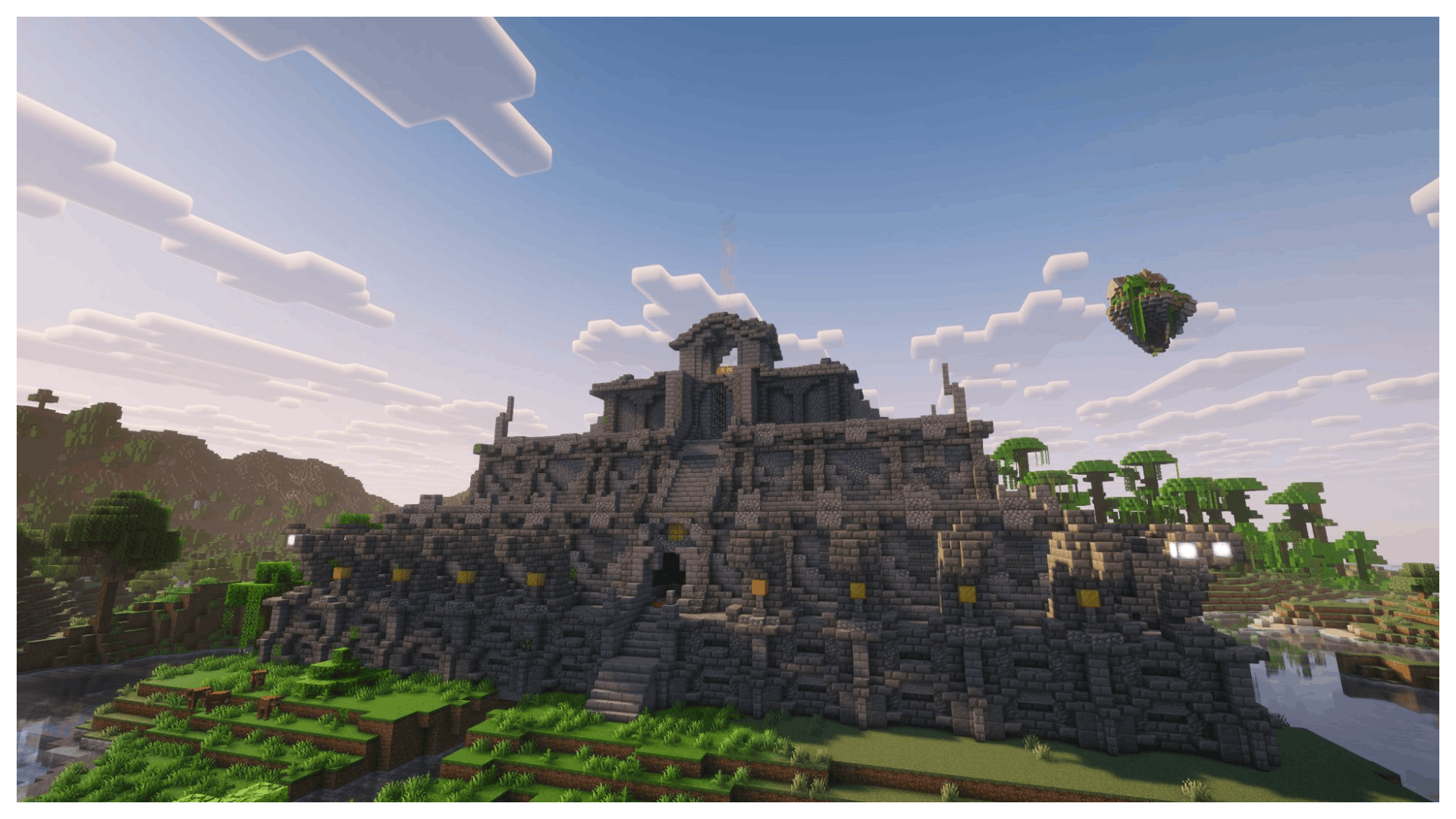
MTR - Moog's Temples Reimagined
Discover large, rare temples filled with challenging encounters, valuable loot, and exciting exploration that will test your skills and reward your braveryInstall

Performance Tweaks
Several optimizations and bugfixes. Entity Collision FPS fix, Let-Me-Despawn, railway optimization and alternate current.Install
Clear Void
Remove the pitch black bottom half of the skybox at low Y levels. For skyblock players. Intended for floating island worlds.Install

Continents
Reshapes the world to consist of continents, separated by large oceans and small islands.InstallOn a server

Lios Overhauled Villages
Lio's Overhauled Villages Overview Welcome to Lio's Overhauled Villages! This mod is a transformation that brings a more modern and lively atmosphere to villages.InstallOn a server

Passive Shield
🛡 The shield is hidden and provides protection passively when held idle in the offhand.InstallOn a server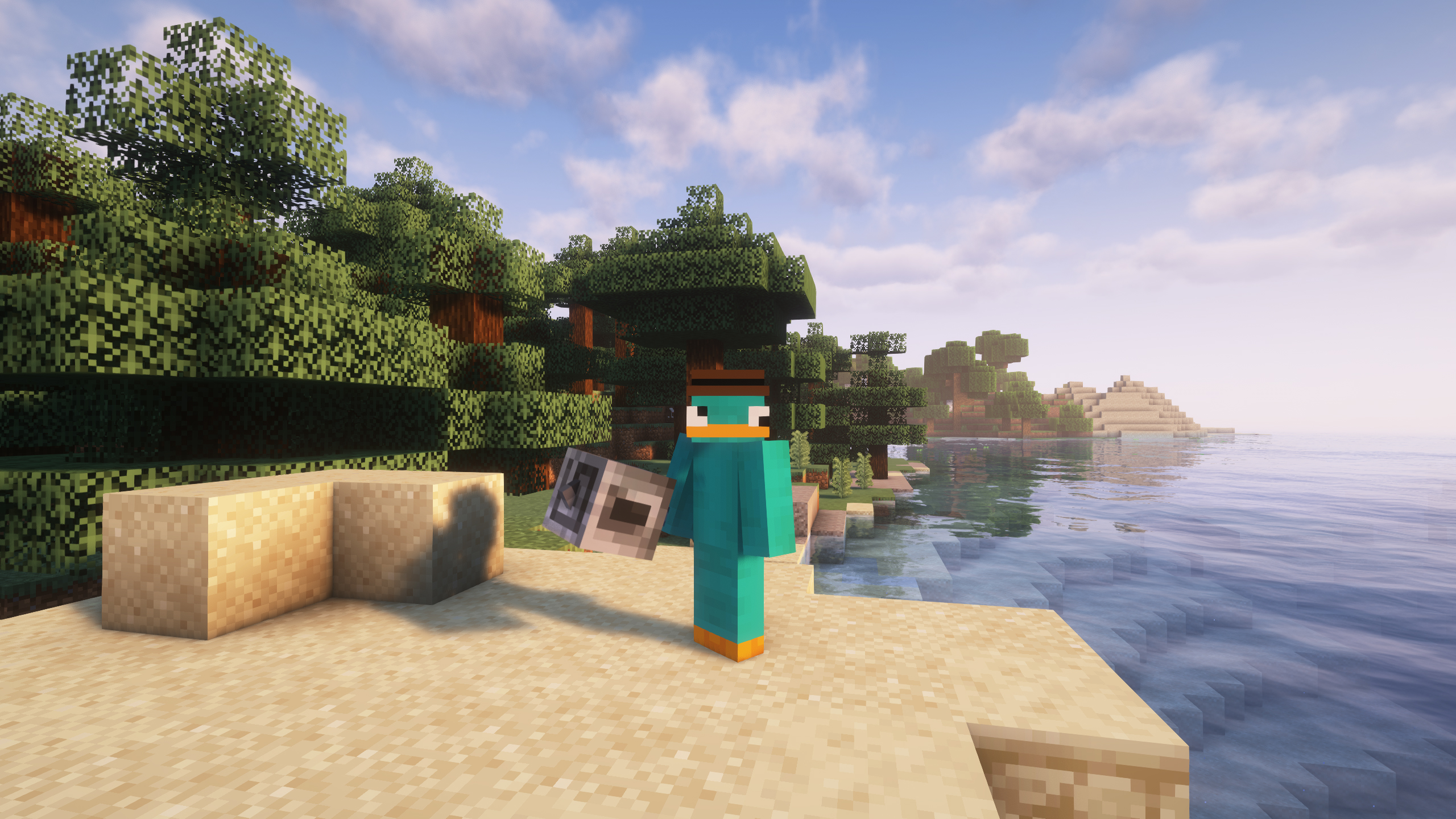
Awesome 3D Mace
Enjoy now a 3D look for the incredible new Minecraft mace!Install

Create: Copper & Zinc
An addon for the Create mod providing recipes for Veridium and Asurine, to give the player renewable sources of Copper and Zinc.InstallOn a serverFAQ
How is Forge different from Fabric?
They're two different mod loaders that aren't compatible with each other. Forge is the older one and better suited to big tech and magic modpacks; Fabric is lighter, updates to new game versions faster, and hosts most performance mods. NeoForge is a Forge fork for newer versions, and Quilt is a Fabric fork. A Forge mod won't run on Fabric, and vice versa. Millida Launcher installs the right loader for you.
How do I know which mod version I need?
The one that matches your game version and loader. The “Install” button picks the file for you: Millida Launcher grabs the version for your modpack. A mod for 1.20.1 usually won't work on 1.21.
How do I install a mod?
Click “Install” and Millida Launcher will download the mod, its dependencies and the right loader for you. To install a downloaded file manually, put it in the mods folder inside the game directory.
Do I need CurseForge to install mods?
No. The Install button on a mod page opens Millida Launcher: it downloads the mod, its dependencies and the right loader into the chosen instance by itself. No CurseForge and no manual file copying.
Which mods are there for 1.20.1?
1.20.1 is one of the most modded versions, especially on Forge: tech, magic, RPG, furniture, weapons. Pick 1.20.1 in the version filter to keep only mods with a file built exactly for it, then pick Forge or Fabric next to it.
Can I install mods on my phone?
On Android, yes: Millida Launcher runs the Java edition on a phone, and mods work there just like on a PC, though light ones run much better than heavy ones. Minecraft PE (Bedrock) cannot load PC mods — it has add-ons instead, in the Minecraft PE mods section.
Which mods are best to play with friends?
The usual picks are Simple Voice Chat for proximity voice chat, Waystones for fast travel, Xaero's Minimap and something big to work on together, such as Create. Mods that change the world must be installed by every player and on the server, while client-side ones like a minimap or performance mods are up to each player.
Mods for Minecraft 1.21 Forge
Mods for Minecraft 1.21 Forge: 515 items in the Mods section. Compatibility is checked against the files, not the description: only items with a build for exactly these conditions stay in the list.
One mod in the catalog, one page. Every version the author has released is listed on its card: pick your game version and loader right there instead of jumping between ten similar pages. Each file shows its size, release date and checksum, and the mod itself shows the author, license and a link to the original source. Files whose license allows rehosting are stored with us and download directly — no link shorteners, timers or ad redirects. If the license forbids rehosting, the button honestly takes you to the author.