
Mods for Minecraft 1.21 Forge — page 8
515 itemsMods: list
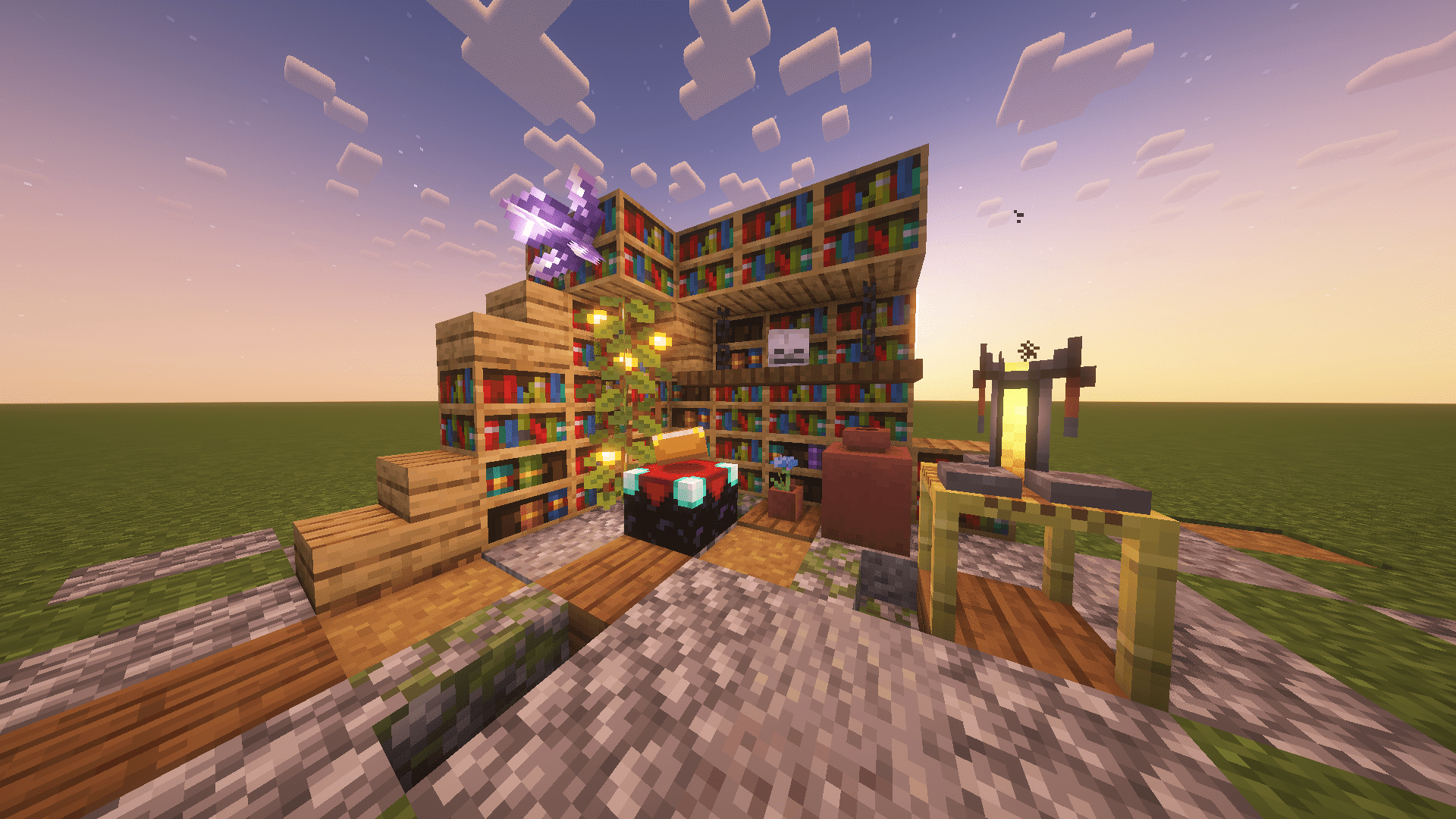
Warp Book
A simple waypoint based teleportation modInstall

Tool Trims
Allows you to trim your weapons and tools on a Smithing Table. There are almost 2000 trim combinations!InstallOn a server
MouseTweaks x Accessories Fix
Disables the Wheel Tweak in the Accessories GUIInstall
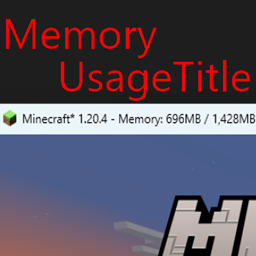
Memory Usage Title
Show memory usage in title barInstall
Portable Mobs
Allows the player to capture mobs and move them around.Install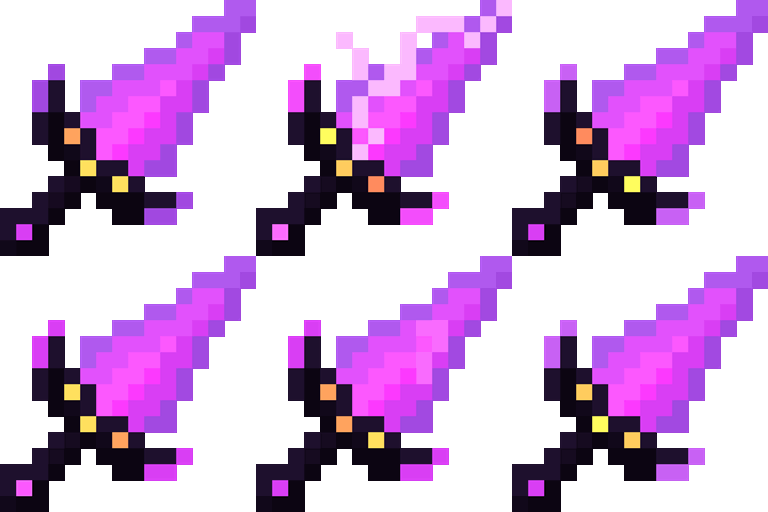
Wither Storm Combat
It adds compatiblity between the WitherStormMod and BetterCombatInstall

World Preview
Allows you to preview a map / seed in the new world screenInstall
BBL Core
Various useful methods, utilities and helpers to make coding mods a bit betterInstall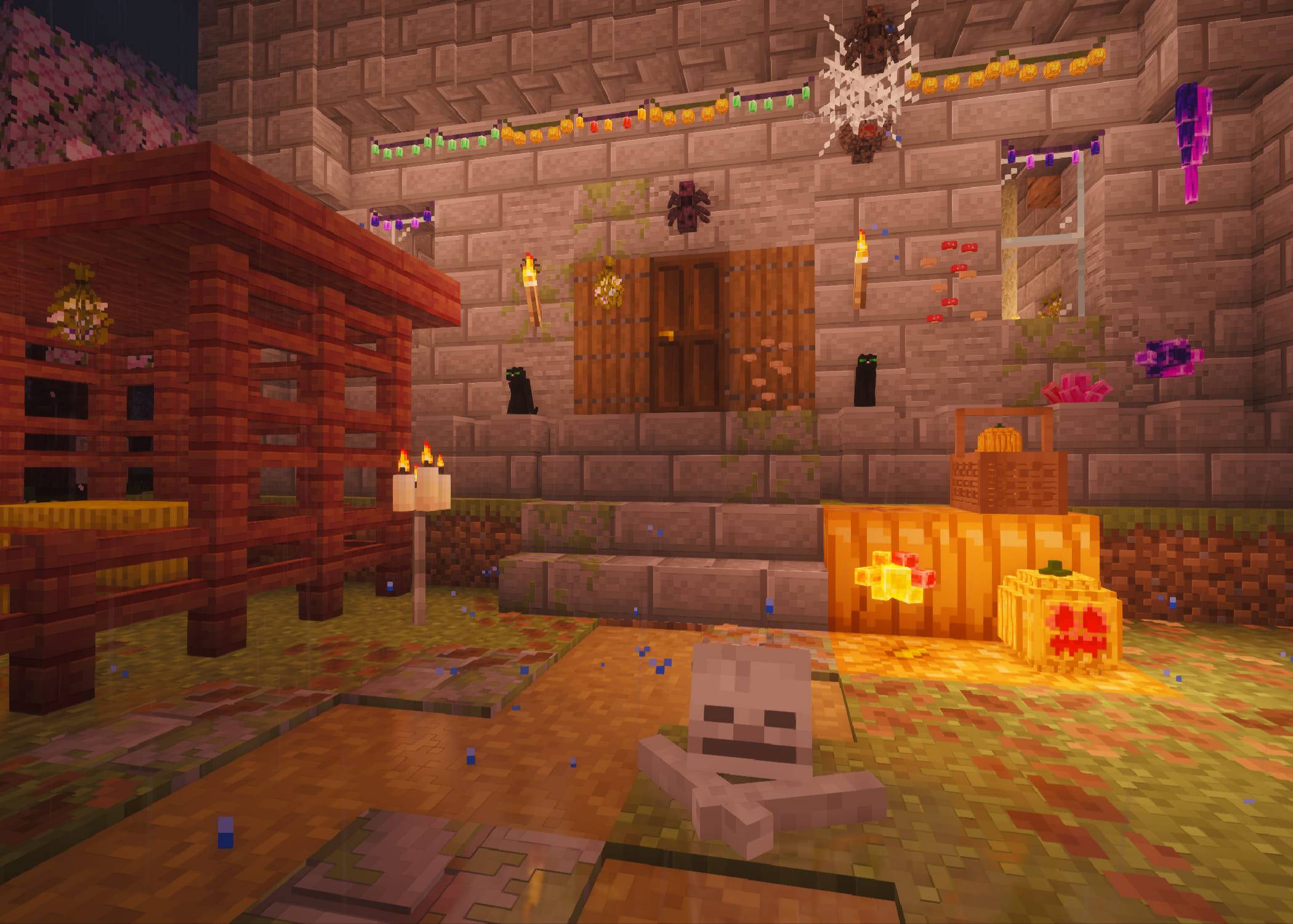
Magic Vibe Decorations
A collection of witchy decorations and crystals. Some crystals provide protective effects.Install
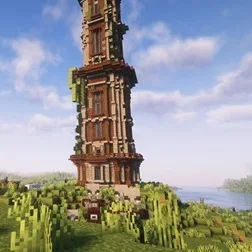
Improved Pillager Outpost
The "Improved Pillager Outpost" Datapack revamps the standard Minecraft Pillager Outpost into a challenging, multi-level tower. This overhaul adds detailed architecture, tougher enemies, and exclusive loot, creating a more immersive and rewarding experieInstallOn a server

Figura
A client-side mod that allows for extensive customization of the player model.Install
Beautify!
Adds lots of vanilla-styled ways to spice up your builds.InstallOn a server

Effortless Structure
Increase your build speed by batch placing/breaking/using blocks/items in any shapes with correct item and tools consumption. It also includes array/mirror transformers, structures copying/pasting, block randomizer, permission control, etc...InstallOn a server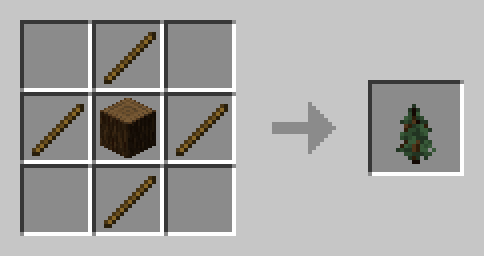

Sapling Tweaks
Adds the ability to craft and crossbreed for saplingsInstall

Anvil Never Too Expensive
This lightweight Forge mod removes the "Too Expensive!" message that appears in anvils when the XP cost goes above 40 levels. No longer will perfectly fine equip go to waste because the game limits your possibilities!InstallOn a server
Loot Integrations: ChoiceTheorem's Overhauled Village & Immersive Structures
Adds better loot to ChoiceTheorem's Overhauled Village & Immersive Structures chests, including modded lootInstall

Unnamed Desert
Additional structures for the desert and badlands biomes, focusing on an immersive expansion for the vanilla game.InstallOn a server

Dragon Drops Elytra
🐉 A minimalistic mod that makes the Ender Dragon drop an elytra on death.InstallOn a server

Biome Spawn Point
🌲 Allows specifying which biome players will spawn in on new world creation.InstallOn a server

Dragon Mounts: Legacy
The Dragon Egg has finally hatched! Let's ride!InstallOn a server

Blended Compat
Adds more compatibility between mods commonly found together in modpacks.InstallOn a server

ATi Structures
Custom vanilla dungeons and structures for both Fabric and ForgeInstallOn a server
DnT Jungle Temple Overhaul
Overhauls Jungle Temples with 4 Variants using new loot tables alongside the Vanilla Loot Table and can have archeology elements inside as well as new puzzlesInstallFAQ
How is Forge different from Fabric?
They're two different mod loaders that aren't compatible with each other. Forge is the older one and better suited to big tech and magic modpacks; Fabric is lighter, updates to new game versions faster, and hosts most performance mods. NeoForge is a Forge fork for newer versions, and Quilt is a Fabric fork. A Forge mod won't run on Fabric, and vice versa. Millida Launcher installs the right loader for you.
How do I know which mod version I need?
The one that matches your game version and loader. The “Install” button picks the file for you: Millida Launcher grabs the version for your modpack. A mod for 1.20.1 usually won't work on 1.21.
How do I install a mod?
Click “Install” and Millida Launcher will download the mod, its dependencies and the right loader for you. To install a downloaded file manually, put it in the mods folder inside the game directory.
Do I need CurseForge to install mods?
No. The Install button on a mod page opens Millida Launcher: it downloads the mod, its dependencies and the right loader into the chosen instance by itself. No CurseForge and no manual file copying.
Which mods are there for 1.20.1?
1.20.1 is one of the most modded versions, especially on Forge: tech, magic, RPG, furniture, weapons. Pick 1.20.1 in the version filter to keep only mods with a file built exactly for it, then pick Forge or Fabric next to it.
Can I install mods on my phone?
On Android, yes: Millida Launcher runs the Java edition on a phone, and mods work there just like on a PC, though light ones run much better than heavy ones. Minecraft PE (Bedrock) cannot load PC mods — it has add-ons instead, in the Minecraft PE mods section.
Which mods are best to play with friends?
The usual picks are Simple Voice Chat for proximity voice chat, Waystones for fast travel, Xaero's Minimap and something big to work on together, such as Create. Mods that change the world must be installed by every player and on the server, while client-side ones like a minimap or performance mods are up to each player.
Mods for Minecraft 1.21 Forge
Mods for Minecraft 1.21 Forge: 515 items in the Mods section. Compatibility is checked against the files, not the description: only items with a build for exactly these conditions stay in the list.
One mod in the catalog, one page. Every version the author has released is listed on its card: pick your game version and loader right there instead of jumping between ten similar pages. Each file shows its size, release date and checksum, and the mod itself shows the author, license and a link to the original source. Files whose license allows rehosting are stored with us and download directly — no link shorteners, timers or ad redirects. If the license forbids rehosting, the button honestly takes you to the author.