
Mods for Minecraft 1.21 Forge — page 14
515 itemsMods: list


Anvil Restoration
🔨 Repair placed anvils with iron ingots and damage them with obsidian.InstallOn a server
Horse Stonks
Prevents horses from getting worse stats than their parentsInstallOn a server
Trims Expanded
Trims Expanded aims to expand the available materials used while making armour trims to allow you to go beyond what the vanilla game can offer in your armour sets!InstallOn a server

Health Indicator
Displays players' health below their names.InstallOn a server

New Slab Variants
Shouldn't every block have a slab? From now on, players will have more than 200 new slabs, with textures similar to the game's vanilla blocks!InstallOn a server

AutoMessage
Basically, AutoMessage is responsible for adding an option to create and send messages automatically in a fast and effective way.InstallOn a server

Wider Ender Chests
Craft new ender chests and unlock additional inventory slots!InstallOn a server

Lios Spiral Tower Villages
Adds unique towering villages with spiral layouts and distinct building stylesInstallOn a server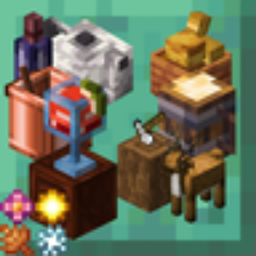
Seasonal Let's Do
Seasonal Let's Do is a mod that brings seamless compatibility between Let's Do mods and popular seasonal systems like Serene Seasons, Fabric Seasons, and Forge Seasons.Install

Flower Tweaks
Adds the ability to craft and crossbread for flowers and grassInstallOn a server

Vault Patcher
Let the hard coded strings change into localization strings in some mods.InstallOn a server

Epic Power Bracelets
You can use epic bracelets to get more powers!InstallOn a server

Lucky TNT Mod
Over 200 different TNTs to destroy your minecraft world!InstallOn a server
Spawn Animations Compats
A datapack that adds compatibility for Spawn Animations with 50+ mods.InstallOn a server
Complete Cobblemon Collection
The Largest Cobblemon Addon Pack that gives Models, Spawns and Animations for EVERY SINGLE POKEMON.InstallOn a server
Server Sleep
The simplest multiplayer sleep mod/datapack. - Changes playersSleepingPercentage to 50%InstallOn a server

Extended Bone Meal
☘ Extends bonemeal behaviour. Instant grow with sneak, grow netherwart+cacti+sugarcane and other tweaks.InstallOn a server

Stackable Stew and Soup
By making use of this mod, you will be able to stack the default stews and soups up to a maximum of 8 items in the same inventory slot.InstallOn a server

Fixed Anvil Repair Cost
💰 Patches the anvil to set the default level cost, material cost and percentage repaired.InstallOn a server

Random Village Names
🌆 All villages receive a randomized name from a configurable list, shown in the GUI via the Areas mod.InstallOn a server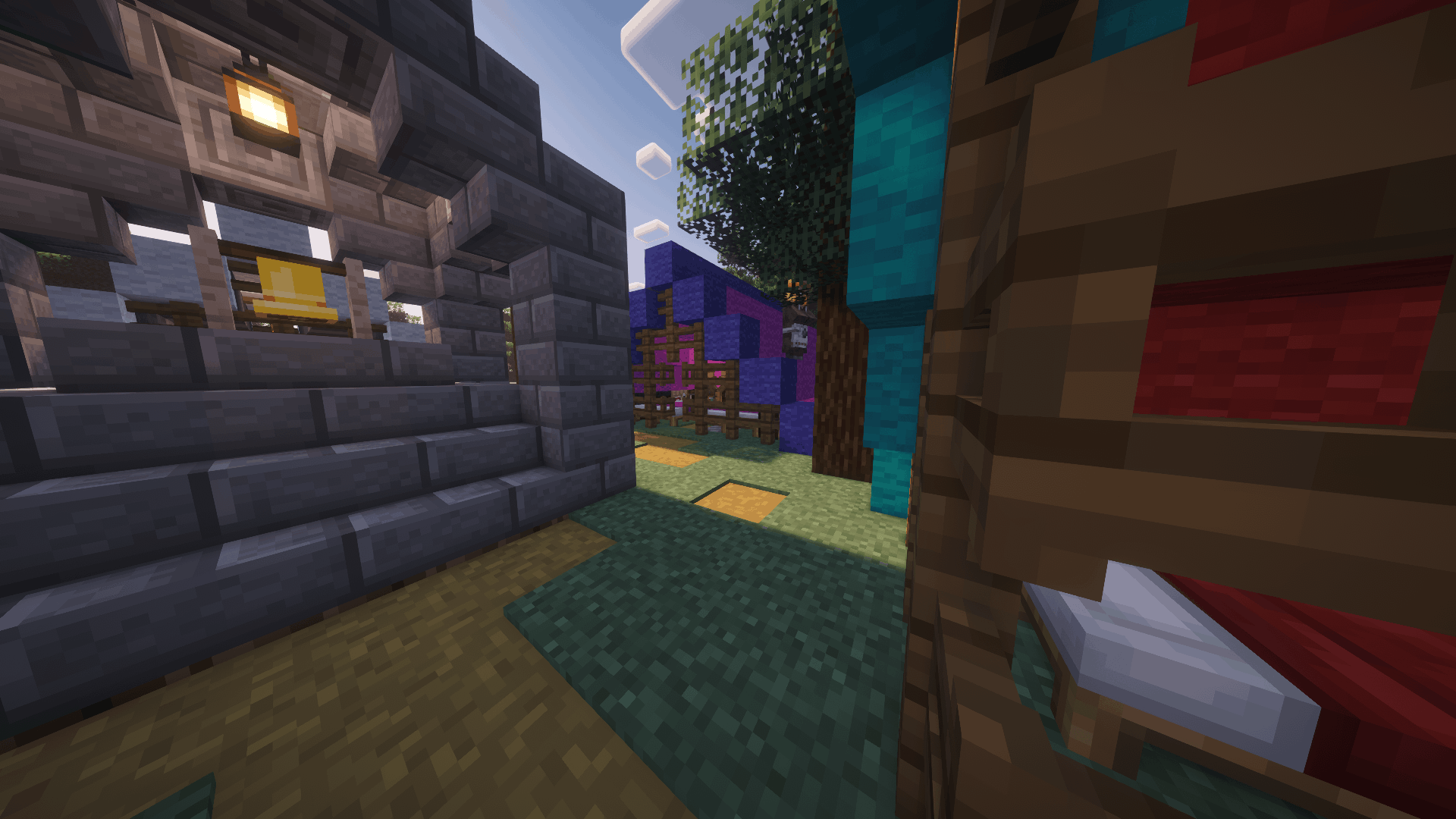

Structures+ — Better Structures & Exploration
A comprehensive mod that adds beautiful structures to your gameInstall

Grindstone Sharper Tools
⚔ The grindstone (wet stone) can temporarily increase the damage of tools used on it.InstallOn a server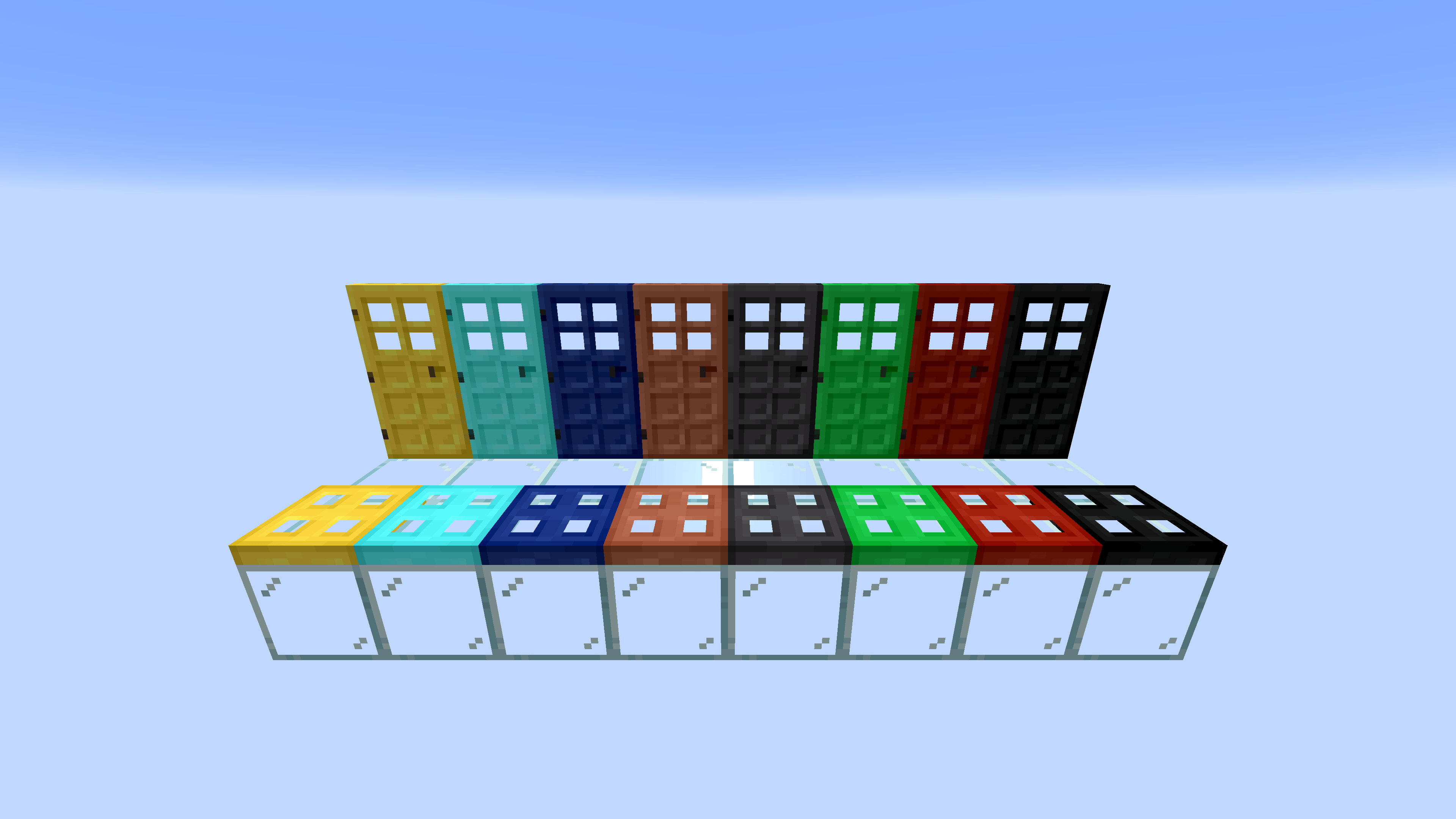
More Doors
More Doors is a Fabric & Forge Mod which adds Over 50 New Doors & Trapdoors + Glass DoorsInstallFAQ
How is Forge different from Fabric?
They're two different mod loaders that aren't compatible with each other. Forge is the older one and better suited to big tech and magic modpacks; Fabric is lighter, updates to new game versions faster, and hosts most performance mods. NeoForge is a Forge fork for newer versions, and Quilt is a Fabric fork. A Forge mod won't run on Fabric, and vice versa. Millida Launcher installs the right loader for you.
How do I know which mod version I need?
The one that matches your game version and loader. The “Install” button picks the file for you: Millida Launcher grabs the version for your modpack. A mod for 1.20.1 usually won't work on 1.21.
How do I install a mod?
Click “Install” and Millida Launcher will download the mod, its dependencies and the right loader for you. To install a downloaded file manually, put it in the mods folder inside the game directory.
Do I need CurseForge to install mods?
No. The Install button on a mod page opens Millida Launcher: it downloads the mod, its dependencies and the right loader into the chosen instance by itself. No CurseForge and no manual file copying.
Which mods are there for 1.20.1?
1.20.1 is one of the most modded versions, especially on Forge: tech, magic, RPG, furniture, weapons. Pick 1.20.1 in the version filter to keep only mods with a file built exactly for it, then pick Forge or Fabric next to it.
Can I install mods on my phone?
On Android, yes: Millida Launcher runs the Java edition on a phone, and mods work there just like on a PC, though light ones run much better than heavy ones. Minecraft PE (Bedrock) cannot load PC mods — it has add-ons instead, in the Minecraft PE mods section.
Which mods are best to play with friends?
The usual picks are Simple Voice Chat for proximity voice chat, Waystones for fast travel, Xaero's Minimap and something big to work on together, such as Create. Mods that change the world must be installed by every player and on the server, while client-side ones like a minimap or performance mods are up to each player.
Mods for Minecraft 1.21 Forge
Mods for Minecraft 1.21 Forge: 515 items in the Mods section. Compatibility is checked against the files, not the description: only items with a build for exactly these conditions stay in the list.
One mod in the catalog, one page. Every version the author has released is listed on its card: pick your game version and loader right there instead of jumping between ten similar pages. Each file shows its size, release date and checksum, and the mod itself shows the author, license and a link to the original source. Files whose license allows rehosting are stored with us and download directly — no link shorteners, timers or ad redirects. If the license forbids rehosting, the button honestly takes you to the author.