
Mods for Minecraft 1.21 Forge — page 13
515 itemsMods: list


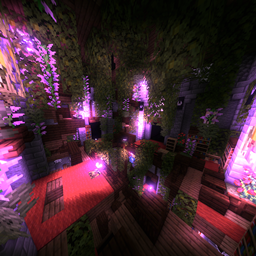
Epic Dungeons: A Roguelike Journey
Awesome uniquely varied epic dungeons, from the buried Crystal Castle to the spider-infested Forgotten Sewers. Your traveller's journey begins!Install
MouseTweaks x Accessories Fix
Disables the Wheel Tweak in the Accessories GUIInstall

Mooshroom Tweaks
🐮🍄 Allows both red and brown mooshrooms to spawn naturally in their biome.InstallOn a server

Presence Footsteps [FORGE]
This mod is an unofficial port of the Presence Footsteps mod to the Forge modloader.Install

Enchanter Fix
Allows players to decorate their enchanting table setup by fixing the "enchantment power transmitter" block tag.InstallOn a server

Crying Portals
🟣 Allows the creation of nether portals with crying obsidian blocks.InstallOn a server
Simple Menu
🖼️ Adds basic functionality to edit the style and buttons of Minecraft's main menu, change the window title and set a new icon.Install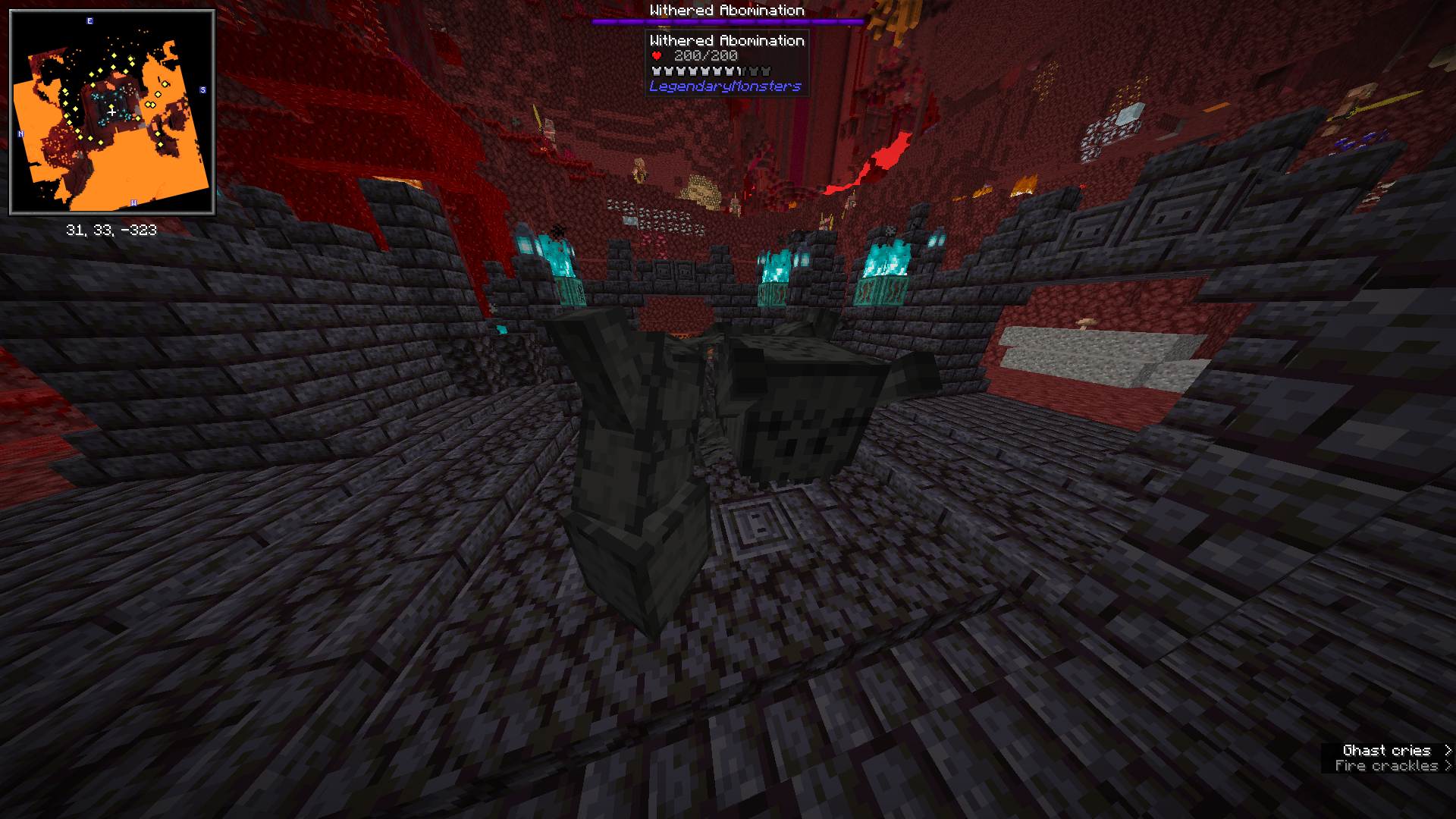
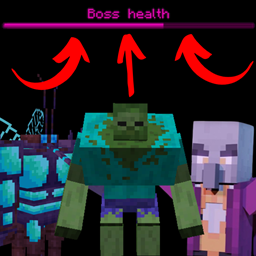
Mini-boss Boss Bars
Adds boss bars to different mini-bosses (or bosses that lack their own) from numerous different Minecraft mods, including vanilla's Elder Guardian and Warden.Install
Withering Heights: Revamped Wither
Turning the Wither into something worth calling a boss.InstallOn a server

Nether Portal Spread
🔮 Spreads (nether) blocks to the overworld around nether portals in a configurable radius.InstallOn a server

Snowballs Freeze Mobs
☃️ Hitting mobs with a snowball will freeze them for a configurable amount of time.InstallOn a server
Warp Portals ─ Portal teleportation
Create Warp Portals between your favorite locationsInstall

Welcome Message
✉️ Easy to configure welcome messages for server players logging in with URL support.InstallOn a server

3D Armor
Renders the player and entity equipped armor in 3D and is compatible with most modded armor, dyes, and trims with support for 16x resource packs.Install

GUI Compass
🧭 Shows direction and coordinates in the GUI/HUD with a compass in the inventory.Install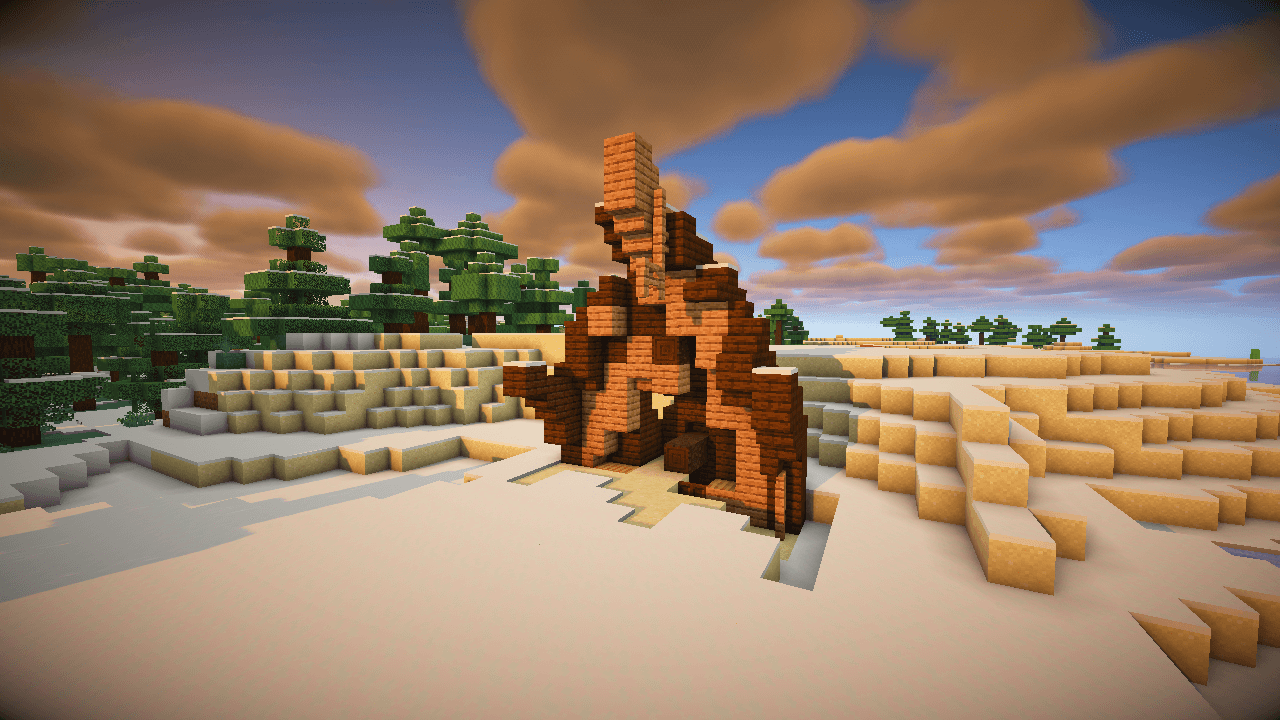
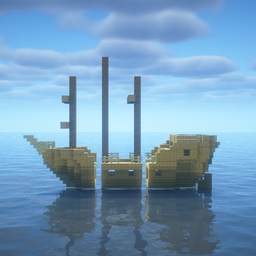
Revamped Shipwrecks (Mod)
Shipwreck structures redesigned with jigsaw degradation stages, hundreds of unique combinations!Install
Redirectionor [Retro]
Avoid Enum values allocation in codes and improve game performance.Install
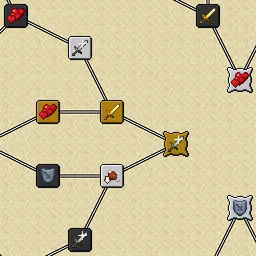
Default Skill Trees
The default skill trees for Pufferfish's Skills mod.InstallOn a server

Despawning Eggs Hatch
🥚 Chicken eggs on hay blocks hatch safely into chicks just before they despawn.InstallOn a server

Golden Foods!
In the style of Golden Apples and Enchanted Golden Apples, this mod incorporates different gold-dipped vanilla foods, as well as enchanted gold versions.InstallOn a server

Tense Ambience
This mod enhances the atmosphere of all default dimensions with biome-specific, tense ambient sounds (Perfect for Horror Modpacks).Install

Genshin Instruments
A mod that adds Genshin Impact's set of instruments into Minecraft!InstallOn a server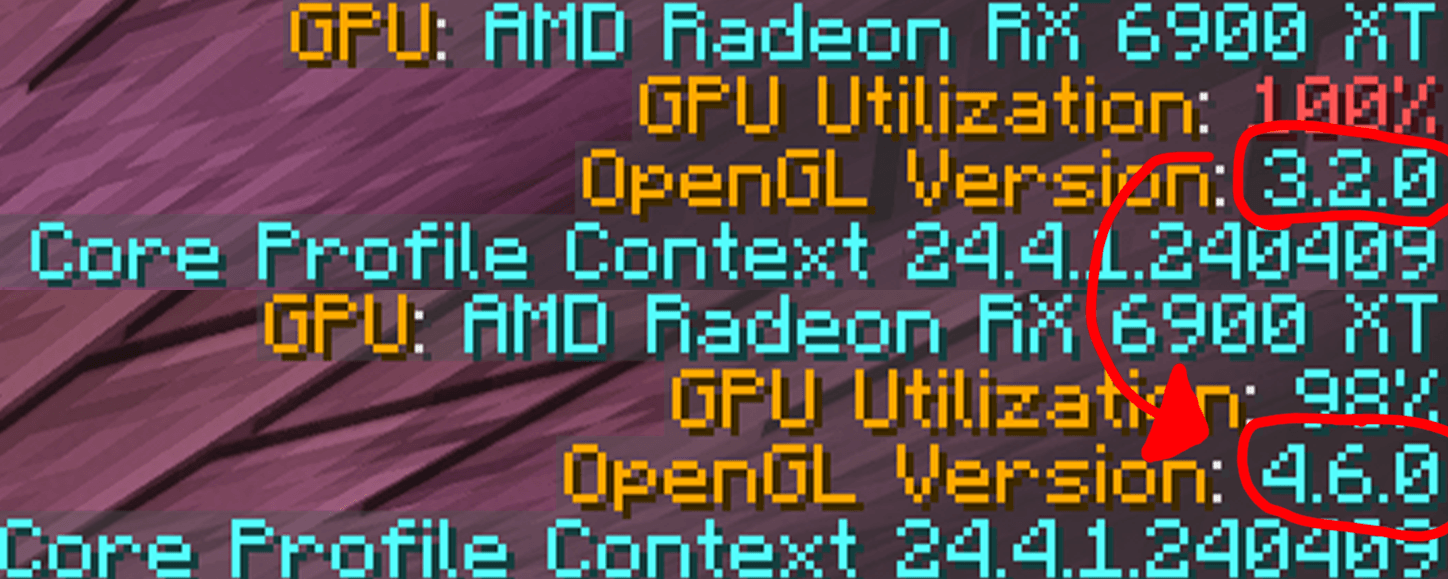
ThreatenGL
Threatens Minecraft to use modern versions of OpenGLInstallFAQ
How is Forge different from Fabric?
They're two different mod loaders that aren't compatible with each other. Forge is the older one and better suited to big tech and magic modpacks; Fabric is lighter, updates to new game versions faster, and hosts most performance mods. NeoForge is a Forge fork for newer versions, and Quilt is a Fabric fork. A Forge mod won't run on Fabric, and vice versa. Millida Launcher installs the right loader for you.
How do I know which mod version I need?
The one that matches your game version and loader. The “Install” button picks the file for you: Millida Launcher grabs the version for your modpack. A mod for 1.20.1 usually won't work on 1.21.
How do I install a mod?
Click “Install” and Millida Launcher will download the mod, its dependencies and the right loader for you. To install a downloaded file manually, put it in the mods folder inside the game directory.
Do I need CurseForge to install mods?
No. The Install button on a mod page opens Millida Launcher: it downloads the mod, its dependencies and the right loader into the chosen instance by itself. No CurseForge and no manual file copying.
Which mods are there for 1.20.1?
1.20.1 is one of the most modded versions, especially on Forge: tech, magic, RPG, furniture, weapons. Pick 1.20.1 in the version filter to keep only mods with a file built exactly for it, then pick Forge or Fabric next to it.
Can I install mods on my phone?
On Android, yes: Millida Launcher runs the Java edition on a phone, and mods work there just like on a PC, though light ones run much better than heavy ones. Minecraft PE (Bedrock) cannot load PC mods — it has add-ons instead, in the Minecraft PE mods section.
Which mods are best to play with friends?
The usual picks are Simple Voice Chat for proximity voice chat, Waystones for fast travel, Xaero's Minimap and something big to work on together, such as Create. Mods that change the world must be installed by every player and on the server, while client-side ones like a minimap or performance mods are up to each player.
Mods for Minecraft 1.21 Forge
Mods for Minecraft 1.21 Forge: 515 items in the Mods section. Compatibility is checked against the files, not the description: only items with a build for exactly these conditions stay in the list.
One mod in the catalog, one page. Every version the author has released is listed on its card: pick your game version and loader right there instead of jumping between ten similar pages. Each file shows its size, release date and checksum, and the mod itself shows the author, license and a link to the original source. Files whose license allows rehosting are stored with us and download directly — no link shorteners, timers or ad redirects. If the license forbids rehosting, the button honestly takes you to the author.