
Optimization modpacks for Minecraft — page 12
979 itemsModpacks: list


FlareFryze PvP+FPS Modpack
A clean PvP-focused modpack with performance optimizations and essential utilities for competitive gameplay (1.21+).InstallOn a server

Clean Crystal PvP
Fabric modpack for Crystal PvP (CPVP), combining performance mods, cleaner combat visuals, shield and fire overlay controls, and survival QoLInstallOn a server

MacOS Optimized
A Modpack for those that play Minecraft on macOS with Apple Silicon [M Series] or Intel systemsInstall

Smooth Server
Server performance mods, packaged for Fabric. Check the Free Minecraft Hosts List (FMHL)!InstallOn a server

TallTalesRP Modpack
The official modpack for the TallTalesRP Minecraft server.Install

Vulkan FPS and Utility
FPS and Utility but it has Vulkan mod so u get even more FPSInstall

Better FPS & Visuals Boost FPS
A Modpack that improves your performance and visuals as highest possibleInstall

Cobblemon Realms Mobile
Versão Mobile da Cobblemon Realms (Mobile Version of the Cobblemon Realms Modpack)Install

Lithium Modpack
A sodium based modpack that optimizes this unoptimized game I guessInstall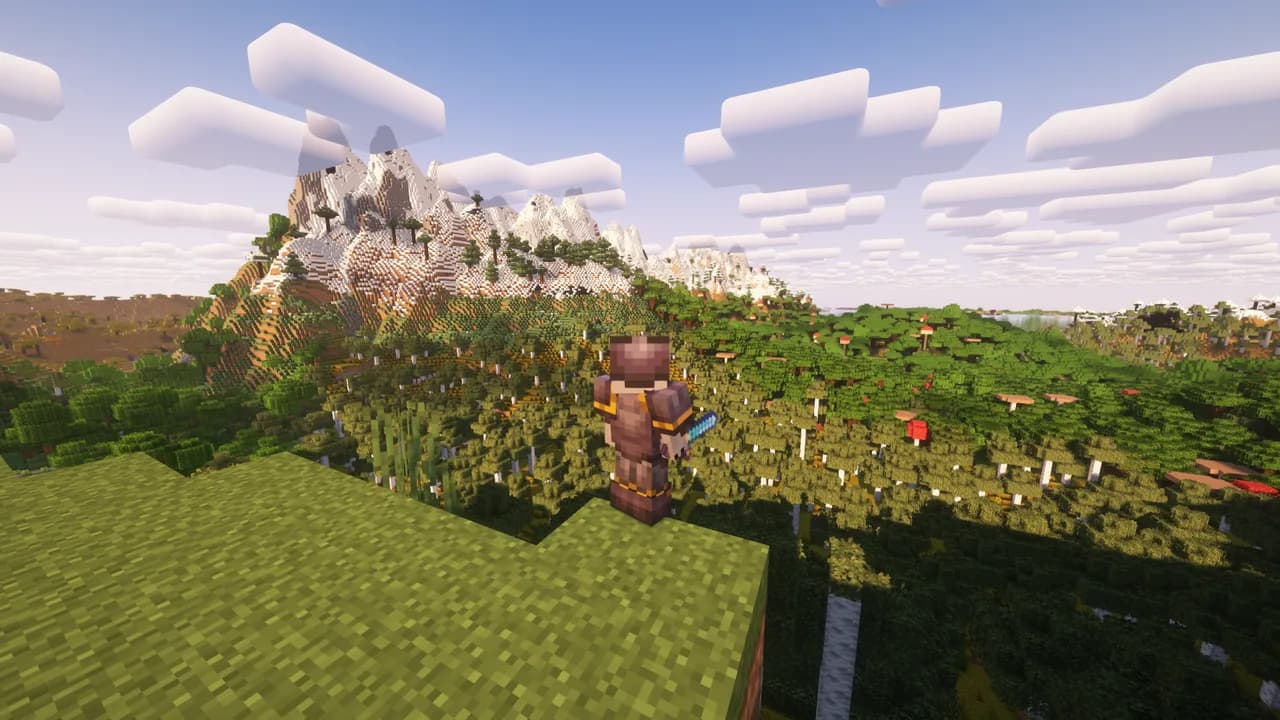

Client Mods
This pack uses over 150 client side mods that improve your game experience.Install

Distant Raze
A well equipped modpack to run Minecraft with Distant Horizon and other necessary mods that pleases the eye. Offers the best performance among all the modpacks.Install

Uton Optimizator
Effective optimization for weak PCs and even for mobile devices.InstallOn a server

Vanilla Plus
Vanilla Plus modpack focused on performance, visuals and quality-of-lifeInstall

KPBSPM - SPm Edition
Install

Valhelsia: Plasma
Enhance your Minecraft experience with built-in shaders, client-side optimization and visual improvements. Host singleplayer worlds and play with your friends anywhere.Install

VERITY.exe Remastered
Hello, I'm Verity! Your personal helper friend. Ask me anything, I know everything.InstallOn a server

SPI Pack
Install

Aestpack
AestPack - optimization, beauty and much more in one package! We have selected and collected for you the best and working mods to optimize the game, without degrading the visual part.Install

Legends of the Galaxy
Forge your own galactic legacy with an advanced Star Wars action-adventure modpack, and the official modpack for Galaxies: Parzi's Star Wars Mod!InstallOn a server

Minecraft Live Replay Mod Pack
Ever wanted to record videos that looked like it was taken from Minecraft Live? well, now you can do that! I compiled a pack of mods and resource packs that will help you easily do that.Install

Kami Chan Optimized
A modpack built around optimizing the client without adding any unnecessary mods.Install

Nickly Optimized
This is a modpack like OptiFine, but much better and faster. 1.8.9, 1.16.5-1.21.x, 26.2 release!Install

Arcomua Anvil
Forge/NeoForge version of Arcomua Modpack, with lots of optimizations and QoLs to the vanilla. No content mods and gameplay modifications.InstallOn a serverFAQ
How is a modpack different from a bunch of mods?
A modpack is already a tuned set: mod versions are matched to each other, configs are set up, and recipes and progression are tied together. Mods downloaded one by one you'll have to make work together yourself.
How do I install a modpack?
Click “Install” and Millida Launcher will download the modpack and the right Java for you and create a separate profile for it. No need to install the mods or loader separately.
How much memory should I allocate?
Light performance modpacks run on 4 GB, mid-sized ones on 6 GB, and big tech-and-magic ones need 8 GB or more. You can change memory in the Millida Launcher profile settings; the exact figure is usually in the modpack description.
Which modpack should I pick to play with friends?
Turn on the With a friend filter under What for to keep modpacks made for playing together: co-op survival, Create, adventures with shared progression. The modpack version must match for every player and the server.
Are there modpacks with quests in my language?
Modpacks with a quest book and a story are in the With quests theme. The quest language depends on the author: most packs ship in English, and other languages are usually added by a separate translation mod — check the modpack description.
Will a modpack run on a low-end PC?
A light one will. The For low-end PCs filter keeps modpacks with a small mod list and performance mods, and 4 GB of memory is enough for them. Big tech-magic modpacks need 6–8 GB and lag on a weak machine even if they start.
How do I run a modpack on my own server?
A modpack page has an On a server button: it installs the modpack on a Millida Hosting server and switches the core to match, and a copy of the old world is kept in backups. Players then install the same modpack in Millida Launcher and join the server address.
Optimization modpacks for Minecraft
Optimization modpacks for Minecraft: 979 items in the Modpacks section. Compatibility is checked against the files, not the description: only items with a build for exactly these conditions stay in the list.
Each modpack here is one page with every released version. The card shows which game version and loader it's built for, how big the archive is and who the author is. Modpacks aren't installed like individual mods: click “Install” and Millida Launcher downloads all the modpack's mods, the right loader and Java, and creates a separate profile for it without touching your others. Mind the memory requirements: heavy tech-and-magic modpacks need six gigabytes or more and simply won't start on the default two.