
Multiplayer modpacks for Minecraft — page 34
905 itemsModpacks: list


Vanilla Sharp
An technical modpack designed with vanilla in mind.InstallOn a server

烛枫公会优化整合包
English Abstract This is an optimized modpack maintained by Candle Maple Guild (烛枫公会), focusing on performance improvements and stability for a smoother Minecraft experience. 中文简介 这是一个由烛枫公会维护的优化整合包,主要针对游戏性能提升和稳定性优化,提供更流畅的Install

Unstable Universe Modpack
This is a Modpack designed for The Unfathon to optimize gameplay And give a unique expirience for Each playerInstallOn a server

Only PVP
Better PVP. Better Looks.Install

FPSBoostMax
FPSBoostMax is a Minecraft modpack optimized to significantly improve game performance on low-end and mid-range PCs, providing smoother gameplay without compromising the core Minecraft experience.InstallOn a server

NEXA Performance
This PvP modpack is built for fast, smooth, and competitive gameplayInstall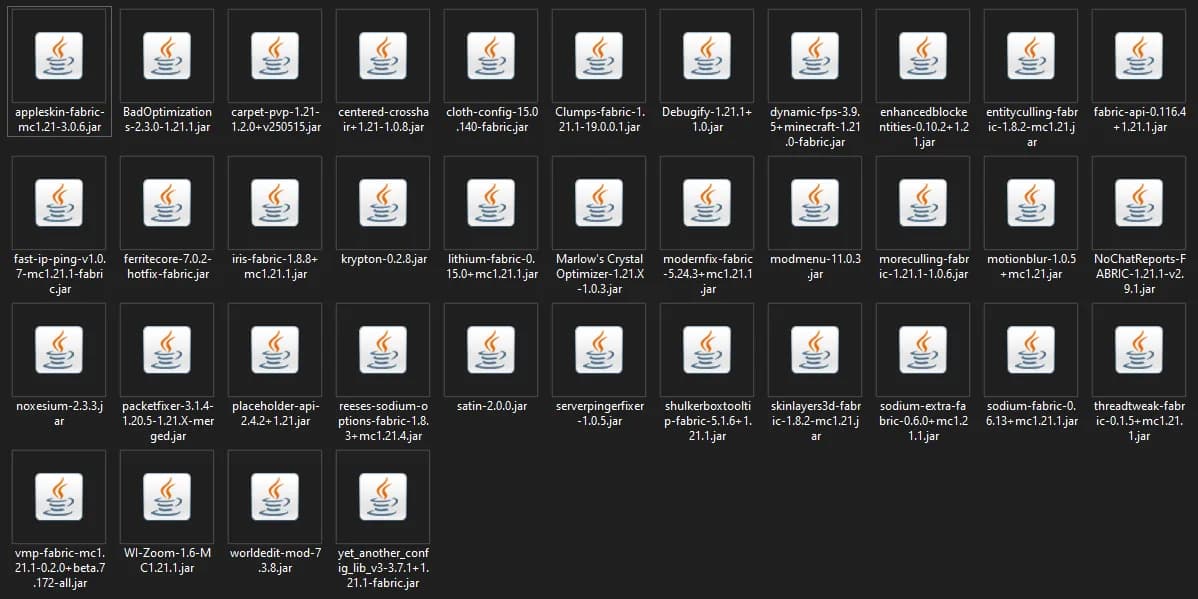

ABHI FPS BOOST
FPS Boost Modpack , Optimized For Improving Game Performance With Essential Mods , Smooth Gameplay , Minimum System Load , PvP Mods IncludedInstallOn a server

The Essentials Pack
The most essential mods that don't effect your actual gameplay, just utility stuff. Hope you enjoy! (Look at Description for way more!)Install

Epic Adventure
A medieval/fantasy like adventure pack filled with some of the best optimization mods. Even works for mid-low end computers with low settings.InstallOn a server

Cobblemon Earth The Mizuni Region
The Cobblemon Earth is a traditional SMP and roleplay server where you can build your own bases, forge rivals, and compete for glory. With 8 Player driven Gyms for Trainers to find and defeat.InstallOn a server

Better look
This modpack is designed to make the game look better.InstallOn a server

Random Item Skyblock
Stranded alone in the void, build out your base from nothing but a trickle of random items with some fun twists and loads of custom features to spruce it up!InstallOn a server

Performance Enhancer Next
PEN is your main vanilla performance enhancer that fulfill all your needs and keeps you at the vanguard of optimization.InstallOn a server

Optimize My Server!
Purely performance server modpack that decreases memory usage and keeps the server vanilla.InstallOn a server

Velocity
This modpack aims to optimize Minecraft on lower end devices, along with some small QOL improvements. Now with Vulkan!InstallOn a server

Pixel Craft
The set of mods that we use on our server.InstallOn a server

TchicX Modpack
A personal collection of mods and my personally used settings for the respective mods.Install

tokaua's PvP Pack
A collection of mods that help improve the PvP experience.InstallOn a server

Usefully Optimized
Usefully Optimized is a Modpack That Boosts your FPS and gameplay with essential quality-of-life tweaks, minimap navigation, inventory management, and smooth animations.Install

Simonuwu Fabric Project
This modpack has the function of replacing OptiFine by replicating its functions and also adding new ones.Install

FPS+
Fabric Powered: Combines the most up-to-date and efficient optimization mods.InstallOn a server

PepeBright
ModPack for beautiful gameplay on the PepeLand serverInstallOn a server

Stella's Hypixel Skyblock Mods
The modpack Stella uses on various versions of Hypixel SkyblockInstallFAQ
How is a modpack different from a bunch of mods?
A modpack is already a tuned set: mod versions are matched to each other, configs are set up, and recipes and progression are tied together. Mods downloaded one by one you'll have to make work together yourself.
How do I install a modpack?
Click “Install” and Millida Launcher will download the modpack and the right Java for you and create a separate profile for it. No need to install the mods or loader separately.
How much memory should I allocate?
Light performance modpacks run on 4 GB, mid-sized ones on 6 GB, and big tech-and-magic ones need 8 GB or more. You can change memory in the Millida Launcher profile settings; the exact figure is usually in the modpack description.
Which modpack should I pick to play with friends?
Turn on the With a friend filter under What for to keep modpacks made for playing together: co-op survival, Create, adventures with shared progression. The modpack version must match for every player and the server.
Are there modpacks with quests in my language?
Modpacks with a quest book and a story are in the With quests theme. The quest language depends on the author: most packs ship in English, and other languages are usually added by a separate translation mod — check the modpack description.
Will a modpack run on a low-end PC?
A light one will. The For low-end PCs filter keeps modpacks with a small mod list and performance mods, and 4 GB of memory is enough for them. Big tech-magic modpacks need 6–8 GB and lag on a weak machine even if they start.
How do I run a modpack on my own server?
A modpack page has an On a server button: it installs the modpack on a Millida Hosting server and switches the core to match, and a copy of the old world is kept in backups. Players then install the same modpack in Millida Launcher and join the server address.
Multiplayer modpacks for Minecraft
Multiplayer modpacks for Minecraft: 905 items in the Modpacks section. Compatibility is checked against the files, not the description: only items with a build for exactly these conditions stay in the list.
Each modpack here is one page with every released version. The card shows which game version and loader it's built for, how big the archive is and who the author is. Modpacks aren't installed like individual mods: click “Install” and Millida Launcher downloads all the modpack's mods, the right loader and Java, and creates a separate profile for it without touching your others. Mind the memory requirements: heavy tech-and-magic modpacks need six gigabytes or more and simply won't start on the default two.