
Multiplayer modpacks for Minecraft — page 33
905 itemsModpacks: list


Lukas-vanilla-pack
This is the pack I use in vanilla, You can download it if you want the same experienceInstall

PepeLite
ModPack for playing on the PepeLand serverInstall

Reign of Nether: Fortress Battle
RTS(Real Time Stratagy) Modpack. The main mod is Reign of Nether. The modpack has not only optimization, but also a lot of bosses with custom loot.InstallOn a server

String Island Experience
Travel the seas on custom ships and create powerful machinery! (Modpack for the String Island Network server)InstallOn a server

Optimal Survival
Optimal Survival enhances Minecraft with better performance, stunning visuals, immersive sounds, and smart quality-of-life upgrades—offering a smooth, engaging survival experience.InstallOn a server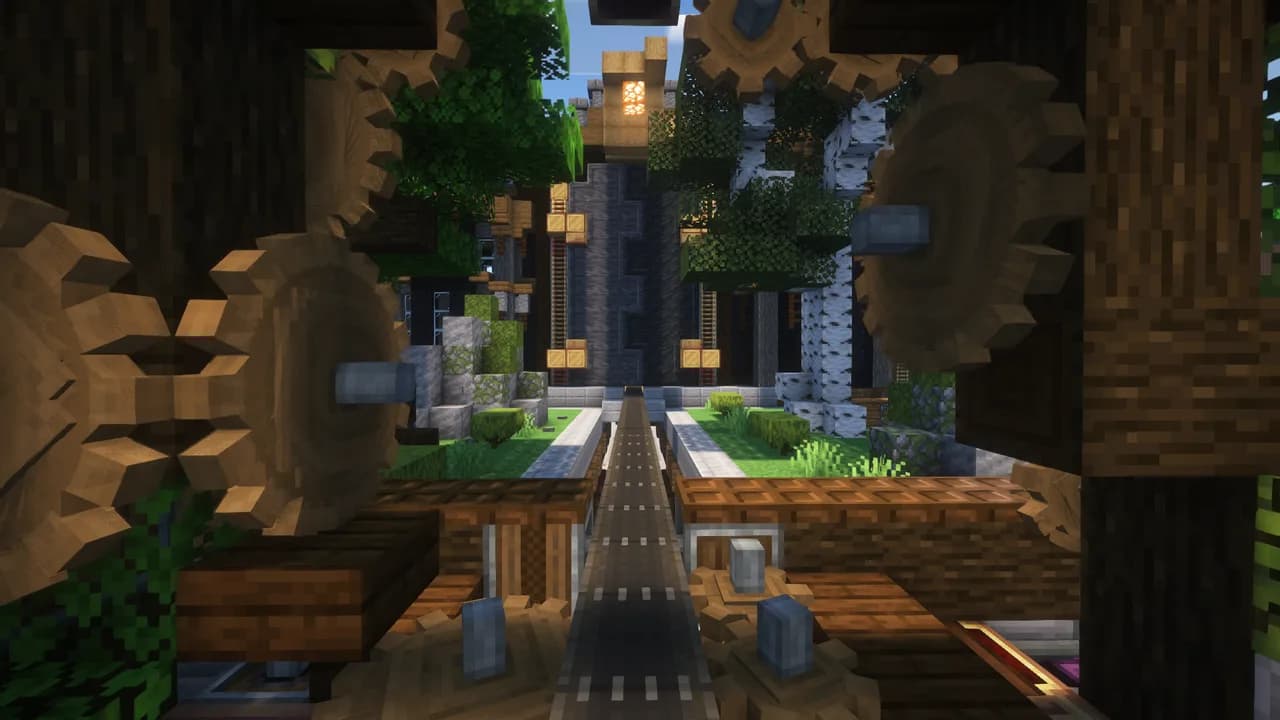

Create Extended
Create Extended expands the possibilities of the popular Create mod, offering new mechanics and enhanced gameplay experiences.InstallOn a server

That time i got reincarnated as a slime!
A fun mod based on the anime That time i got reincarnated as a slime! This mod is full of dragons and magic and other fun things!InstallOn a server

Lucky's Vanilla
This is my Vanilla modpack, with performance and QOL mods to be the topper to vanilla minecraft.InstallOn a server

SPModPack
Install

[UNOFFICIAL] Doc's Apotheosis
A fan-made modpack using the Drehmal.net modlist as reference, with additional performance enhancers and gameplay tweaks.InstallOn a server

create and ad astra
expirience steam punk style survival with the crate mod and have the option for space exploration with ad astraInstallOn a server

[GUO]GLACIER_UItimate_Optimization
A modpack meticulously tuned by Bilibili creator 'Minecraft_冰河' enhances your Minecraft experience, balancing stunning visuals with peak performance to craft a cleaner, smoother adventure.InstallOn a server

Cherry
一个原版风格的 Minecraft 客户端模组包,集成了众多实用与美化的模组,显著提升你的游戏体验。| A Minecraft client mod pack in the original style, integrating numerous practical and aesthetic mods, significantly enhancing your gaming experience.Install

Survive on a chunk
👾Join this unique adventure, spawn on a single chunk. Gather resources and craft new chunks as time goes by 🐧 🐉 Beat the end, the nether and more added contentInstallOn a server

Lightning Client
This modpack is designed to increase the fps of every player with QOL features. You can expect smoother visuals, faster world loading times, and a range of features to make gameplay more enjoyable and efficient.InstallOn a server

Fever fps
FPS Boost Mod- Improves performance and increases FPS by optimizing rendering, reducing lag, and enhancing stability.Install

oolong-flavoured
A lightweight Fabric datapack forked from matcha flavoured, for friends, by friends.InstallOn a server

Guang Xia MTR
这是广厦城mtr服务器的整合包 This is a package with many commonly used MTR construction toolsInstall

Eris
A small but fun Fabric modpack with some uncommon mods.InstallOn a server

Ore Galore Modpack
Ore Galore has never seen such an upgrade! Beautiful terrain paired with dynamic clouds builds onto the expansive underground which has tons of ores to discover, some being up to 3x better than netherite! https://www.youtube.com/watch?v=NSn0OSw4OqYInstallOn a server
Performance Step Up
Massive FPS gains. Zero Stutter. Pure Vanilla Gameplay.Install

Beautiful FPS
Helps Minecraft actually run, and way faster at that!Install

MC:PS1 - Modpack
An exploration style modpack with ps1 style graphics!InstallOn a serverFAQ
How is a modpack different from a bunch of mods?
A modpack is already a tuned set: mod versions are matched to each other, configs are set up, and recipes and progression are tied together. Mods downloaded one by one you'll have to make work together yourself.
How do I install a modpack?
Click “Install” and Millida Launcher will download the modpack and the right Java for you and create a separate profile for it. No need to install the mods or loader separately.
How much memory should I allocate?
Light performance modpacks run on 4 GB, mid-sized ones on 6 GB, and big tech-and-magic ones need 8 GB or more. You can change memory in the Millida Launcher profile settings; the exact figure is usually in the modpack description.
Which modpack should I pick to play with friends?
Turn on the With a friend filter under What for to keep modpacks made for playing together: co-op survival, Create, adventures with shared progression. The modpack version must match for every player and the server.
Are there modpacks with quests in my language?
Modpacks with a quest book and a story are in the With quests theme. The quest language depends on the author: most packs ship in English, and other languages are usually added by a separate translation mod — check the modpack description.
Will a modpack run on a low-end PC?
A light one will. The For low-end PCs filter keeps modpacks with a small mod list and performance mods, and 4 GB of memory is enough for them. Big tech-magic modpacks need 6–8 GB and lag on a weak machine even if they start.
How do I run a modpack on my own server?
A modpack page has an On a server button: it installs the modpack on a Millida Hosting server and switches the core to match, and a copy of the old world is kept in backups. Players then install the same modpack in Millida Launcher and join the server address.
Multiplayer modpacks for Minecraft
Multiplayer modpacks for Minecraft: 905 items in the Modpacks section. Compatibility is checked against the files, not the description: only items with a build for exactly these conditions stay in the list.
Each modpack here is one page with every released version. The card shows which game version and loader it's built for, how big the archive is and who the author is. Modpacks aren't installed like individual mods: click “Install” and Millida Launcher downloads all the modpack's mods, the right loader and Java, and creates a separate profile for it without touching your others. Mind the memory requirements: heavy tech-and-magic modpacks need six gigabytes or more and simply won't start on the default two.