
Minecraft modpacks — page 94
5,165 itemsModpacks: list


Digimon adventure
An adventure that will lead you into the digital worldInstallOn a server
Falloutcraft
Welcome to the ApocalypseInstallOn a server

Exodus (Space Mission) | Stellaris & SPACE QUESTS!
Conquer the universe with Stellaris, the best space mod for the latest version! Play with quests!InstallOn a server

Fresh Animations
Adds Lot of effect, animation, tweak. Nearly the same of Actions And StuffInstallOn a server
Mike's Quest - The Heatfall
Earth is scorched by solar flares, birthing infected abominations from radiation. Scavenge, survive, and fight to uncover the truth behind the infection in this post-apocalyptic wasteland. Will you endure, or fall to the horrors of the Heatfall?InstallOn a server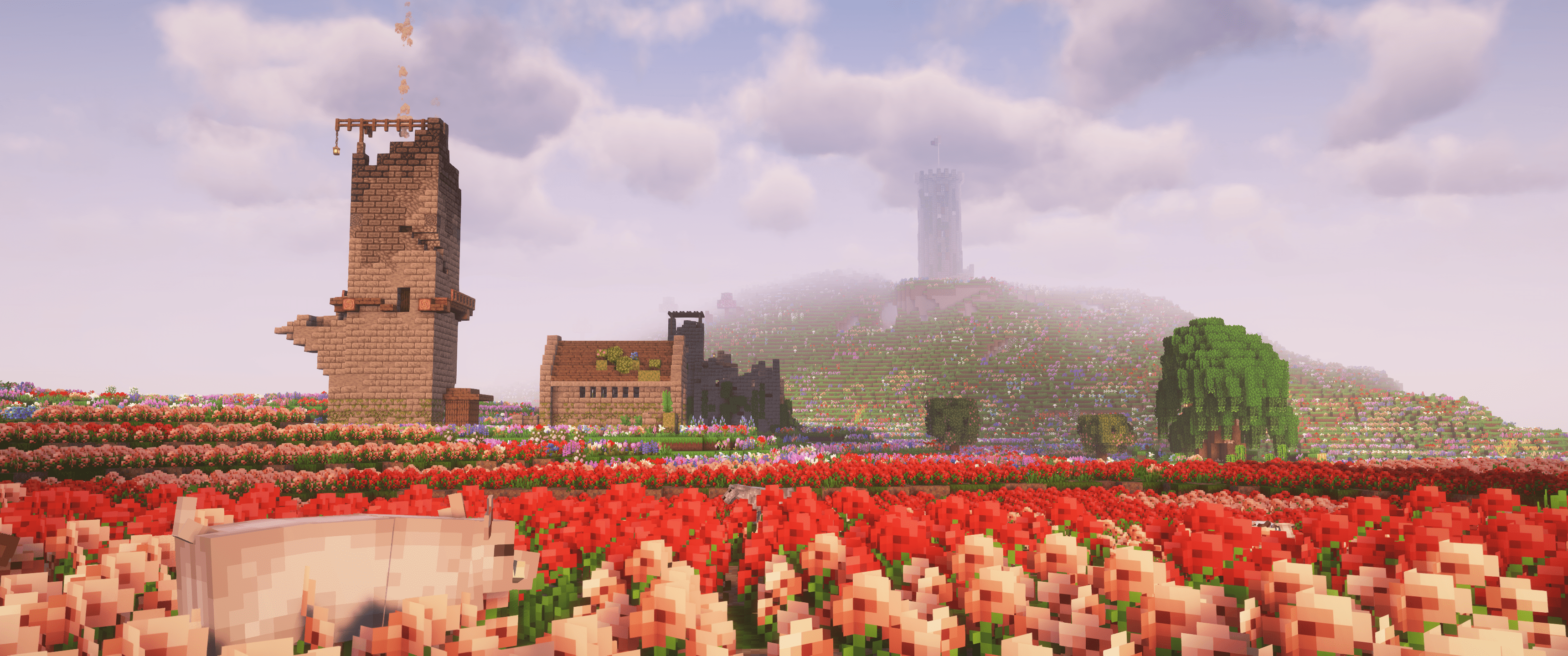
Dark Fantasy [FORGE]
A Dark Fantasy modpack that transforms minecraft into a Dark Fantasy game :)InstallOn a server
JujutsuCraft Anime Pack
An Anime Modpack centered around Jujutsu Kaisen with some RPG elementsInstallOn a server

JS Performance Pack
A lightweight Fabric optimization modpack for Minecraft that boosts FPS, improves chunk loading, reduces lag, and stays close to the vanilla experience.InstallOn a server
Ratufa's Guns n Drugs
An extremely fun modpack that allows users to engage in totally legal activities for everyone to enjoy!InstallOn a server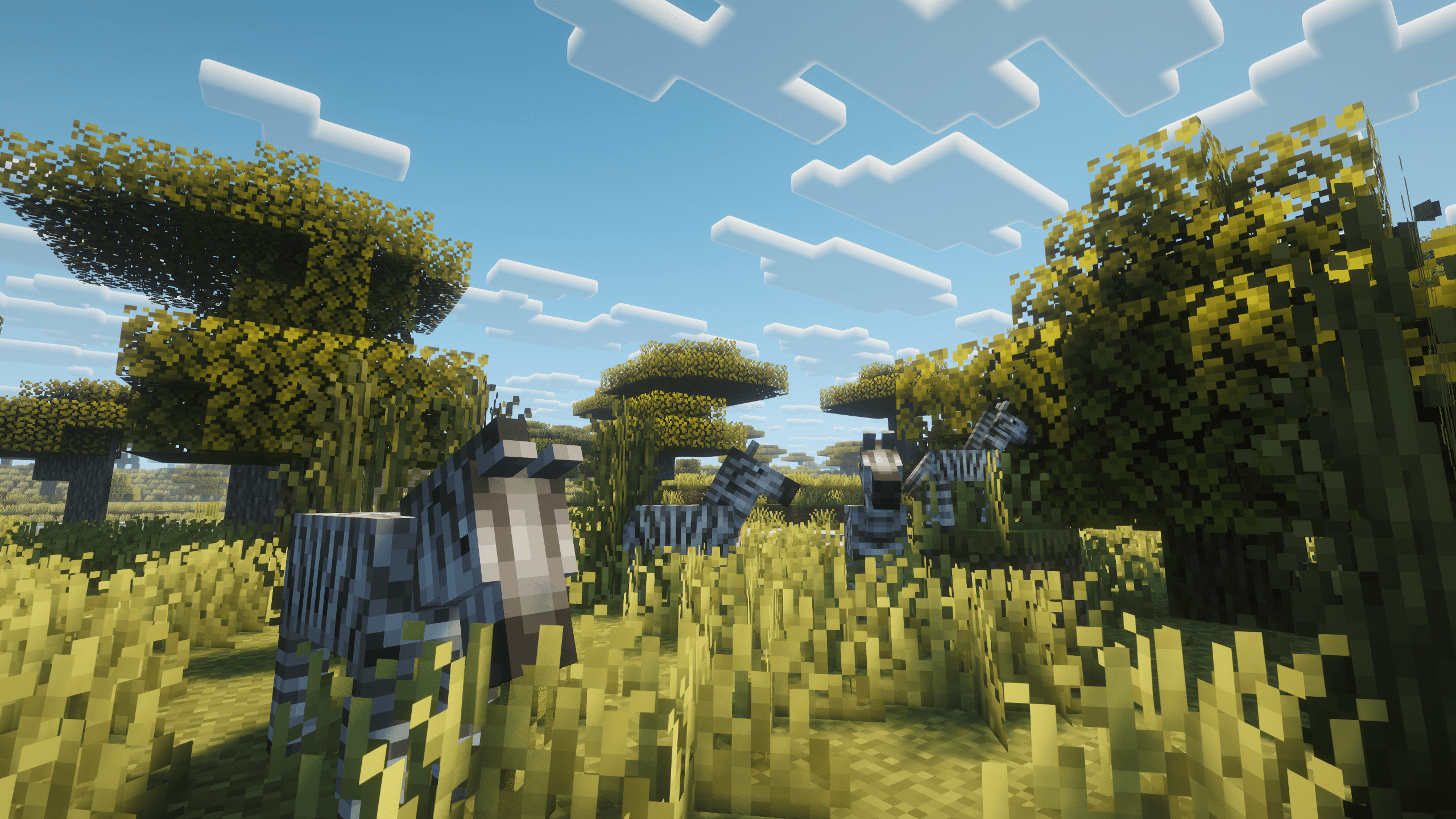

Animals Zoo – Explore Animals & Build the Ultimate Zoo
Quests! Discover, adopt, and collect a huge variety of animals while exploring structures, defeating bosses, and building your own zoo.InstallOn a server

Heroes
A fun Superheroes, Exploration, Magic and More, Modpack to play with your friendsInstallOn a server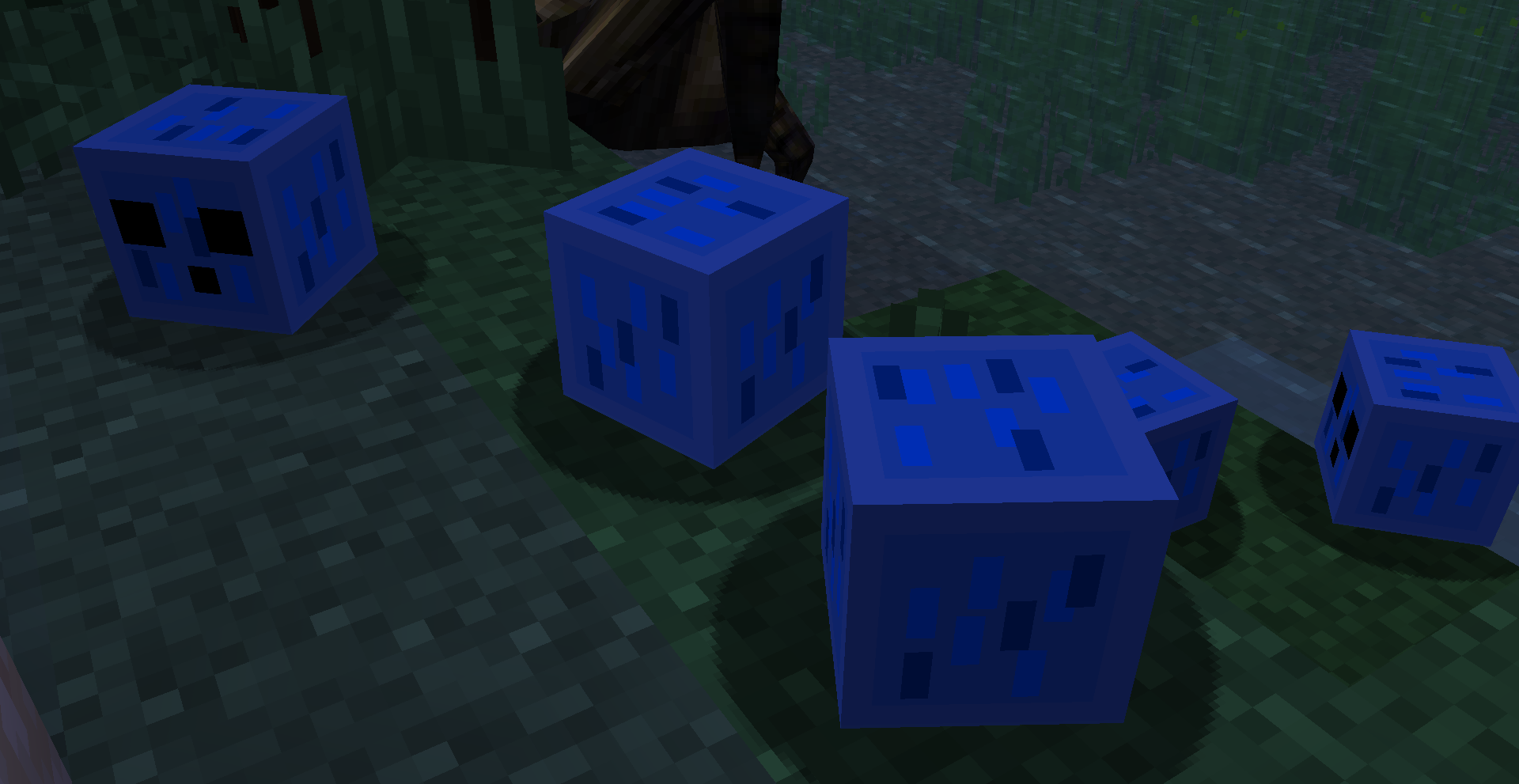
Nature Modpack (Dense Forests and Scary Beasts)
Modpack set up a long time ago personally, then remade to make Minecraft feel more natural and to do more things in it. All for fun of course :)InstallOn a server

SMPOnline Season 5 Modpack (Official)
Client-side rendering optimizations and modded features (such as Painting), intended for use on SMPOnline Season 5InstallOn a server

Star Wars: The Rise of Thrawn
Thrawn is rising... and with him... a long forgotten power...InstallOn a server

Seven Zero Meow Team's Zombie apocalypse
Players can explore clans not found in Minecraft, but also full of danger.InstallOn a server

Crazy Kitty's FNaF Management Wanted Pack
A modpack focused primarily on FNaF: Management Wanted, created by OVDR.InstallOn a server
Jujutsu Kaisen GoatjoMC Server
A Jujutsu Kaisen Based Minecraft Server!InstallOn a server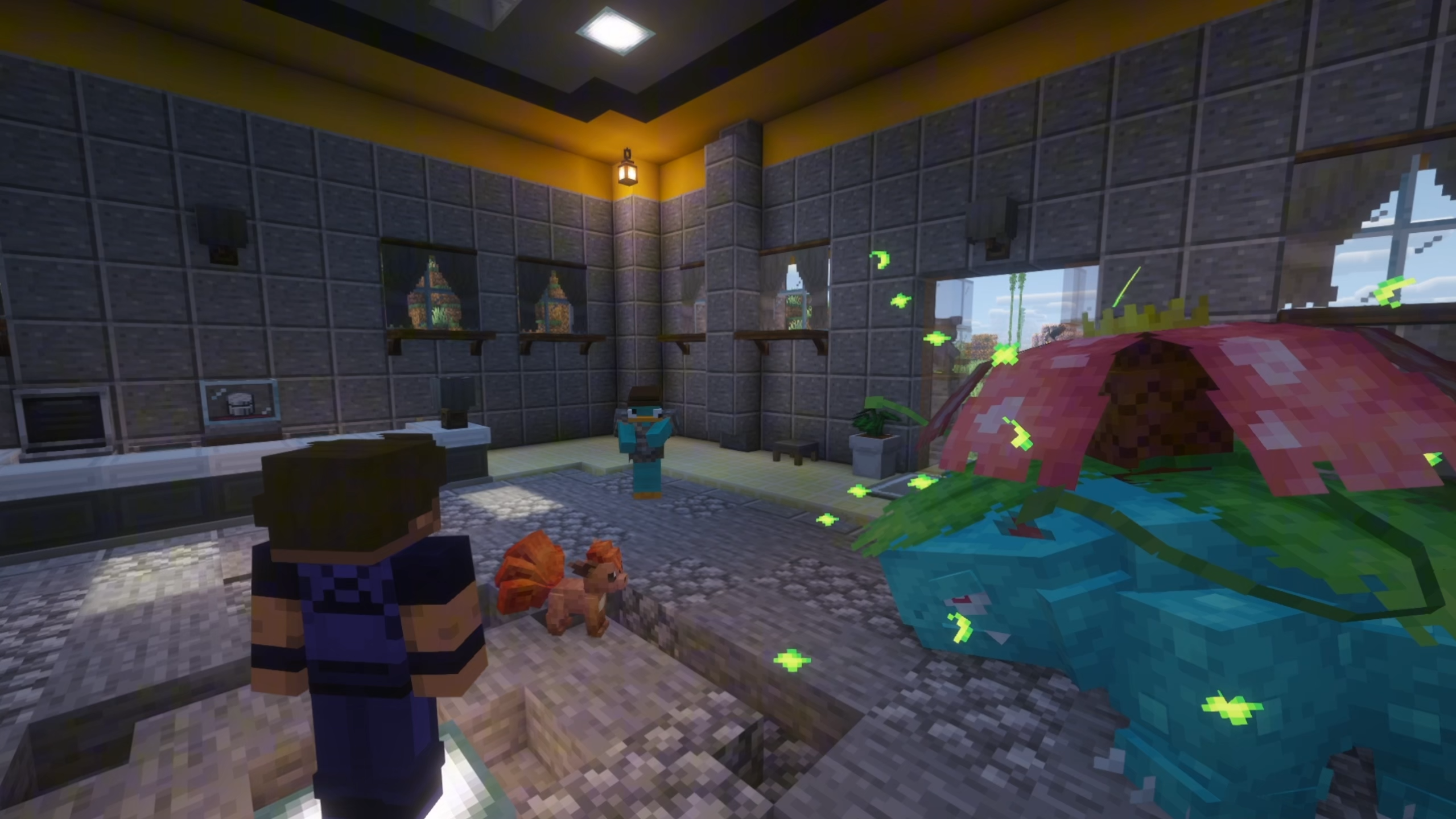

Immersive Cobblemon | With Distant Horizons, CobbleBrain, Cobblemon Addons & Quests (Cobblemon v1.8)
Immersive Cobblemon is a modpack that makes the world of Cobblemon feel much more alive and full of things to do.InstallOn a server
Re-Evolving Technology
The official post of Evolving Technology to 1.12.2, a pack designed to have the player go through various stages of technologyInstallOn a server

The Pond
A Minecraft modpack that enhances the vanilla experience with new biomes and structures to explore, new items, decorations, new mobs, quality of life (QOL) mods, as well as optimization mods.InstallOn a server
Digimon Redux
A Modpack revolving around The Digimon ModInstallOn a server
The Adventure of Valkyriens
Big Ship Big Gun Age is Back!InstallOn a server
Lost_Civilization:Wilds
Focus on quality, long-term growth of the series of modpackInstallOn a serverFAQ
How is a modpack different from a bunch of mods?
A modpack is already a tuned set: mod versions are matched to each other, configs are set up, and recipes and progression are tied together. Mods downloaded one by one you'll have to make work together yourself.
How do I install a modpack?
Click “Install” and Millida Launcher will download the modpack and the right Java for you and create a separate profile for it. No need to install the mods or loader separately.
How much memory should I allocate?
Light performance modpacks run on 4 GB, mid-sized ones on 6 GB, and big tech-and-magic ones need 8 GB or more. You can change memory in the Millida Launcher profile settings; the exact figure is usually in the modpack description.
Which modpack should I pick to play with friends?
Turn on the With a friend filter under What for to keep modpacks made for playing together: co-op survival, Create, adventures with shared progression. The modpack version must match for every player and the server.
Are there modpacks with quests in my language?
Modpacks with a quest book and a story are in the With quests theme. The quest language depends on the author: most packs ship in English, and other languages are usually added by a separate translation mod — check the modpack description.
Will a modpack run on a low-end PC?
A light one will. The For low-end PCs filter keeps modpacks with a small mod list and performance mods, and 4 GB of memory is enough for them. Big tech-magic modpacks need 6–8 GB and lag on a weak machine even if they start.
How do I run a modpack on my own server?
A modpack page has an On a server button: it installs the modpack on a Millida Hosting server and switches the core to match, and a copy of the old world is kept in backups. Players then install the same modpack in Millida Launcher and join the server address.
Minecraft modpacks
A modpack is a ready-made set of mods, configs and recipes put together by the author so that everything works together. Building a set like that by hand takes ages: mods clash over versions, need libraries and handle game mechanics in different ways. A modpack has already done that work for you — all that's left is to pick the game version and loader.
A modpack is not only for your own game: you can also run it on a server to play with friends. Next to Install on a modpack page there is an On a server button: it installs the same modpack on a Millida Hosting server together with the right core, and a copy of the old world is kept in backups. Your friends install the modpack in the launcher and join the server address — everyone gets the same version because it comes from one place.
Each modpack here is one page with every released version. The card shows which game version and loader it's built for, how big the archive is and who the author is. Modpacks aren't installed like individual mods: click “Install” and Millida Launcher downloads all the modpack's mods, the right loader and Java, and creates a separate profile for it without touching your others. Mind the memory requirements: heavy tech-and-magic modpacks need six gigabytes or more and simply won't start on the default two.