
Minecraft modpacks — page 89
5,163 itemsModpacks: list
Nizco's Cobblemon Horizons
A Cobblemon Adventure modpack that adds fun exploration with dungeons, new structures with cobblemon loot in a new revamped worldInstallOn a server

Super Changed
Mods I've gathered that solves common problems but with a gooey twist.InstallOn a server
Morph and more awesomeness
Lots of mods fitted together for adventures that can take you beyond lots of biomes and dimensions, as well as the most important mod of them all, morph.InstallOn a server
Quality Of Life (QOL)
A Cutting edge, Vanilla Compatible, Quality Of Life Modpack for Minecraft 1.8.9, 1.12.2, 1.14.4, 1.15.2, 1.16.2 and 1.16.5.InstallOn a server
Izakji's New Beginnings
A medium sized modpack with seasons, enhanced vanilla mechanics and upgraded biomesInstallOn a server

wonderland.jar with guns multiplayer
I added guns to my favorite horror mod wonderland.jar.InstallOn a server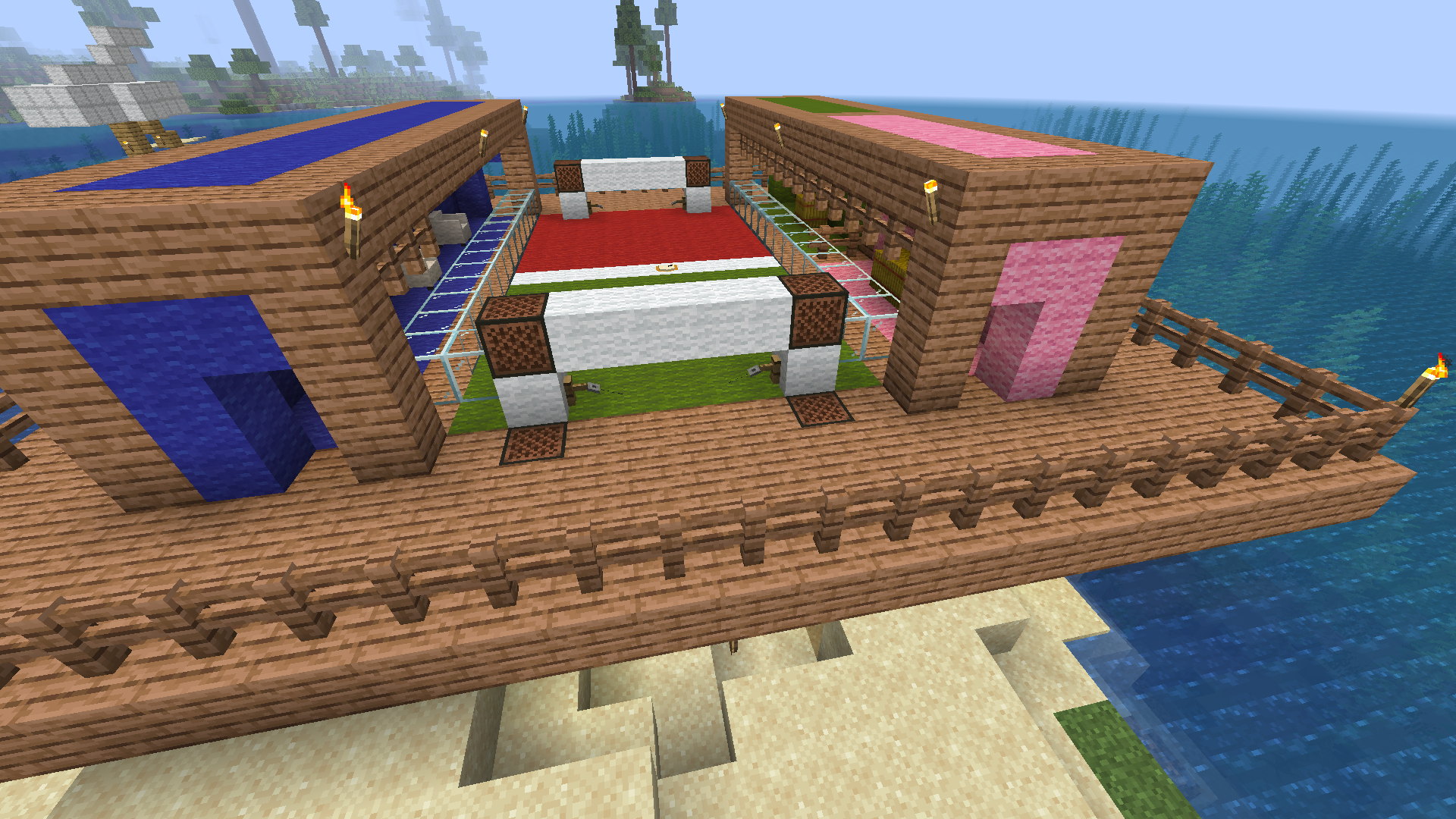
Race to the Moon - Revived
An attempt at recreating Race to the Moon in a modern version of minecraft.InstallOn a server

Fresh & Stuff
This mod pack is a fan-made version of Actions & Stuff. This mod package is Beautiful resource packages from each other in the mod package, 3d items and more, and excellent player animations. EnjoyInstallOn a server

Project Zomboid
In this modpack you will find yourself in a world immersed in a zombie apocalypse.InstallOn a server

Swords And Skills | RPG Series
A modpack for adventurers who love combat and progression. Unlock abilities through a skill tree by defeating enemies and mastering swordplay and magic.InstallOn a server

Create Sky
Build Create factories from scratch in skyblock.InstallOn a server
Guns, Nukes, and Suffering (GNS) (Discontinued)
Multiplayer military/tech PvP pack.InstallOn a server

Shingeki no Kyojin (Attack on Titan)
Shingeki no Kyojin (Attack on Titan) is a Modpack based on the Anime/Manga "Attack on Titan" by Hajime Isayama.InstallOn a server
MC+ | Better MC
This Modpack includes some standard mods like "Just Enought Items" and more to improve gameplay and performance.InstallOn a server
Mekanism: Automation
Bring Mekanism to the next level!InstallOn a server
SWEM Survival
Horse Modpack to play in Survival (or not)InstallOn a server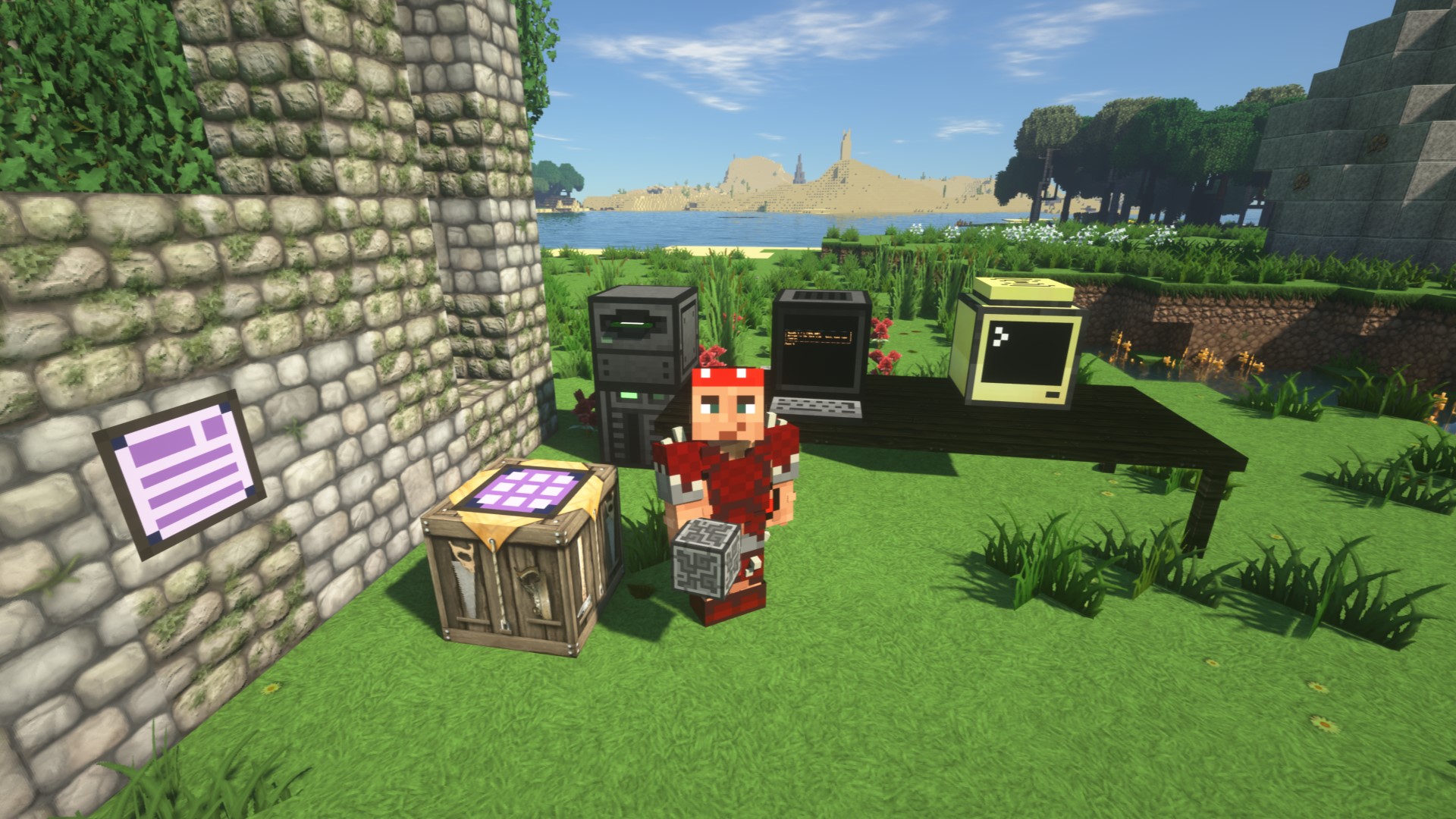
Modern RLCraft
The realism of RLCraft with a hint of ComputersInstallOn a server
Cobblemon PokeFactory
PokeFactory is the ultimate modpack centered Cobblemon & Create - PokeBall factories, Pokemon Homesteads, and much more!Install
The Winter Rescue
Survival in the icy tundra: generators, Immersive Engineering, Create, your own settlement, and 15 quest chapters.Install

Create : The zombie apocalypse
combining technology with zombies!InstallOn a server
Cubed Optimized FPS [Fabric]
Cubed Optimized is a super powerful FPS booster pack for minecraft, 100x Better than others FPS mod packs. The objective of this ModPack is that you can play the newest version without the Vanilla issues.InstallOn a server
Voltz (Volts) Community Modpack (WITH OFFICIAL SERVER)
Voltz - With Mekanism, MFFS, Atomic Science, ICBM, Galacticraft, all of the other original Voltz mods and much more, the Voltz (Volts) Community Modpack is the most advanced, most popular and most authentic remake of Technic's original Voltz modpack!InstallOn a server

Enhanced FPS (NeoForge)
This modpack maximizes FPS using optimization mods like Sodium, Lithium, Iris, FerriteCore, and EntityCulling.InstallFAQ
How is a modpack different from a bunch of mods?
A modpack is already a tuned set: mod versions are matched to each other, configs are set up, and recipes and progression are tied together. Mods downloaded one by one you'll have to make work together yourself.
How do I install a modpack?
Click “Install” and Millida Launcher will download the modpack and the right Java for you and create a separate profile for it. No need to install the mods or loader separately.
How much memory should I allocate?
Light performance modpacks run on 4 GB, mid-sized ones on 6 GB, and big tech-and-magic ones need 8 GB or more. You can change memory in the Millida Launcher profile settings; the exact figure is usually in the modpack description.
Which modpack should I pick to play with friends?
Turn on the With a friend filter under What for to keep modpacks made for playing together: co-op survival, Create, adventures with shared progression. The modpack version must match for every player and the server.
Are there modpacks with quests in my language?
Modpacks with a quest book and a story are in the With quests theme. The quest language depends on the author: most packs ship in English, and other languages are usually added by a separate translation mod — check the modpack description.
Will a modpack run on a low-end PC?
A light one will. The For low-end PCs filter keeps modpacks with a small mod list and performance mods, and 4 GB of memory is enough for them. Big tech-magic modpacks need 6–8 GB and lag on a weak machine even if they start.
How do I run a modpack on my own server?
A modpack page has an On a server button: it installs the modpack on a Millida Hosting server and switches the core to match, and a copy of the old world is kept in backups. Players then install the same modpack in Millida Launcher and join the server address.
Minecraft modpacks
A modpack is a ready-made set of mods, configs and recipes put together by the author so that everything works together. Building a set like that by hand takes ages: mods clash over versions, need libraries and handle game mechanics in different ways. A modpack has already done that work for you — all that's left is to pick the game version and loader.
A modpack is not only for your own game: you can also run it on a server to play with friends. Next to Install on a modpack page there is an On a server button: it installs the same modpack on a Millida Hosting server together with the right core, and a copy of the old world is kept in backups. Your friends install the modpack in the launcher and join the server address — everyone gets the same version because it comes from one place.
Each modpack here is one page with every released version. The card shows which game version and loader it's built for, how big the archive is and who the author is. Modpacks aren't installed like individual mods: click “Install” and Millida Launcher downloads all the modpack's mods, the right loader and Java, and creates a separate profile for it without touching your others. Mind the memory requirements: heavy tech-and-magic modpacks need six gigabytes or more and simply won't start on the default two.