
Minecraft modpacks — page 81
5,163 itemsModpacks: list

Heros Unite: Legacy & Terror
a modpack with creature and superhero mods but this modpack focuses on the legends modInstallOn a server
Back to Back
"Leisure players" and "Adventurers" support each other to defeat boss,defend home and enjoy minecraft.InstallOn a server

Ronin Slash
Onityan's mod packInstallOn a server
Evolution: Reset
A minecraft modpack which tells a long history of human evolution.InstallOn a server

HorrorScape
Enter a world full of terrifying monsters and try to survive!InstallOn a server
Allusiveness
A Good Looking Version of Minecraft with Extended World Height and Quality Mods.InstallOn a server
Goob's JJK (Jujutsu Kaisen) Modpack
A Jujutsu Kaisen modpack with QOL featuresInstallOn a server
Biomes n' Creatures
Biomes, creatures, and lots of decorationsInstallOn a server
Dwellers
an experience you will never forget with entities like the cave dweller, the wendigo, herobrine, etc.InstallOn a server

Fabric Boosted
[26.3] Awesome Performace and many Quality of Life ModsInstall
Forces of Nature - Avatar
This mod pack is centered around magic, but contains some RPG elements.InstallOn a server
City Life: Lumina City
City life! where you can buy a car or use transit, become a skilled laborer with infrastructure or start a business, the rpg aspect is endless! Grow sus plants and own guns! (The modpack is focused around the map Greenfield)InstallOn a server

CS2!
A CS2 Pack That Replicates CS2 In MinecraftInstallOn a server
Infinity superheroes
Superhero modpack for 1.12.2InstallOn a server
Why Not Just Morph?
GhostlyGem Studios Presents Why Not Just Morph? A Morphing Modpack.InstallOn a server
Deserted Island Scenario
A compilation of mods focused on survival and creatures.InstallOn a server
Shader Essentials
Enhance your Minecraft adventures with a modpack that optimizes performance, streamlines inventory management, aids exploration, and provides essential crafting information for a smoother gameplay experience.InstallOn a server
Forge Labs 100 Days Island Hardcore Pack
From the Forge Labs the mod pack he used and provided in the description of his videoInstallOn a server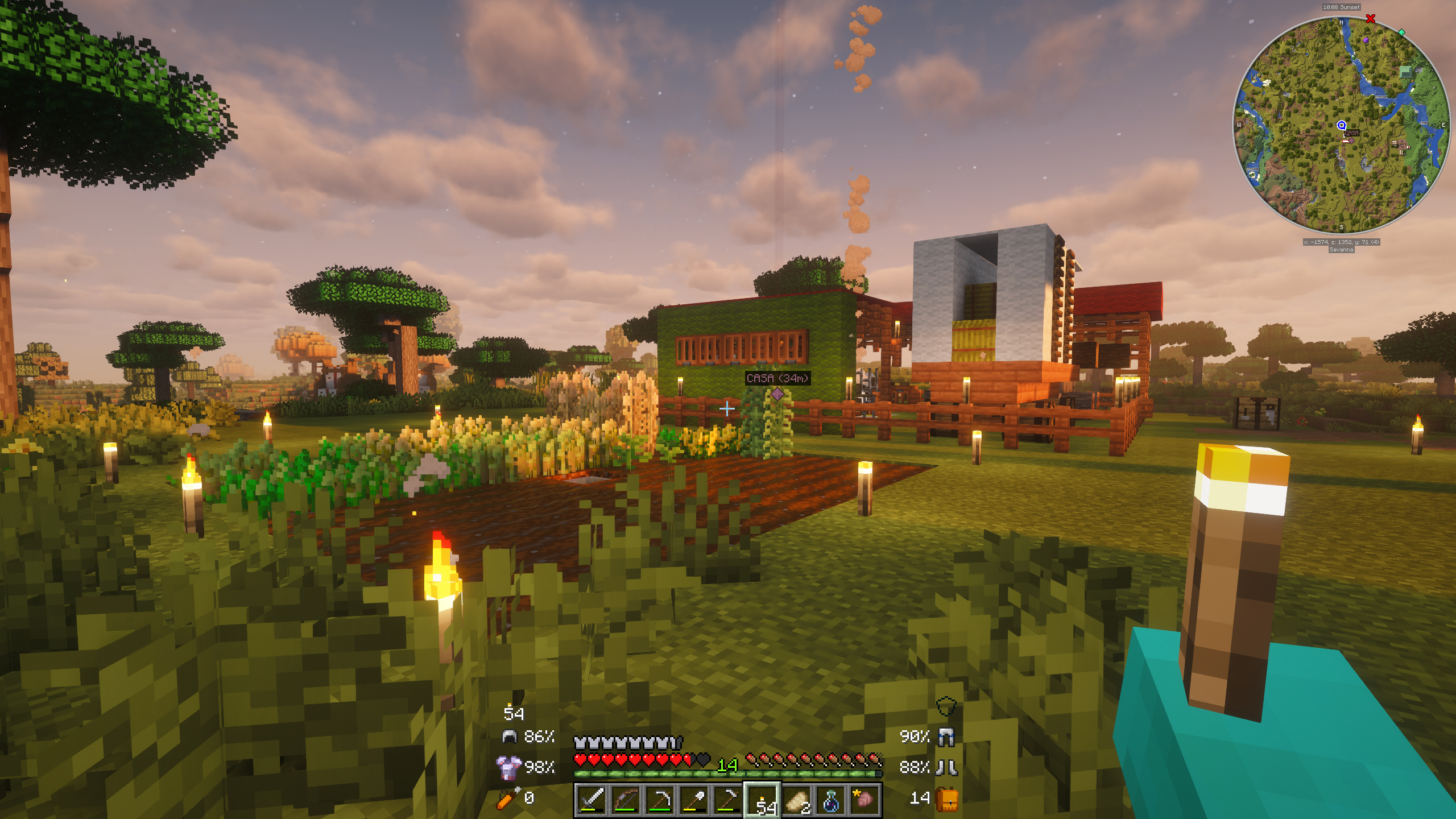
New Game 3 - Immersive RPG Adventures & RPG Quests
Enjoy a new adventure with the third version of New Game! This time, much more immersive and with a deeper focus on the RPG experience.InstallOn a server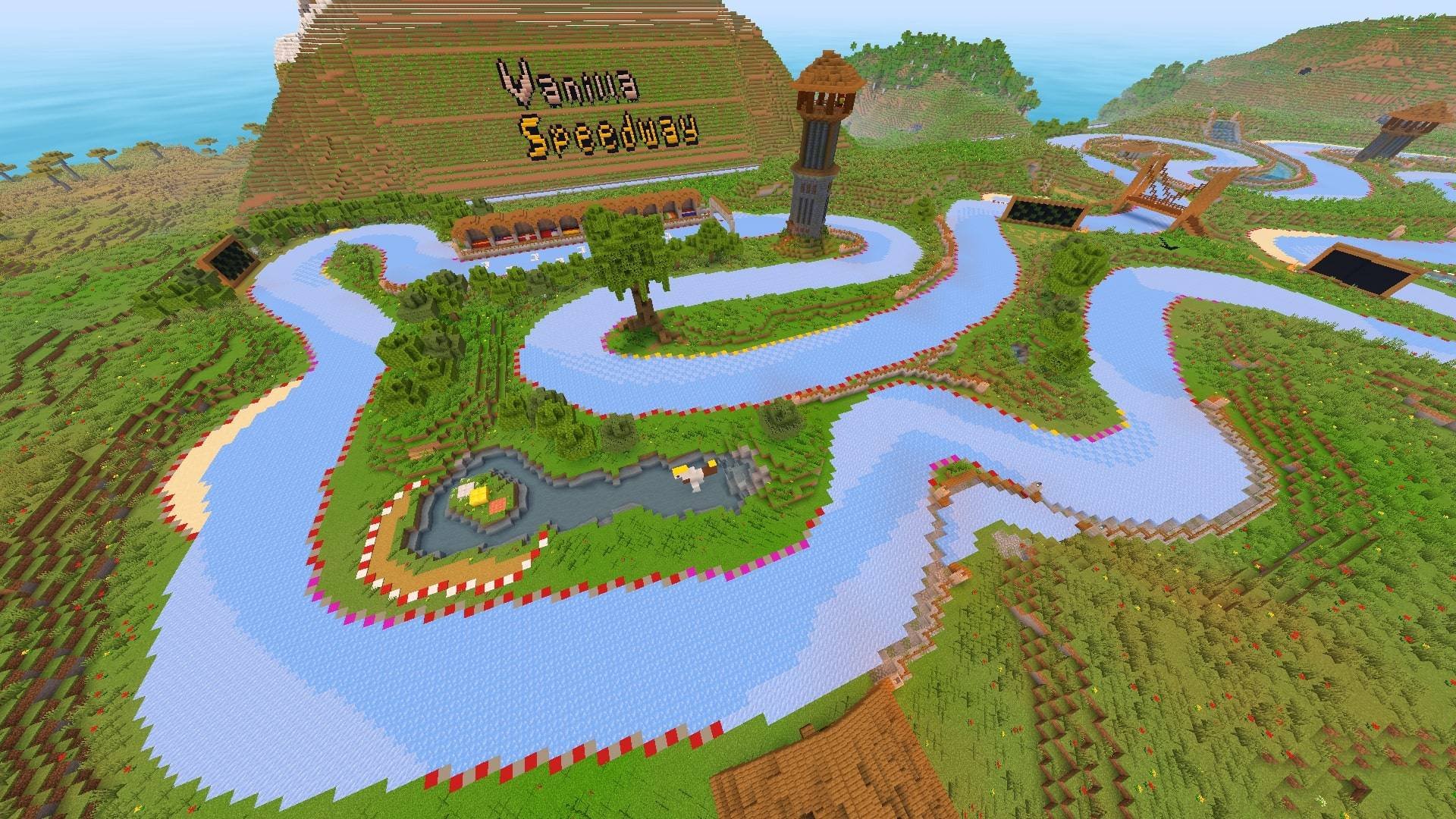
Ice Boat Racing
Making the boat racing experience as easy & smooth as possible for the public! Includes servers.InstallOn a server
Lukes Paradise Parasites 2
Survive the new ApocalypseInstallOn a server
Definitely Not Tekkit
Basically tekkit classic but we keep the legacy going with updatesInstallOn a server

A New Beginning
A hardcore HQM ModpackInstallOn a serverFAQ
How is a modpack different from a bunch of mods?
A modpack is already a tuned set: mod versions are matched to each other, configs are set up, and recipes and progression are tied together. Mods downloaded one by one you'll have to make work together yourself.
How do I install a modpack?
Click “Install” and Millida Launcher will download the modpack and the right Java for you and create a separate profile for it. No need to install the mods or loader separately.
How much memory should I allocate?
Light performance modpacks run on 4 GB, mid-sized ones on 6 GB, and big tech-and-magic ones need 8 GB or more. You can change memory in the Millida Launcher profile settings; the exact figure is usually in the modpack description.
Which modpack should I pick to play with friends?
Turn on the With a friend filter under What for to keep modpacks made for playing together: co-op survival, Create, adventures with shared progression. The modpack version must match for every player and the server.
Are there modpacks with quests in my language?
Modpacks with a quest book and a story are in the With quests theme. The quest language depends on the author: most packs ship in English, and other languages are usually added by a separate translation mod — check the modpack description.
Will a modpack run on a low-end PC?
A light one will. The For low-end PCs filter keeps modpacks with a small mod list and performance mods, and 4 GB of memory is enough for them. Big tech-magic modpacks need 6–8 GB and lag on a weak machine even if they start.
How do I run a modpack on my own server?
A modpack page has an On a server button: it installs the modpack on a Millida Hosting server and switches the core to match, and a copy of the old world is kept in backups. Players then install the same modpack in Millida Launcher and join the server address.
Minecraft modpacks
A modpack is a ready-made set of mods, configs and recipes put together by the author so that everything works together. Building a set like that by hand takes ages: mods clash over versions, need libraries and handle game mechanics in different ways. A modpack has already done that work for you — all that's left is to pick the game version and loader.
A modpack is not only for your own game: you can also run it on a server to play with friends. Next to Install on a modpack page there is an On a server button: it installs the same modpack on a Millida Hosting server together with the right core, and a copy of the old world is kept in backups. Your friends install the modpack in the launcher and join the server address — everyone gets the same version because it comes from one place.
Each modpack here is one page with every released version. The card shows which game version and loader it's built for, how big the archive is and who the author is. Modpacks aren't installed like individual mods: click “Install” and Millida Launcher downloads all the modpack's mods, the right loader and Java, and creates a separate profile for it without touching your others. Mind the memory requirements: heavy tech-and-magic modpacks need six gigabytes or more and simply won't start on the default two.