
Minecraft modpacks — page 75
5,163 itemsModpacks: list

FunCraft - FC
FunCraft is a fairly light modpack without staging or quests.InstallOn a server
Realistic Mod-Pack
Real life experience with Realistic ModPackInstallOn a server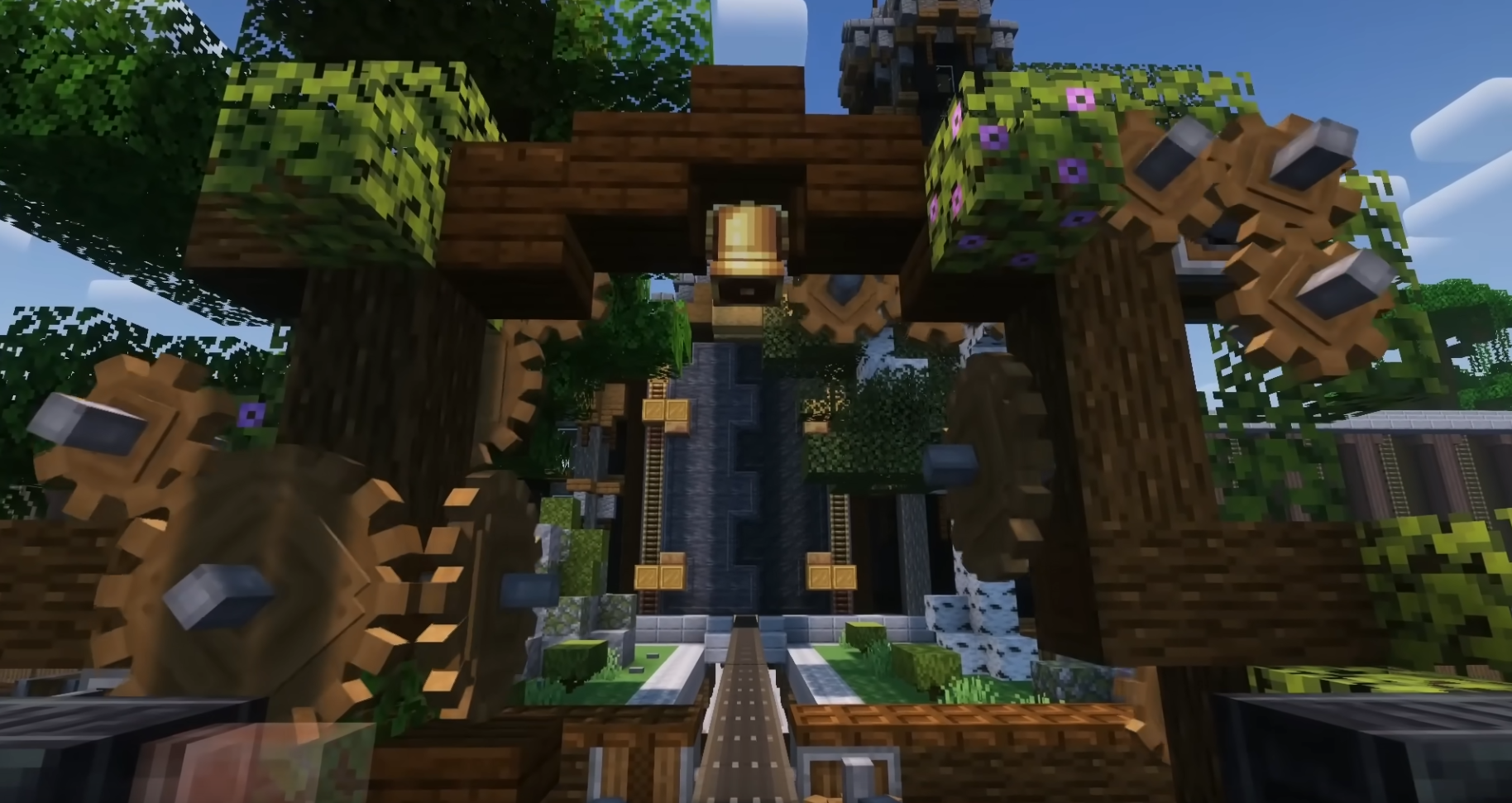
Create Essentials | Better Experience with Create 6.0 and Addons
Create, Optimization and Shaders addons only!InstallOn a server
Magic World - 1.4.7
A 1.4.7 magic-themed pack. Experience all the mythical and magical mods that 1.4.7 Minecraft has to offer.InstallOn a server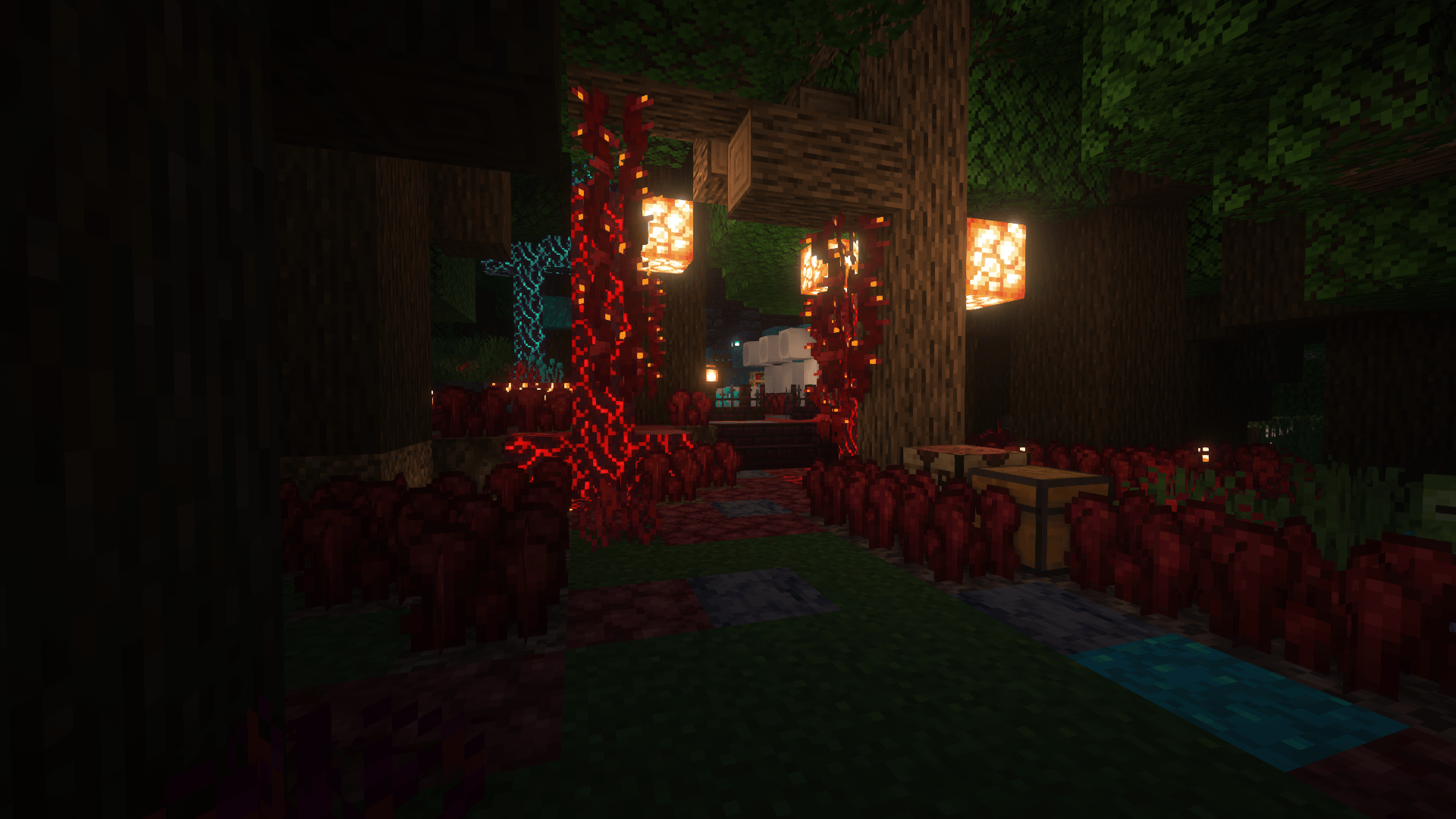

Furniture & Tech (QOL)
Enhance your Minecraft builds with a variety of interactive, customizable furniture and decor. From modern designs to culturally inspired pieces, this modpack adds both beauty and functionality to your world, making every room feel unique and immersive.InstallOn a server

Terramity Awakened - A Calamity Experience!
A Calamity-based modpack | 300+ Mods | 50+ Bosses | RPG, Exploration and Magic | +1000 Quests | Extremely optimized!InstallOn a server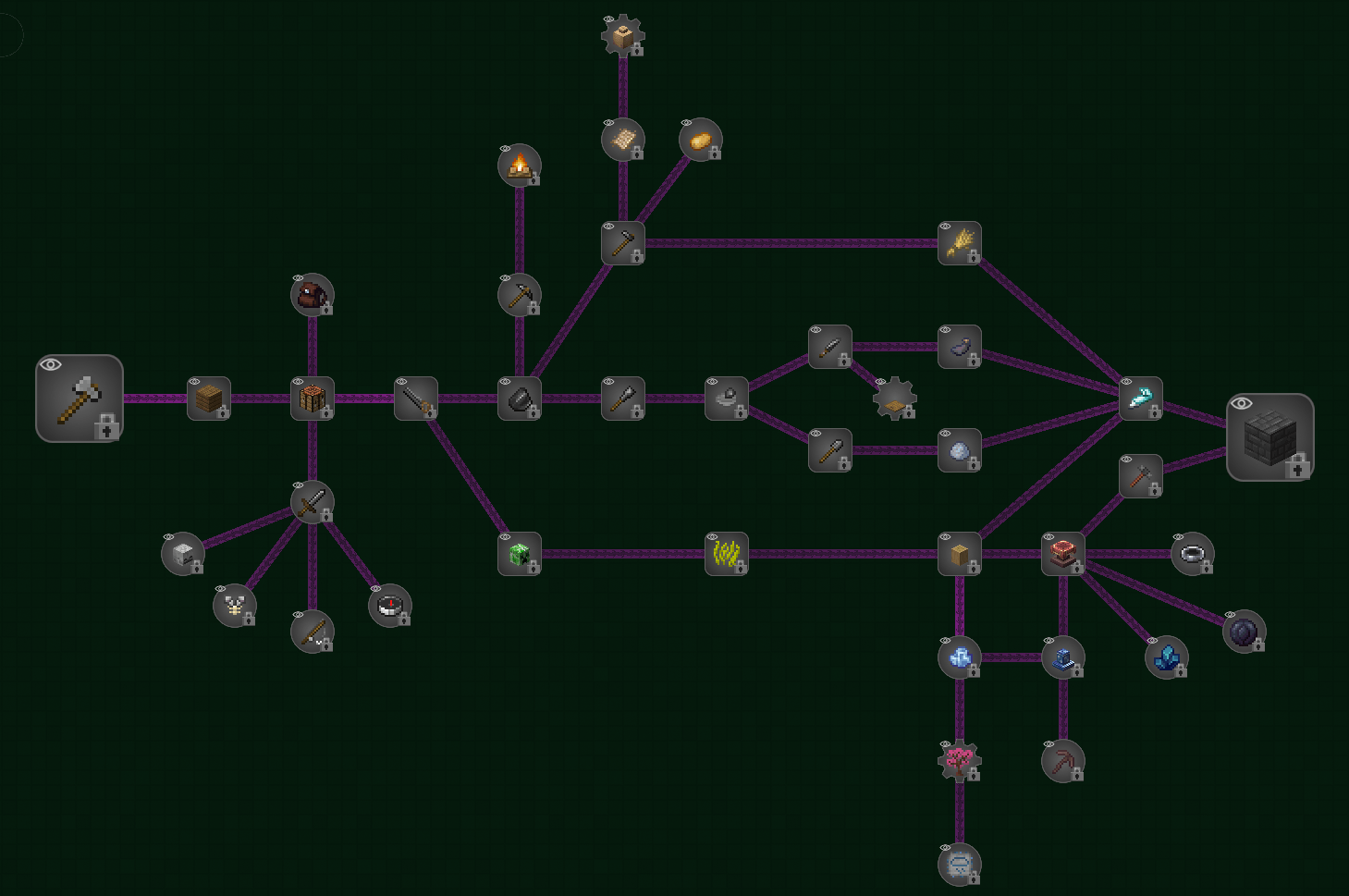
Druidic Quest: Expert
Medium sized expert modpack with strong focus on magic automation. Heavily inspired by DD&SSInstallOn a server

The Content Smp (Fan-Made)
An Enhanced Vanilla Modpack wich focuses on adding more variety to the game and unique mechanics.InstallOn a server
Legacies 26
Adventure awaits in Legacies - a unique reimagining of the familiar survival style.InstallOn a server
Galactic Engineers
Welcome to the Space Age! Now with HQM!InstallOn a server
Military Industrial Complex
Defend your empire! Build a factory! Route items like a maniac!InstallOn a server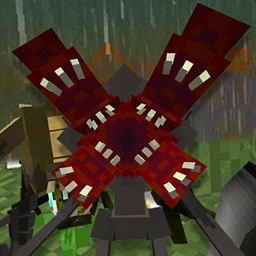
Aliens & Parasites | Ulandoverse
A chaotic modpack designed to test the limits of your survival capabilities. Primarily designed for Hardcore.InstallOn a server
Kay0S's Spiderman
Spiderman PS4 Combat SurvivalInstallOn a server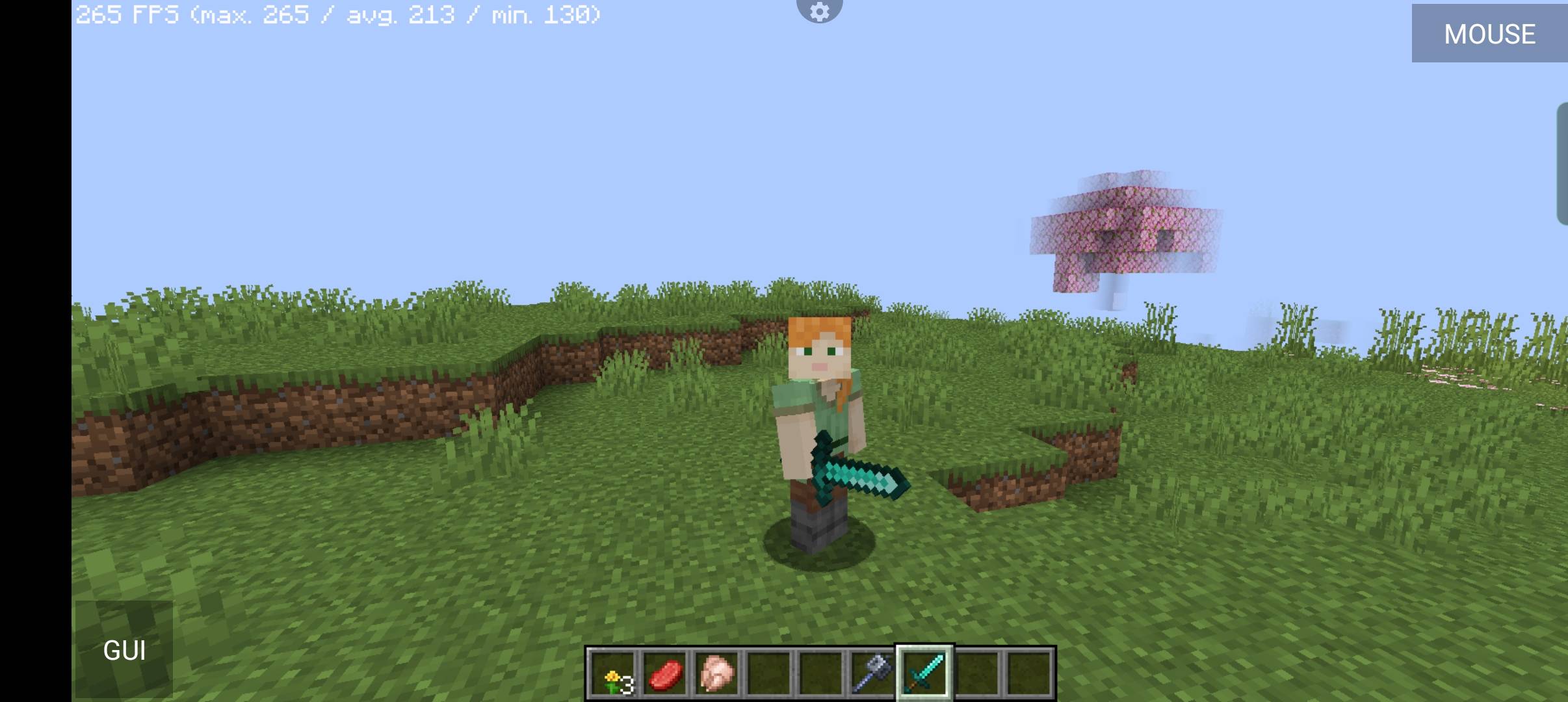
Spunky Boost
This modpack was created to enhance PojavLauncher's performance.InstallOn a server
FXNT Create 2
A vanilla+ experience featured around the Create Mod with improved world generation bringing Minecraft to life!InstallOn a server
Digimobs Official Modpack
Official Single Player Pack for digimobsInstallOn a server
Ultimate Building Modpack
A modpack that improves construction making it easier, faster and more fun!InstallOn a server
FTB Lite 2
A lightweight, simple-to-use 1.6.4 modpack designed for both users who are either unfamiliar with mods or those with computers unable to withstand larger packs. For those interested in constructing their own packs, it also functions as a base pack from...InstallOn a server
Create: Back on Track
Challenge pack around the Create mod and more! Here be factoriesInstallOn a server

Invincible Protocol
Invincible Protocol is a Modpack based on the Comic/Cartoon "Invincible" by Robert Kirkman.InstallOn a server
Magic Farm 2
Don't StarveInstallOn a server
Richard0512's Weather ModPack
The Weather mod combined with other fun minecraft modsInstallOn a server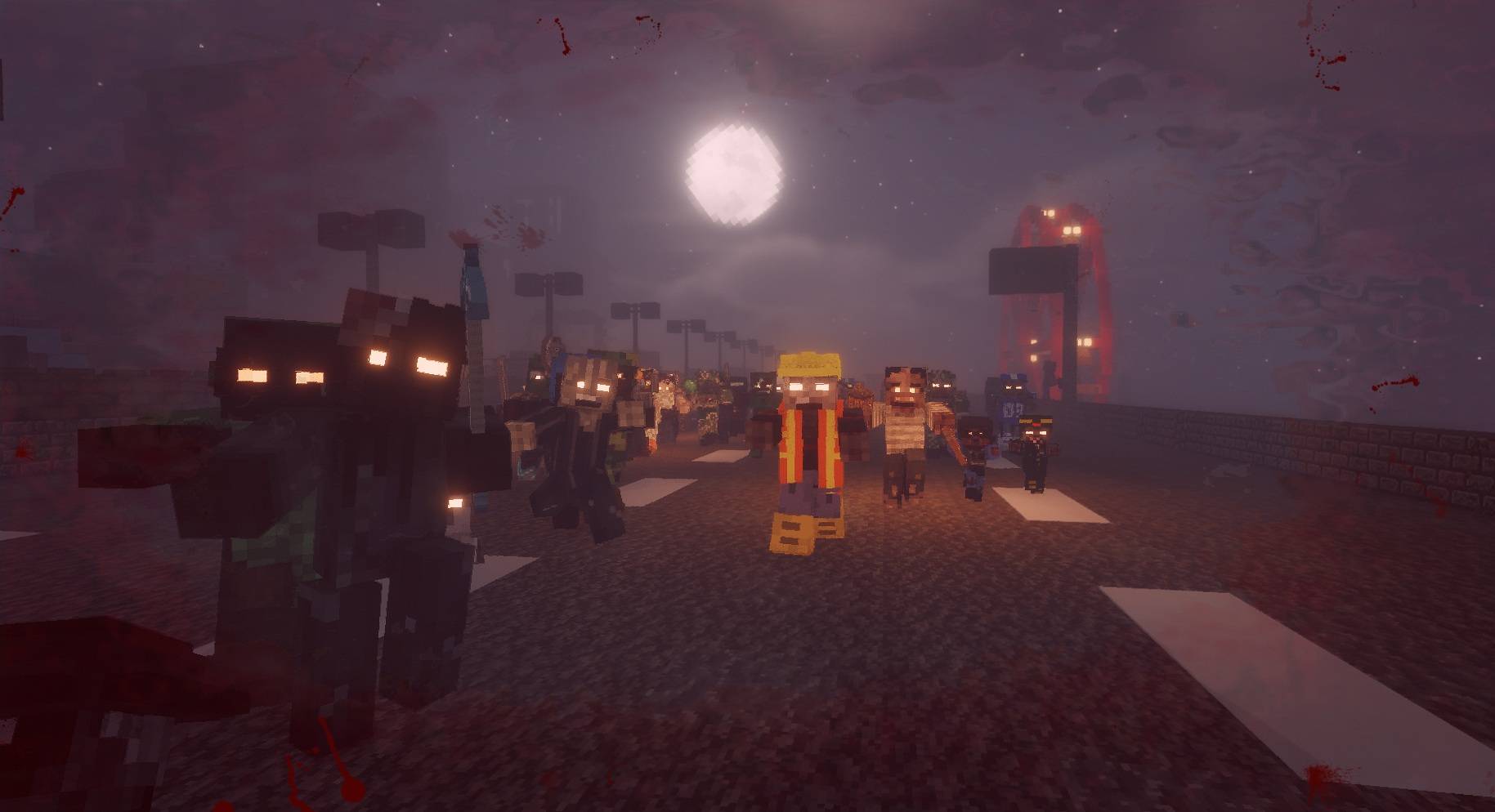
Best Zombie Apocalypse - Ultra Realistic Edition
All the best zombie apocalypse mods in one modpack!InstallOn a serverFAQ
How is a modpack different from a bunch of mods?
A modpack is already a tuned set: mod versions are matched to each other, configs are set up, and recipes and progression are tied together. Mods downloaded one by one you'll have to make work together yourself.
How do I install a modpack?
Click “Install” and Millida Launcher will download the modpack and the right Java for you and create a separate profile for it. No need to install the mods or loader separately.
How much memory should I allocate?
Light performance modpacks run on 4 GB, mid-sized ones on 6 GB, and big tech-and-magic ones need 8 GB or more. You can change memory in the Millida Launcher profile settings; the exact figure is usually in the modpack description.
Which modpack should I pick to play with friends?
Turn on the With a friend filter under What for to keep modpacks made for playing together: co-op survival, Create, adventures with shared progression. The modpack version must match for every player and the server.
Are there modpacks with quests in my language?
Modpacks with a quest book and a story are in the With quests theme. The quest language depends on the author: most packs ship in English, and other languages are usually added by a separate translation mod — check the modpack description.
Will a modpack run on a low-end PC?
A light one will. The For low-end PCs filter keeps modpacks with a small mod list and performance mods, and 4 GB of memory is enough for them. Big tech-magic modpacks need 6–8 GB and lag on a weak machine even if they start.
How do I run a modpack on my own server?
A modpack page has an On a server button: it installs the modpack on a Millida Hosting server and switches the core to match, and a copy of the old world is kept in backups. Players then install the same modpack in Millida Launcher and join the server address.
Minecraft modpacks
A modpack is a ready-made set of mods, configs and recipes put together by the author so that everything works together. Building a set like that by hand takes ages: mods clash over versions, need libraries and handle game mechanics in different ways. A modpack has already done that work for you — all that's left is to pick the game version and loader.
A modpack is not only for your own game: you can also run it on a server to play with friends. Next to Install on a modpack page there is an On a server button: it installs the same modpack on a Millida Hosting server together with the right core, and a copy of the old world is kept in backups. Your friends install the modpack in the launcher and join the server address — everyone gets the same version because it comes from one place.
Each modpack here is one page with every released version. The card shows which game version and loader it's built for, how big the archive is and who the author is. Modpacks aren't installed like individual mods: click “Install” and Millida Launcher downloads all the modpack's mods, the right loader and Java, and creates a separate profile for it without touching your others. Mind the memory requirements: heavy tech-and-magic modpacks need six gigabytes or more and simply won't start on the default two.