
Minecraft modpacks — page 66
5,160 itemsModpacks: list


Haven: CaveBlock
Brand New Questing Skyblock Modpack for all | +1600 Quests | +250 Mods | Progressive difficultyInstallOn a server
Safra [Forge]
The modpack you we're searching for, Farmer!InstallOn a server

Bloodmoon's Whisper
The rules of the world have been completely overturned. The ancient curse awakens in whispers, and dark creatures crawl out of the shadowsInstall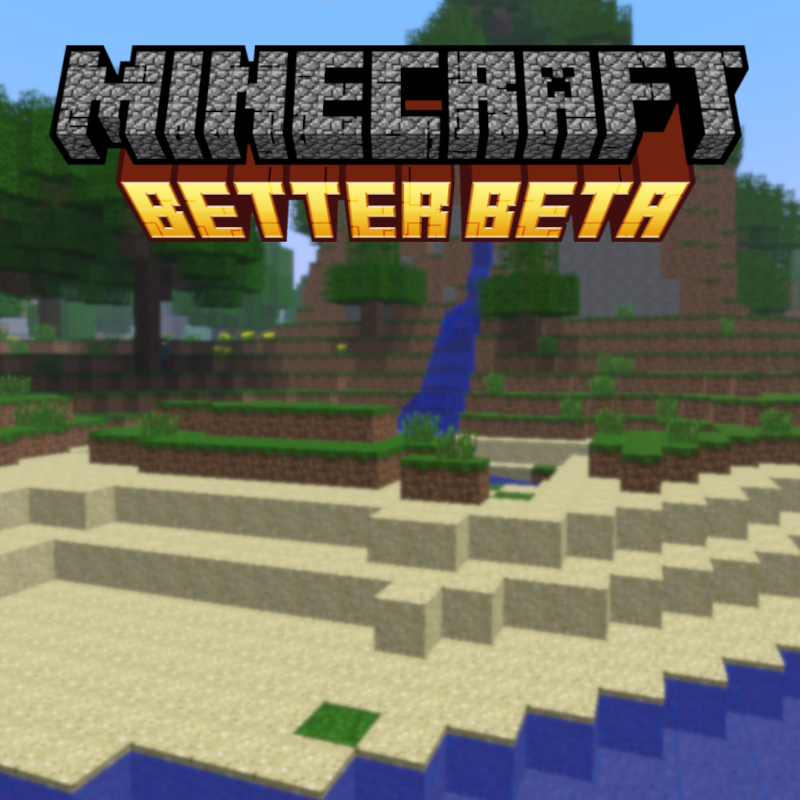

Better Beta
Experience the nostalgic feeling of beta Minecraft inside of 1.20. Although some things were probably best left forgotten...InstallOn a server

Create Ultimate Selection 2 - Create Aeronautics
NEW CREATE AERONAUTICS! Unlock the full potential of engineering, automation, and innovation with the best Create mods.InstallOn a server

Changed +
Have you ever wanted to play changed in a modpack well i composed a lot of mods for you to play hope you like it.InstallOn a server
HORROR - The corrupted clan - The Broken Script (dweller) (stalker)
A horror modpack based around the ARG horror mod: The Broken ScriptInstallOn a server

Better Overworld (BOW)
This Modpacks aims to better the aspect of Exploration in the overworld and including some Quality of Life while staying as Vanilla as possible.InstallOn a server
Aliens Vs Predator | Ulandoverse
A universe full of sci fi, tech & magic themed modsInstallOn a server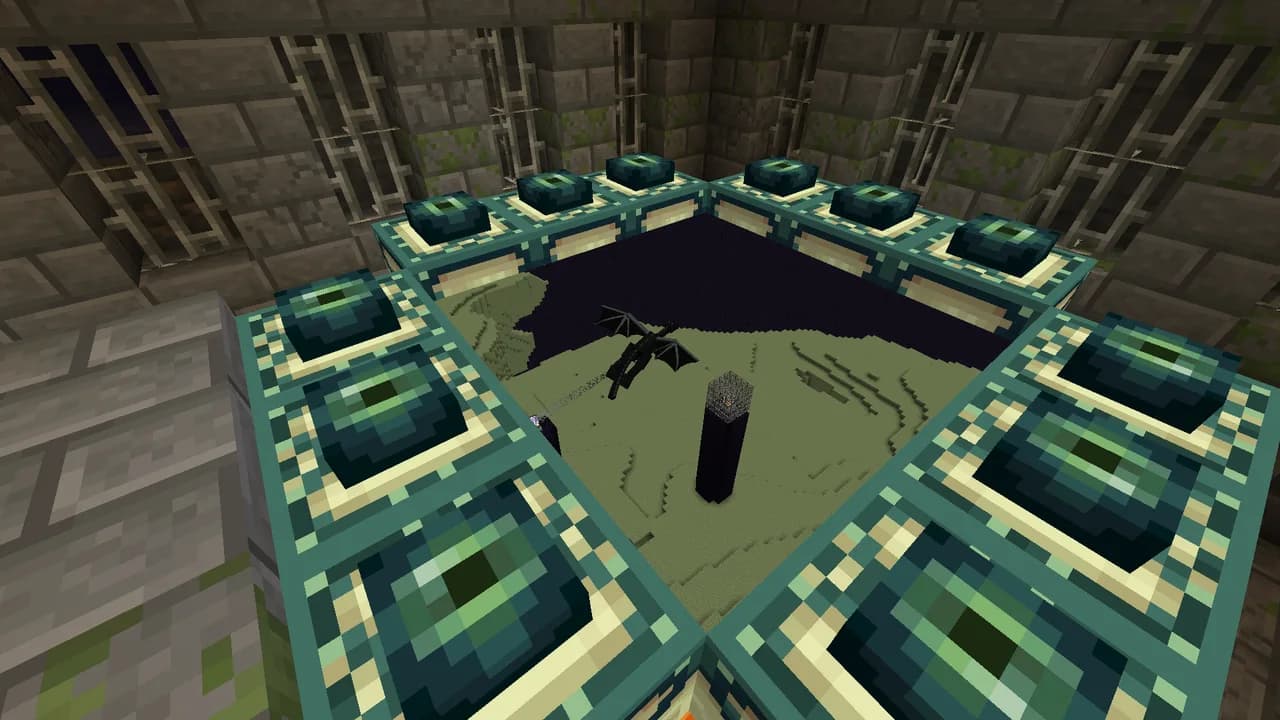

Immersive Portals Mods
A few mods to improve the experience with the Immersive Portals modInstallOn a server
Doom Modpack - Raze The Nether
This is a modpack built around MCDoomInstallOn a server
Lucky Block Race - The Luckiest
Lucky block modpack with lucky block addons for 1.8.9 lost over timeInstallOn a server
TasteTheSno Jujutsu Kaisen x Fantasy World
A modpack that combines Jujutsu Kaisen and a World of FantasyInstallOn a server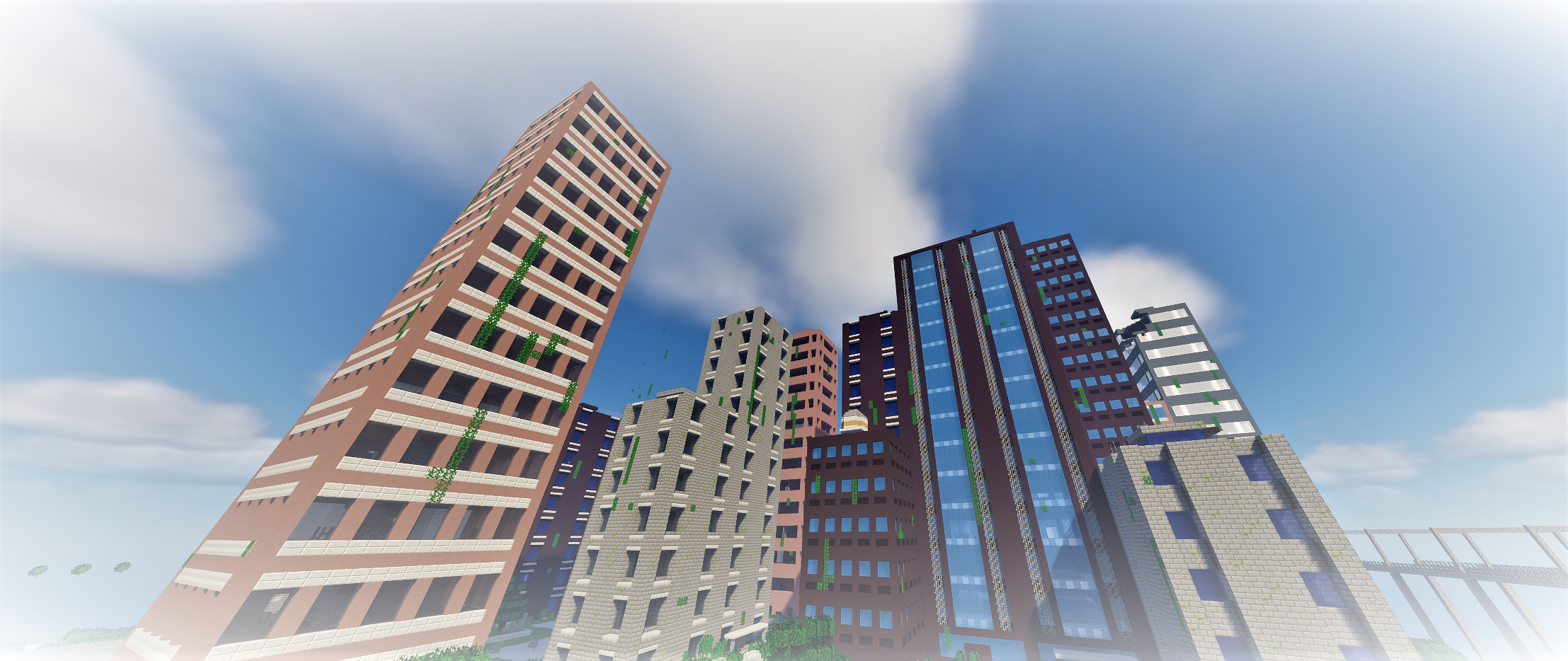
World of zombies
This modpack makes it so zombies are more complex and harder to defeat. Overall it improves on the idea of zombies being the main enemy in the game. This modpack focuses on adding strategical plans to making the undead dead once more.InstallOn a server
The Biggest Modpack
This modpack has very big number of mods. More than 250 mods. | 1.16.5 | 1.12.2 | 1.7.10 |InstallOn a server

RLCraft - Reimagined (not official)
A port of the hardcore RLCraft modpack to version 1.16.5. This is a reimagined version and therefore NOT OFFICIAL.InstallOn a server
RP NW CLIENT
Modpack for the private server RP | Modpack para el servidor privado RPInstallOn a server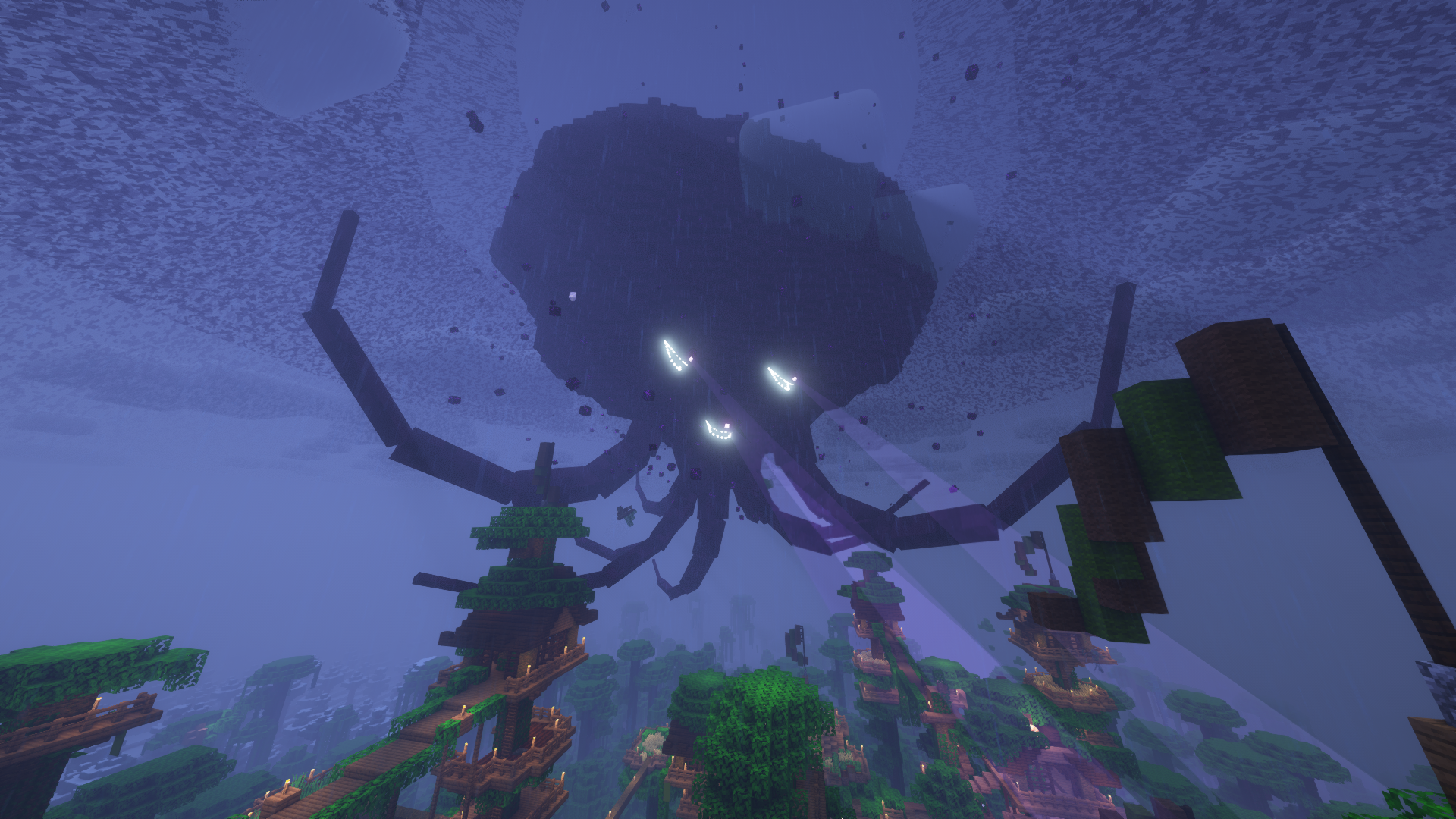
Ethanol's Wither Storm Revamp of Immersion
𝗔 𝗪𝗶𝘁𝗵𝗲𝗿 𝗦𝘁𝗼𝗿𝗺 𝗠𝗼𝗱𝗽𝗮𝗰𝗸 𝗳𝗼𝗿 𝗠𝗶𝗻𝗲𝗰𝗿𝗮𝗳𝘁 𝟭.𝟭𝟲.𝟱 & 𝟭.𝟭𝟴.𝟮InstallOn a server

Tech&Magic
A Minecraft Modpack inspired MineShield :^)InstallOn a server

Age of Berk
An Modpack based around Isle of BerkInstallOn a server
ABOE 3 - A Bit of Everything 3
A Modpack to end all modpacks, This has LITERALLY something for everyone.InstallOn a server
Magic n' Dungeons
Play as a Mage and use different spells to defeat bossesInstallOn a server
The Fool
Deception, disguise, and fraud: the dragon slayer becomes the dragon.InstallOn a serverFAQ
How is a modpack different from a bunch of mods?
A modpack is already a tuned set: mod versions are matched to each other, configs are set up, and recipes and progression are tied together. Mods downloaded one by one you'll have to make work together yourself.
How do I install a modpack?
Click “Install” and Millida Launcher will download the modpack and the right Java for you and create a separate profile for it. No need to install the mods or loader separately.
How much memory should I allocate?
Light performance modpacks run on 4 GB, mid-sized ones on 6 GB, and big tech-and-magic ones need 8 GB or more. You can change memory in the Millida Launcher profile settings; the exact figure is usually in the modpack description.
Which modpack should I pick to play with friends?
Turn on the With a friend filter under What for to keep modpacks made for playing together: co-op survival, Create, adventures with shared progression. The modpack version must match for every player and the server.
Are there modpacks with quests in my language?
Modpacks with a quest book and a story are in the With quests theme. The quest language depends on the author: most packs ship in English, and other languages are usually added by a separate translation mod — check the modpack description.
Will a modpack run on a low-end PC?
A light one will. The For low-end PCs filter keeps modpacks with a small mod list and performance mods, and 4 GB of memory is enough for them. Big tech-magic modpacks need 6–8 GB and lag on a weak machine even if they start.
How do I run a modpack on my own server?
A modpack page has an On a server button: it installs the modpack on a Millida Hosting server and switches the core to match, and a copy of the old world is kept in backups. Players then install the same modpack in Millida Launcher and join the server address.
Minecraft modpacks
A modpack is a ready-made set of mods, configs and recipes put together by the author so that everything works together. Building a set like that by hand takes ages: mods clash over versions, need libraries and handle game mechanics in different ways. A modpack has already done that work for you — all that's left is to pick the game version and loader.
A modpack is not only for your own game: you can also run it on a server to play with friends. Next to Install on a modpack page there is an On a server button: it installs the same modpack on a Millida Hosting server together with the right core, and a copy of the old world is kept in backups. Your friends install the modpack in the launcher and join the server address — everyone gets the same version because it comes from one place.
Each modpack here is one page with every released version. The card shows which game version and loader it's built for, how big the archive is and who the author is. Modpacks aren't installed like individual mods: click “Install” and Millida Launcher downloads all the modpack's mods, the right loader and Java, and creates a separate profile for it without touching your others. Mind the memory requirements: heavy tech-and-magic modpacks need six gigabytes or more and simply won't start on the default two.