
Minecraft modpacks — page 64
5,159 itemsModpacks: list


Weapons Battle Pack
This modpack is to play a game called Minecraft war!InstallOn a server

My Biome Is So Beautiful
Sometimes just admiring the scenery is a joy in itselfInstallOn a server
Ultimate Gun PVP
This is an epic pvp modpack with Tacz guns Valkyrien Skies airships and other cool mechanics.InstallOn a server
FTB Skies
FTB Skies is an immersive modpack that challenges you to survive, build and conquer obstacles on a unique floating island. With a perfect blend of magic and technology, quests, and custom events, the experience is unforgettable.InstallOn a server

TerraCraft:Confluence
Lightweight modpack to enjoy the content of Terraria in Minecraft 1.21.1, with mod Confluence:Otherworld.InstallOn a server
X-Life 3
Start with one heart and only 10 lives. If you die you gain a heart. xlifeInstallOn a server
FTB OceanBlock
Time to dive in!InstallOn a server
Lucky Block Sky Grid Challenge
Lucky Block Sky Grid ChallengeInstallOn a server

The Backrooms (spacepotato version.)
A modpack containing spacepotato's mod "The Backrooms mod" and just uploading it with dependencies and shaders. (i got permission from spacepotato to upload this modpack)Install
Craftoria 2 - Worlds Beyond
Welcome to Craftoria | Complete Quests | Level Up Skills | Survive Ever-Changing Seasons | Build Automated Factories | Master Magic | Explore a Living World with Enhanced Visuals & Immersive Sounds!InstallOn a server
Calvin's Horror (Season 2)
A fan-made recreation of the modpack used by Calvin in his Season 2 series.InstallOn a server
fisks and more and more
fisk mod and more and moreInstallOn a server
Create 101 Season 2
Hardcore automation pack centered around Create & Mekanism in 1.16.5InstallOn a server

FrogTech
FrogTech is a modpack built around the application of technology-based mods. It features a diverse group of mods that add new mob types, animals, biomes, and food items. Don't forget, FrogTech also includes tons of optimization mods to improve QoL.InstallOn a server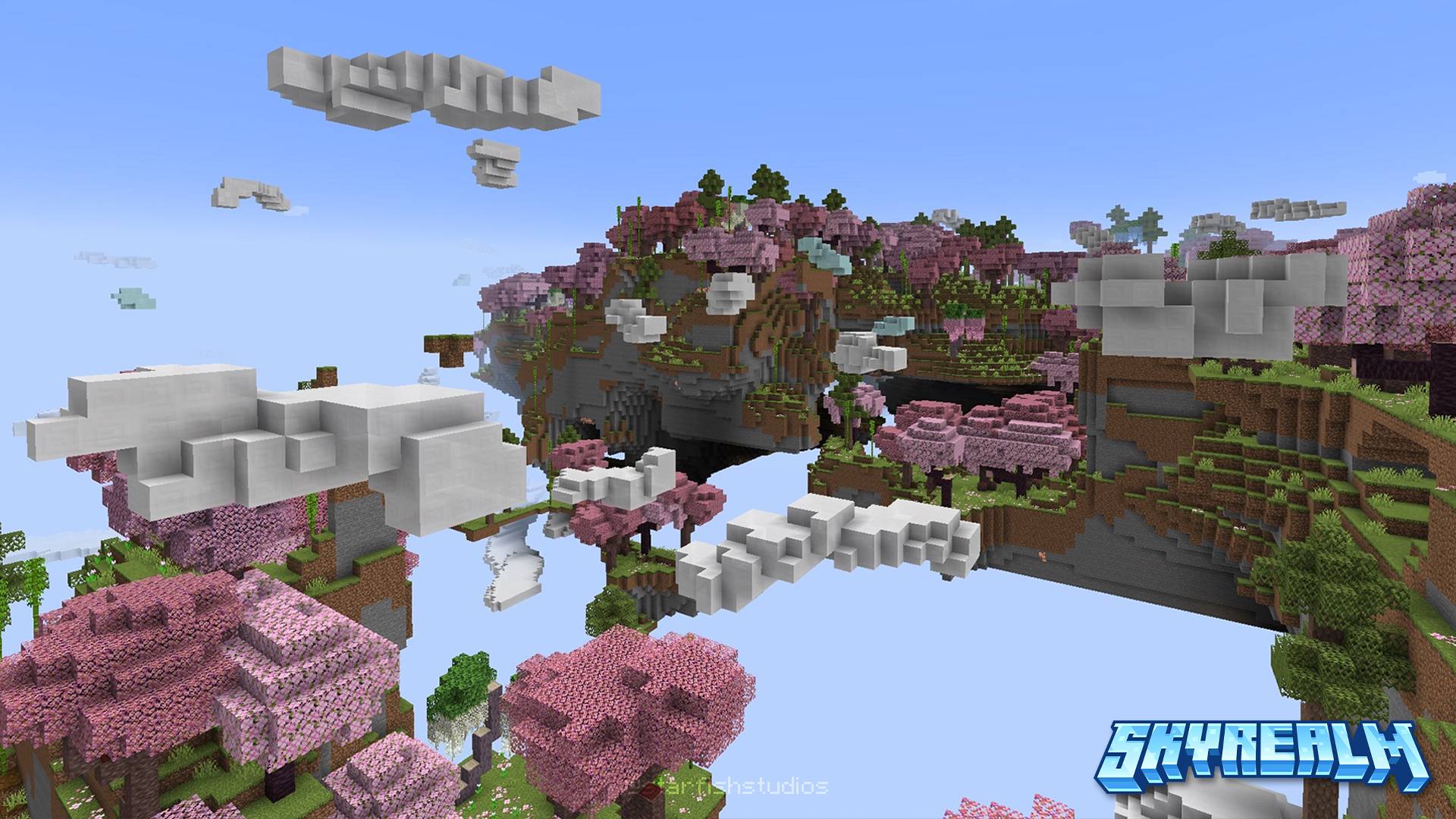

Skyrealm: Descent
An RPG adventure that takes you from the heights of the clouds to the shadowy depths below.InstallOn a server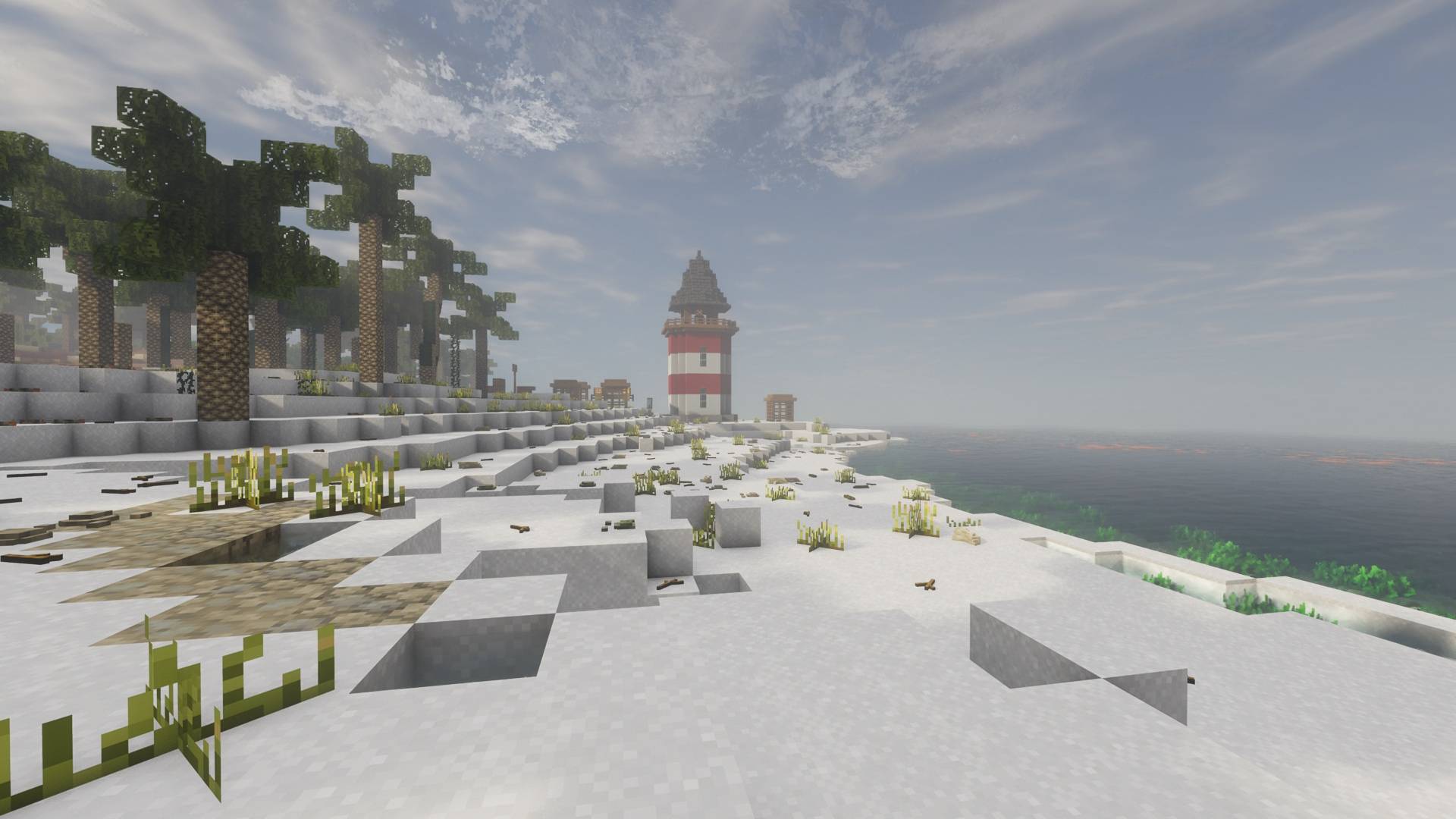
TerraFirmaAdventure
Medieval SteamPunk RPG adventure. Advance and explore!InstallOn a server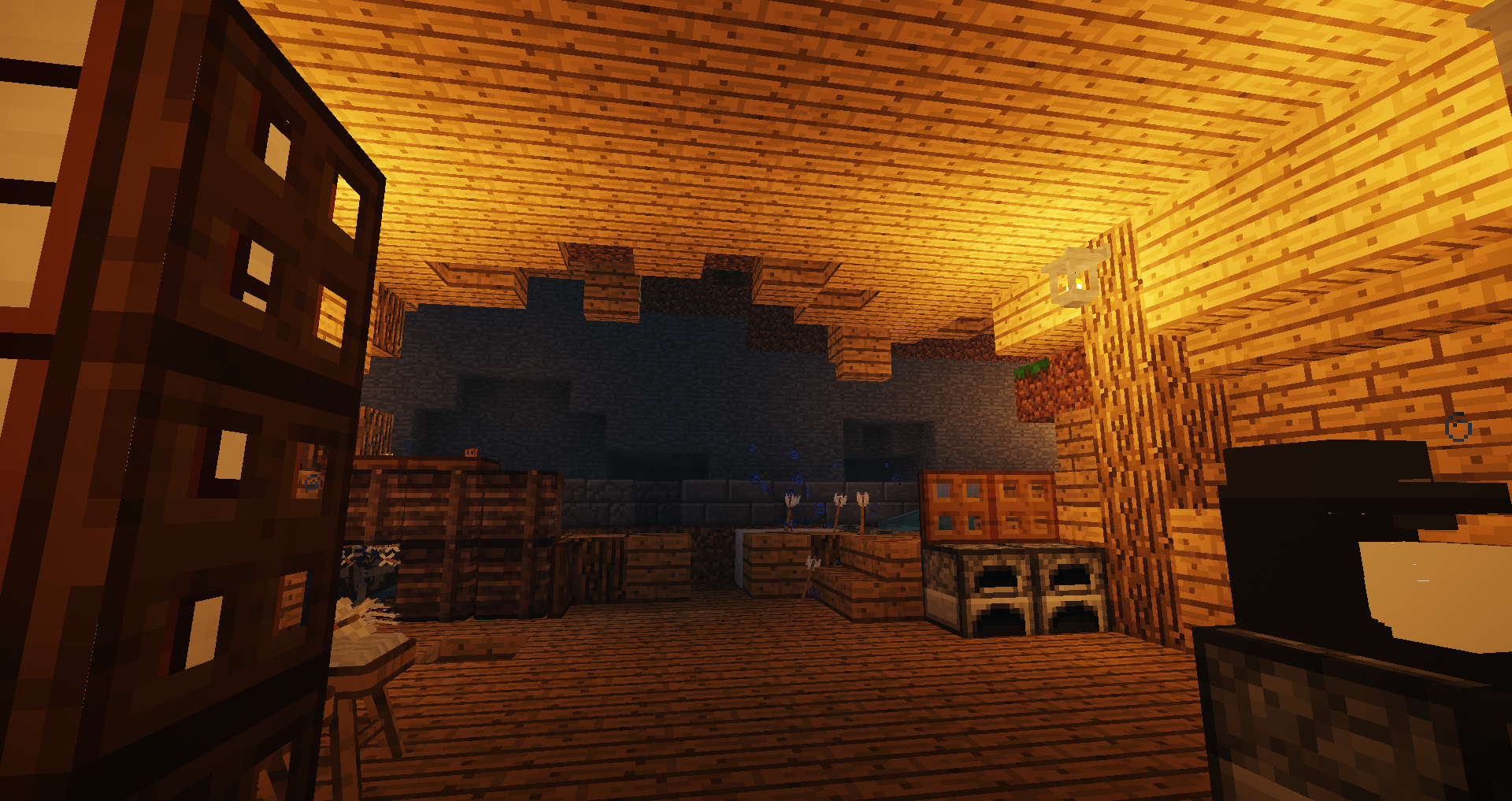
TNT - The Nuke Thailand
Super extremely difficult modpack that gathered a various nightmare mods especially to kill you and enhance overall difficulty.InstallOn a server
The Forgotten Script (The Broken Script)
Play with the pressure of a classic horror gameInstallOn a server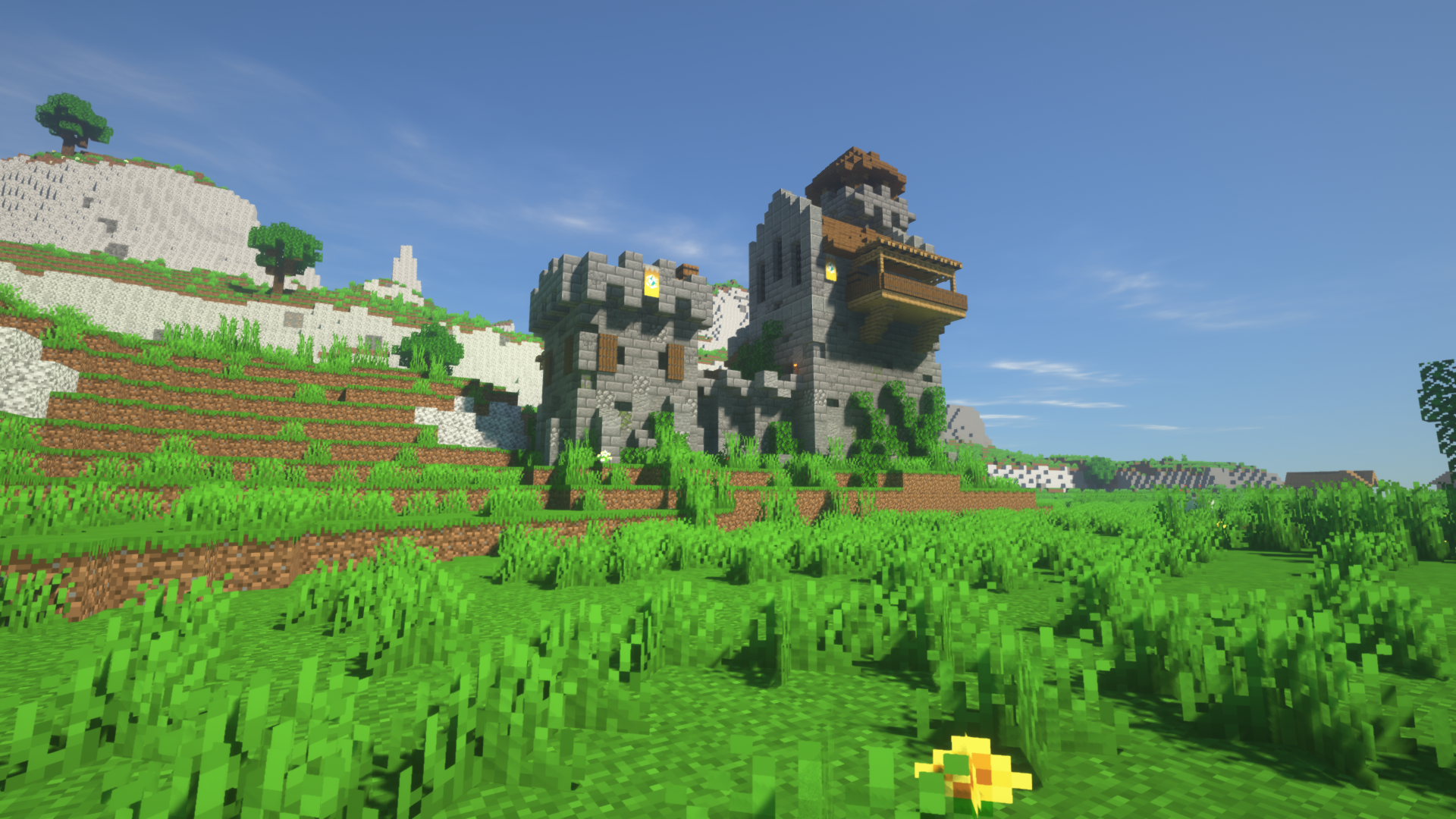
Vanilla Create Exploration
Try best Vanilla Minecraft 1.18.2 Experience with best mod: Create and questsInstallOn a server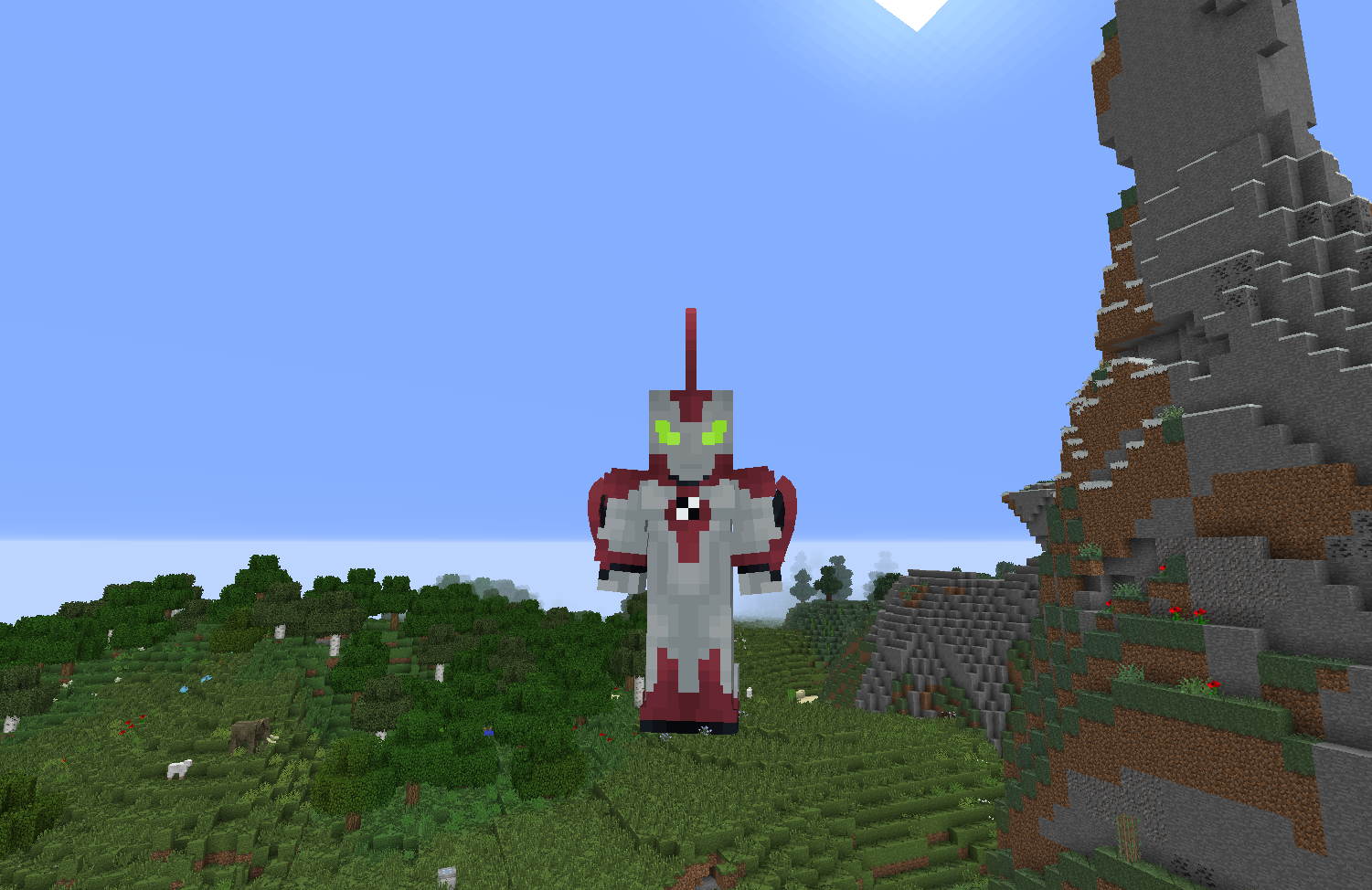
Super Heroes, Monsters and Mayhem
A Modpack made to add more to the Superheroes ModInstallOn a server
Official FunCraft Modpack
Have Fun!InstallOn a server
Enigmatica 5 - E5
All-purpose modpack for Minecraft 1.15.2InstallOn a server
Kjwippy's FNAF Pack
A simplistic modpack centered around Five Nights at Freddy's, as seen in Kjwippy's YouTube FNAF Minecraft series.InstallOn a serverFAQ
How is a modpack different from a bunch of mods?
A modpack is already a tuned set: mod versions are matched to each other, configs are set up, and recipes and progression are tied together. Mods downloaded one by one you'll have to make work together yourself.
How do I install a modpack?
Click “Install” and Millida Launcher will download the modpack and the right Java for you and create a separate profile for it. No need to install the mods or loader separately.
How much memory should I allocate?
Light performance modpacks run on 4 GB, mid-sized ones on 6 GB, and big tech-and-magic ones need 8 GB or more. You can change memory in the Millida Launcher profile settings; the exact figure is usually in the modpack description.
Which modpack should I pick to play with friends?
Turn on the With a friend filter under What for to keep modpacks made for playing together: co-op survival, Create, adventures with shared progression. The modpack version must match for every player and the server.
Are there modpacks with quests in my language?
Modpacks with a quest book and a story are in the With quests theme. The quest language depends on the author: most packs ship in English, and other languages are usually added by a separate translation mod — check the modpack description.
Will a modpack run on a low-end PC?
A light one will. The For low-end PCs filter keeps modpacks with a small mod list and performance mods, and 4 GB of memory is enough for them. Big tech-magic modpacks need 6–8 GB and lag on a weak machine even if they start.
How do I run a modpack on my own server?
A modpack page has an On a server button: it installs the modpack on a Millida Hosting server and switches the core to match, and a copy of the old world is kept in backups. Players then install the same modpack in Millida Launcher and join the server address.
Minecraft modpacks
A modpack is a ready-made set of mods, configs and recipes put together by the author so that everything works together. Building a set like that by hand takes ages: mods clash over versions, need libraries and handle game mechanics in different ways. A modpack has already done that work for you — all that's left is to pick the game version and loader.
A modpack is not only for your own game: you can also run it on a server to play with friends. Next to Install on a modpack page there is an On a server button: it installs the same modpack on a Millida Hosting server together with the right core, and a copy of the old world is kept in backups. Your friends install the modpack in the launcher and join the server address — everyone gets the same version because it comes from one place.
Each modpack here is one page with every released version. The card shows which game version and loader it's built for, how big the archive is and who the author is. Modpacks aren't installed like individual mods: click “Install” and Millida Launcher downloads all the modpack's mods, the right loader and Java, and creates a separate profile for it without touching your others. Mind the memory requirements: heavy tech-and-magic modpacks need six gigabytes or more and simply won't start on the default two.