
Minecraft modpacks — page 61
5,160 itemsModpacks: list
Chroma Technology
Chroma Technology is a progression modpack for playing with your favorite 1.12.2 modsInstallOn a server
Create Re-Flavored
A continuation of and stability improvement on the Create Flavored modpack with a lot of vanilla++ content with a focus on Create Contraptions.InstallOn a server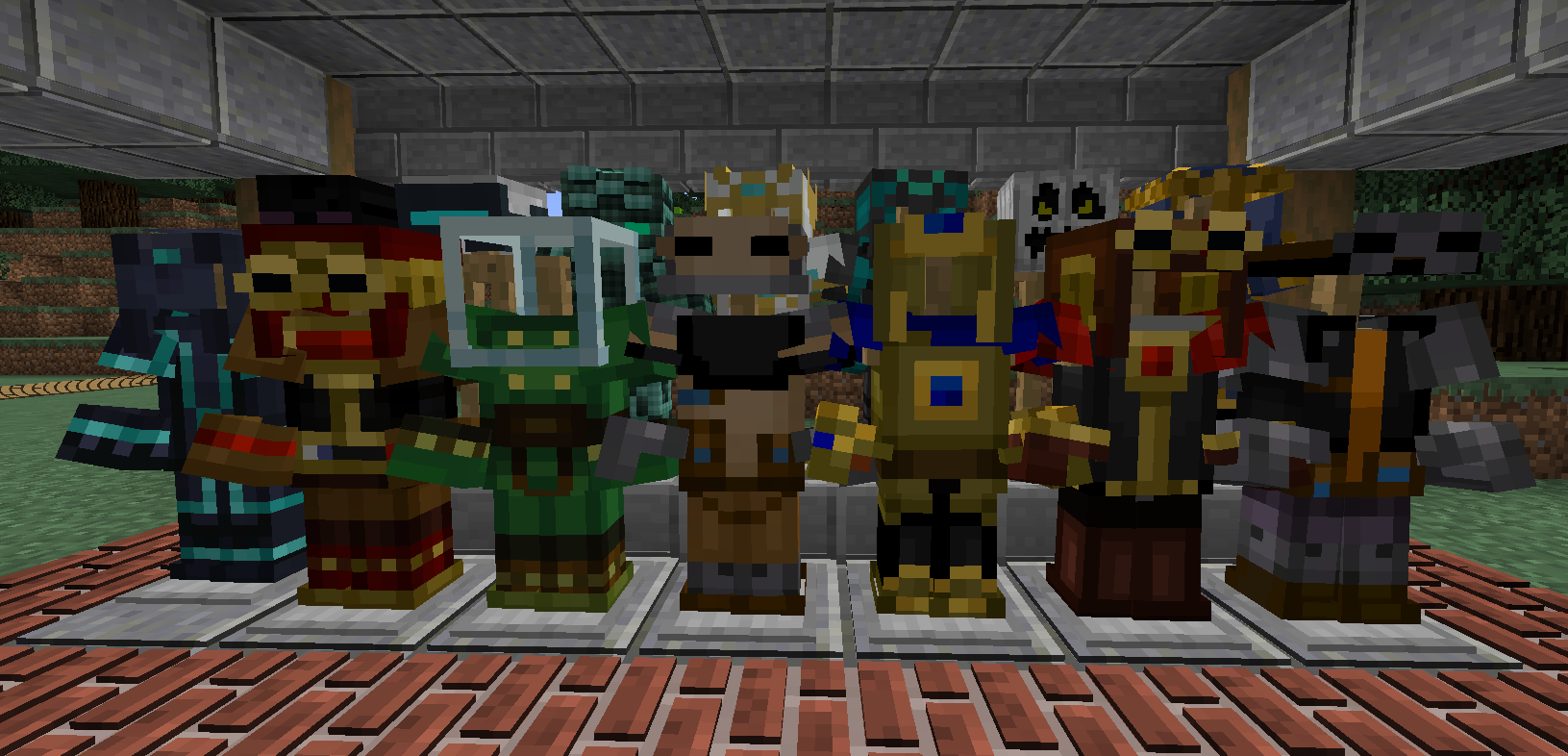
MC Story Mode Remastered
This project adds Story Mode armor, better animations, the Wither Storm, and so much more!InstallOn a server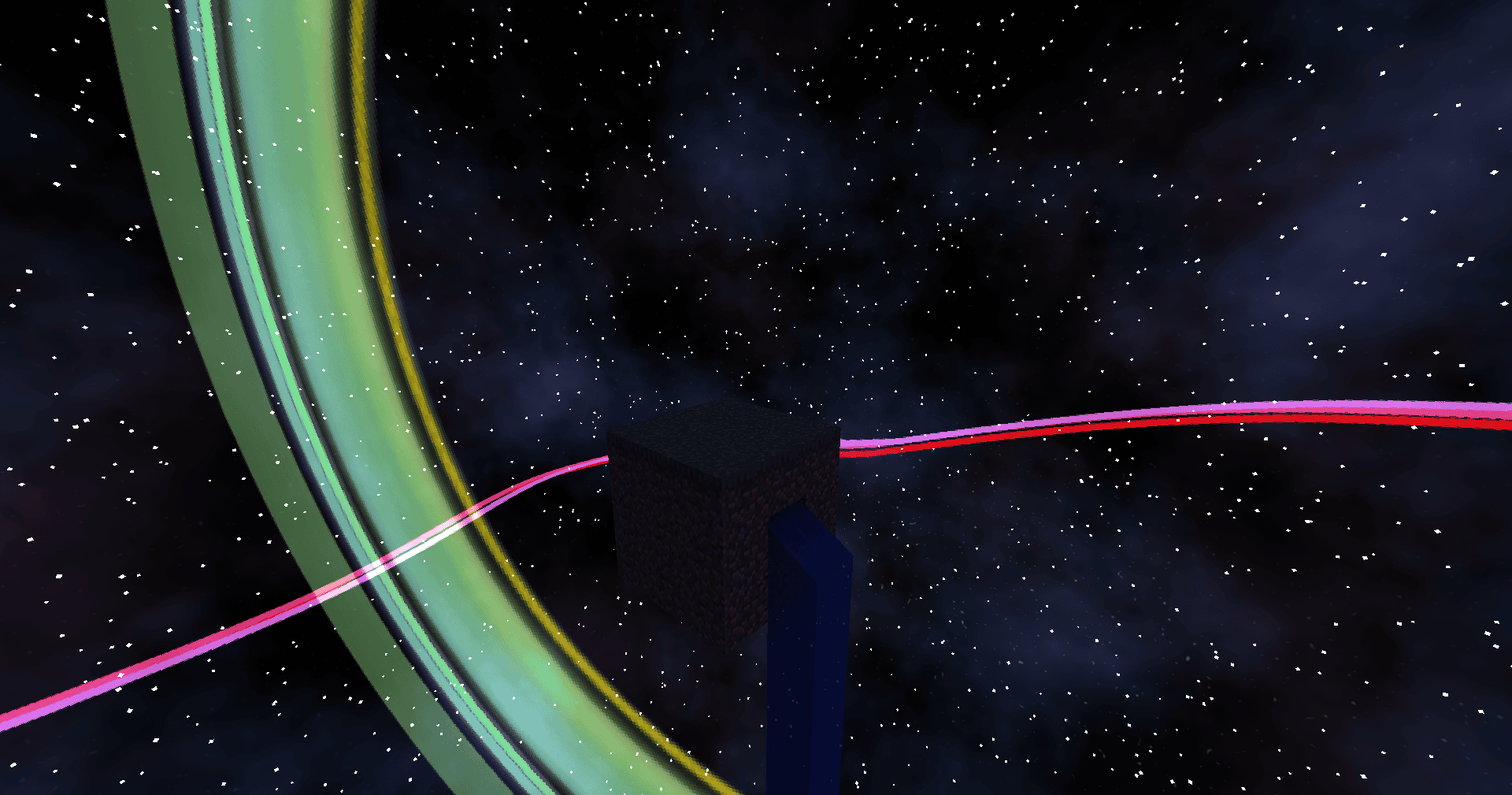
Ozone Skyblock Reborn 2
Inspired by Project Ozone. Extreme crafting, tech, magic, and automation! Sequel to Ozone Skyblock Reborn.InstallOn a server

Underdog
A complete overhaul of Minecraft's survival mode with an emphasis on realism and ecology.InstallOn a server
YogCraft Modpack
The yogcraft pack used for the server in 1.4.7!InstallOn a server
Heroes Vs Monsters
Fight against monsters as your favorite superheroes!InstallOn a server
The Solar Apocalypse
A very light modpack, featuring a solar catastrophe!InstallOn a server

Cobblemon Freedom Frontiers
Become a Pokemon Ranger! Sail to new destinations, fill your dex to gain special skills and use your mons to build your ranger base!InstallOn a server
Post Finem
Post apocalyptic theme modpackInstallOn a server
Skyopolis 4
A skyblock modpackInstallOn a server
Chosen's Modded Adventure: Chunk by Chunk
A unique Skyblock where you start on a single chunk using the Chunk by Chunk mod, expanding as you progress. Explore, use magic from Ars Nouveau, and employ tech from the Create Mod for creative building!InstallOn a server

AxolotlClient (Modpack)
Modpack for AxolotlClientInstall

Builders Essentials
What every Minecraft builder needs!InstallOn a server
Reign of Nether - BOOSTED
This modpack is made to enhance the Reign of Nether mod to its maximum using optimization and packs play Real time strategy in Minecraft like never before ! (Also compatible with servers and has Essential for friends !)InstallOn a server
Little Bit Large
Quests, Endgame, Overhauled worldgen. Make this your new go to Kitchen sink pack!InstallOn a server

Shulkercraft's - Essentially Enhanced
Modpack focusing on Minecraft optimization and looks. Enjoy Vanilla Minecraft with up to 4x higher FPS and gorgeous visual improvements.Install
Fisk's Superheroes+ (Heropacks)
This is a fisk's superheroes modpack with almost every major heropack as well as underated or obscure onesInstallOn a server
Create Live
Minecraft Create Live is a Modpack created for the german YouTube/Twitch project "Minecraft Create Live".InstallOn a server

Legacies
Adventure awaits in Legacies - a unique reimagining of the familiar survival styleInstallOn a server
Nizco's Cobblemon Adventures 2
Exploration focused cobblemon modpackInstallOn a server
[1.8] Cobblemon Cobbletwo X MegaShowdown (Pokemon Modpack)
Pokemon Cobblemon Pack - QoL and Performance mods! The server included in the pack has Mega Evolution, Paradox and Legendaries Pokemon, Player Gyms, Raids, GTS, and more!InstallOn a server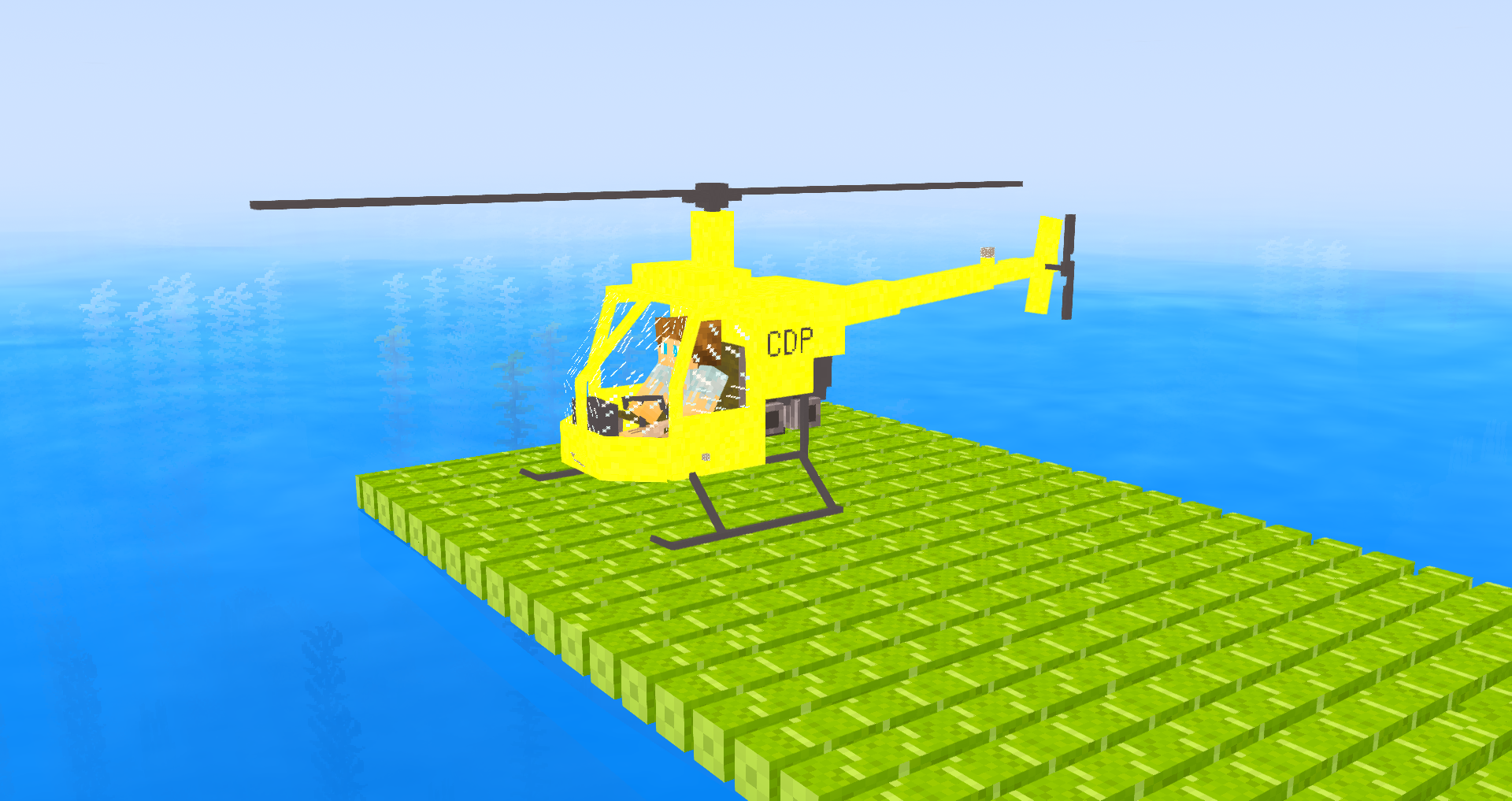
RaftCraft 2
survival on the high seasInstallOn a serverFAQ
How is a modpack different from a bunch of mods?
A modpack is already a tuned set: mod versions are matched to each other, configs are set up, and recipes and progression are tied together. Mods downloaded one by one you'll have to make work together yourself.
How do I install a modpack?
Click “Install” and Millida Launcher will download the modpack and the right Java for you and create a separate profile for it. No need to install the mods or loader separately.
How much memory should I allocate?
Light performance modpacks run on 4 GB, mid-sized ones on 6 GB, and big tech-and-magic ones need 8 GB or more. You can change memory in the Millida Launcher profile settings; the exact figure is usually in the modpack description.
Which modpack should I pick to play with friends?
Turn on the With a friend filter under What for to keep modpacks made for playing together: co-op survival, Create, adventures with shared progression. The modpack version must match for every player and the server.
Are there modpacks with quests in my language?
Modpacks with a quest book and a story are in the With quests theme. The quest language depends on the author: most packs ship in English, and other languages are usually added by a separate translation mod — check the modpack description.
Will a modpack run on a low-end PC?
A light one will. The For low-end PCs filter keeps modpacks with a small mod list and performance mods, and 4 GB of memory is enough for them. Big tech-magic modpacks need 6–8 GB and lag on a weak machine even if they start.
How do I run a modpack on my own server?
A modpack page has an On a server button: it installs the modpack on a Millida Hosting server and switches the core to match, and a copy of the old world is kept in backups. Players then install the same modpack in Millida Launcher and join the server address.
Minecraft modpacks
A modpack is a ready-made set of mods, configs and recipes put together by the author so that everything works together. Building a set like that by hand takes ages: mods clash over versions, need libraries and handle game mechanics in different ways. A modpack has already done that work for you — all that's left is to pick the game version and loader.
A modpack is not only for your own game: you can also run it on a server to play with friends. Next to Install on a modpack page there is an On a server button: it installs the same modpack on a Millida Hosting server together with the right core, and a copy of the old world is kept in backups. Your friends install the modpack in the launcher and join the server address — everyone gets the same version because it comes from one place.
Each modpack here is one page with every released version. The card shows which game version and loader it's built for, how big the archive is and who the author is. Modpacks aren't installed like individual mods: click “Install” and Millida Launcher downloads all the modpack's mods, the right loader and Java, and creates a separate profile for it without touching your others. Mind the memory requirements: heavy tech-and-magic modpacks need six gigabytes or more and simply won't start on the default two.