
Minecraft modpacks — page 196
5,162 itemsModpacks: list


PojavLauncher Optimized Lite
A smaller version of PojavLauncher Optimized.Install

Cherry
一个原版风格的 Minecraft 客户端模组包,集成了众多实用与美化的模组,显著提升你的游戏体验。| A Minecraft client mod pack in the original style, integrating numerous practical and aesthetic mods, significantly enhancing your gaming experience.Install

Lightning Client
This modpack is designed to increase the fps of every player with QOL features. You can expect smoother visuals, faster world loading times, and a range of features to make gameplay more enjoyable and efficient.InstallOn a server

Survive on a chunk
👾Join this unique adventure, spawn on a single chunk. Gather resources and craft new chunks as time goes by 🐧 🐉 Beat the end, the nether and more added contentInstallOn a server

Lunar Optimized
Lunar Optimized is a lightweight performance modpack designed to maximize FPS, eliminate stutters, and reduce RAM usage for the perfect vanilla-plus experience.Install

Client Modpack: Enhanced Unity
unites leading client-side mods for Minecraft to optimize visuals, performance, sounds, and immersion, enhancing overall gameplay experience.Install

oolong-flavoured
A lightweight Fabric datapack forked from matcha flavoured, for friends, by friends.InstallOn a server

Fever fps
FPS Boost Mod- Improves performance and increases FPS by optimizing rendering, reducing lag, and enhancing stability.Install

Guang Xia MTR
这是广厦城mtr服务器的整合包 This is a package with many commonly used MTR construction toolsInstall

Blood N Wine 2
Hardcore/Low Tech/Terraforged/Evil Mobs/Technical MC/Farlands/CreateInstallOn a server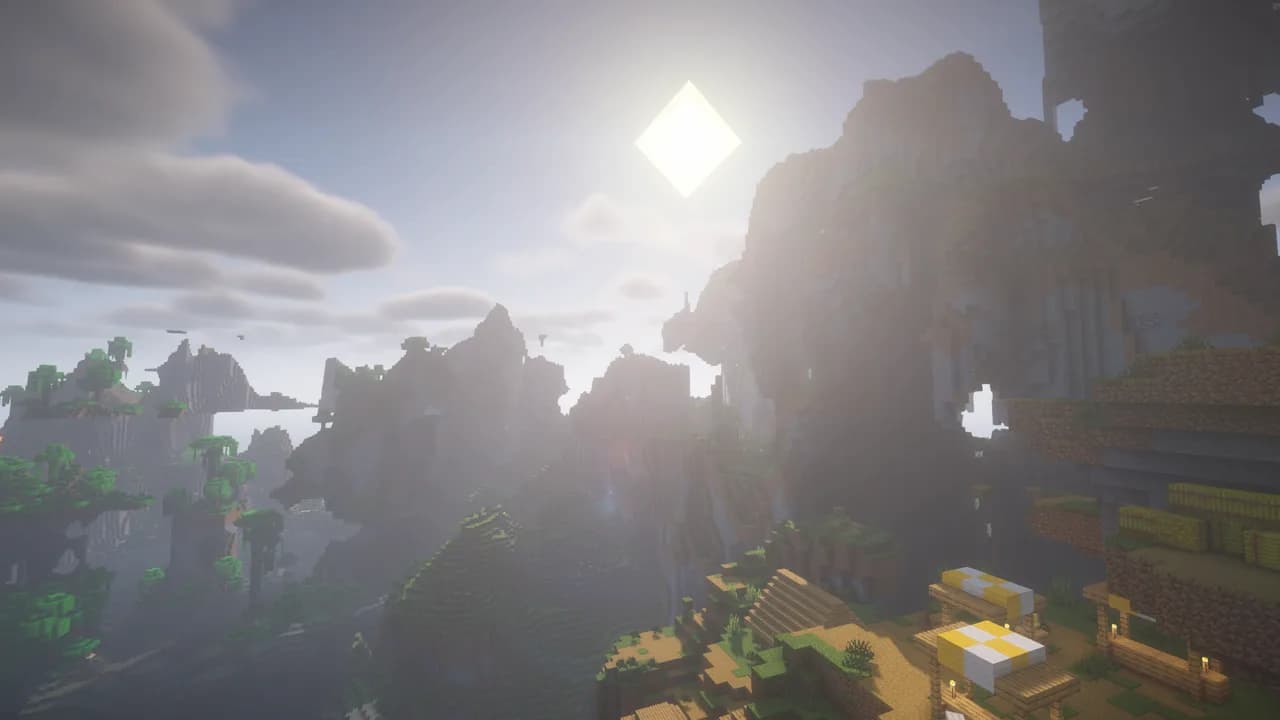

Feather Weighted MC
Feather Weighted MC is a Minecraft modpack that can give up to 1700% more performance boost!Install
Vanilla Refined
This modpack contains mods that enhance the vanilla Minecraft experience. It features QOL mods that can assist with survival, redstone, building, datapack creation, and everything in between.Install

Backrooms Perfected
Perfecting the backrooms Minecraft experience with Faithful Backrooms!InstallOn a server

Eris
A small but fun Fabric modpack with some uncommon mods.InstallOn a server

emad modpack
🚀 The ultimate Minecraft experience! Enjoy blazing-fast performance, stunning visuals, and essential utilities. Optimized for Fabric.InstallOn a server

Ultimately Optimized+
A very highly optimized modpack made to continue the old ultimately optimized modpackInstall

more fps modpack
🚀 More FPS Modpack is a lightweight Minecraft optimization modpack designed to boost FPS, reduce lag, improve chunk loading, and provide a smoother gameplay experience. Perfect for low-end PCs and players who want maximum performanceInstall

Ultralight
Simple and customizable optimization modpack.Install

From The Darkness
This is a horror mod pack that focuses on adventure.InstallOn a server

Banandez Optimized
A modpack with every essential you need, it has pvp essentials, visuals while keeping the game extremely vanilla (youll barely notice a difference), and most importantly; optimized for best preformance!InstallOn a server

Cube Apocalypse
One of The Best And Good Quality Modpacks For Zombie ApocalypseInstallOn a server

Ore Galore Modpack
Ore Galore has never seen such an upgrade! Beautiful terrain paired with dynamic clouds builds onto the expansive underground which has tons of ores to discover, some being up to 3x better than netherite! https://www.youtube.com/watch?v=NSn0OSw4OqYInstallOn a server
Performance Step Up
Massive FPS gains. Zero Stutter. Pure Vanilla Gameplay.InstallFAQ
How is a modpack different from a bunch of mods?
A modpack is already a tuned set: mod versions are matched to each other, configs are set up, and recipes and progression are tied together. Mods downloaded one by one you'll have to make work together yourself.
How do I install a modpack?
Click “Install” and Millida Launcher will download the modpack and the right Java for you and create a separate profile for it. No need to install the mods or loader separately.
How much memory should I allocate?
Light performance modpacks run on 4 GB, mid-sized ones on 6 GB, and big tech-and-magic ones need 8 GB or more. You can change memory in the Millida Launcher profile settings; the exact figure is usually in the modpack description.
Which modpack should I pick to play with friends?
Turn on the With a friend filter under What for to keep modpacks made for playing together: co-op survival, Create, adventures with shared progression. The modpack version must match for every player and the server.
Are there modpacks with quests in my language?
Modpacks with a quest book and a story are in the With quests theme. The quest language depends on the author: most packs ship in English, and other languages are usually added by a separate translation mod — check the modpack description.
Will a modpack run on a low-end PC?
A light one will. The For low-end PCs filter keeps modpacks with a small mod list and performance mods, and 4 GB of memory is enough for them. Big tech-magic modpacks need 6–8 GB and lag on a weak machine even if they start.
How do I run a modpack on my own server?
A modpack page has an On a server button: it installs the modpack on a Millida Hosting server and switches the core to match, and a copy of the old world is kept in backups. Players then install the same modpack in Millida Launcher and join the server address.
Minecraft modpacks
A modpack is a ready-made set of mods, configs and recipes put together by the author so that everything works together. Building a set like that by hand takes ages: mods clash over versions, need libraries and handle game mechanics in different ways. A modpack has already done that work for you — all that's left is to pick the game version and loader.
A modpack is not only for your own game: you can also run it on a server to play with friends. Next to Install on a modpack page there is an On a server button: it installs the same modpack on a Millida Hosting server together with the right core, and a copy of the old world is kept in backups. Your friends install the modpack in the launcher and join the server address — everyone gets the same version because it comes from one place.
Each modpack here is one page with every released version. The card shows which game version and loader it's built for, how big the archive is and who the author is. Modpacks aren't installed like individual mods: click “Install” and Millida Launcher downloads all the modpack's mods, the right loader and Java, and creates a separate profile for it without touching your others. Mind the memory requirements: heavy tech-and-magic modpacks need six gigabytes or more and simply won't start on the default two.