
Minecraft modpacks — page 188
5,162 itemsModpacks: list


Felicity’s Fortress
A minefortress modpack! Turn Minecraft into a real-time strategy Game!InstallOn a server

Nirvana - Better Vanilla
A client-side vanilla SMP focused optimization modpack with QOL addons and GUI tweaks.Install

BUBUSTEIN's Vanilla+ Collection
Tired of Optifine? This modpack contains only optimization mods, for zoom and for shaders, vanilla tweaks resourcepack, Complementary Shader. This modpack can be used on clients when you are on servers with plugins.Install

Cobblemon League
Welcome to Cobblemon League! We are a server with a different feel! Come and have fun for hours playing the real Cobblemon.InstallOn a server

GeoRail
The official modpack for the GeoRailways MTR server.InstallOn a server

L4J
Recreation and adaptation of the beloved Legacy 4J console edition of Minecraft. Based on the Legacy4J mod.InstallOn a server

CaliberMC: Conquest of Terradorn
The Modpack for the Official Conquest of Terradorn server by CaliberMC.Install

MC: Xbox One Edition
Experience Minecraft in your Xbox One (pc) With the game you know and love playable on a new piece of hardware!Install

Fabric Maxed
Fabric based Modpack that focus on pure PerformanceInstall

shader and optimize
if you want use shader for high fps, you should use this modpack.Install

Amethystized (Pojavtimized)
A modpack for amethyst launcher ( optionally pojav launcher ) that makes your game run way better than before using Sodium and MobileGlues!InstallOn a server

aBTV Modpack
A medieval modpack, made for detailed medieval graphics.Install

Bare PVP
Pure optimizations and mods for PVP, this modpack will provide high performance with PVP utilities.Install

Matcha & Honey
Created for enhanced gameplay and performance on vanilla servers.Install

CS Mine
Play in the likeness of CS GO right in minecraft! There are about 17 types of guns and different sizes cartridges to choose from!InstallOn a server

Logically Optimized
(1.19.4-26.3) Introducing Logically Optimized! A lightweight performance modpack for vanilla-style Minecraft with faster loading, smoother gameplay, shader support, and essential QoL features.Install

ESSENTIALS FOR JAVA
All the Essential Mods you need to Play Minecraft java!Install

Boostify
Boostify is a lightweight Minecraft modpack that boosts performance while keeping the vanilla experience.Install

PvP Combat+
PvP Modpack theobald practise map fps mods and other stuffInstall

Phantom
Reliable, stable, and optimized for vanilla Minecraft.Install

KPack 1.8.9
A modpack meant to give players on 1.8.9 a better experience.Install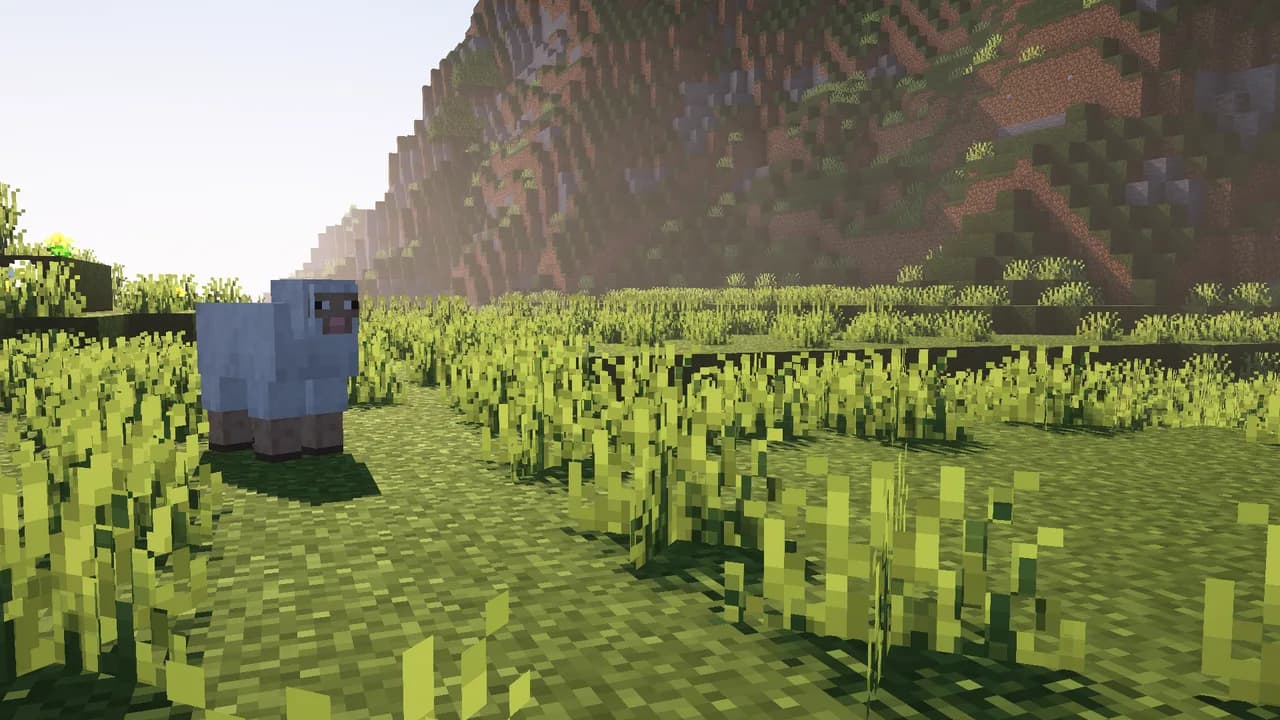

Packed
Vanilla-styled visual, auditory, and gameplay improvements packed into the client.InstallOn a server

Ultra Low End
Minecraft for potato laptop or PC. (26.2 LATEST VERSION AVAILABLE)InstallFAQ
How is a modpack different from a bunch of mods?
A modpack is already a tuned set: mod versions are matched to each other, configs are set up, and recipes and progression are tied together. Mods downloaded one by one you'll have to make work together yourself.
How do I install a modpack?
Click “Install” and Millida Launcher will download the modpack and the right Java for you and create a separate profile for it. No need to install the mods or loader separately.
How much memory should I allocate?
Light performance modpacks run on 4 GB, mid-sized ones on 6 GB, and big tech-and-magic ones need 8 GB or more. You can change memory in the Millida Launcher profile settings; the exact figure is usually in the modpack description.
Which modpack should I pick to play with friends?
Turn on the With a friend filter under What for to keep modpacks made for playing together: co-op survival, Create, adventures with shared progression. The modpack version must match for every player and the server.
Are there modpacks with quests in my language?
Modpacks with a quest book and a story are in the With quests theme. The quest language depends on the author: most packs ship in English, and other languages are usually added by a separate translation mod — check the modpack description.
Will a modpack run on a low-end PC?
A light one will. The For low-end PCs filter keeps modpacks with a small mod list and performance mods, and 4 GB of memory is enough for them. Big tech-magic modpacks need 6–8 GB and lag on a weak machine even if they start.
How do I run a modpack on my own server?
A modpack page has an On a server button: it installs the modpack on a Millida Hosting server and switches the core to match, and a copy of the old world is kept in backups. Players then install the same modpack in Millida Launcher and join the server address.
Minecraft modpacks
A modpack is a ready-made set of mods, configs and recipes put together by the author so that everything works together. Building a set like that by hand takes ages: mods clash over versions, need libraries and handle game mechanics in different ways. A modpack has already done that work for you — all that's left is to pick the game version and loader.
A modpack is not only for your own game: you can also run it on a server to play with friends. Next to Install on a modpack page there is an On a server button: it installs the same modpack on a Millida Hosting server together with the right core, and a copy of the old world is kept in backups. Your friends install the modpack in the launcher and join the server address — everyone gets the same version because it comes from one place.
Each modpack here is one page with every released version. The card shows which game version and loader it's built for, how big the archive is and who the author is. Modpacks aren't installed like individual mods: click “Install” and Millida Launcher downloads all the modpack's mods, the right loader and Java, and creates a separate profile for it without touching your others. Mind the memory requirements: heavy tech-and-magic modpacks need six gigabytes or more and simply won't start on the default two.