
Minecraft modpacks — page 183
5,163 itemsModpacks: list


Vanilla ASTRUM
Install

Bedwars Optimized
A lightweight modpack for maximum FPS and smooth gameplay in Bedwars and PvP without any bloatInstall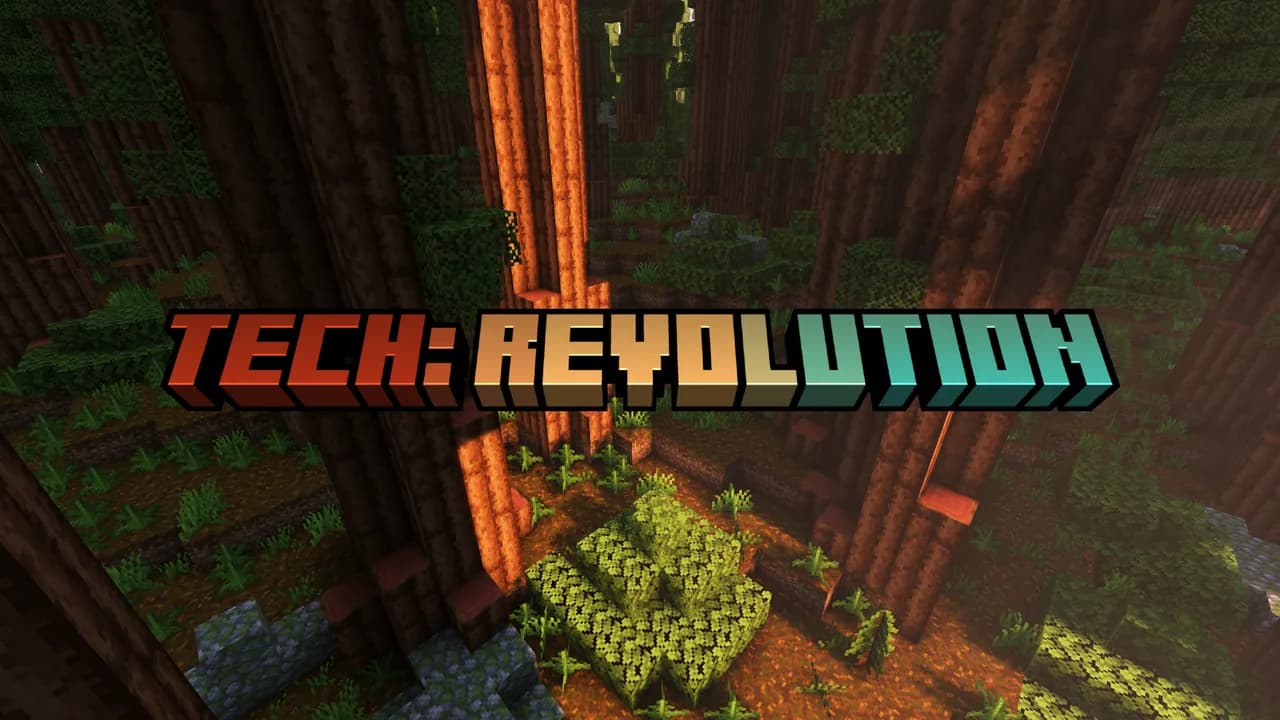

Tech: Revolution
Tech: Revolution is a Minecraft modpack that includes technology, magic, exploration, quality of life improvements, and much more! Our main server participates and events and lore as well! So we hope to see you there!InstallOn a server

Dragon Claw Persistent
A general-purpose modpack designed with server longevity in mind, while still enabling access to interesting modded content.InstallOn a server

Optimised PvP
A lightweight, FPS‑optimized Fabric modpack for Minecraft 1.21.10, designed for Crystal PvP, duels, and competitive gameplay — featuring performance boosts, PvP HUDs, and clean textures for maximum clarity in combat.InstallOn a server

Witch Hunt
A modpack about deceiving other! Play as a Human, Werewolf, Vampire or even a Hunter!InstallOn a server

WarZ
A new, simple project combining cities of the USSR and the distant horizons into a zombie apocalyptic world.InstallOn a server

MC But Better
Semi-Vanilla ∙ Enjoy the game how it's meant to be played. 100+ Mods, New Structures, Dungeons and much more!InstallOn a server

Medieval Craft
The modpack is set in the medieval era. Here, you will encounter villages from that time, explore breathtaking locations, battle historical groups such as the Normans, and face legendary monsters and bosses.InstallOn a server

Cubed Optimized FPS
Cubed Optimized is a copilation of Mods and Tweaks to make your Minecraft run 100x better and faster than the original Minecraft!Install
[Cobblemon] PokeClash+
Includes everything you need to jump straight into the PokeClash Cobblemon server without extra setup, including performance optimizations. + A collection of visual upgrades and quality of life additions.Install

Better RPG
A modpack that turn the vanilla Minecraft into a RPG game.InstallOn a server

LinusMinus
This modpack only adds some mods that enhances gameplay and performance, while not adding any new blocks or mechanics to the game.InstallOn a server

Better Than Beta
Beta+ Minecraft experience with a lot of optimizations and nice features!InstallOn a server

ElectricTechnoCraft
A technical modpack that will help you understand engineering.Install

Techno Biodiversity 1
A 1.12.2 modpack blending technology, space exploration, diverse biomes, and more. Discover a world of endless possibilities.InstallOn a server

NetPixelmon
Set out on the greatest Pixelmon adventure, delivering the highest quality experience and performance the Pixelmon world can offer.InstallOn a server

Donut SMP PVP Pack (Fan Made)
A PVP Pack to use in servers like the Donut SMPInstall

Cobblemon Guapisimo
Cobblemon modpack that adds all pokemon, trainers, progression, legendary pokemon and moreInstall

Arkanis
Modpack inspirado na série multiplayer Arkanis (feito por fã). Fan-made modpack inspired by the Arkanis multiplayer series.InstallOn a server

One Block Hardcore
A hardcore One Block modpack is a challenging survival experience where players start on a single block that regenerates endlessly. With permadeath enabled, every mistake matters as you progress through phases, unlock new resources, and face increasingly.InstallOn a server

Better Physics
Better Physics is a Minecraft mod pack designed to elevate your gameplay experience through enhanced realism and immersive mechanics. Featuring meticulously crafted mods that revamp the game's physics engine, players will enjoy more dynamic interactionsInstall

DayOfMind
A vanilla+ modpack with a focus on biomes, furniture, storage, structures, lighting/ambient, graphics, sounds and more. Many small improvements, as well as many places to explore and discover.InstallOn a serverFAQ
How is a modpack different from a bunch of mods?
A modpack is already a tuned set: mod versions are matched to each other, configs are set up, and recipes and progression are tied together. Mods downloaded one by one you'll have to make work together yourself.
How do I install a modpack?
Click “Install” and Millida Launcher will download the modpack and the right Java for you and create a separate profile for it. No need to install the mods or loader separately.
How much memory should I allocate?
Light performance modpacks run on 4 GB, mid-sized ones on 6 GB, and big tech-and-magic ones need 8 GB or more. You can change memory in the Millida Launcher profile settings; the exact figure is usually in the modpack description.
Which modpack should I pick to play with friends?
Turn on the With a friend filter under What for to keep modpacks made for playing together: co-op survival, Create, adventures with shared progression. The modpack version must match for every player and the server.
Are there modpacks with quests in my language?
Modpacks with a quest book and a story are in the With quests theme. The quest language depends on the author: most packs ship in English, and other languages are usually added by a separate translation mod — check the modpack description.
Will a modpack run on a low-end PC?
A light one will. The For low-end PCs filter keeps modpacks with a small mod list and performance mods, and 4 GB of memory is enough for them. Big tech-magic modpacks need 6–8 GB and lag on a weak machine even if they start.
How do I run a modpack on my own server?
A modpack page has an On a server button: it installs the modpack on a Millida Hosting server and switches the core to match, and a copy of the old world is kept in backups. Players then install the same modpack in Millida Launcher and join the server address.
Minecraft modpacks
A modpack is a ready-made set of mods, configs and recipes put together by the author so that everything works together. Building a set like that by hand takes ages: mods clash over versions, need libraries and handle game mechanics in different ways. A modpack has already done that work for you — all that's left is to pick the game version and loader.
A modpack is not only for your own game: you can also run it on a server to play with friends. Next to Install on a modpack page there is an On a server button: it installs the same modpack on a Millida Hosting server together with the right core, and a copy of the old world is kept in backups. Your friends install the modpack in the launcher and join the server address — everyone gets the same version because it comes from one place.
Each modpack here is one page with every released version. The card shows which game version and loader it's built for, how big the archive is and who the author is. Modpacks aren't installed like individual mods: click “Install” and Millida Launcher downloads all the modpack's mods, the right loader and Java, and creates a separate profile for it without touching your others. Mind the memory requirements: heavy tech-and-magic modpacks need six gigabytes or more and simply won't start on the default two.