
Minecraft modpacks — page 16
5,162 itemsModpacks: list



Elysium Days
A modpack that makes Minecraft how it should have been all along, so you can enjoy it again.InstallOn a server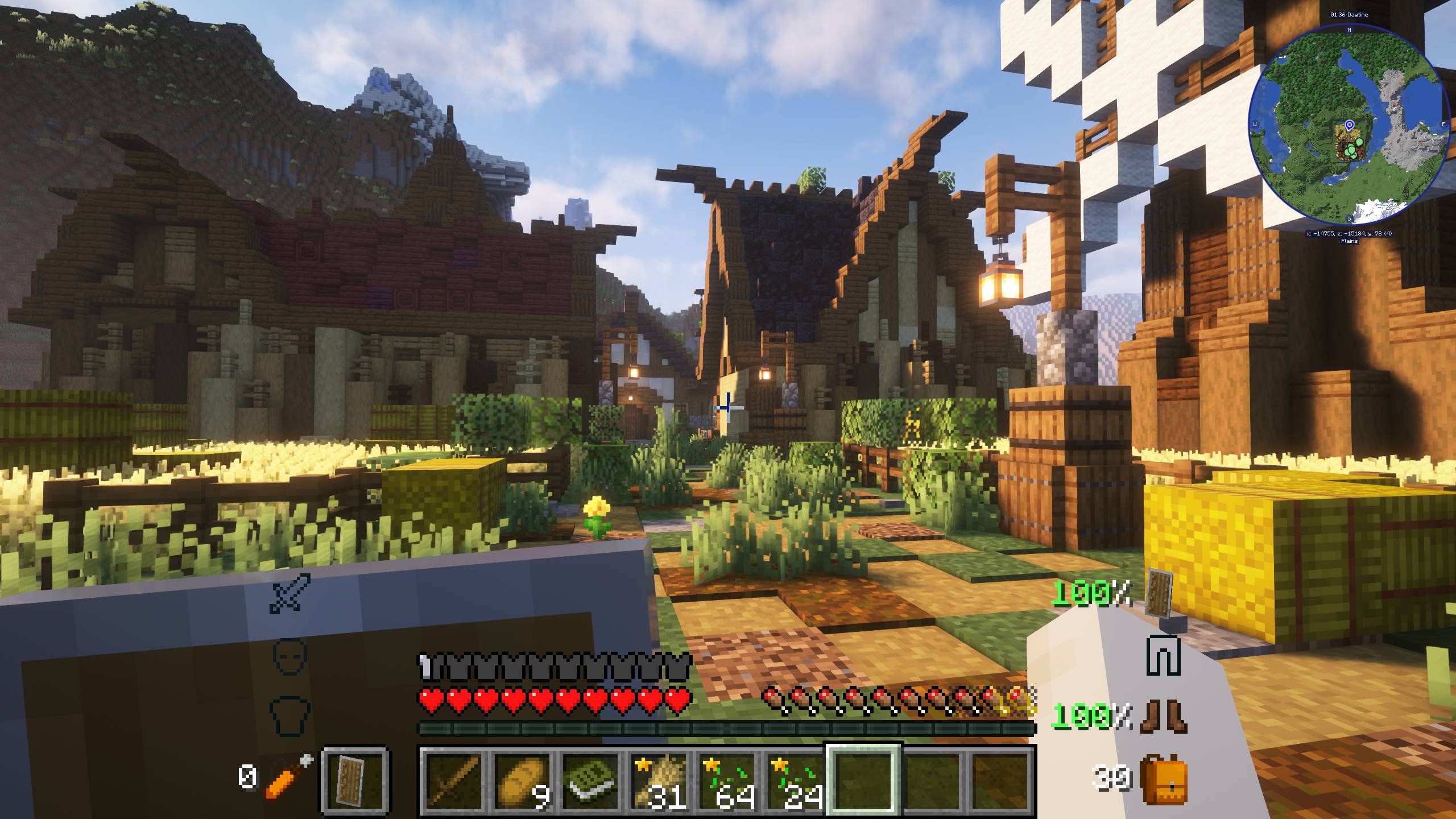
New Simple Mods - Easy to Understand | 1.21 UPDATE!
A modpack made up of mods that are easy to understand and ideal for any player.InstallOn a server

最小的机械动力
一个机械动力玩家必备的整合包,轻,快,小是它的特点!Install
Tekkit Classic Reloaded
An updated version of Tekkit Classic, with added A-list mods.InstallOn a server
Enigmatica 2: Expert Skyblock - E2ES
A skyblock version of the Enigmatica 2: Expert modpack.InstallOn a server
Monumental Experience
A Hard/Expert Modpack based on progression through mods by ModernGamingWorldInstallOn a server
StaTech Industry
Heavily modified quest driven modpack featuring Modern IndustrializationInstallOn a server
AMP - Awakening Classic
280+ Mods 800+ Quests. Long Play. Magic & Tech. Semi-Hardcore. Truely 100% Unique! - With custom world gen, ores and mobs. Tons of mod integration/recipes. Like nothing you have played before!InstallOn a server

SuperHeroes
A modpack about superheroes, magic, and tech!InstallOn a server

Zombie Storm 100 Days
Experience the nonstop excitement as you fight in a world filled with zombies. Prepare yourself, construct your stronghold, and tap into your survival skills in this amazing journey!InstallOn a server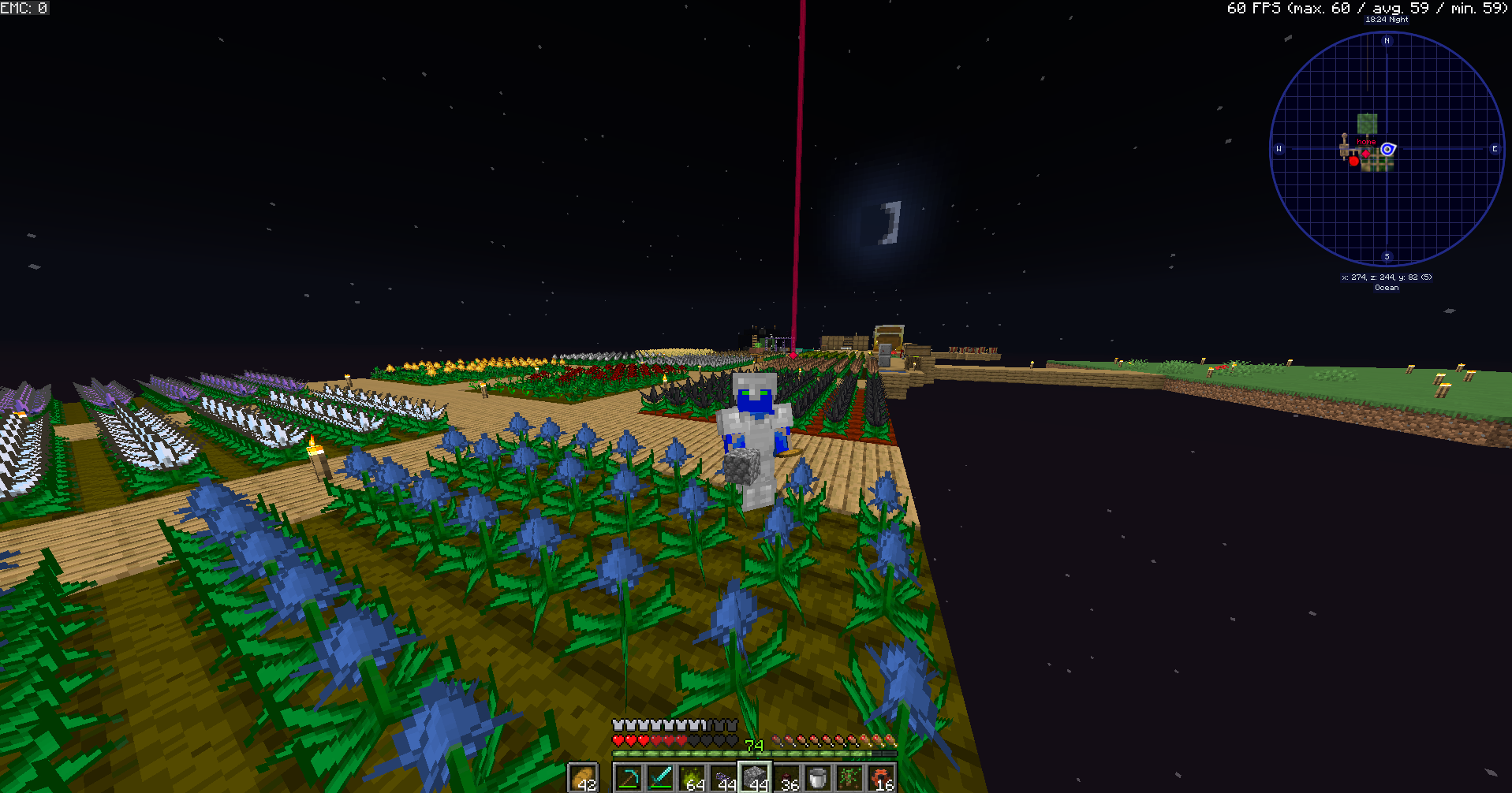

Mystical Block
a skyblock type modpack, but you start with a inferium seed, a hoe, and some bread. you use the inferium seeds to make other seed using a custom machine (seed reconstructor) to make dirt seeds, wood seeds, etc. you use these seeds to progress.InstallOn a server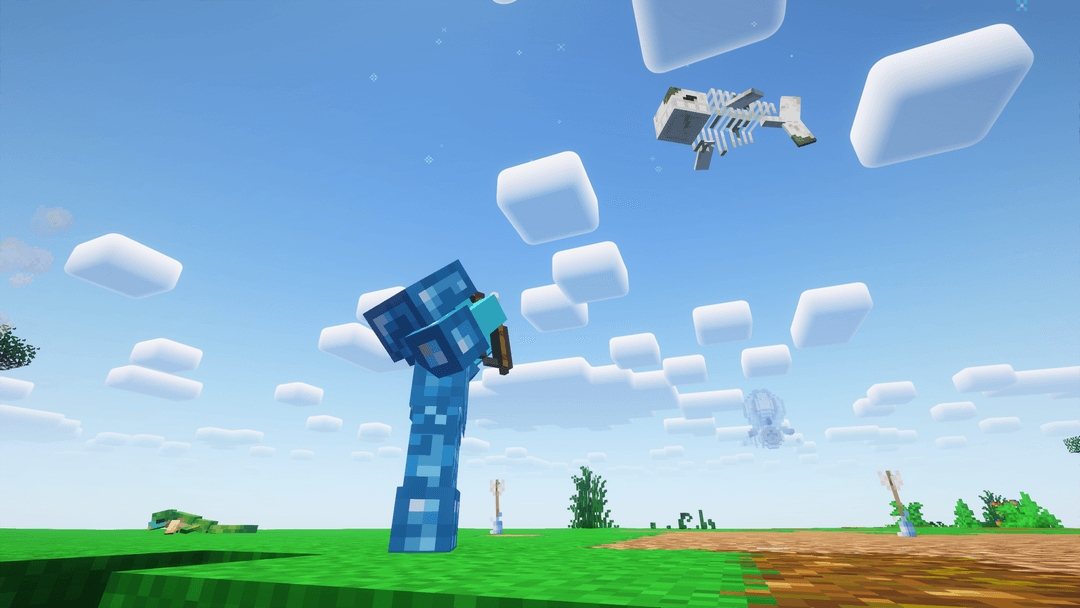
Prodigium Reforged
Highly inspired by Terraria, defeat bosses to progress thanks to a unique progression system. Combat, adventure and RPG oriented modpack, a lot of custom content.InstallOn a server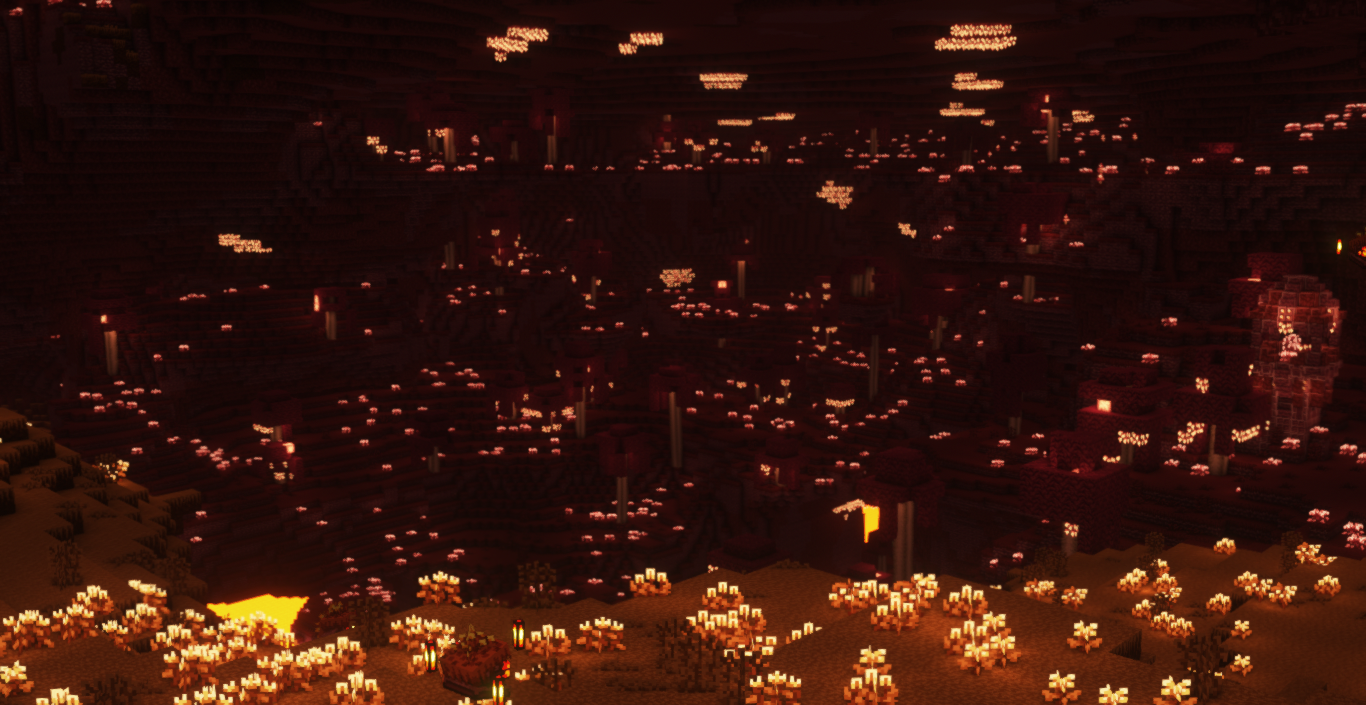
Fantasy Realm
A Fantasy Adventure & Exploration Realm like no other!InstallOn a server

Adrenaline
mc26.3 beta! - A lightweight, open-source performance modpack for FabricInstallOn a server
Ragnamod V
The fifth season of Ragnamod now with quest !InstallOn a server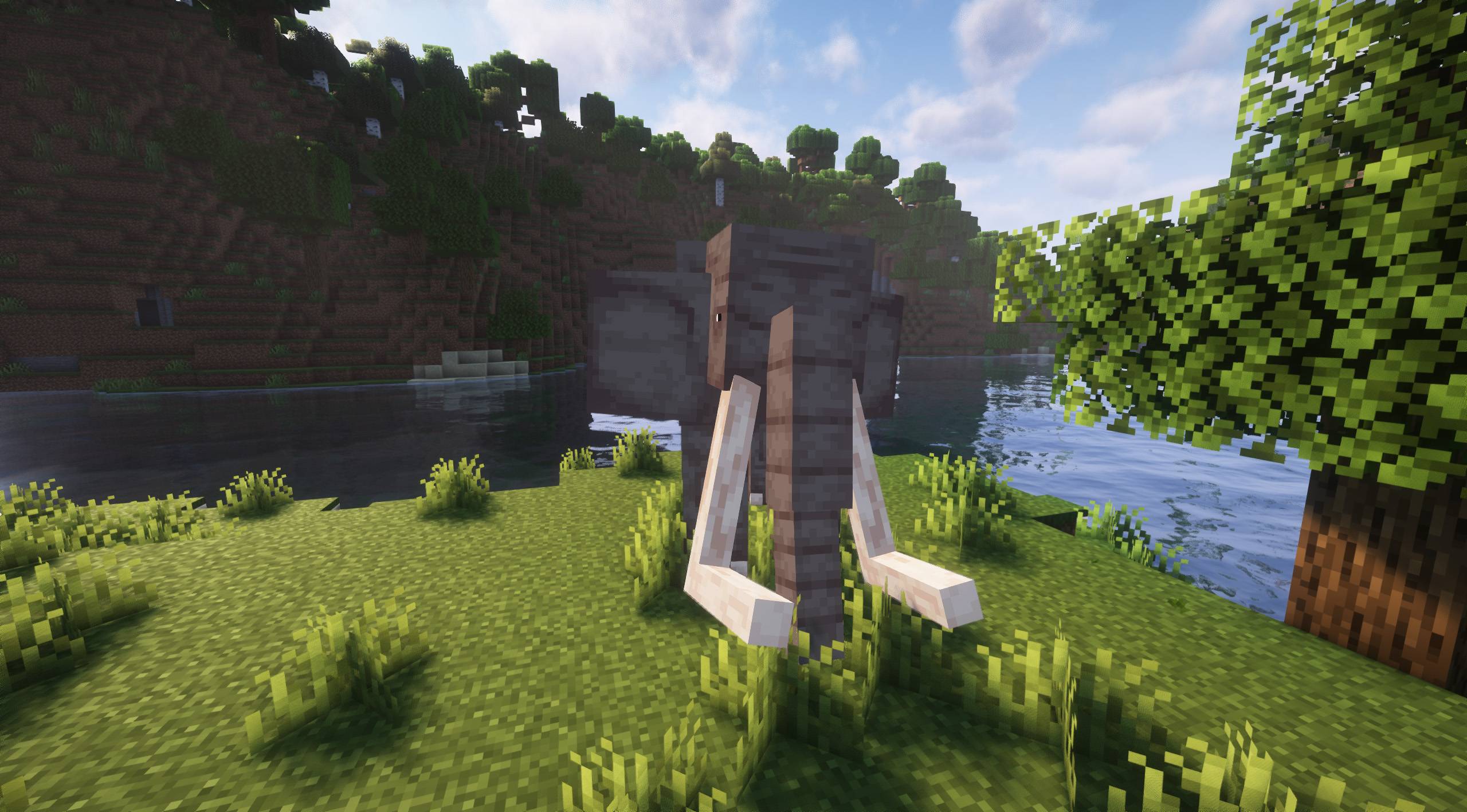
More Animals [FORGE] - 1.21 UPDATE!
A vanilla+ modpack ideal for animal lovers!InstallOn a server

Paradise of Lucky Blocks
A Lucky Block Modpack that guaranteed not gonna be boringInstallOn a server

Mystic Horizons
The ULTIMATE Minecraft RPG Fantasy Medieval Modpack. Prepare to venture through the Mystic Horizons...InstallOn a server
Naruto Modpack ++ : All Mods Plus
This modpack introduces a new take to the ninja world. It includes the Naruto mod along with several fan favorite mods which add mobs, weapons, armor, tech, and much more...InstallOn a server
Galactic Science
something fresh!InstallOn a server
Monifactory
A Modern Gregtech pack meant to make Gregtech approachable and fun.InstallOn a server
Levitated
An exploration themed modpack which lets you rebuild the world.InstallOn a server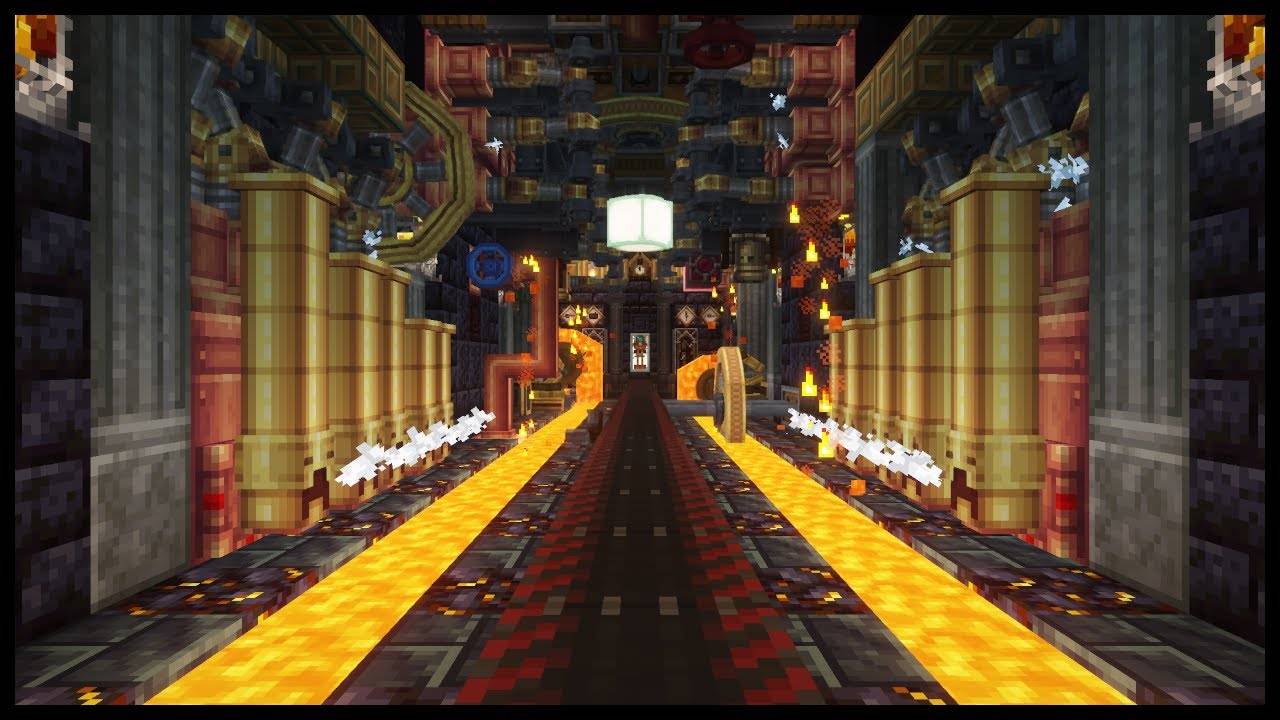
All in one: Create
Love the create mod? perfect modpack with create, its addons, QOL mods and some other fun mods.InstallOn a serverFAQ
How is a modpack different from a bunch of mods?
A modpack is already a tuned set: mod versions are matched to each other, configs are set up, and recipes and progression are tied together. Mods downloaded one by one you'll have to make work together yourself.
How do I install a modpack?
Click “Install” and Millida Launcher will download the modpack and the right Java for you and create a separate profile for it. No need to install the mods or loader separately.
How much memory should I allocate?
Light performance modpacks run on 4 GB, mid-sized ones on 6 GB, and big tech-and-magic ones need 8 GB or more. You can change memory in the Millida Launcher profile settings; the exact figure is usually in the modpack description.
Which modpack should I pick to play with friends?
Turn on the With a friend filter under What for to keep modpacks made for playing together: co-op survival, Create, adventures with shared progression. The modpack version must match for every player and the server.
Are there modpacks with quests in my language?
Modpacks with a quest book and a story are in the With quests theme. The quest language depends on the author: most packs ship in English, and other languages are usually added by a separate translation mod — check the modpack description.
Will a modpack run on a low-end PC?
A light one will. The For low-end PCs filter keeps modpacks with a small mod list and performance mods, and 4 GB of memory is enough for them. Big tech-magic modpacks need 6–8 GB and lag on a weak machine even if they start.
How do I run a modpack on my own server?
A modpack page has an On a server button: it installs the modpack on a Millida Hosting server and switches the core to match, and a copy of the old world is kept in backups. Players then install the same modpack in Millida Launcher and join the server address.
Minecraft modpacks
A modpack is a ready-made set of mods, configs and recipes put together by the author so that everything works together. Building a set like that by hand takes ages: mods clash over versions, need libraries and handle game mechanics in different ways. A modpack has already done that work for you — all that's left is to pick the game version and loader.
A modpack is not only for your own game: you can also run it on a server to play with friends. Next to Install on a modpack page there is an On a server button: it installs the same modpack on a Millida Hosting server together with the right core, and a copy of the old world is kept in backups. Your friends install the modpack in the launcher and join the server address — everyone gets the same version because it comes from one place.
Each modpack here is one page with every released version. The card shows which game version and loader it's built for, how big the archive is and who the author is. Modpacks aren't installed like individual mods: click “Install” and Millida Launcher downloads all the modpack's mods, the right loader and Java, and creates a separate profile for it without touching your others. Mind the memory requirements: heavy tech-and-magic modpacks need six gigabytes or more and simply won't start on the default two.