
Modpacks for Minecraft Forge — page 81
2,594 itemsModpacks: list

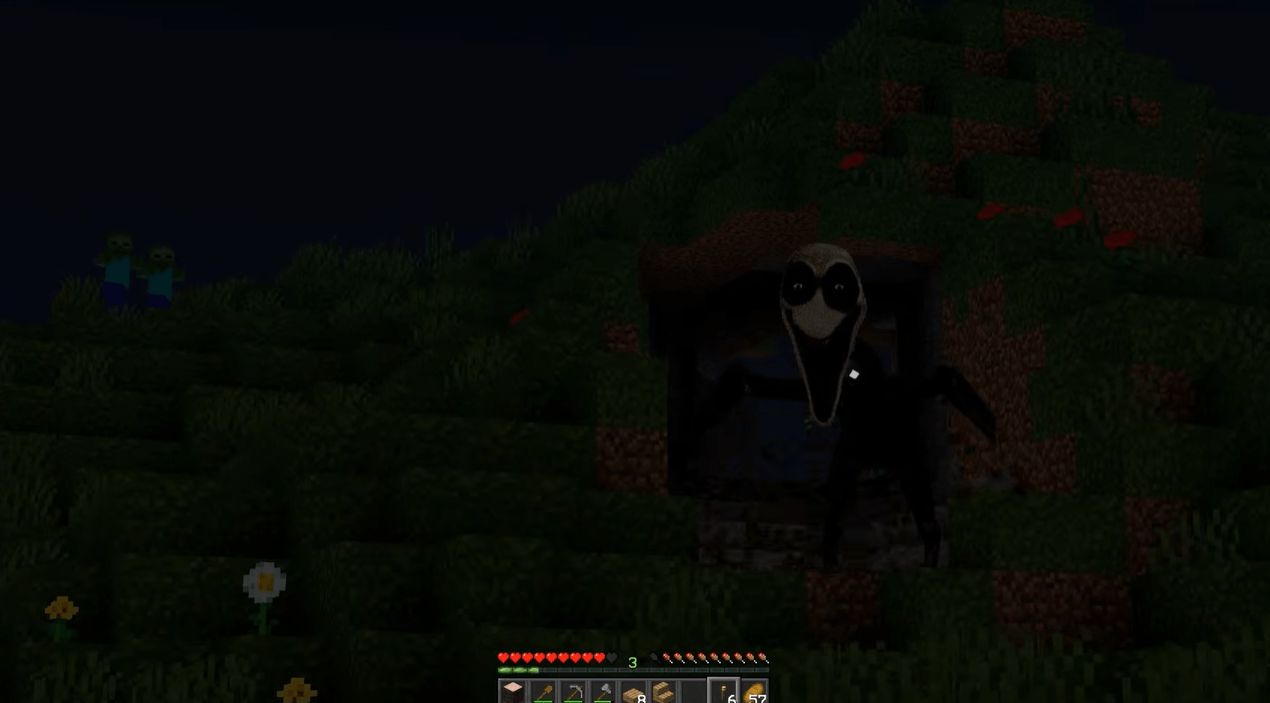

Evil Hunter And Twixxel Stalker Modpack
A psychological horror experience that turns Minecraft into a nightmare. Evil Hunter by Dreglr and Twixxel' Stalker by MrPerkasc and more.InstallOn a server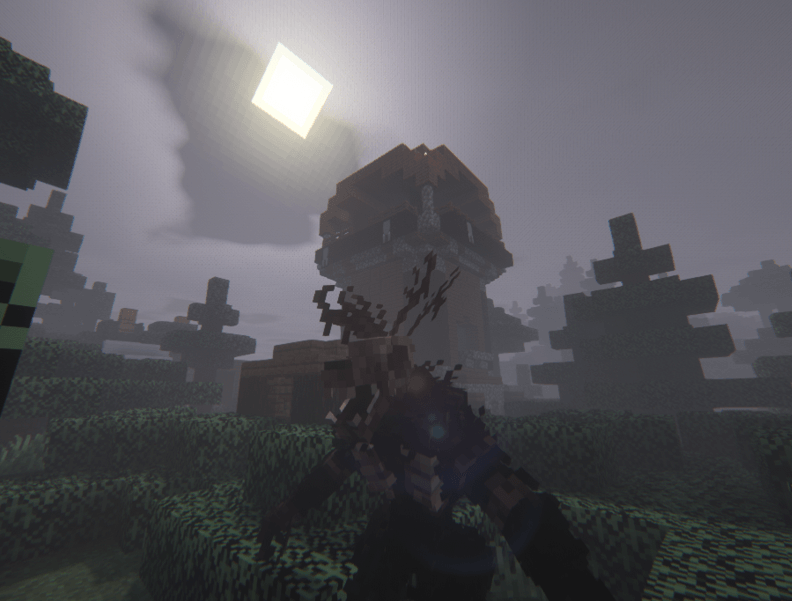
Creepy & Scary RPG
A terrrifying modpack aimed to scare the lights out of you. Paranoia is the least of your problems~InstallOn a server
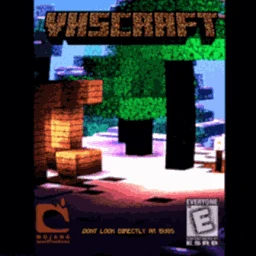
VhsCraft - The Minecraft Project
VhsCraft Is An Modpack Made For YOU Freak Out In A old StyleInstallOn a server

fps booster+
so this is a fps boosting mod that ups your fps like very high. and it also has sodium and sodium extra.InstallOn a server
Utopia (Fanmade)
Utopic adventure!InstallOn a server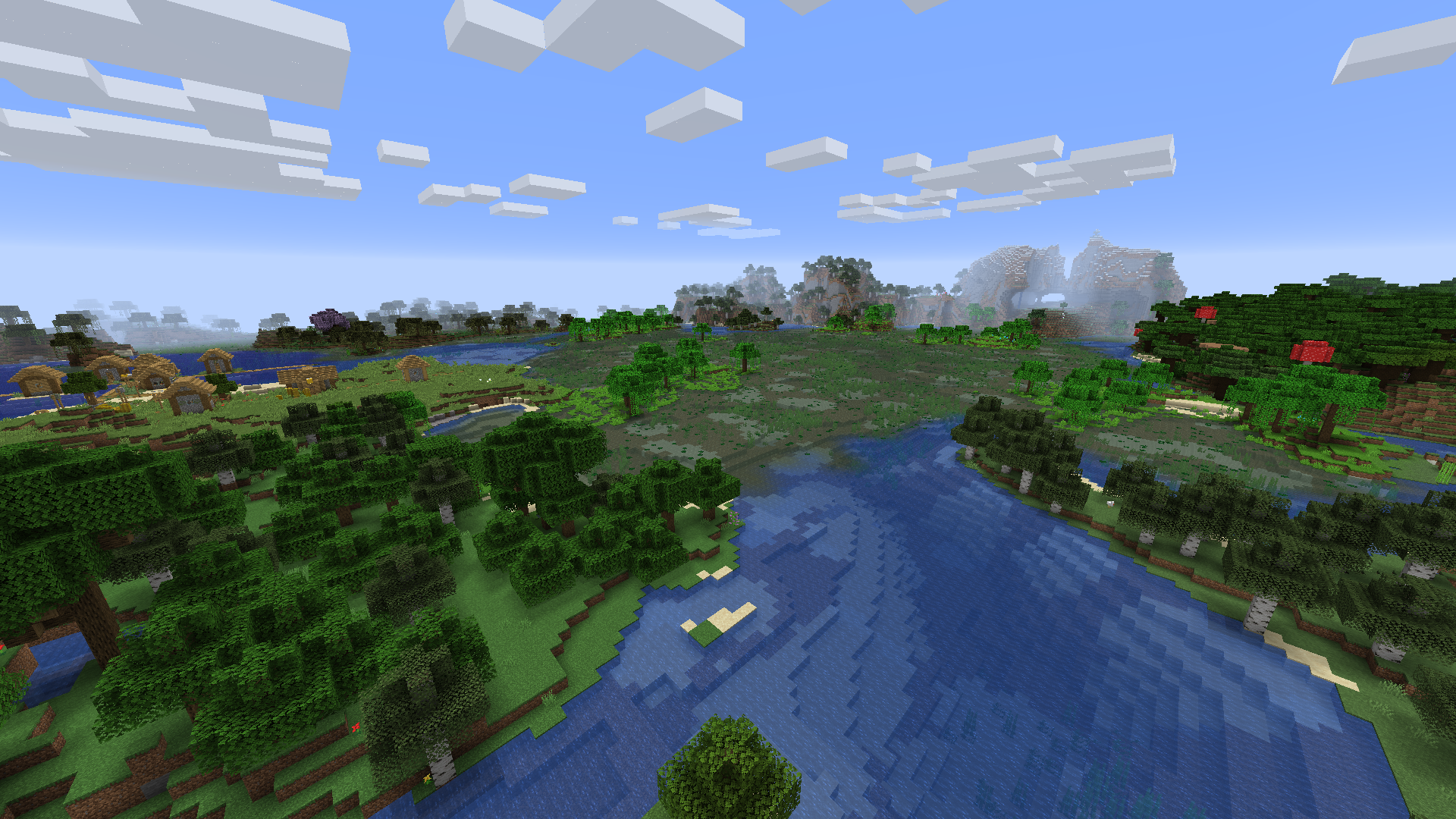
TNP Limitless Lite - LL Lite
MC 1.16.5 - A lighter version of the main Limitless modpacks. Almost Vanilla+ (+ Quests!)InstallOn a server

GunWie
A team-based tactical shooter + Mini-Games for MinecraftInstallOn a server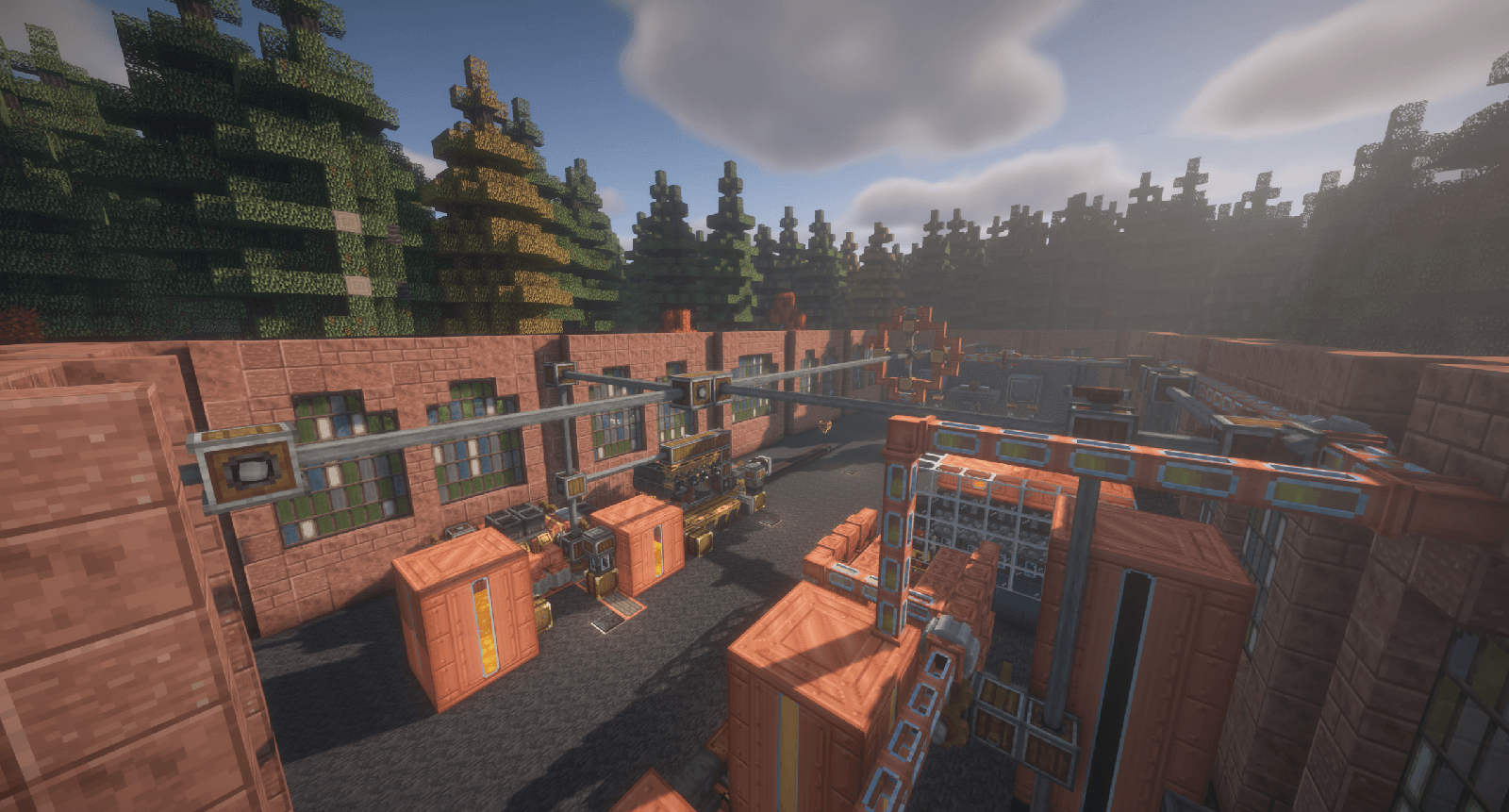

Factorio Nuclear +ONLINE (OxMODPACK)
Ultimate Create challenge. Can you beat it?InstallOn a server
Pyramid Challenge Reborn
Upgrading the FTB Pyramid Map to 1.12InstallOn a server
Do I am cake?
Pack used on the Official Twilight Forest serverInstallOn a server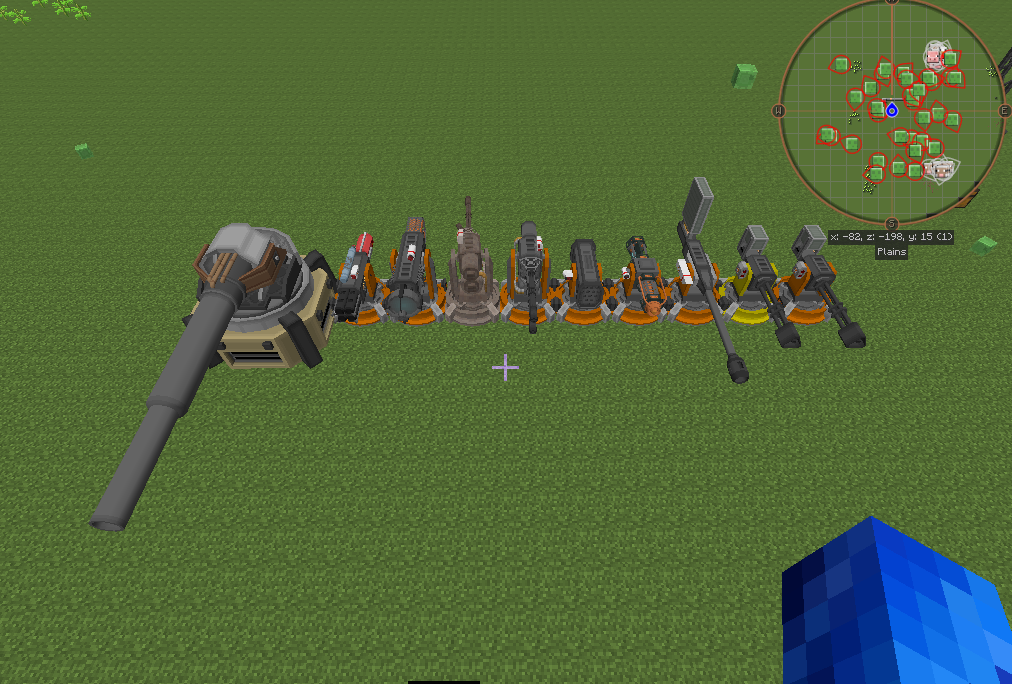

Hbm Reforged
Its either gonna be nuclear or not, it's your choice. Light as poissible HBM Modpack with exploration!InstallOn a server
Story Mode: Java Edition
The Ultimate MCSM Experience!InstallOn a server
Odyssey 3
A 1.18.2 Kitchen-sink pack focused on equal exploration and automationInstallOn a server
The Immersive Pack
This mod pack has everything you need to reach full immersion in MinecraftInstallOn a server
Intelligence: New Horizon
The perfect Modpack to explore 1.16.5 with quests, magic, nature and exploration.InstallOn a server
ATTP- another Troll-Technik pack
This is the TrollWars 2 modpack with some new Mods and Changes.InstallOn a server

Verity One Block
One Block... but you’re not alone. Experience the ultimate twist on classic One Block survival and Verity!InstallOn a server
Jojos bizarre Stands
A jojo modpack that adds a stand datapack and a lot of dungeonsInstallOn a server
The Last One
The only one who survived the zombie apocalypseInstallOn a server
Stargate-RaforgeX
Many roads leave to the great path...Only the willing find their way. -Oma DesalaInstallOn a server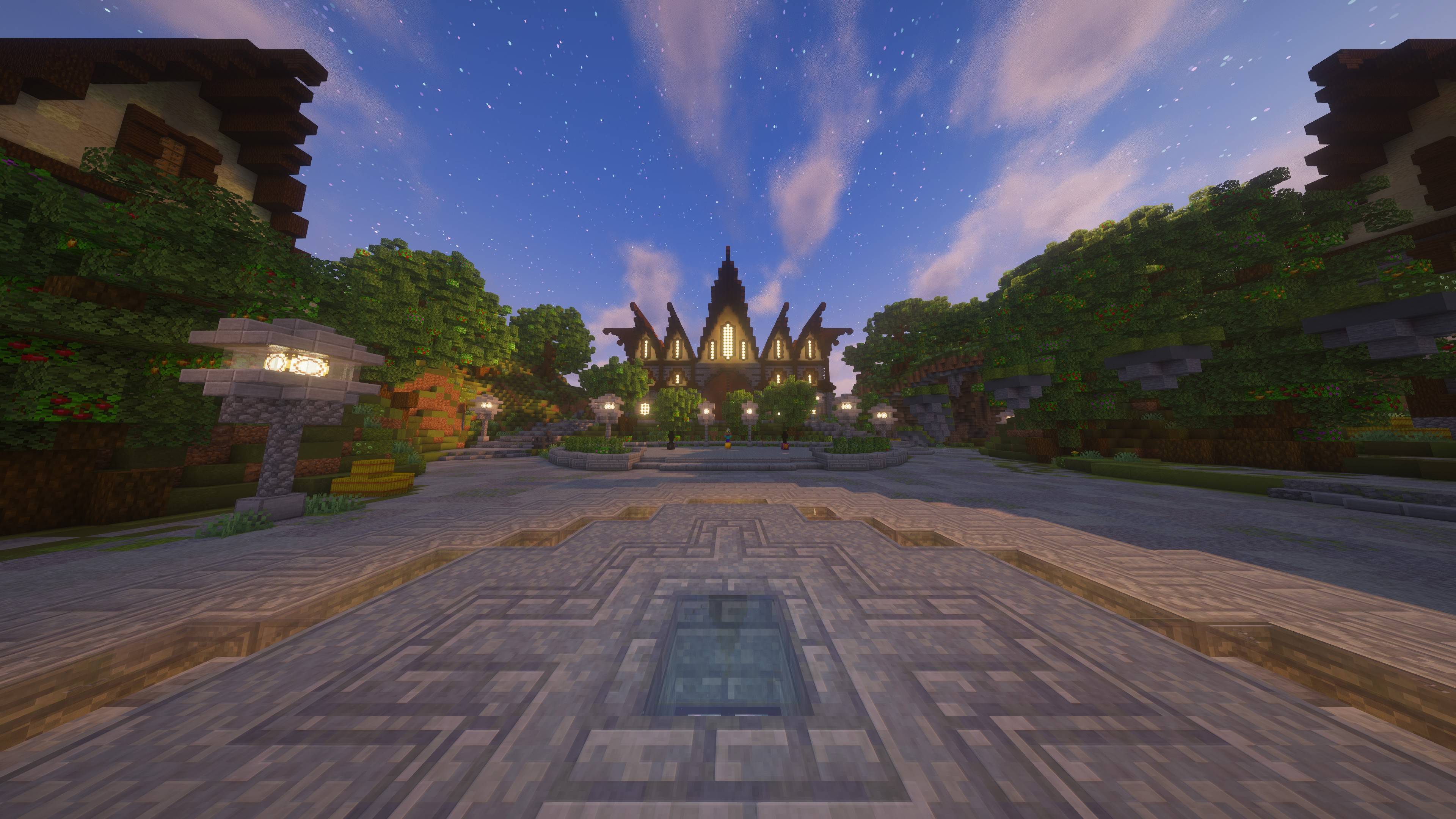
FWF LuckyBlocks
Race your friends in chaotic Lucky Block challenges on dynamic maps! Choose from 2–10 players, customize track colors, and test your luck with Lucky Blocks, Chance Cubes & more!InstallOn a server

The Locust
Docor Nowhere's Creature enter your worlds.. can you survive?InstallOn a server
Guns n Stuffs
Modpack for those who want to have realistic gun playInstallOn a serverFAQ
How is a modpack different from a bunch of mods?
A modpack is already a tuned set: mod versions are matched to each other, configs are set up, and recipes and progression are tied together. Mods downloaded one by one you'll have to make work together yourself.
How do I install a modpack?
Click “Install” and Millida Launcher will download the modpack and the right Java for you and create a separate profile for it. No need to install the mods or loader separately.
How much memory should I allocate?
Light performance modpacks run on 4 GB, mid-sized ones on 6 GB, and big tech-and-magic ones need 8 GB or more. You can change memory in the Millida Launcher profile settings; the exact figure is usually in the modpack description.
Which modpack should I pick to play with friends?
Turn on the With a friend filter under What for to keep modpacks made for playing together: co-op survival, Create, adventures with shared progression. The modpack version must match for every player and the server.
Are there modpacks with quests in my language?
Modpacks with a quest book and a story are in the With quests theme. The quest language depends on the author: most packs ship in English, and other languages are usually added by a separate translation mod — check the modpack description.
Will a modpack run on a low-end PC?
A light one will. The For low-end PCs filter keeps modpacks with a small mod list and performance mods, and 4 GB of memory is enough for them. Big tech-magic modpacks need 6–8 GB and lag on a weak machine even if they start.
How do I run a modpack on my own server?
A modpack page has an On a server button: it installs the modpack on a Millida Hosting server and switches the core to match, and a copy of the old world is kept in backups. Players then install the same modpack in Millida Launcher and join the server address.
Modpacks for Minecraft Forge
Modpacks for Minecraft Forge: 2,594 items in the Modpacks section. Compatibility is checked against the files, not the description: only items with a build for exactly these conditions stay in the list.
Each modpack here is one page with every released version. The card shows which game version and loader it's built for, how big the archive is and who the author is. Modpacks aren't installed like individual mods: click “Install” and Millida Launcher downloads all the modpack's mods, the right loader and Java, and creates a separate profile for it without touching your others. Mind the memory requirements: heavy tech-and-magic modpacks need six gigabytes or more and simply won't start on the default two.