
Modpacks for Minecraft Forge — page 18
2,594 itemsModpacks: list

Plunger
Plunger is the aptly named kitchen sink mod pack for 1.15.2InstallOn a server
EMC: To The Sky
A Skyblock modpack focusing on the mod ProjectEInstallOn a server
The NotJen Pack
This modpack is about making it as vanilla as possible but also adding more bosses and harder mobs to make the experience more enjoyableInstallOn a server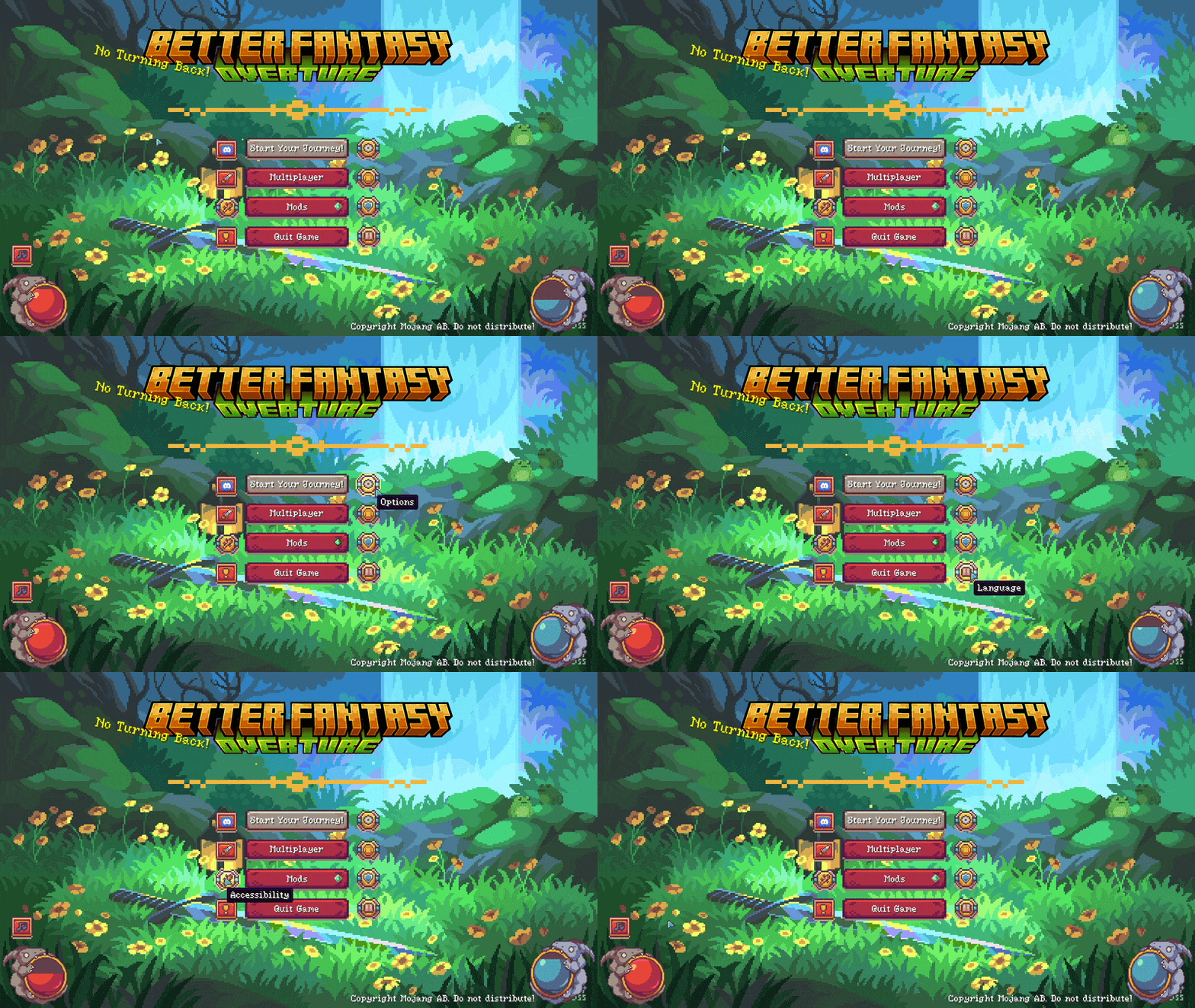
BETTER FANTASY - Overture
Fantasy Challenging Exploration Modpack - New Dimensions - Bosses and much more!InstallOn a server
Enigmatica 8 - E8 - 1.18
Play with new mods and old favorites in Enigmatica 8 for Minecraft 1.18!InstallOn a server
Invicta 2
1.18 Modpack made for the explorer, techie, farmer and wizard in you.InstallOn a server

Cuboid Outpost
Stranded and alone on a barren planet! Restart civilization!InstallOn a server

Flooded City
Something terrible has happened and the city is in ruins. When trying to gather your thoughts it seems you aren't too safe yet as the water levels are rising.InstallOn a server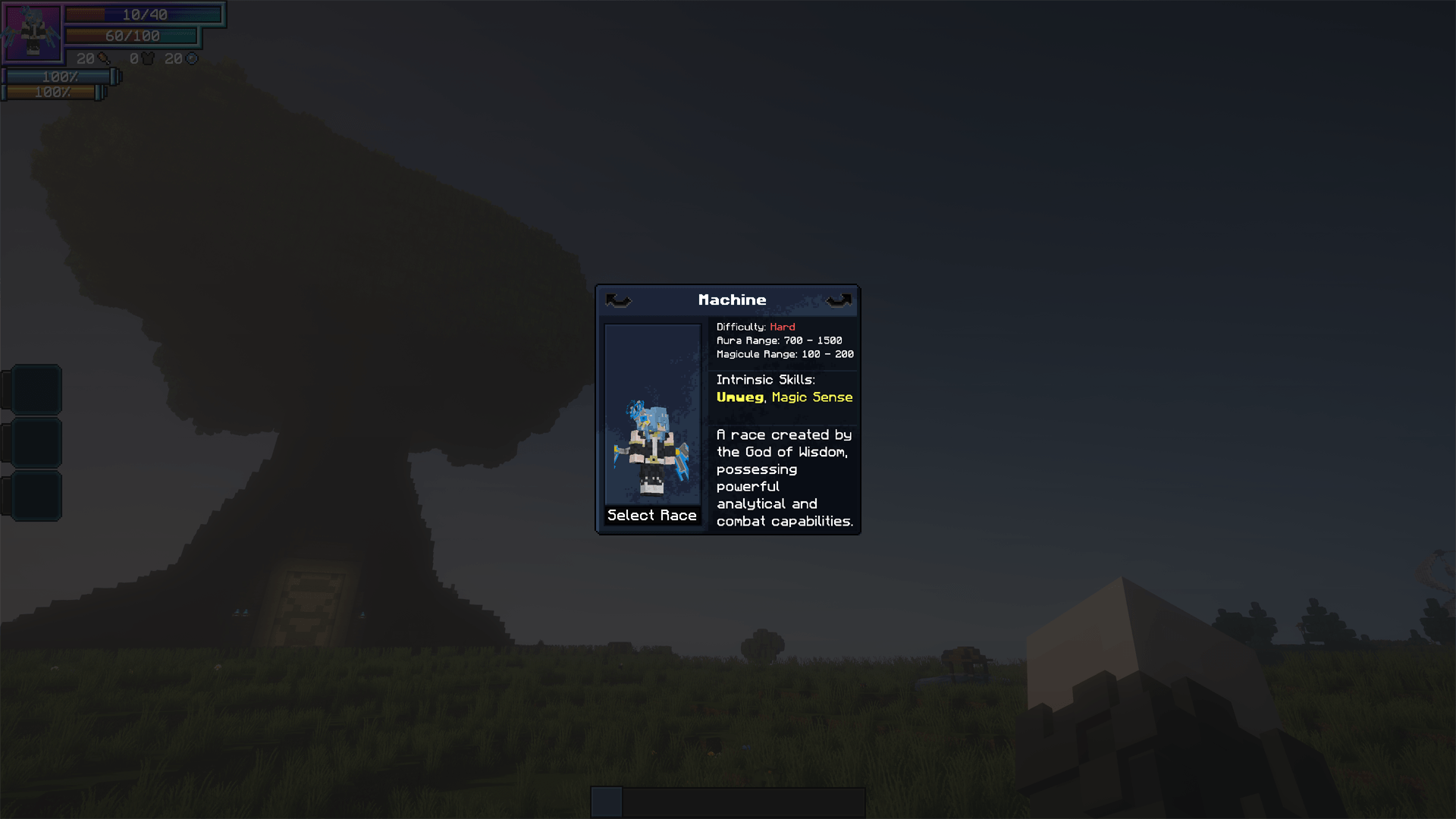
[Mega update] Akashic Records of Tensura [City + Tensura NPCs]
Ultimate modpack! <3InstallOn a server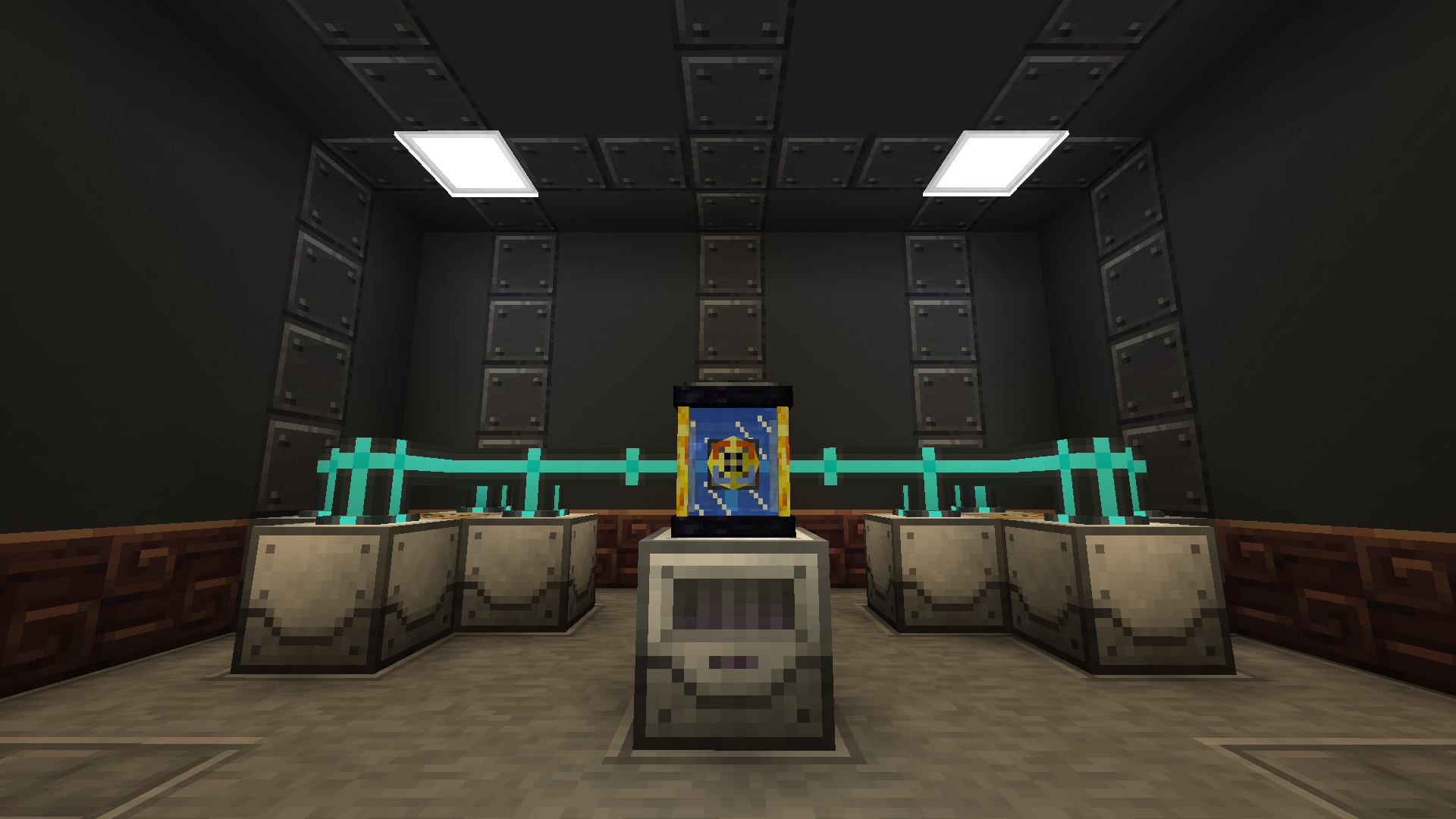
Project Architect
ProjectE Building Focused ModpackInstallOn a server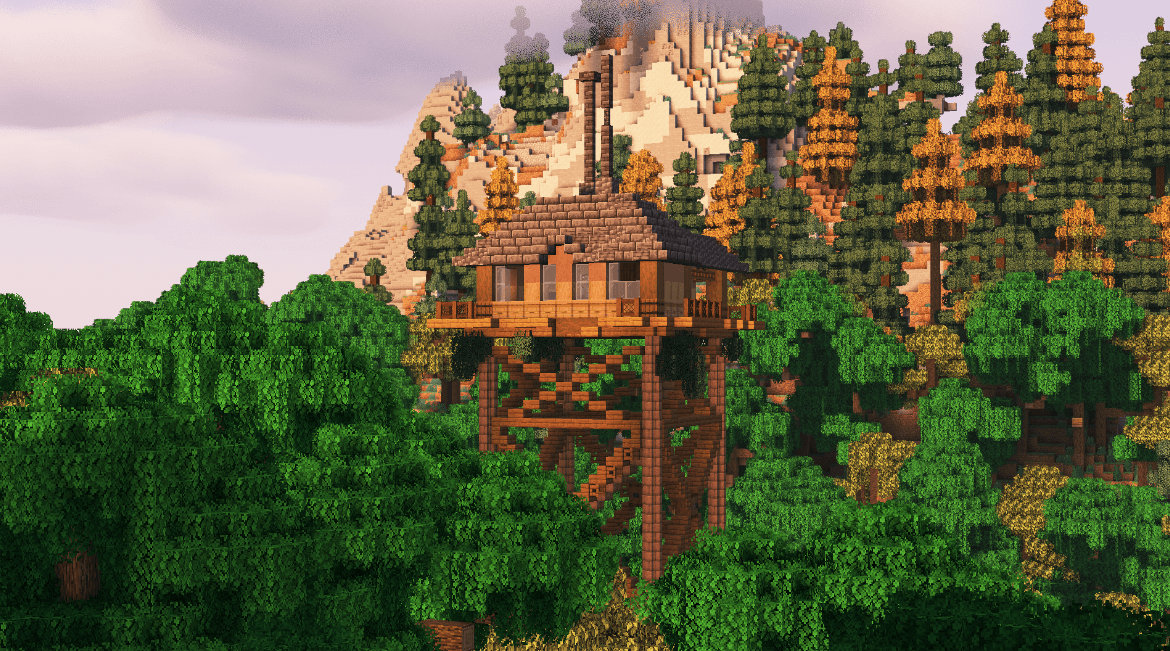
Alaskan Wilderness Reimagined - ForgeLabs Recreation [AWR]
Modpack based on ForgeLabs "1 Year Stranded in the Alaskan Wilderness in Hardcore Minecraft"InstallOn a server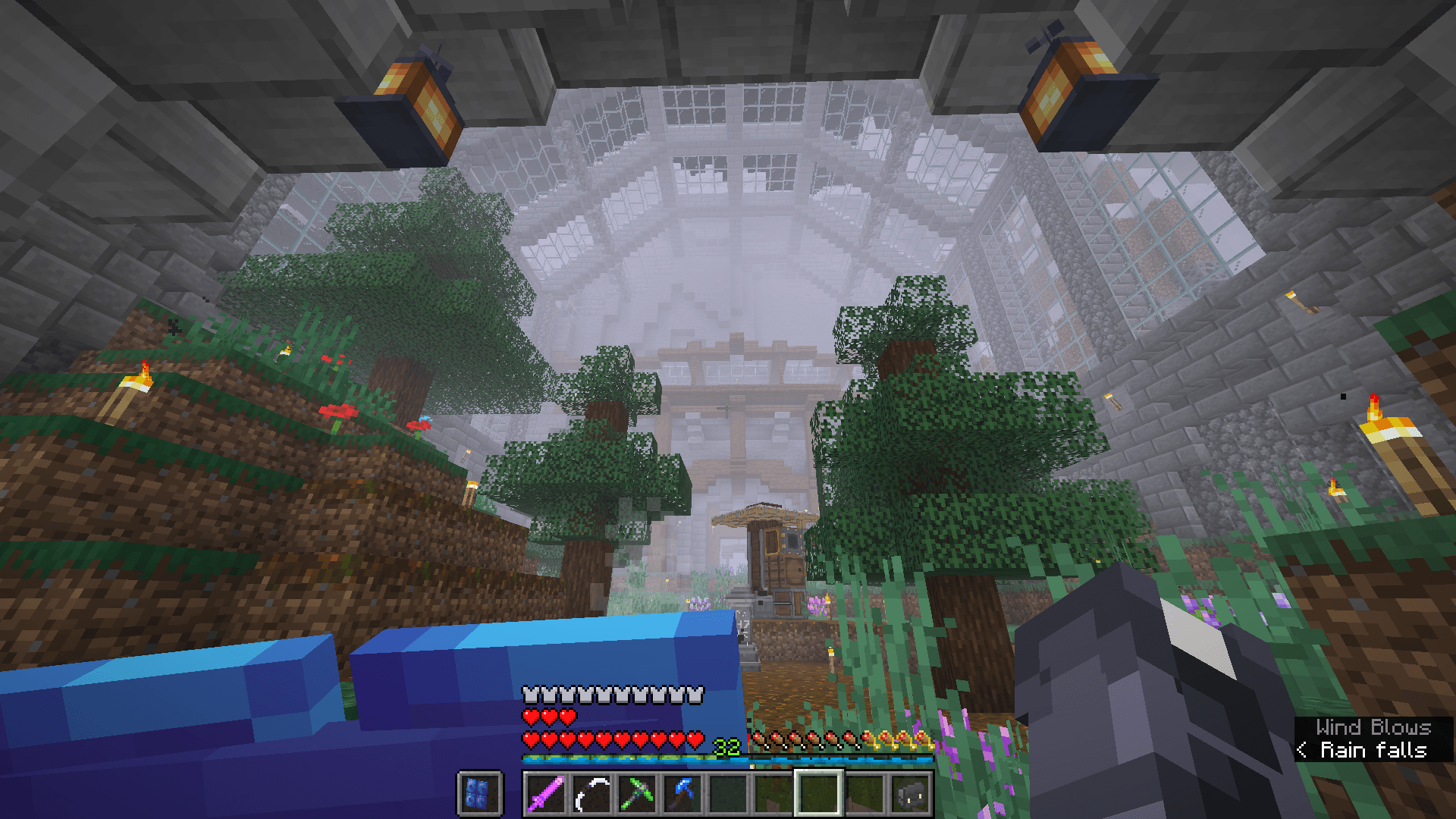

Permafrost - Eyes of the Storm
A hardcore modpack that pits you against a snowstorm of apocalyptic proportions.InstallOn a server
Create: Mekanized
A complex, technology-based modpack revolving around Create and Mekanism.InstallOn a server
My Hero Mineademia Origins Server (Modpack for MHA SMP)
An origins smp server with My Hero Academia quirks as origins. Currently there 30 customs originsInstallOn a server
Zombie Prison Break - Modpack by ShadowMech (100 Days Challenge)
Try and survive in a Zombie Apocalypse against a Prison Break with strong Zombie Variant inmates.InstallOn a server
Encrypted_
a mix of Chemistry and technologyInstallOn a server
Lucky Blocks Challenge
This is a really cool lucky block centered modpack with a lot of different mods.InstallOn a server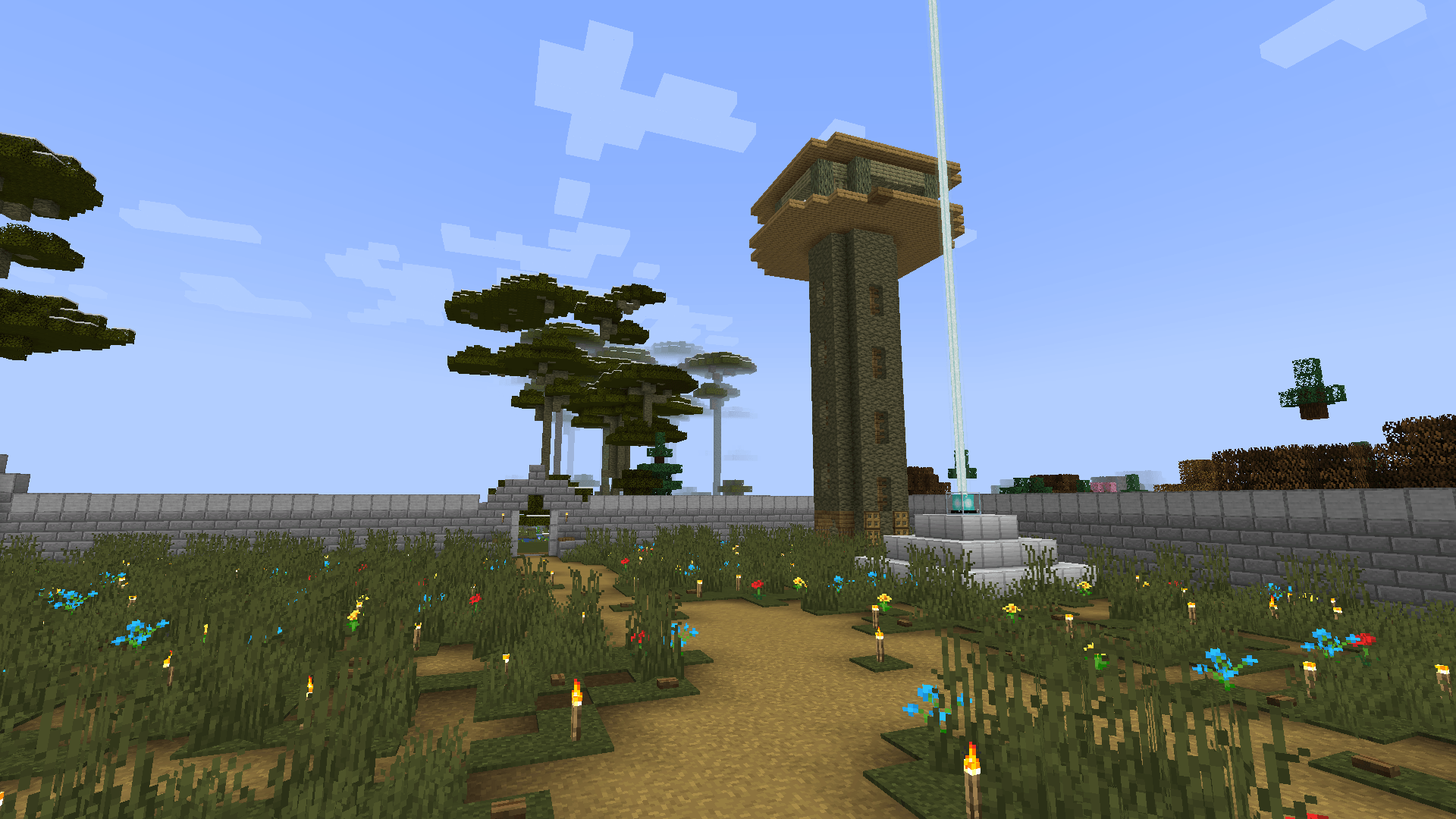

Arcane Chronicles : Ice and Fire
cool swaggy rpg mod try it out frInstallOn a server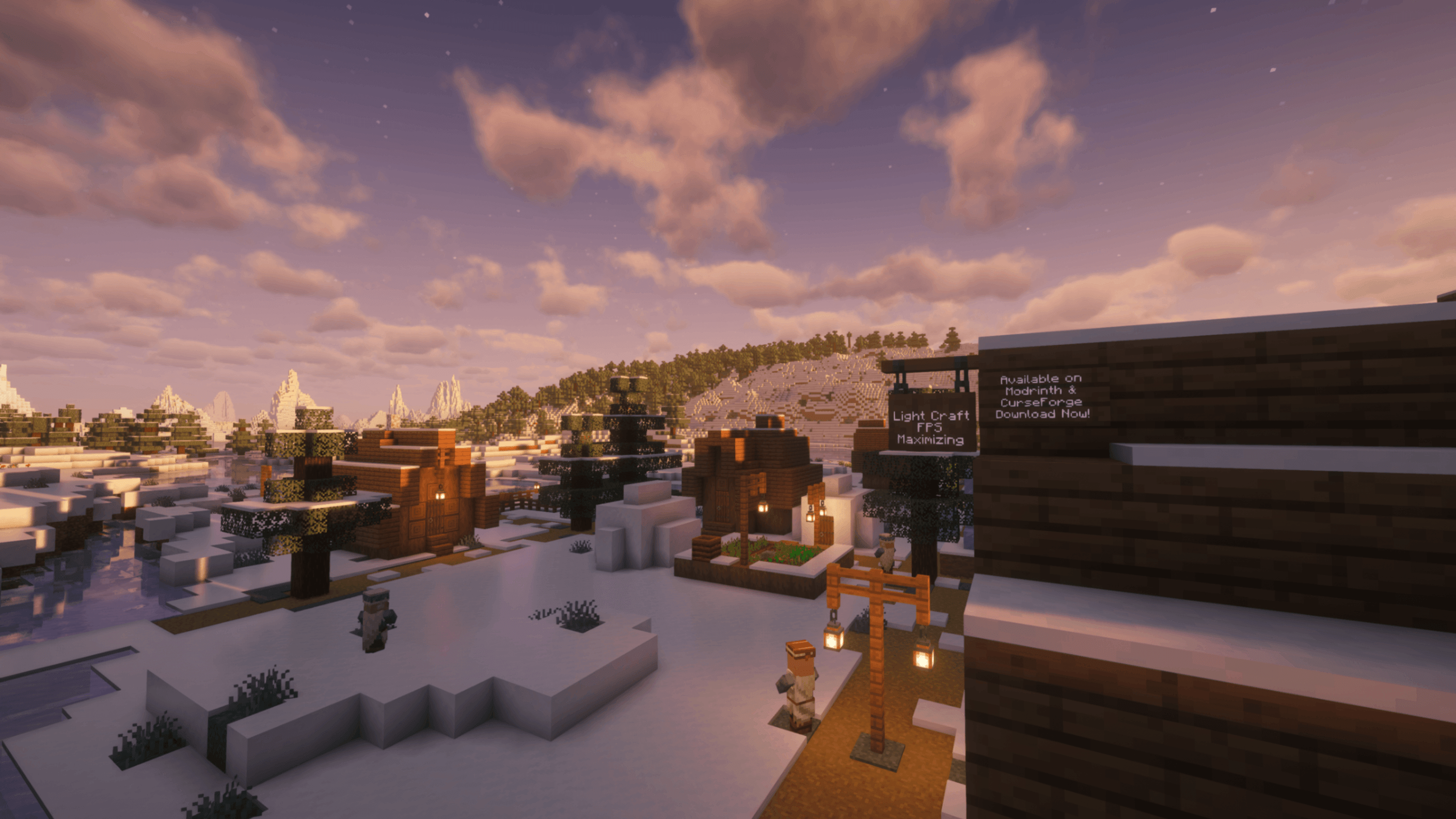
Light Craft - FPS Boost Max
Boost your in-game performance as much as possible while keeping all the extra features of OptiFine. 26.3 version is now available ✔InstallOn a server
Zombie Apocalypse Remastered
Zombie Apocalypse, but focusing on plug-n-play experienceInstallOn a server
The Winter Frontier
Build your own survivor base in the winter of the zombie apocalypseInstallOn a server

Cuboid Outpost (Luxury Edition)
Stranded and alone on a barren planet! Restart civilization! Just like Cuboid Outpost, only more luxurious!InstallOn a server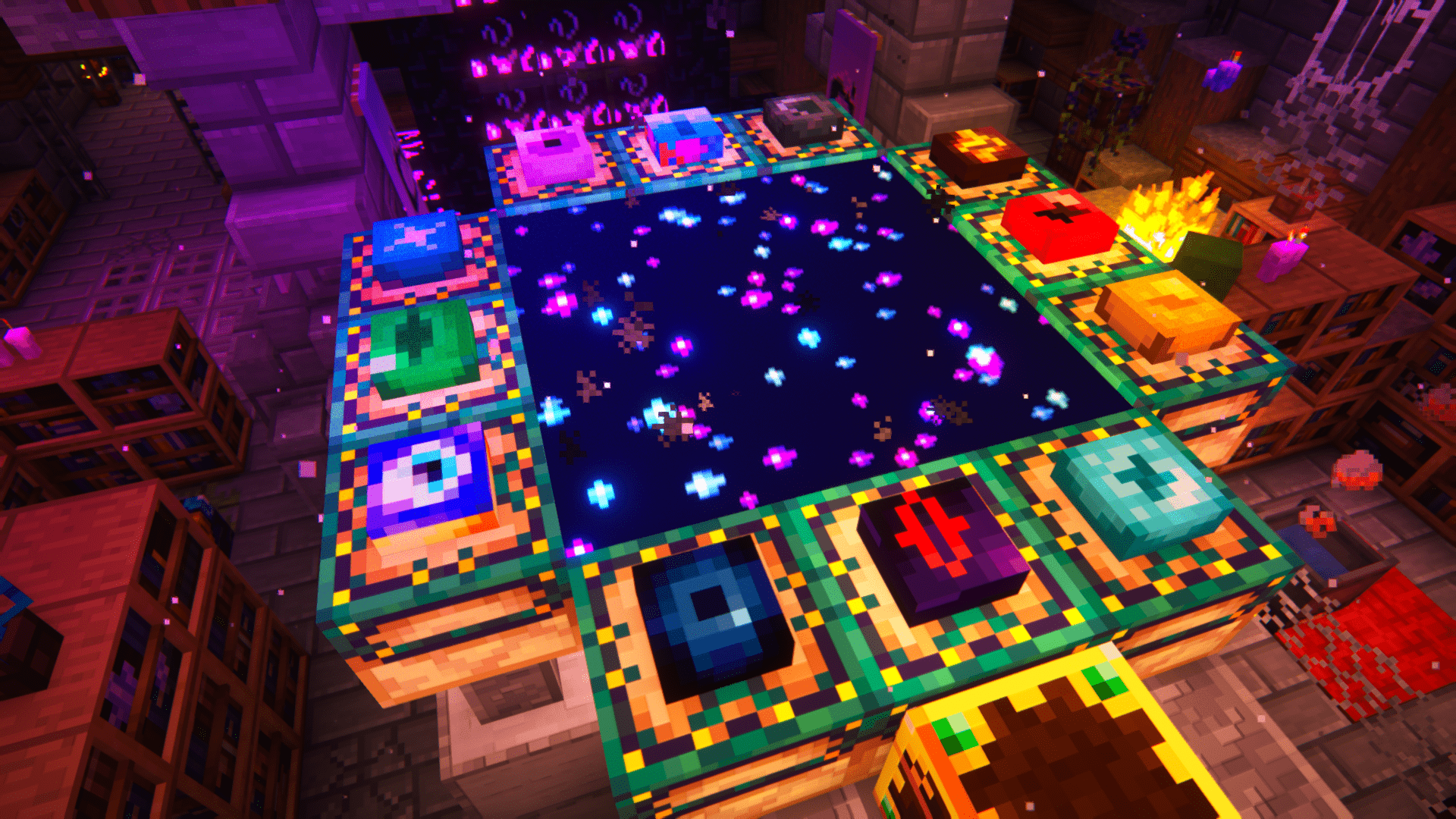
PERFECTION
RPG full of content and above all full of lifeInstallOn a serverFAQ
How is a modpack different from a bunch of mods?
A modpack is already a tuned set: mod versions are matched to each other, configs are set up, and recipes and progression are tied together. Mods downloaded one by one you'll have to make work together yourself.
How do I install a modpack?
Click “Install” and Millida Launcher will download the modpack and the right Java for you and create a separate profile for it. No need to install the mods or loader separately.
How much memory should I allocate?
Light performance modpacks run on 4 GB, mid-sized ones on 6 GB, and big tech-and-magic ones need 8 GB or more. You can change memory in the Millida Launcher profile settings; the exact figure is usually in the modpack description.
Which modpack should I pick to play with friends?
Turn on the With a friend filter under What for to keep modpacks made for playing together: co-op survival, Create, adventures with shared progression. The modpack version must match for every player and the server.
Are there modpacks with quests in my language?
Modpacks with a quest book and a story are in the With quests theme. The quest language depends on the author: most packs ship in English, and other languages are usually added by a separate translation mod — check the modpack description.
Will a modpack run on a low-end PC?
A light one will. The For low-end PCs filter keeps modpacks with a small mod list and performance mods, and 4 GB of memory is enough for them. Big tech-magic modpacks need 6–8 GB and lag on a weak machine even if they start.
How do I run a modpack on my own server?
A modpack page has an On a server button: it installs the modpack on a Millida Hosting server and switches the core to match, and a copy of the old world is kept in backups. Players then install the same modpack in Millida Launcher and join the server address.
Modpacks for Minecraft Forge
Modpacks for Minecraft Forge: 2,594 items in the Modpacks section. Compatibility is checked against the files, not the description: only items with a build for exactly these conditions stay in the list.
Each modpack here is one page with every released version. The card shows which game version and loader it's built for, how big the archive is and who the author is. Modpacks aren't installed like individual mods: click “Install” and Millida Launcher downloads all the modpack's mods, the right loader and Java, and creates a separate profile for it without touching your others. Mind the memory requirements: heavy tech-and-magic modpacks need six gigabytes or more and simply won't start on the default two.