Lootr Compatibility: BetterNether
by Noobanidus · CurseForgeProvides compatibility with BetterNether for Lootr
Updated October 17
Provides compatibility with BetterNether for Lootr
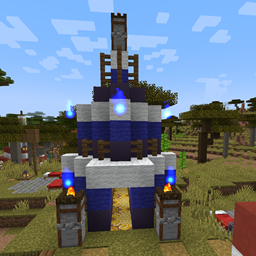
Adds Mana and Artifice structures and villagers to all Choice Theorems Overhauled Village (CTOV) variants.
This datapack/mod adds 8 Legendary, & 1 Mythical Pokémon, 5 structures, & 7 new items to cobblemon.
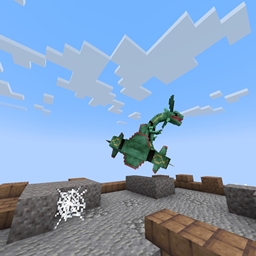
Deep within the subterranean depths, ancient towns lie waiting.
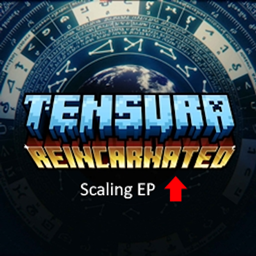
Allows EP Scaling for mobs based on increasing stats. Use with Auto Leveling Mod
Multitool Combination of Pickaxe, Axe, Shovel and Hoe
The definitive data pack for merging Minecraft and Stardew Valley into one gameplay experience (also available as a mod)
A lightweight Datapack that disables both the Climb Claws and Jump Boots recipes
Increases the world height to 1024 blocks
Disables Curios/Trinkets/Accessories support for SeasonHUD
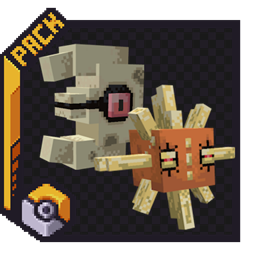
Adds Solrock and Lunatone to the world of cobblemon!
Ancient Debris Drops Netherite Scraps when mined instead of the block. Fortune also functions with it.
Buffs Smite and Bane of Arthropods to be viable compared to Sharpness.
This Datapack and Mod allow to use Blast Protection, Fire Protection, Projectile Protection types on the same piece Armor!
Adds an Enchantment That Makes Elytra Constantly Accelerate Without Rockets
Adds mineral drops from stone.
A cross-platform fully server-side approach to the gravestone concept introducing 'orbs' to store your inventory upon death.
Inspired by Hypixel Skyblock Reforge System. Upgrade your equipments and enhance the progression! Customizable Vanilla Item stats......
The Moar Pickaxes datapack adds a bunch of new pickaxe types to the game. This pack doesn’t focus on statistical upgrades but instead aims to add picks that have special abilities or traits.
Disables the vanilla mob replacement mechanic in Pixelmon 9.x
Each kill increases the player's damage.
A vanilla-styled worldgen overhaul, with new biomes and touches to existing ones
Eat things you shouldn't with these silly food recipes!
A datapack uses the game's own tools: it changes recipes, loot, structures and advancements. A mod changes the game's code and can add something genuinely new — a block, a mob, an interface. A datapack doesn't need a loader to work.
Click “Install” and Millida Launcher will add the datapack to the world you choose. To do it manually, put the archive in the datapacks folder inside the world folder and rejoin the world.
Yes, on a regular server without mods: the datapacks folder sits inside the server's world folder. Players don't need to install anything on their clients.
A set of files that changes the game with its own tools: recipes, loot, world generation, advancements and command functions. It works from version 1.13 without mods or loaders and is installed into a specific world.
Yes, it is one of their most common jobs: new biomes, terrain, caves and structures. Generation only changes in chunks that have not been created yet, so such a data pack is best added when creating a new world.
A datapack changes the game's rules without touching its code: crafting recipes, loot tables, world structures, advancements, command functions. The game supports all of this natively since 1.13, so a datapack needs neither Forge nor Fabric — it's installed into a specific world and works on the vanilla client and a regular server.
Data packs do different jobs: some change world generation — biomes, terrain and structures, others add mechanics, challenges and horror events, and others are made for servers — economy, ranks, command-based minigames. Generation applies only to new chunks, so such packs are added when a world is created. On Millida Hosting a data pack goes onto the server with the On a server button on its page.
That's the main difference from mods: a datapack doesn't show up in the mod list, and it can't add anything the game doesn't have at all — you can't make a new block with its own model this way. On the other hand, it doesn't clash with other packs, doesn't need updating when you switch loaders and doesn't stop you from playing with friends on a regular server. Installing a datapack is simple: put the archive in the datapacks folder inside the world folder, then reload the world or run the reload command. The card lists the game version, author and license, and all releases are gathered in one place.