
Datapacks for Minecraft Java 1.12.2
28 itemsData packs: list


Climbable chains
Climb up chains.InstallOn a server

Nostalgic Fishing
Bring Back Old Fishing!InstallOn a server
RANDOM DROPS
Each block and mob drops completely random items. No two drops are the same. Complete Minecraft using only luck.InstallOn a server

More Blocks
Get More Bang for Your Buck!InstallOn a server

Horse Armor Craft
Adds recipes for crafting golden, iron, and diamond horse armors, as well as saddles.InstallOn a server

Op Dirt
Holding a dirt block grants you creative modeInstallOn a server

Day Counter
An easy to read Day CounterInstallOn a server

Literally Nothing
The ultimate universal Mod/Plugin/Resource pack/Shader that does literally nothing and runs on everything!InstallOn a server

Lucky Block Pink
Thousands of Possibilities in a Pink Block!InstallOn a server

Gunpowder Crafting
A way to craft gunpowder and flint.InstallOn a server

Sherds+
Duplicate Sherds with 2 bricks!InstallOn a server

Harder eye of ender
This make eyes of ender way harderInstallOn a server

No Mining Fatigue
A simple datapack that clears mining fatigue every tickInstallOn a server

Dyeable Saplings
Dye any sapling into a specific tree type.InstallOn a server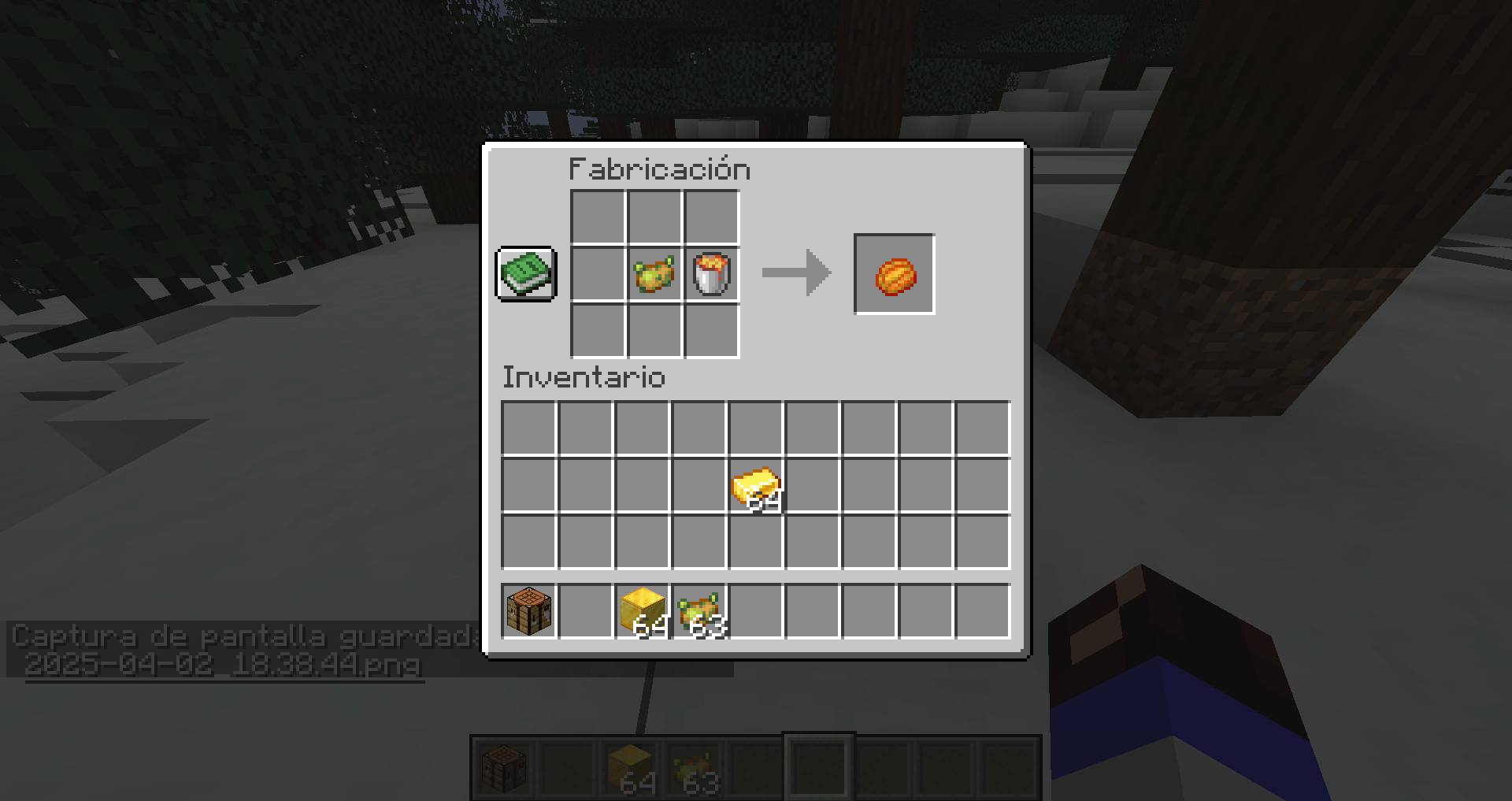
Poisoned Potato
This DataPack contains the Minecraft 1.20.5 Aprils Fools snapshotInstallOn a server

Better End Cities (VillageStyle)
Makes End Cities far more intricate, and contain more loot. All with Vanilla Blocks. And in the style of a villageInstallOn a server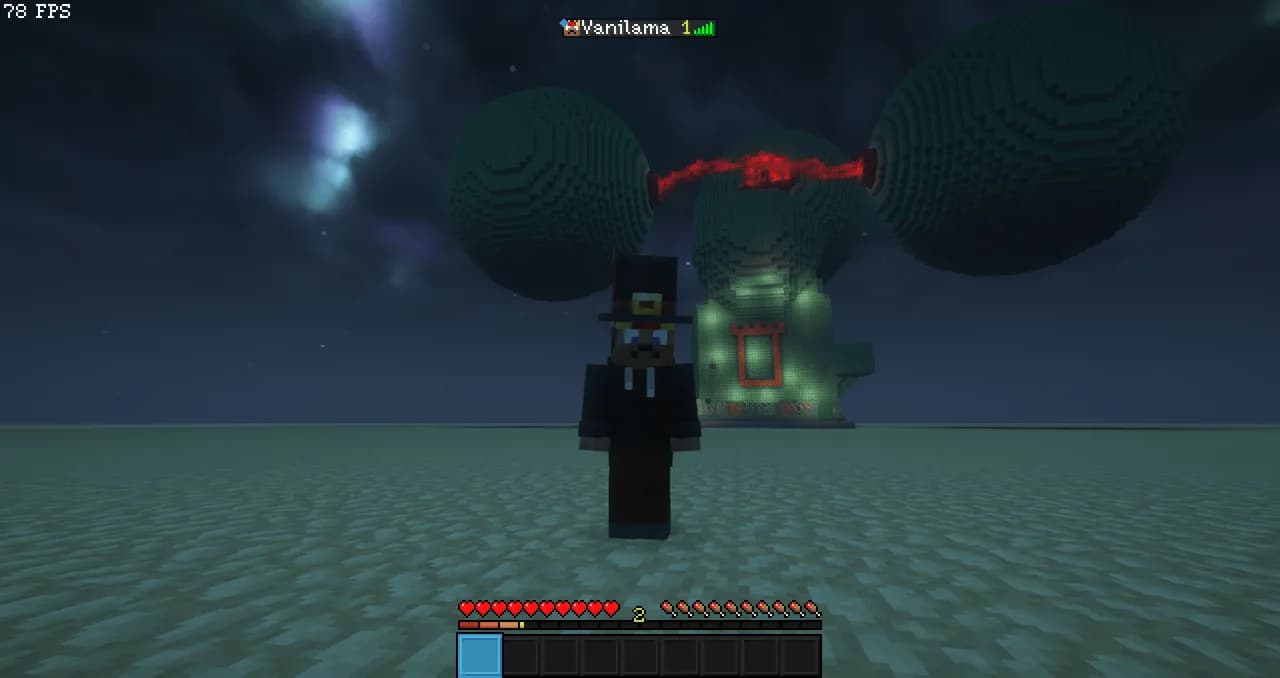

Vanilama's DeathCounter
A Lightweight Death Counter DatapackInstallOn a server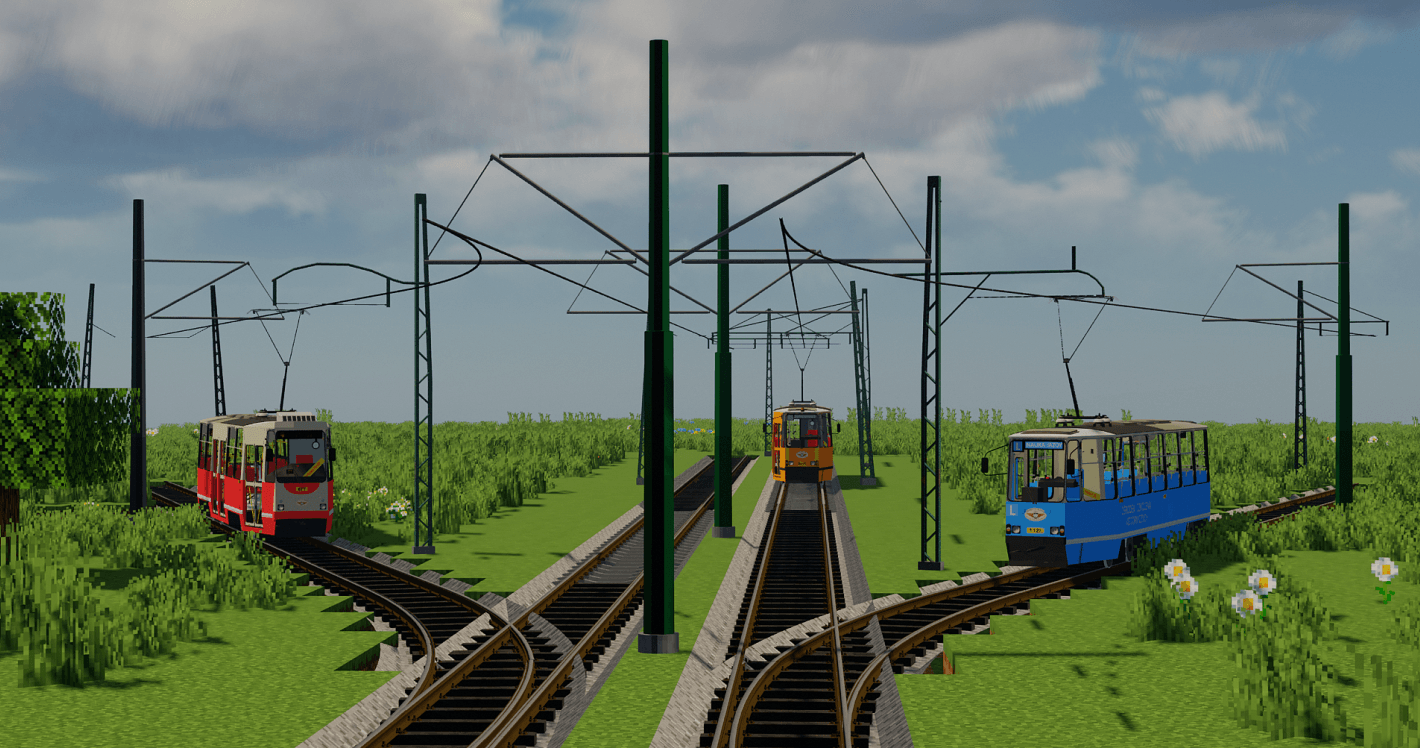
Tram Rails & Poles Pack By Krzysiek5757 [Immersive Railroading]
This is the Immersive Railroading pack. It contains a few types of tram poles and tram rails.InstallOn a server

Spawn In Seperate Villages
Makes you spawn in seperate villages the first time you join. You cannot spawn in the same village.InstallOn a server

Craftable Spawner
Adds a crafting recipe for the spawner item in Minecraft.InstallOn a server

Add more recipes
This is a data pack that adds recipes not available in Minecraft. This data pack is still under constructionInstallOn a server

Refurbishing items
Crafted a diamond breastplate or sword or something, but you didn't need it! Not a problem! Get your diamonds back by crafting the item!InstallOn a server

Enderman Grief Blocker
Disables Enderman block pickup via an empty enderman_holdable tag. Nothing else changed.InstallOn a serverFAQ
How is a datapack different from a mod?
A datapack uses the game's own tools: it changes recipes, loot, structures and advancements. A mod changes the game's code and can add something genuinely new — a block, a mob, an interface. A datapack doesn't need a loader to work.
How do I install a datapack?
Click “Install” and Millida Launcher will add the datapack to the world you choose. To do it manually, put the archive in the datapacks folder inside the world folder and rejoin the world.
Does a datapack work on a server?
Yes, on a regular server without mods: the datapacks folder sits inside the server's world folder. Players don't need to install anything on their clients.
What is a data pack?
A set of files that changes the game with its own tools: recipes, loot, world generation, advancements and command functions. It works from version 1.13 without mods or loaders and is installed into a specific world.
Are there data packs for world generation?
Yes, it is one of their most common jobs: new biomes, terrain, caves and structures. Generation only changes in chunks that have not been created yet, so such a data pack is best added when creating a new world.
Datapacks for Minecraft Java 1.12.2
Datapacks for Minecraft 1.12.2: 28 items in the Data packs section. Compatibility is checked against the files, not the description: only items with a build for exactly these conditions stay in the list.
That's the main difference from mods: a datapack doesn't show up in the mod list, and it can't add anything the game doesn't have at all — you can't make a new block with its own model this way. On the other hand, it doesn't clash with other packs, doesn't need updating when you switch loaders and doesn't stop you from playing with friends on a regular server. Installing a datapack is simple: put the archive in the datapacks folder inside the world folder, then reload the world or run the reload command. The card lists the game version, author and license, and all releases are gathered in one place.