
Minecraft datapacks — page 58
2,539 itemsData packs: list


MVS - Moog's Voyager Structures (config pack)
A customisable datapack for the MVS mod, allowing for easy control over the modInstallOn a server

Purgatory
An asymmetrical horror minigame, that revolves around a place called purgatory, and justice for those who died unjustlyInstallOn a server

TNT Arrow
Adds explosive TNT arrows that detonate on impact using a lightweight Minecraft datapack.InstallOn a server

Simple Apple Trees
A datapack that adds Apple Trees which you can find growing across the world.InstallOn a server

Apple Trees
Introduces fruit-bearing apple trees! Trade for apple saplings with wandering traders or find them growing in forests!InstallOn a server

Spectral Enchantment
New enchantment for bows that's makes arrow apply glowing like spectral arrows!InstallOn a server

Nice Actions
Adding a simple, user-friendly menu for actions like RTP, sitting, and setting a home - no complicated commands required. Perfect for Single and Multiplayer.InstallOn a server

The Frostpale | Frozen World
A lite-total-conversion that transforms the Overworld into a frozen wasteland, greatly altering normal survival progression.InstallOn a server
Mowzie's Mobs: Epic Fight compat
Datapack adding support for Mowzie's Mobs and Epic Fight.InstallOn a server

Warden Bossbar
The Warden didn't have a bossbar until now, so I just created one.InstallOn a server

Martini´s Better Enchantment Compatibility
This Mod/Datapack makes changes the way you enchant your Items. It lets you combine enchantments that are normally not compatible.InstallOn a server

Death Note
Allows you to write names in the Death Note!InstallOn a server

qrafty's Oilrigs
This pack adds oilrigs to your Minecraft world! Even though they dont serve any purpose, they are a great copper mine and fun exploring or for being your starter base! 🪙🔦InstallOn a server

Create Mod Tools
Adds 2 useful commands to help with the create mod. End Trains, and eazy seating to be specific.InstallOn a server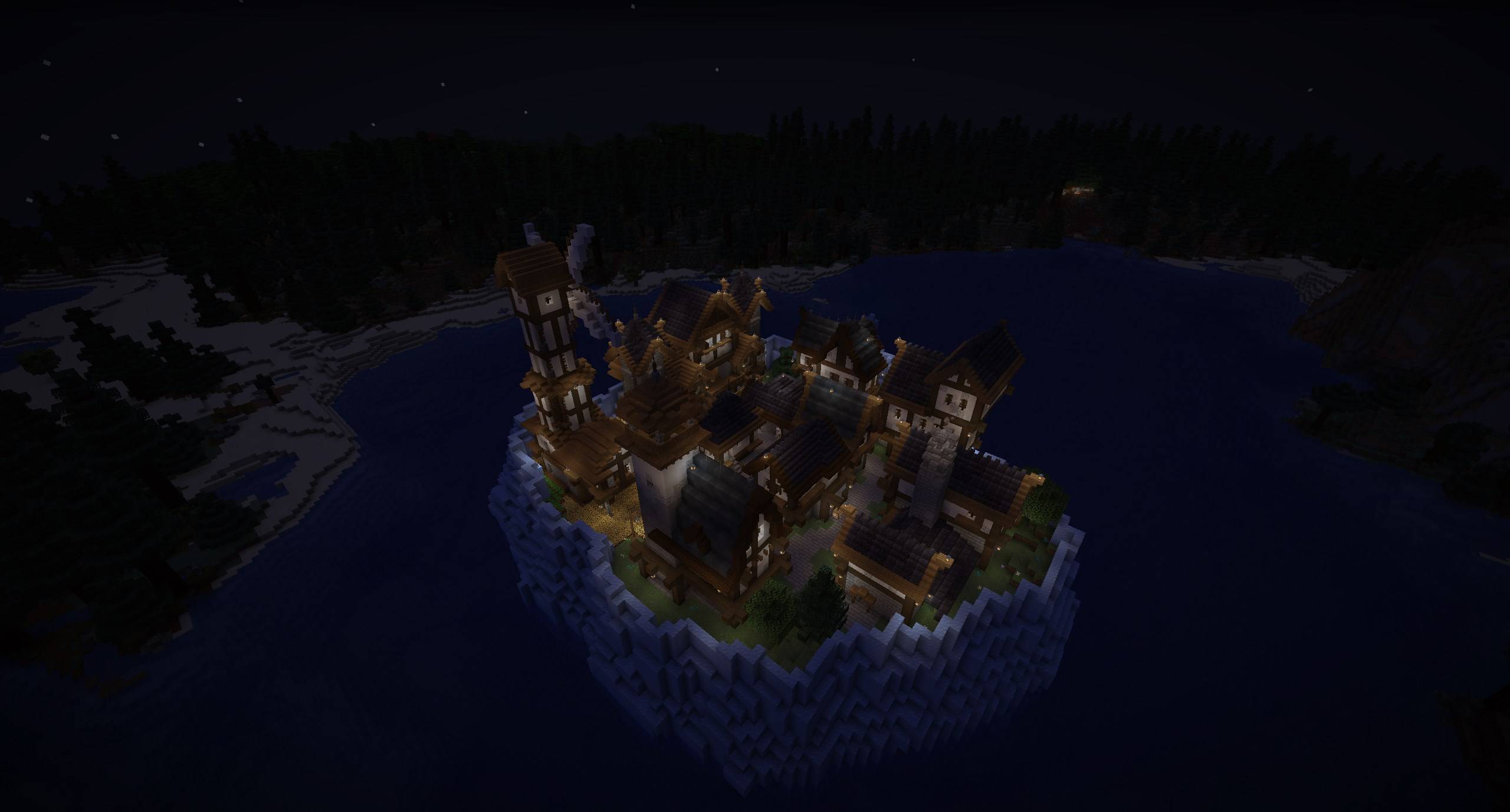
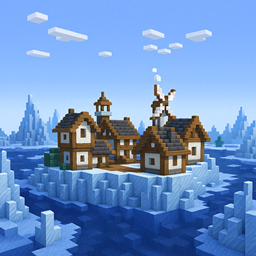
Frosthaven - Villages
This datapack adds a village floating in the ocean, offering a safe haven for travelers and traders. But beware — rumors speak of dangerous secrets hidden deep within the iceberg.InstallOn a server

Wither Skeleton Archers in Fortresses
Replaces skeletons in fortresses with bow-wielding wither skeletons.InstallOn a server

Logical Dye Mixing
Extra recipes for mixing your dyes togetherInstallOn a server

Custom Elytra DataPack
Show off any Elytra skin you want without having the cape. Just rename it in an anvil. Optifine NOT needed!InstallOn a server

Cheaper Golden Apple Recipe
This datapack makes it that the Golden Apple Recipe Cheaper!InstallOn a server
Revamped Cobblemon Outbreaks - No Caps
Expands the pool of Cobblemon species in outbreaks to 400+ as well as provides exclusively vanilla Cobblemon rewards for completion of all outbreaks.InstallOn a server

Anti Knockback Enchantment
New enchantment for armor that's increase your knockback resistane!InstallOn a server

Sword Blocking
Adds the old sword blocking back so you can say hello and It is completely server-sided!!InstallOn a server
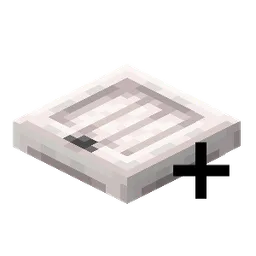
Increased Trapdoors Recipe Output
Increases the crafting recipe output of Trapdoors to be more consistent with Doors.InstallOn a serverFAQ
How is a datapack different from a mod?
A datapack uses the game's own tools: it changes recipes, loot, structures and advancements. A mod changes the game's code and can add something genuinely new — a block, a mob, an interface. A datapack doesn't need a loader to work.
How do I install a datapack?
Click “Install” and Millida Launcher will add the datapack to the world you choose. To do it manually, put the archive in the datapacks folder inside the world folder and rejoin the world.
Does a datapack work on a server?
Yes, on a regular server without mods: the datapacks folder sits inside the server's world folder. Players don't need to install anything on their clients.
What is a data pack?
A set of files that changes the game with its own tools: recipes, loot, world generation, advancements and command functions. It works from version 1.13 without mods or loaders and is installed into a specific world.
Are there data packs for world generation?
Yes, it is one of their most common jobs: new biomes, terrain, caves and structures. Generation only changes in chunks that have not been created yet, so such a data pack is best added when creating a new world.
Minecraft datapacks
A datapack changes the game's rules without touching its code: crafting recipes, loot tables, world structures, advancements, command functions. The game supports all of this natively since 1.13, so a datapack needs neither Forge nor Fabric — it's installed into a specific world and works on the vanilla client and a regular server.
Data packs do different jobs: some change world generation — biomes, terrain and structures, others add mechanics, challenges and horror events, and others are made for servers — economy, ranks, command-based minigames. Generation applies only to new chunks, so such packs are added when a world is created. On Millida Hosting a data pack goes onto the server with the On a server button on its page.
That's the main difference from mods: a datapack doesn't show up in the mod list, and it can't add anything the game doesn't have at all — you can't make a new block with its own model this way. On the other hand, it doesn't clash with other packs, doesn't need updating when you switch loaders and doesn't stop you from playing with friends on a regular server. Installing a datapack is simple: put the archive in the datapacks folder inside the world folder, then reload the world or run the reload command. The card lists the game version, author and license, and all releases are gathered in one place.