
Minecraft datapacks — page 57
2,539 itemsData packs: list


Origins: Heaven Guard
A legend held that the Frost Wolves guarded the gates of heaven where they had the power to reject anyone who had been cruel to dogs or wolves during their time on earth.InstallOn a server

Village Map on Start
This simple datapack/mod gives players a map to the nearest village when they first log into the world.InstallOn a server
TaTe's Extra Armors and Elytras
Craft and Use New Armor Sets and Elytras!InstallOn a server

Norse Adventure
Go viking in Minecraft! A Minecraft datapack adding viking ships.InstallOn a server

Leash Everything
Leash Everything allows you to attach leads to every living entity in the game (like villagers, creepers, endermen, etc.).InstallOn a server

1.21.6 Recipes Backport
A Datapack that backports the bundle, saddle and lodestone crafting recipes.InstallOn a server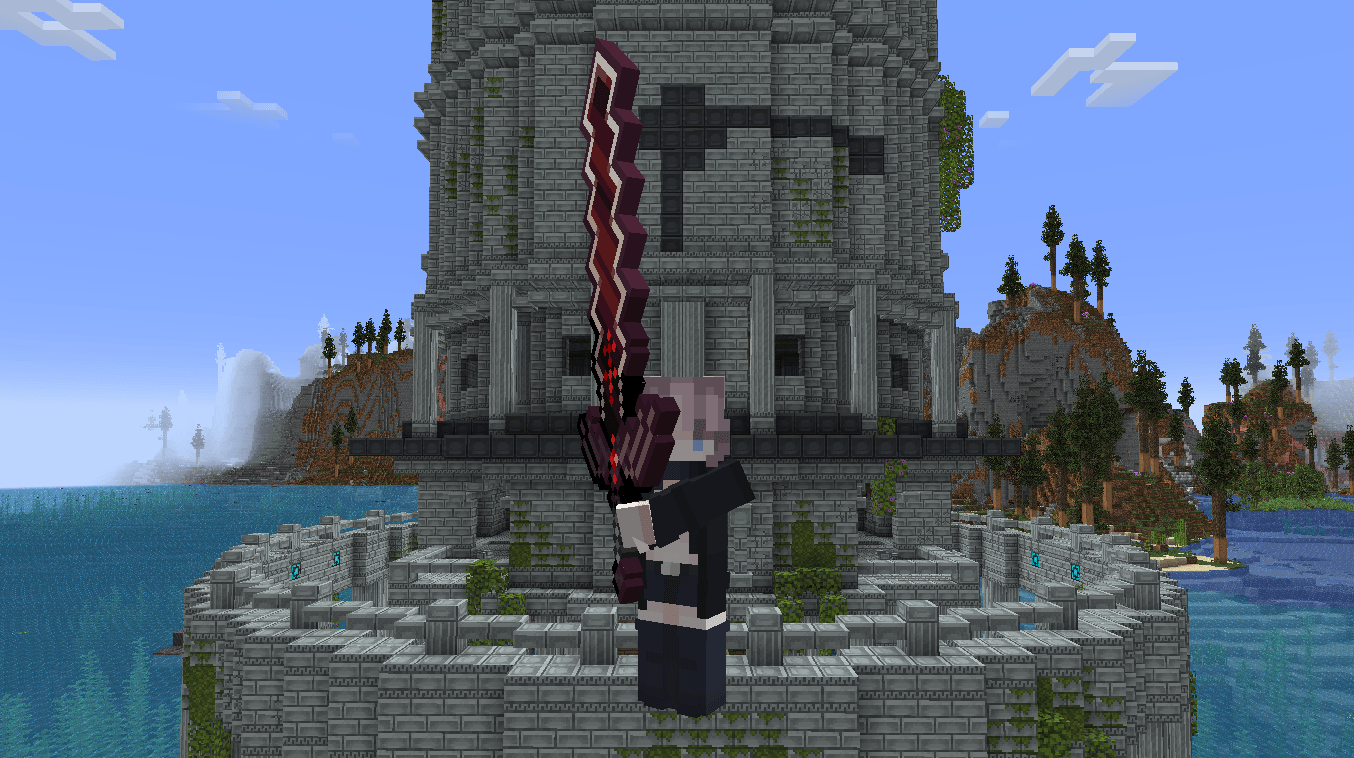
Better Combat x Terramity Compatibility
Adds Better Combat support to weapons from Terramity that don't natively support it.InstallOn a server

Night Vision Spyglass
Nightvision when looking through a spyglass! Configurable as an enchantment!InstallOn a server

Efficient Raw Ore Blocks Smelting
This datapack / mod allows you to smelt raw ore blocks, saving you a bit of time and fuel. Formerly known as "Raw Ore to Blocks".InstallOn a server

Better Structure Loot
Makes the Loot Table of All Structures More Acurate to their Enviroment and PurposeInstallOn a server
Duplication with Stars
Allows Duplication via Nether star. (DISCOUNTINUED)InstallOn a server

Enchantments to Books
Transfer enchantments from tools to books with a fully customizable datapackInstallOn a server

Car Traffic Generator
A datapack that adds AI cars to Minecraft!InstallOn a server

Call Your Parrot
Easily call (whistle) your parrot with a goat horn to teleport it to youInstallOn a server

No More Phantoms
Removes phantoms from the game and provides an alternative crafting recipe for phantom membranes.InstallOn a server

Fast Craft
A simple datapack/mod to better your crafting experienceInstallOn a server

Ore Deposits
Adds ore deposits on the surface which generate ore.InstallOn a server

Recycle Leather
Recycle Leather is a Datapack for Minecraft that adds recipes for scrapping saddles and leather armors (human or horse).InstallOn a server

Trinkets Elytra
This datapack adds a chest/cape slot for your Elytra, allowing you to equip it as a trinket.InstallOn a server

Infuse SMP
This datapack simulates a slightly modified version of the popular infuse smp.InstallOn a server

Power Armor
Adds a fully functional power armor system inspired by the Fallout series!InstallOn a server
Uncraftable Items
Adds 18 new recipes for some uncraftable items in Minecraft.InstallOn a server
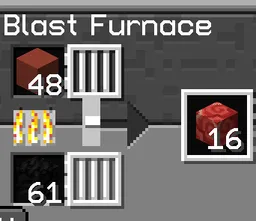
OmniBlast: Blast Furnace and Smoker recipe list completed
OmniBlast is a quality of life Datapack for Minecraft that completes the recipe lists of the Blast Furnace and Smoker to enable faster cooking for blocks and items that have only a standard Furnace recipe (e.g., Glass, Glazed Terracota, Cactus, etc.)InstallOn a serverFAQ
How is a datapack different from a mod?
A datapack uses the game's own tools: it changes recipes, loot, structures and advancements. A mod changes the game's code and can add something genuinely new — a block, a mob, an interface. A datapack doesn't need a loader to work.
How do I install a datapack?
Click “Install” and Millida Launcher will add the datapack to the world you choose. To do it manually, put the archive in the datapacks folder inside the world folder and rejoin the world.
Does a datapack work on a server?
Yes, on a regular server without mods: the datapacks folder sits inside the server's world folder. Players don't need to install anything on their clients.
What is a data pack?
A set of files that changes the game with its own tools: recipes, loot, world generation, advancements and command functions. It works from version 1.13 without mods or loaders and is installed into a specific world.
Are there data packs for world generation?
Yes, it is one of their most common jobs: new biomes, terrain, caves and structures. Generation only changes in chunks that have not been created yet, so such a data pack is best added when creating a new world.
Minecraft datapacks
A datapack changes the game's rules without touching its code: crafting recipes, loot tables, world structures, advancements, command functions. The game supports all of this natively since 1.13, so a datapack needs neither Forge nor Fabric — it's installed into a specific world and works on the vanilla client and a regular server.
Data packs do different jobs: some change world generation — biomes, terrain and structures, others add mechanics, challenges and horror events, and others are made for servers — economy, ranks, command-based minigames. Generation applies only to new chunks, so such packs are added when a world is created. On Millida Hosting a data pack goes onto the server with the On a server button on its page.
That's the main difference from mods: a datapack doesn't show up in the mod list, and it can't add anything the game doesn't have at all — you can't make a new block with its own model this way. On the other hand, it doesn't clash with other packs, doesn't need updating when you switch loaders and doesn't stop you from playing with friends on a regular server. Installing a datapack is simple: put the archive in the datapacks folder inside the world folder, then reload the world or run the reload command. The card lists the game version, author and license, and all releases are gathered in one place.