
Minecraft datapacks — page 44
2,540 itemsData packs: list



Aspects
Aspects is an Origins inspired modification that adds unique Aspects with upsides, downsides and abilitiesInstallOn a server

qraftyfied: Industrial Structures
Adding industrial/steampunk themed structures to your minecraft world with fun redstone techniques! 🏭 Perfect addon for qraftyfied.InstallOn a server
Cobblemon Trainer Doubles Datapack
Applies Doubles Format to all possible trainers in the radical cobblemon trainers modInstallOn a server

Infinity Mending
Makes the mending and infinity enchantments compatible with each other!InstallOn a server

Leather Recycling
Recycle armor, item frames and more into leather and rabbit hide.InstallOn a server

End Caves
Datapack that creates End dimensions with Cave generation, like the old world preset.InstallOn a server

Key - Lock chests, other containers and doors
Lock your containers and doors to protect your items and buildings from other players and Creepers.InstallOn a server
BetterCombat x L_Ender 's Cataclysm
BetterCombat x L_Ender 's Cataclysm Compatibility DatapackInstallOn a server

Items Filter
Set up easy and automatic sorting systems.InstallOn a server

The Car Engine
A car datapack, Multiplayer friendly, Customizable.InstallOn a server

Axe Effective Skulls [PurpurPack]
Adds skulls and heads to the 'axe' mineable tag - allowing axes to break them fasterInstallOn a server

Moar TNT
Moar TNT adds loads of new creative, crazy, dangerous new TNT to the game. Blow up your friends, mine for diamonds, or flip mobs upside down. So much TNT, with so much potential for fun!InstallOn a server
Item Balls
A Cobblemon Addon that bring Item Balls from traditional Pokémon games to Minecraft!InstallOn a server

Origins: Celestial
To the stars who listen and the dreams that are answered.InstallOn a server

Simple Portal Gun
Easy to use Portal Gun for the average Minecraft playerInstallOn a server

Create: Crushing Quartz
This small addon for Create allows you to crush quartz into experience. The recipe themselves were taken from Create Stuff & Additions.InstallOn a server

Blast Back
Makes Creeper (and ghast) explosions drop all the affected blocks!InstallOn a server

[Crafting] Cheaper templates
Reduces the number of diamonds needed for smithing template replication from 7 diamonds to 4 diamondsInstallOn a server

Vertical Slabs
Make your build pop with vertical slabs!InstallOn a server

Apple Enchant
Renewable Enchanted Golden Apple in a vanilla way.InstallOn a server
Cobblemon CSA+ LootTable
Adds cobblemon loot to several known modder structuresInstallOn a server

Cobbled Variants
A cobblemon Addon that adds various variants to existing cobblemonsInstallOn a server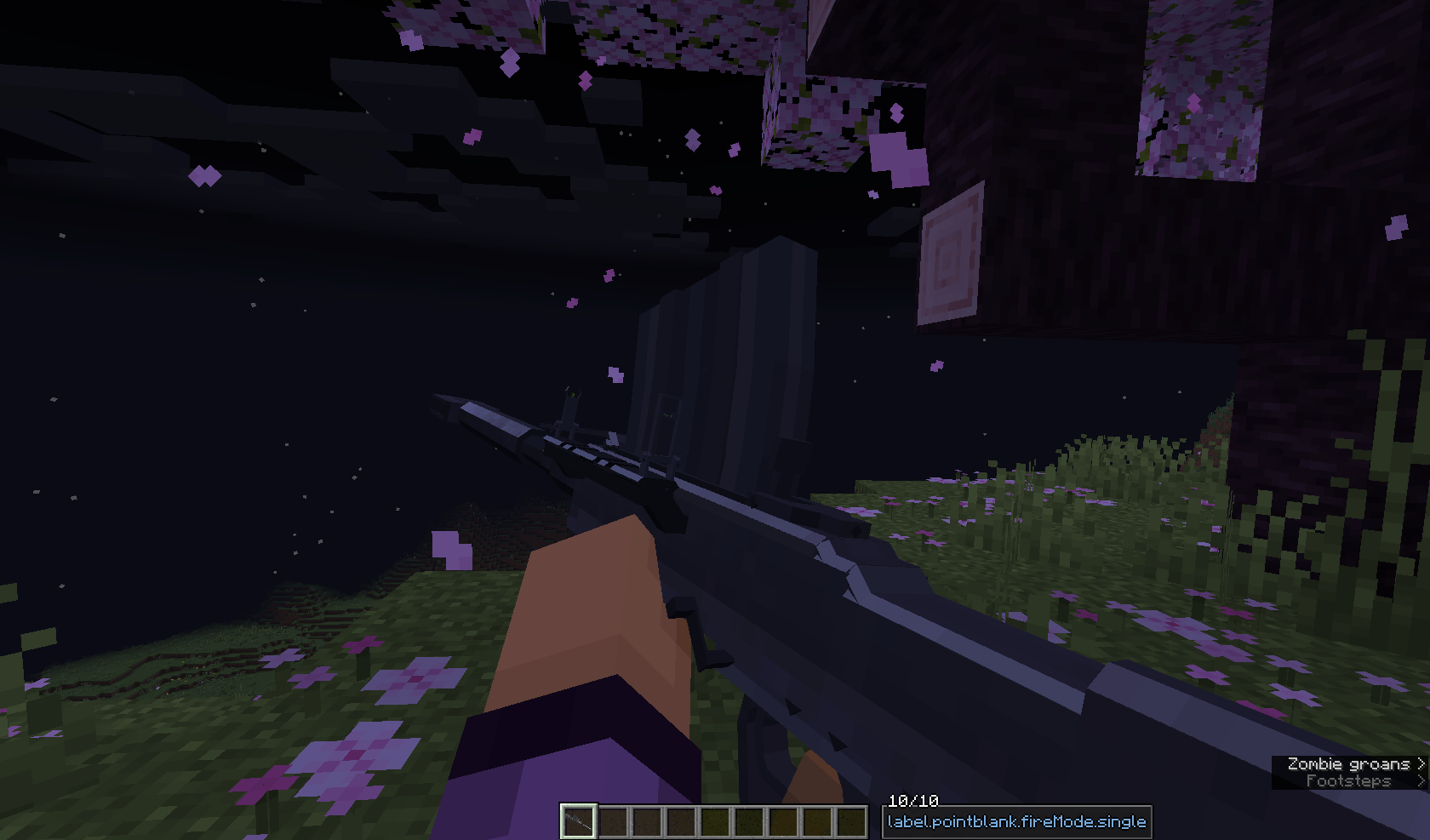
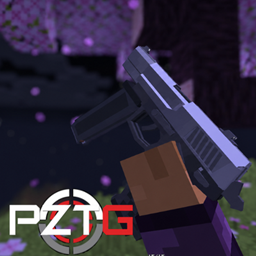
Point Zero:Tactical Guns For Vic's Point Blank
A Content Pack For Vic's Point Blank And Point Blank: JellyInstallOn a serverFAQ
How is a datapack different from a mod?
A datapack uses the game's own tools: it changes recipes, loot, structures and advancements. A mod changes the game's code and can add something genuinely new — a block, a mob, an interface. A datapack doesn't need a loader to work.
How do I install a datapack?
Click “Install” and Millida Launcher will add the datapack to the world you choose. To do it manually, put the archive in the datapacks folder inside the world folder and rejoin the world.
Does a datapack work on a server?
Yes, on a regular server without mods: the datapacks folder sits inside the server's world folder. Players don't need to install anything on their clients.
What is a data pack?
A set of files that changes the game with its own tools: recipes, loot, world generation, advancements and command functions. It works from version 1.13 without mods or loaders and is installed into a specific world.
Are there data packs for world generation?
Yes, it is one of their most common jobs: new biomes, terrain, caves and structures. Generation only changes in chunks that have not been created yet, so such a data pack is best added when creating a new world.
Minecraft datapacks
A datapack changes the game's rules without touching its code: crafting recipes, loot tables, world structures, advancements, command functions. The game supports all of this natively since 1.13, so a datapack needs neither Forge nor Fabric — it's installed into a specific world and works on the vanilla client and a regular server.
Data packs do different jobs: some change world generation — biomes, terrain and structures, others add mechanics, challenges and horror events, and others are made for servers — economy, ranks, command-based minigames. Generation applies only to new chunks, so such packs are added when a world is created. On Millida Hosting a data pack goes onto the server with the On a server button on its page.
That's the main difference from mods: a datapack doesn't show up in the mod list, and it can't add anything the game doesn't have at all — you can't make a new block with its own model this way. On the other hand, it doesn't clash with other packs, doesn't need updating when you switch loaders and doesn't stop you from playing with friends on a regular server. Installing a datapack is simple: put the archive in the datapacks folder inside the world folder, then reload the world or run the reload command. The card lists the game version, author and license, and all releases are gathered in one place.