
Minecraft datapacks — page 40
2,540 itemsData packs: list
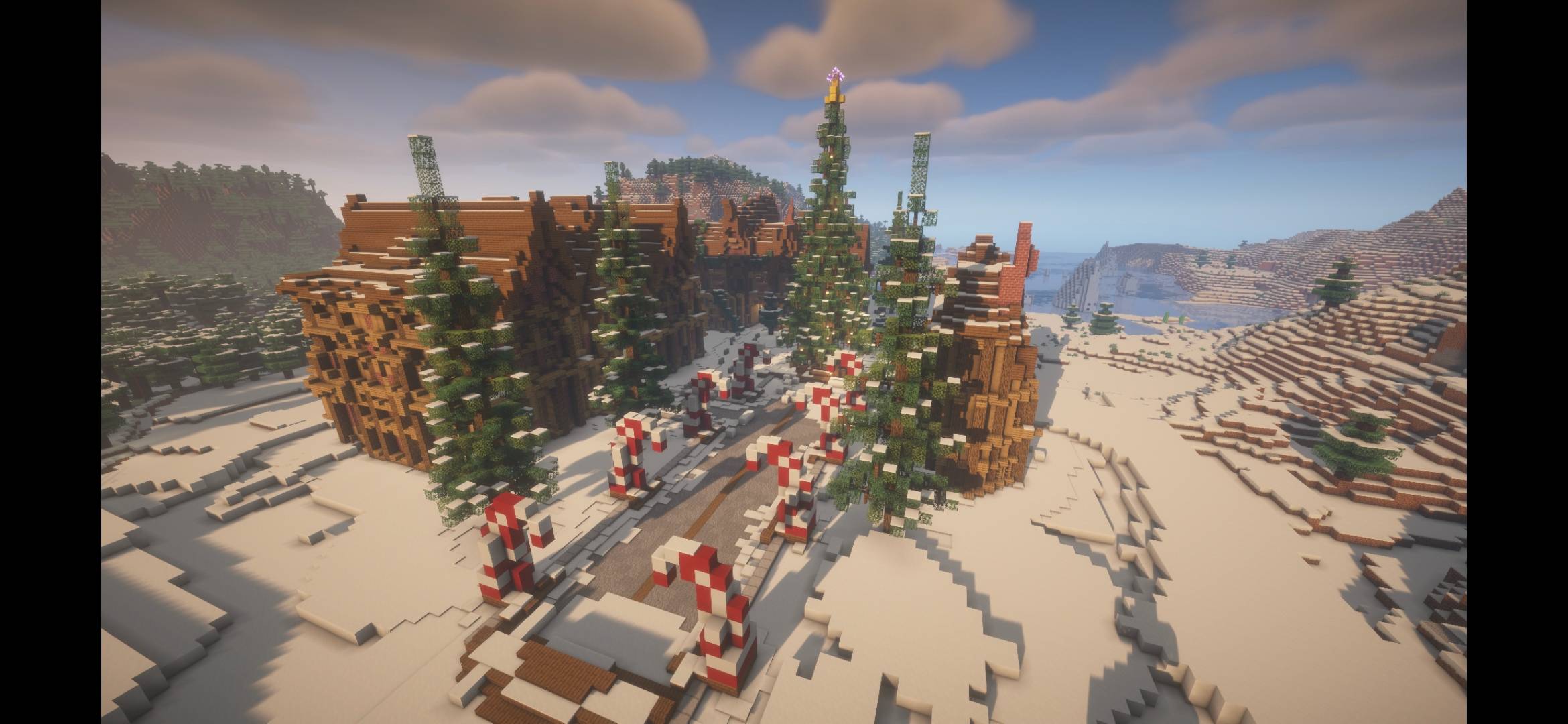



Magnetic Enchantment
New enchantment for tools and weapons thats auto pickup the mined block or loot items!InstallOn a server

More Dyed Wool and Carpet [PurpurPack]
Allows dyeing wool and carpet with 1 dye per 8 wool/carpet, like most other dyeing recipesInstallOn a server

Cave World Remastered.
Brings back the Old Cave World type but Better and More Improved.InstallOn a server

STK's Tool Trims
Apply vanilla armor trims to tools and weapons.InstallOn a server

Funky Flora
Overhauls vanilla biomes, with new trees and fungi!InstallOn a server

Copper Block Beacon Base [PurpurPack]
Allows using any solid copper block in a beacon base. Also allows using copper ingots as a beacon payment itemInstallOn a server

Survival Islands
Datapack that creates Survival Island worlds.InstallOn a server

ScrappedMons - A Cobblemon Addon
Scrapped no longer! ScrappedMons adds Pokémon based on official scrapped designs from Gamefreak seamlessly into Cobblemon as if they were an official release!InstallOn a server

Cobblemon Biome Expanded Spawns
A universal Cobblemon spawn datapack with exhaustive biome compatibility (vanilla + major biome mods) and curated presets for structures & underground.InstallOn a server

Wild Animals
This datapack adds elephants, jellyfishes, sharks and more, without causing lag to the server! No resource pack requiredInstallOn a server

Vexxed
A simple quality of life datapack that rids vexes upon an evoker's defeat.InstallOn a server
Cobblemon Legendary Encounters
A datapack that allows legendary and mythical pokemons to spawn naturally and balanced!InstallOn a server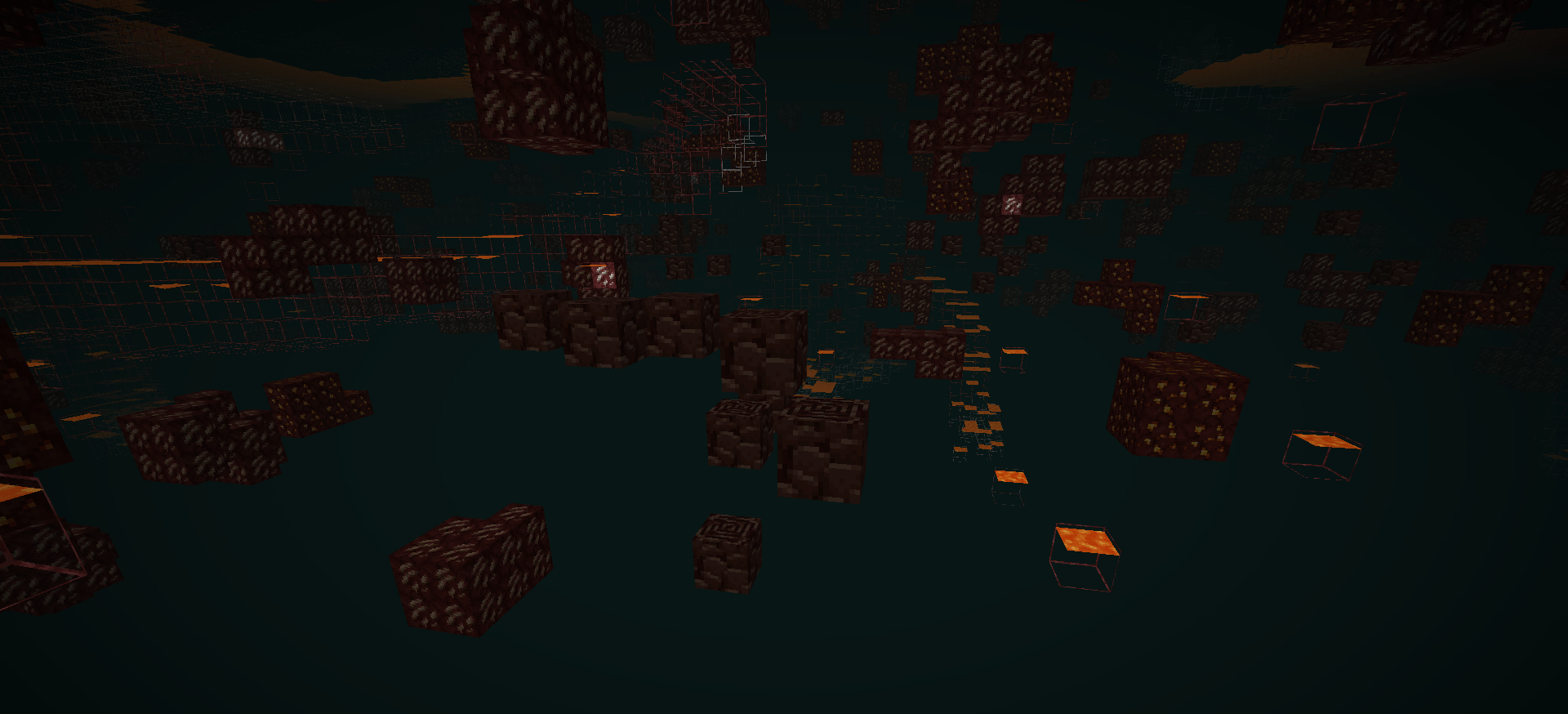
Expanded Ancient Debris Veins
ExpandedAncientDebrisVeinsInstallOn a server

Gorify
Add blood, bleedings, blood traces and executions on kills. (purely cosmetic)InstallOn a server
Cobblemon: Ride On Expansion
Makes a wide variety of pokemon ridable for the "Cobblemon ride on" modInstallOn a server
Butchery: Add Mobs
Use this datapack to add mobs to tags so they drop carcasses/corpsesInstallOn a server

Japanese Temple - Structure
A Japanese Temple is a tranquil in plains complex in a Minecraft vanilla-friendly style, inspired by traditional Shinto and Buddhist architecture, featuring sweeping curved eaves, tiered pagodas and torii gates, stone lanterns, and wooden joinery.InstallOn a server
Maxi's All Ride Mons! Mount all Cobblemon!
This data pack adds the possibility to ride all current Pokémon found in Cobblemon, for you to enjoy your journey across sky, sea and land.InstallOn a server

Attack Speed Enchantment
Attack Speed is a new enchantment for swords with three levels that increases your attack speed!InstallOn a server

Moar Swords
The Moar Swords datapack adds a bunch of new sword types to the game. Instead of just being statistical upgrades, each sword has a unique ability or use to make them each stand out.InstallOn a server

Lawrence's Ambient Fireflies
A very light Mod/Datapack that adds fireflies as ambient particles to the Swamp and Mangrove SwampInstallOn a server

Elytra Lunge
Allows the "Lunge" enchantment to work while gliding with an elytraInstallOn a server

No Enchant Block
Decorate your enchanting area with a wider range of blocks. Finally you can freely carpet your floor and still get max level enchantments!InstallOn a serverFAQ
How is a datapack different from a mod?
A datapack uses the game's own tools: it changes recipes, loot, structures and advancements. A mod changes the game's code and can add something genuinely new — a block, a mob, an interface. A datapack doesn't need a loader to work.
How do I install a datapack?
Click “Install” and Millida Launcher will add the datapack to the world you choose. To do it manually, put the archive in the datapacks folder inside the world folder and rejoin the world.
Does a datapack work on a server?
Yes, on a regular server without mods: the datapacks folder sits inside the server's world folder. Players don't need to install anything on their clients.
What is a data pack?
A set of files that changes the game with its own tools: recipes, loot, world generation, advancements and command functions. It works from version 1.13 without mods or loaders and is installed into a specific world.
Are there data packs for world generation?
Yes, it is one of their most common jobs: new biomes, terrain, caves and structures. Generation only changes in chunks that have not been created yet, so such a data pack is best added when creating a new world.
Minecraft datapacks
A datapack changes the game's rules without touching its code: crafting recipes, loot tables, world structures, advancements, command functions. The game supports all of this natively since 1.13, so a datapack needs neither Forge nor Fabric — it's installed into a specific world and works on the vanilla client and a regular server.
Data packs do different jobs: some change world generation — biomes, terrain and structures, others add mechanics, challenges and horror events, and others are made for servers — economy, ranks, command-based minigames. Generation applies only to new chunks, so such packs are added when a world is created. On Millida Hosting a data pack goes onto the server with the On a server button on its page.
That's the main difference from mods: a datapack doesn't show up in the mod list, and it can't add anything the game doesn't have at all — you can't make a new block with its own model this way. On the other hand, it doesn't clash with other packs, doesn't need updating when you switch loaders and doesn't stop you from playing with friends on a regular server. Installing a datapack is simple: put the archive in the datapacks folder inside the world folder, then reload the world or run the reload command. The card lists the game version, author and license, and all releases are gathered in one place.